Legal Tech · Researched comparison

7 Best Document Management Software for Law Firms for 2026

TaskReports may earn a fee from some links on this page, and some placements are paid and labelled. Neither one decides the order. See our disclosure.

The short answer

MyCase leads the list, best for small firm practice plus documents. iManage Work is better for large firm document and email management, and Filevine is better for case-centric document management. The remaining 4 options are covered below with prices and limits.

On this page

Key takeaways

  • MyCase is the opening pick, best for small firm practice plus documents.
  • MyCase comes with a trade-off: document management is less deep than a dedicated DMS.
  • No starting price is shown for any of the 7 tools, MyCase and LexWorkplace included, so plan time for sales calls.
  • LexWorkplace is the one to check for modern, more straightforward law firm DMS.

Quick comparison

ToolFree planBest fitWatch out for
------------
MyCaseNoSmall firm practice plus documentsReporting is basic
iManage WorkNoLarge firm document and email managementComplex and expensive
FilevineNoCase-centric document managementCustomisation takes effort
NetDocumentsNoEnterprise law firm DMSEnterprise pricing
SmokeballNoSmall firm productivityAvailable in limited regions
Clio ManageNoPractice management with documentsCosts rise with add-ons
LexWorkplaceNoModern, more straightforward law firm DMSFewer advanced governance features
★ Best overall

MyCase

Small firm practice plus documents

  • Quick to learn
  • Practice management and documents in one system
PriceSee website
See MyCase pricing

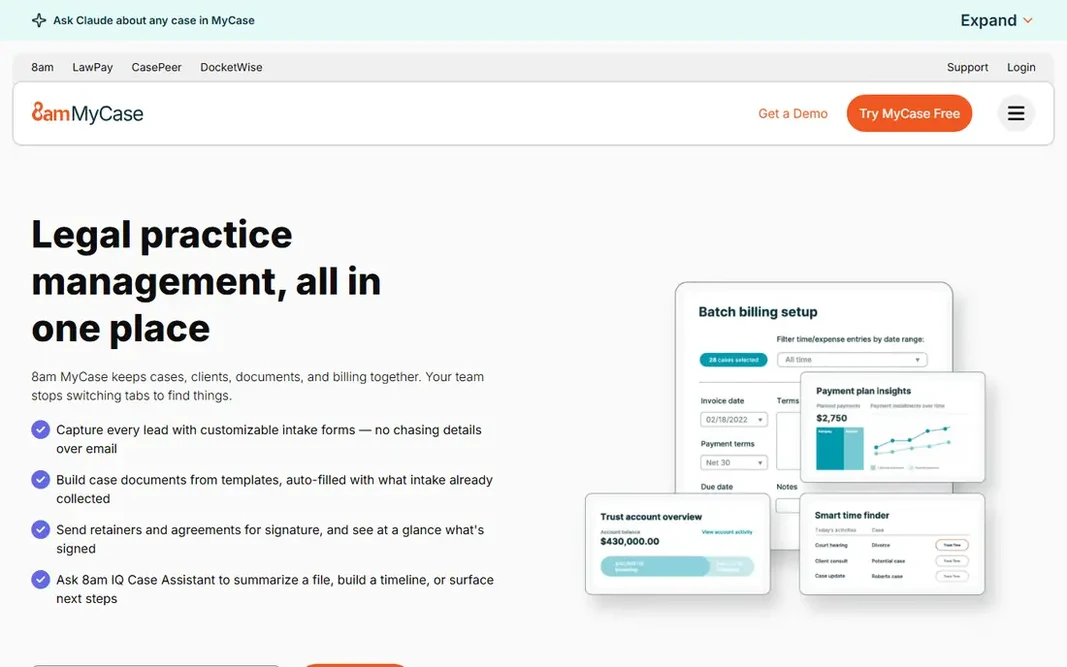
In short, MyCase is for small firm practice plus documents. Cases, contacts, calendars, billing and documents live together, and a client portal lets clients view documents, pay bills and message the firm securely. For a small firm moving off shared drives, that is a big step up. The interface is friendly enough that staff adopt it rapidly. A dedicated DMS like NetDocuments goes deeper on security, governance and search, so an expanding firm may eventually outgrow MyCase's document features. But for a small firm that needs documents plus billing, calendaring and client communication in one place, MyCase is very good value. This comparison lists no price for MyCase; ask the vendor. There is no free plan with MyCase. The main drawbacks: Reporting is entry-level.

Price: See website

Free plan: No

Website: mycase.com

Watch out for

  • Document management is less deep than a dedicated DMS
2

iManage Work

Large firm document and email management
See website

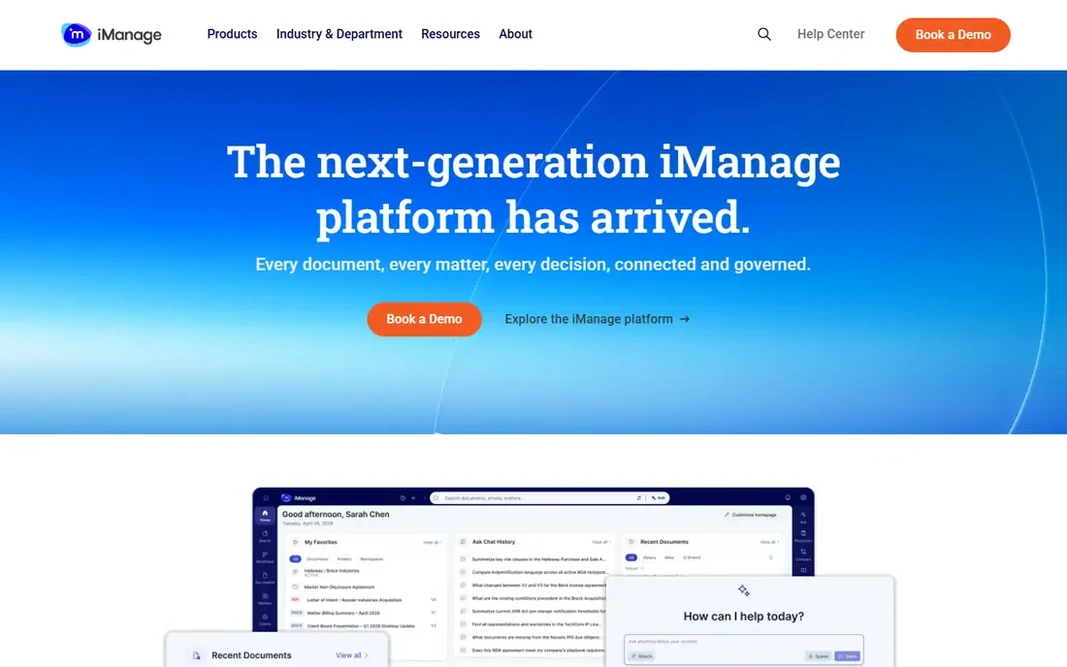
iManage Work makes the most sense for large firm document and email management. The trade-off is complexity and cost. iManage needs skilled administration, implementation is a project, and pricing reflects the enterprise market. Also, iManage Work is the other enterprise standard, used by numerous of the world's largest businesses. Also, AI features now help with search, summarisation and document classification, and integrations handle Office, Outlook, document comparison and e-signature tools. In practice, the system scales to tens of thousands of users, which is why the biggest businesses trust it. This comparison lists no price for iManage Work; ask the vendor. iManage Work has no free tier. Where it falls short: Complicated and costly.

Free plan: No

Website: imanage.com

Strengths

  • Capable security and governance
  • Deep document and email management

Watch out for

  • Needs experienced administration
3

Filevine

Case-centric document management
See website

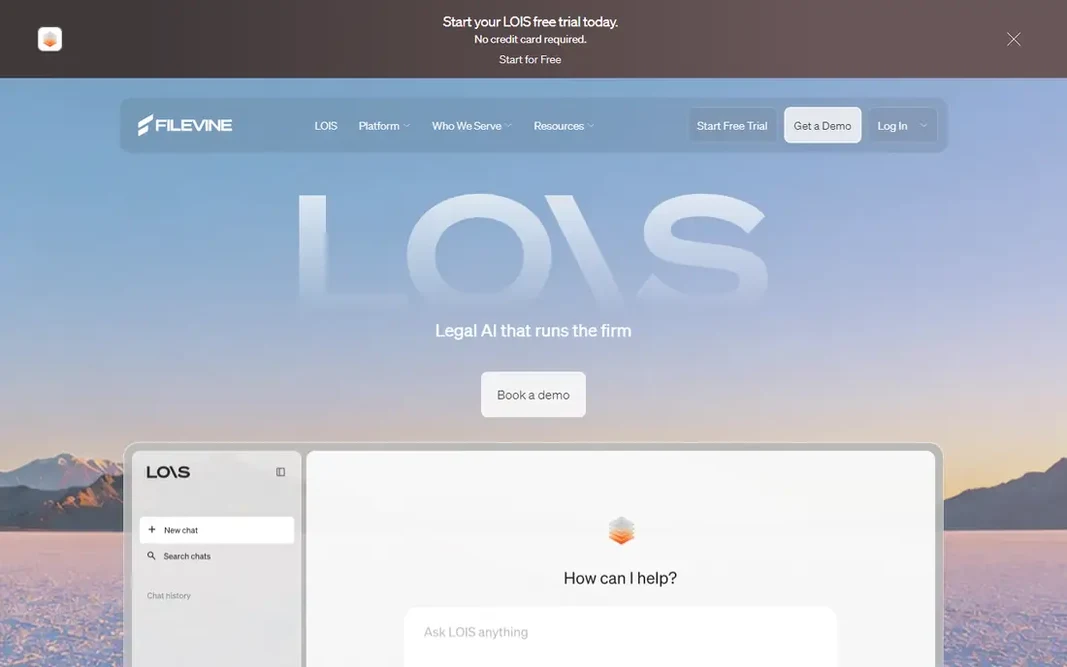
Filevine is designed for case-centric document management. Customisation is deep: businesses can build their own workflows, document templates, task sequences and reports. The product supports e-signatures, texting and client portals. As for the details, integrations handle Office, accounting and medical record tools, which matter for injury practices. No starting price is listed for Filevine here; confirm pricing on the vendor site. Filevine has no free plan. Points against: Pricing is quote-based.

Free plan: No

Website: filevine.com

Strengths

  • Decent collaboration tools
  • Documents tied to case activity

Watch out for

  • Customisation takes effort
4

NetDocuments

Enterprise law firm DMS
See website

NetDocuments makes the most sense for enterprise law firm DMS. Documents live in matter workspaces, so everything for a case, emails, pleadings, discovery and correspondence, sits in one place with consistent permissions. Beyond that, versioning, check-in and check-out, and audit trails are built in, which matters when multiple lawyers work on the same document. NetDocuments does not show a starting price in this comparison, so check the vendor site for current pricing. NetDocuments does not include a free plan. Honest limits: Implementation takes time and planning.

Free plan: No

Website: netdocuments.com

Strengths

  • Solid security and compliance
  • Matter-centric organisation

Watch out for

  • Enterprise pricing
5

Smokeball

Small firm productivity
See website

Smokeball was built for small firm productivity. Smokeball is a practice management product with solid document features, designed for small law businesses. Smokeball's availability is most solid in the United States and Australia, so businesses elsewhere should check coverage. Drawbacks to consider: Available in restricted regions. And since documents live inside the wider system, businesses that later want a standalone DMS may have to migrate. For everyday use, the interface is modern and the onboarding is practical, which helps small businesses get running rapidly. Pricing for Smokeball is not stated here, so ask the vendor for current figures. Smokeball has no permanent free option.

Free plan: No

Website: smokeball.com

Strengths

  • Well suited to small businesses
  • Capable document automation

Watch out for

  • Document management tied to the wider system
6

Clio Manage

Practice management with documents
See website

Clio Manage works best for practice management with documents. Document management alone does not match NetDocuments or iManage for governance and scale, and costs rise as you add features. In practice, documents attach to matters and contacts, with versioning, sharing, e-signatures and a client portal, plus deep Office and Google Workspace integrations. Points against: Costs rise with extras. Clio Manage is the most widely used practice management product for law businesses. Its document features are a solid part of the package. No starting price is listed for Clio Manage here; confirm pricing on the vendor site. Clio Manage has no permanent free option.

Free plan: No

Website: clio.com

Strengths

  • Largest legal practice management ecosystem
  • Documents plus billing and calendaring

Watch out for

  • Document features are decent but not enterprise-DMS deep
7

LexWorkplace

Modern, more straightforward law firm DMS
See website

Choose LexWorkplace for modern, more straightforward law firm DMS. LexWorkplace is a newer, cloud-based DMS made for law businesses that find the enterprise products too heavy or too pricey. It organises documents by matter, handles emails alongside files, and supplies a clean, modern interface that lawyers actually enjoy using. Trade-offs to know: Smaller ecosystem than NetDocuments or iManage. Search, versioning and permissions cover the daily needs of a small or mid-sized firm without a thick manual. But for a firm that wants a proper legal DMS without an enterprise project, LexWorkplace is the most appealing modern choice. No starting price is listed for LexWorkplace here; confirm pricing on the vendor site. LexWorkplace has no permanent free option.

Free plan: No

Website: lexworkplace.com

Strengths

  • Matter-centric folders
  • Designed for law businesses with a clean interface

Watch out for

  • Fewer advanced governance features

FAQ

Is MyCase the right pick for everyone comparing document management software for law firms?

No single tool suits every team. MyCase comes first because it fits small firm practice plus documents, while iManage Work suits large firm document and email management and Filevine suits case-centric document management. Match the tool to your own size, budget and workflow before deciding.

Can a DMS manage emails along with documents?

Yes, the best legal DMS tools run emails alongside documents, filing them to matters automatically or with one click. In practice, NetDocuments, iManage and LexWorkplace all bundle email management, which is essential since much firm knowledge lives in inboxes.

Does any tool for document management software for law firms here have a free plan?

No tool in this list, MyCase and LexWorkplace included, has a permanent free plan. Trials and quotes are the usual route, so plan a short evaluation period.

How much does law firm DMS cost?

Most vendors quote by user numbers and features, so prices vary widely. Enterprise systems cost substantially more than small-firm tools, and implementation, training and migration add to the total.

How are the tools for document management software for law firms ordered?

MyCase sits first and LexWorkplace last because the order follows typical fit for document management software for law firms, then price clarity and free access. It is a judgement call, so read each profile for fit and limits.

Do law firms need a dedicated DMS or is practice management software enough?

It relies on size and complexity. Small businesses typically run fine with documents inside a practice management product. Bigger businesses, or those with strict governance and ethical wall needs, benefit from a dedicated DMS like NetDocuments or iManage.