Legal Tech · Researched comparison

8 Strong Legal Document Automation Software Options in 2026

TaskReports may earn a fee from some links on this page, and some placements are paid and labelled. Neither one decides the order. See our disclosure.

The short answer

HotDocs comes first here, mainly for mid-sized to large businesses with high-volume, rules-heavy documents. Look at Gavel for solo and small businesses wanting no-code intake-to-document automation, and at Josef for mid-sized businesses and legal aid organizations wanting client self-service bots. All 8 tools are compared below on price, free plan and limits.

On this page

Key takeaways

  • HotDocs is the opening pick, best for mid-sized to large businesses with high-volume, rules-heavy documents.
  • BRYTER is the one to check for large corporate legal departments with dedicated legal-ops staff.
  • One limit worth knowing about HotDocs: enterprise complexity and ramp-up time.
  • Gavel is the lowest-priced starter here at $83/month.
  • A permanent free plan is missing from all 8 tools, HotDocs and BRYTER included; plan for a trial or a premium start.

Quick comparison

ToolStarts atFree tierVendor site
------------
HotDocsSee websiteNohotdocs.com
Gavel$83/monthFree trial (7 days)gavel.io
JosefSee websiteFree trialjoseflegal.com
Woodpecker (now part of MyCase)$130/user/monthFree trial (10 days)mycase.com
Clio DraftSee websiteNoclio.com
AfterpatternSee websiteNoafterpattern.com
Contract ExpressSee websiteNolegal.thomsonreuters.com
BRYTERSee websiteNobryter.com
★ Best overall

HotDocs

Mid-sized to large businesses with high-volume, rules-heavy documents

  • Batch generation manages very large volumes
  • Works on desktop and cloud inside Word with an open API
PriceSee website
See HotDocs pricing

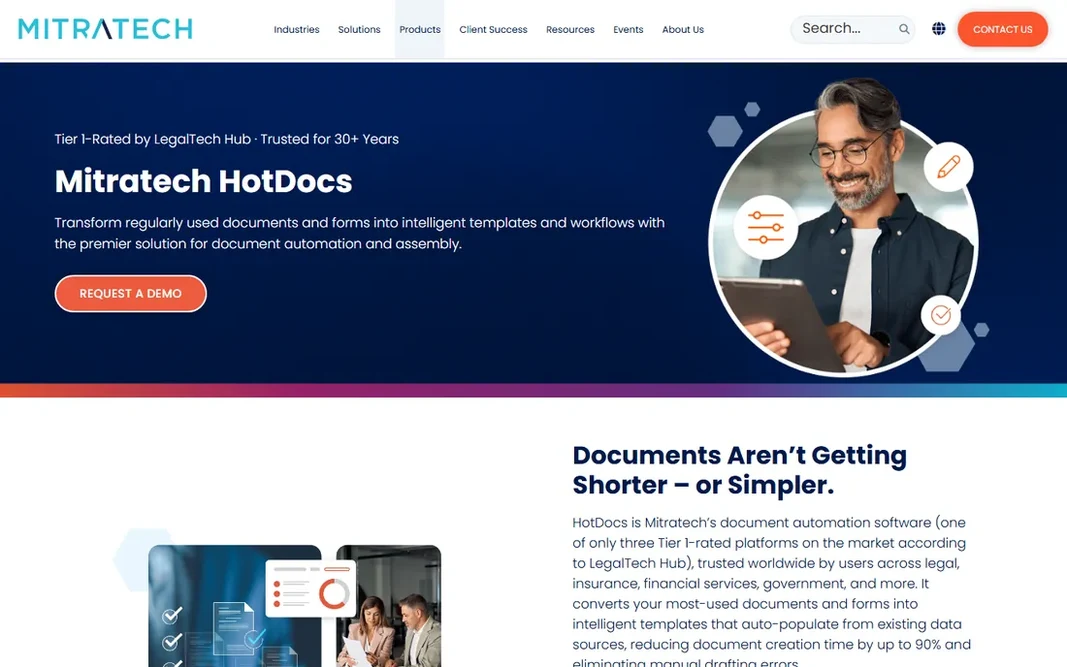
HotDocs is built with mid-sized to large firms with high-volume, rules-heavy documents in mind. HotDocs, now part of Mitratech, is the power tool for documents with nested conditions, jurisdiction-specific clauses and calculations that more straightforward builders cannot express. It works inside Word on desktop and cloud, with an API for system integration. Points against: Enterprise complexity and ramp-up time. For everyday use, pricing is entirely quote-based, template building needs trained staff or consultants, and setup runs weeks to months. This is not software a solo buys on a credit card. Check the vendor site for HotDocs pricing; none is listed in this comparison. HotDocs has no free tier.

Price: See website

Free plan: No

Website: hotdocs.com

Watch out for

  • Quote-based pricing with implementation and training costs on top
2

Gavel

Solo and small businesses wanting no-code intake-to-document automation
$83/month (Lite, billed yearly; $99 month-to-month)
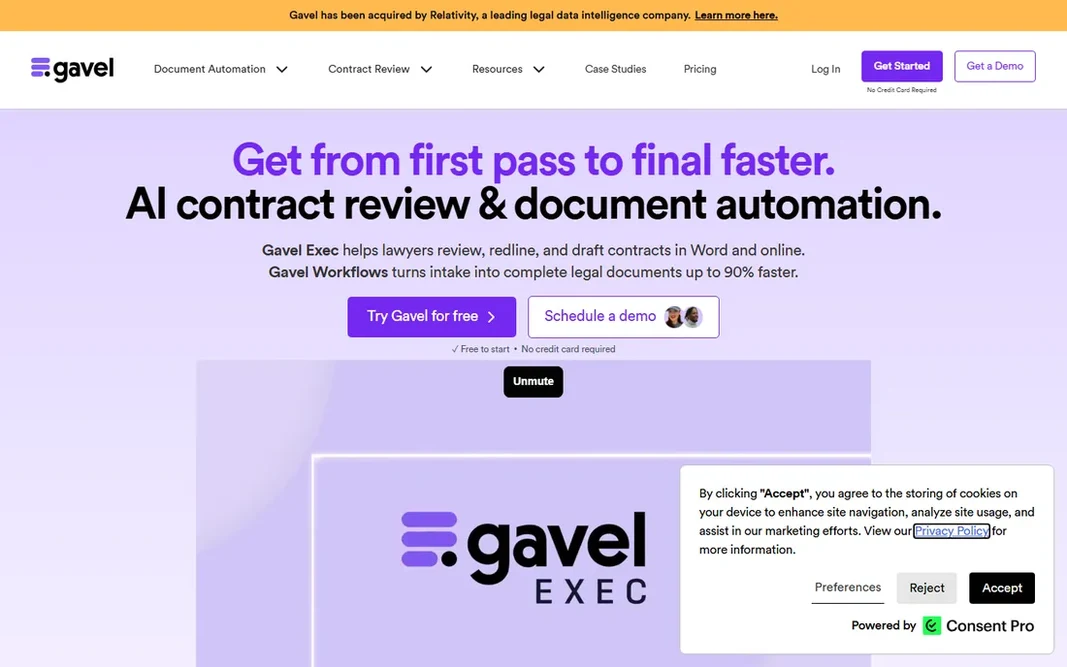
Gavel targets solo and small businesses wanting no-code intake-to-document automation. It automates both Word and PDF templates, and the attorney-reviewed template library provides solos a starting point. More specifically, for the solo or small firm that wants clients to self-serve routine work, Gavel is the fastest path from signup to revenue. Gavel pricing: $83/month. As for free access: Free trial (7 days). Where it falls short: Advanced logic is shallower than HotDocs.

Free plan: Free trial (7 days)

Website: gavel.io

Strengths

  • E-signature and Stripe payments in one flow
  • Attorney-reviewed template library with Clio

Watch out for

  • Template caps per plan (10 on Lite) push expanding businesses up levels rapidly
3

Josef

Mid-sized businesses and legal aid organizations wanting client self-service bots
See website

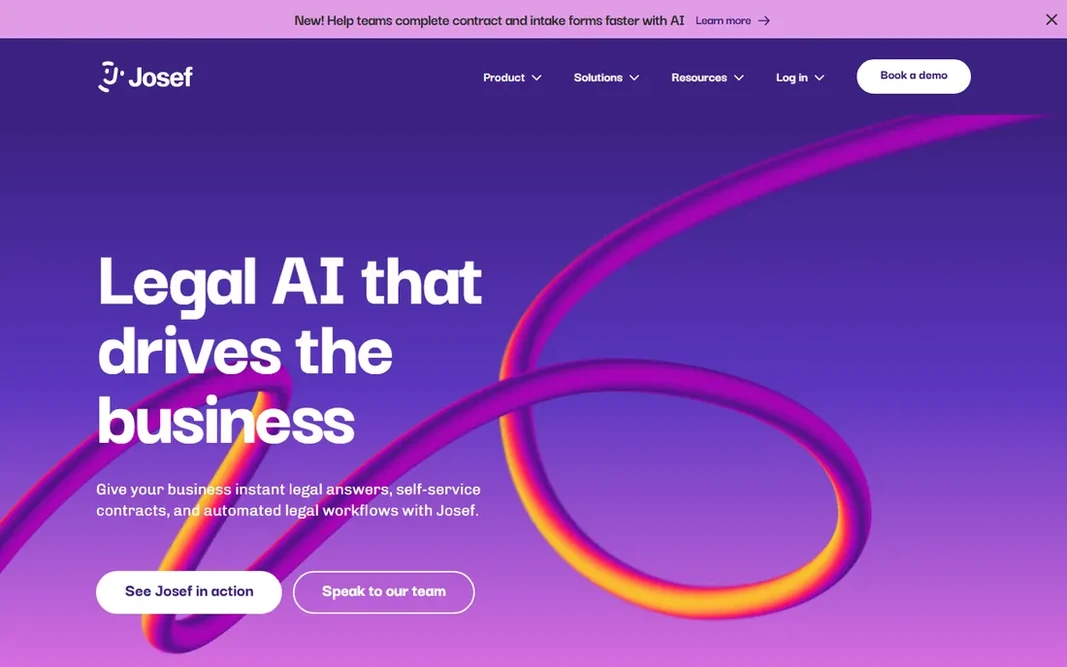
Josef is built with mid-size businesses and legal aid organizations wanting client self-service bots in mind. Josef builds chatbot-style legal bots: a guided interview that can create several documents, answer follow-ups, and hand the client a self-service portal. The friction is procurement: no published plans or prices, so evaluation takes longer than self-serve rivals. It is also more of a workflow and intake system than a pure document assembly tool. Legal aid and community organizations get reduced pricing, which says something about the mission. This comparison lists no price for Josef; ask the vendor. On free options: Free trial. Downsides: Australia-based vendor, so US buyers should check support hours.

Free plan: Free trial

Website: joseflegal.com

Strengths

  • API plus DocuSign, Slack
  • Document generation and client portals

Watch out for

  • No public pricing, so budgeting needs a sales process
4

Woodpecker (now part of MyCase)

Solo and small businesses that already use MyCase
$130/user/month (MyCase Advanced, billed yearly; $150 month-to-month)

For solo and small businesses that already use MyCase, Woodpecker (now part of MyCase) is a natural candidate. The pricing math decides. A three-person firm pays roughly $390/month annually for the suite just to get document automation, which only makes sense if you also want MyCase's practice management, billing and client portal. More specifically, what you get is genuinely good Word-native automation: conditional logic, reusable client data, bulk document generation, and smart grammar handling that adjusts pronouns and verb tenses automatically. MyCase bills per active firm user with no long-term contract and a 10-day trial. In daily use, Woodpecker's story changed: the beloved Word add-in no longer sells standalone, and its automation now ships inside MyCase Advanced at $130 per user a month billed yearly. Entry price for Woodpecker (now part of MyCase): $130/user/month. As for free access: Free trial (10 days). Downsides: Questionnaire building lives in a separate web app.

Free plan: Free trial (10 days)

Website: mycase.com

Strengths

  • Auto-adjusts pronouns and verb tenses for grammatical consistency
  • Bulk generation from a shared client data set

Watch out for

  • Standalone Woodpecker is gone: you must buy the full MyCase suite
5

Clio Draft

Solo and small US businesses on Clio doing filings-heavy work
See website

Clio Draft is designed for solo and small US businesses on Clio doing filings-heavy work. Clio Draft, formerly Lawyaw, solves the most dangerous problem in document automation: outdated forms. On top of that, the main limit is the ecosystem lock and opacity. Non-Clio businesses get an add-on architecture instead of a native experience. In practice, otherwise, compare Gavel first. More specifically, Clio's Draft pricing page lists features but no numeric prices. Every figure online is external, so budgeting needs a sales call. Clio Draft shows no starting price here, so confirm the cost on the vendor site. There is no free plan with Clio Draft. Where it falls short: Full value only inside the Clio ecosystem.

Free plan: No

Website: clio.com

Strengths

  • Cloud library of maintained fillable court forms for all 50 US states plus immigration forms
  • AI converts existing Word documents into reusable templates

Watch out for

  • No public pricing and no self-serve trial
6

Afterpattern

Tech-forward businesses that want to productize legal services
See website

Afterpattern was built for tech-forward businesses that want to productize legal services. Afterpattern, owned by NetDocuments, is for businesses that want to sell legal products, not just automate internal work: build an online NDA generator, a guided intake app, or a client portal backed by a real database, all without code. Depth demands time. Best features of Afterpattern: Build sellable legal products; NetDocuments backing with LawPay and Stripe connections. Points against: Steepest ramp-up time here. This is a power tool for legal innovators. Worth adding: businesses that want straightforward template automation will be happier with Gavel. Check the vendor site for Afterpattern pricing; none is listed in this comparison. Afterpattern has no free tier.

Free plan: No

Website: afterpattern.com

Strengths

  • Full no-code toolkit: app builder
  • Word/PDF/email template builder

Watch out for

  • Built apps surface as pop-up embeds instead of smooth integrations
7

Contract Express

Large law businesses and corporate legal departments on Thomson Reuters products
See website

Contract Express makes the most sense for large law businesses and corporate legal departments on Thomson Reuters products. For large firms and corporate legal departments already invested in Thomson Reuters, the bundle argument is capable. More specifically, Contract Express is the enterprise Word-native choice. Its real product is the stack: document automation paired with HighQ collaboration, Practical Law content, and integrations with iManage, NetDocuments and DocuSign. Contract Express shows no starting price here, so confirm the cost on the vendor site. Contract Express has no permanent free option. Watch-outs: Proprietary template language takes time to learn.

Free plan: No

Website: legal.thomsonreuters.com

Strengths

  • Native Word-based template authoring lawyers already know
  • Deepest integration with the TR stack (HighQ, Practical Law, iManage, NetDocuments, DocuSign)

Watch out for

  • Quote-only enterprise pricing with template-development fees
8

BRYTER

Large corporate legal departments with dedicated legal-ops staff
See website

BRYTER is built with large corporate legal departments with dedicated legal-ops staff in mind. BRYTER lets non-developers ship decision-tree apps, intake flows and document generators on top of enterprise systems. In daily use, corporate legal departments with legal-ops staff get a system their IT department will approve. Points against: Enterprise-only sales motion with demo-gated access. None of this is for small businesses: custom annual licenses, guided onboarding. A sales process measured in weeks put it out of SMB reach. On top of that, the AI connector layers on extraction and summarization to the workflows. On top of that, pricing per published application instead of per end user means an internal tool used by 500 employees costs the same as one used by 50, which is genuinely attractive economics for corporate legal. No starting price is listed for BRYTER here; confirm pricing on the vendor site. BRYTER has no free plan.

Free plan: No

Website: bryter.com

Strengths

  • Enterprise integrations (ServiceNow, Salesforce, SharePoint)
  • Per-application pricing means internal apps scale cheaply

Watch out for

  • Not sold to small businesses

FAQ

Is HotDocs the right pick for everyone comparing legal document automation software?

No single tool suits every team. HotDocs comes first because it fits mid-size to large firms with high-volume, rules-heavy documents, while Gavel suits solo and small firms wanting no-code intake-to-document automation and Josef suits mid-size firms and legal aid organizations wanting client self-service bots. Match the tool to your own size, budget and workflow before deciding.

What is the cheapest option for legal document automation software in this list?

On published monthly entry prices, Gavel is the lowest here at $83/month. Entry price is only part of the cost, because seats, add-ons and billing terms can change the total.

Does any tool for legal document automation software here have a free plan?

A permanent free plan is not offered by HotDocs, BRYTER or the other tools here. Gavel, Josef, Woodpecker (now part of MyCase) offer a trial. Plan a short evaluation period instead.

How much does legal document automation software cost?

Everything else is quote-based: expect mid-four figures annually for Josef-class tools and five to six figures for HotDocs, Contract Express or BRYTER implementations. In practice, template development and training are normally additional on enterprise deals.

How are the tools for legal document automation software ordered?

The order follows typical fit for legal document automation software, with HotDocs first and BRYTER last, then price clarity and free access. It is editorial judgement, not a score, so another team could rank the tools differently.