HR and Workforce · Researched comparison

Best Employee Tracking App in 2026: 6 Tools Compared

TaskReports may earn a fee from some links on this page, and some placements are paid and labelled. Neither one decides the order. See our disclosure.

The short answer

Toggl Track leads the list, best for straightforward time tracking. ActivTrak fits productivity analytics; Time Doctor fits Time tracking and productivity. Prices, free plans and limits for all 6 tools follow.

On this page

Key takeaways

  • This list starts with Toggl Track, which is built for straightforward time tracking.
  • Before buying Time Doctor, weigh this: monitoring features can feel invasive.
  • Expect to ask for a quote from Toggl Track, ActivTrak, Time Doctor and others; the other tools show a starting price.
  • 4 of 6 tools offer a free plan: Toggl Track, ActivTrak, Clockify, Hubstaff.
  • Teramind suits insider risk and monitoring.

Quick comparison

ToolBest forPrice fromKey limitation
------------
Toggl TrackStraightforward time trackingSee websiteNo activity monitoring
ActivTrakProductivity analyticsSee websiteMonitoring perception risk
Time DoctorTime tracking and productivitySee websiteSetup takes time
ClockifyFree time trackingFreeNo monitoring features
HubstaffTime tracking with activitySee websiteScreenshots feel intrusive
TeramindInsider risk and monitoringSee websiteLegal and trust risks highest
★ Best overall

Toggl Track

Straightforward time tracking

  • No invasive monitoring
  • Simplest time tracking
PriceSee website
See Toggl Track pricing

Toggl Track is a good fit for straightforward time tracking. Toggl Track is straightforward time tracking without invasive monitoring: users start and stop timers, tag projects, and create reports, with a generous free level. Watch-outs: No activity monitoring. Toggl Track suits teams that want time data with trust, where employees log their own hours honestly. No starting price is listed for Toggl Track here; confirm pricing on the vendor site. You can start on Toggl Track without paying.

Price: See website

Free plan: Yes

Website: toggl.com

Watch out for

  • Needs manual start and stop
2

ActivTrak

Productivity analytics
See website

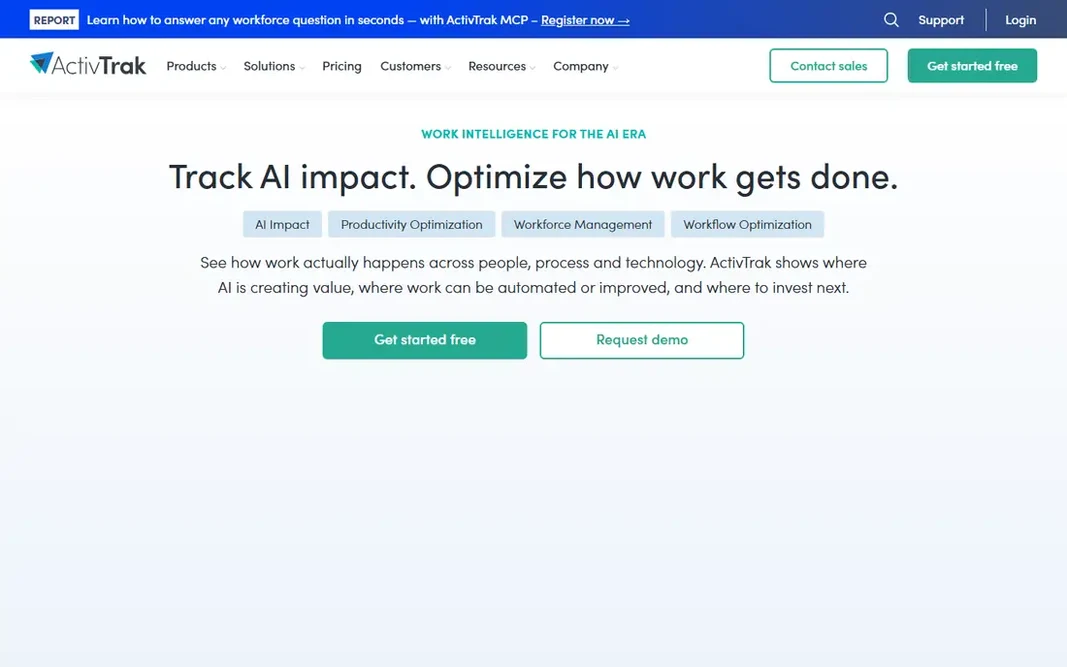
Think of ActivTrak for productivity analytics. ActivTrak examines workforce productivity from app and website usage, work patterns, and focus time, with coaching features that help managers support instead of surveil teams. Where it is weaker: Analytics depth needs premium levels. Its dashboards display productivity trends, burnout risk, and workload balance, which fits firms centred on outcomes and wellbeing alongside output. More specifically, analytics depth needs premium tiers, and any monitoring tool carries perception risk if employees feel watched. ActivTrak shows no starting price here, so confirm the cost on the vendor site. ActivTrak offers a free plan.

Free plan: Yes

Website: activtrak.com

Strengths

  • Workforce insights
  • Coaching features

Watch out for

  • Monitoring perception risk
3

Time Doctor

Time tracking and productivity
See website

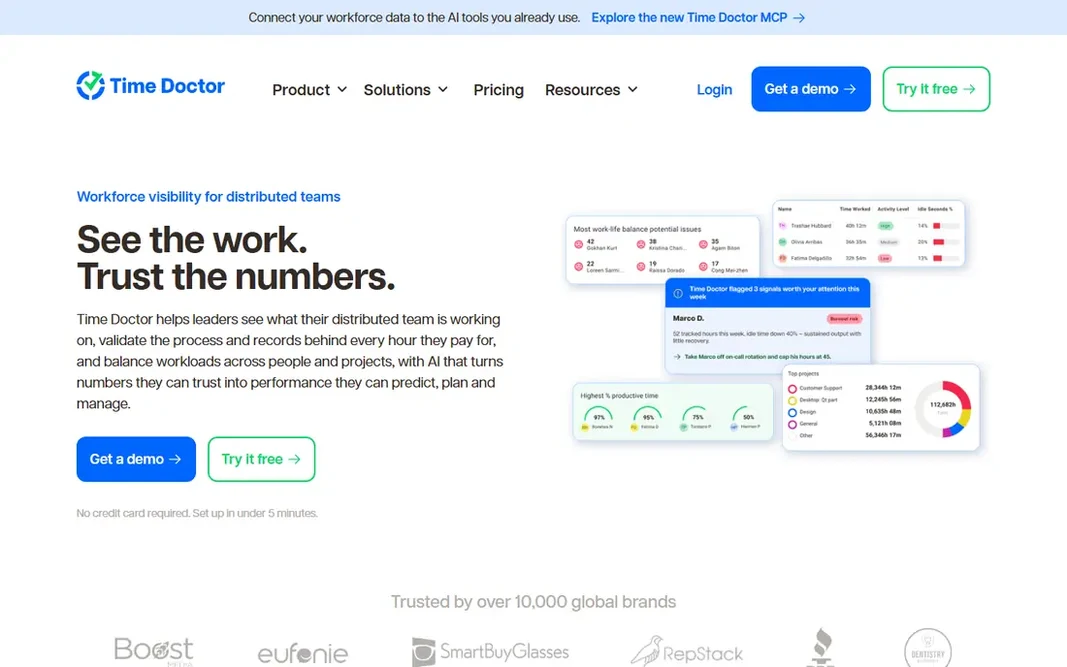
Think of Time Doctor for Time tracking and productivity. Time Doctor tracks time with productivity reports, app and website usage, optional screenshots, and payroll integration, pitched at remote teams and agencies billing by the hour. Honest limits: Monitoring features can feel invasive. Its reports present productive compared with unproductive time by category, helping managers spot overload and idle time. Its monitoring features can feel invasive, notably screenshots and in-depth activity logs, and setup takes time to configure categories and policies well. Time Doctor does not show a starting price in this comparison, so check the vendor site for current pricing. On free options: Free trial.

Free plan: Free trial

Website: timedoctor.com

Strengths

  • Integrations
  • Payroll

Watch out for

  • Setup takes time
4

Clockify

Free time tracking
Free

Clockify is designed for free time tracking. Clockify offers free time tracking for unlimited users, with timers, timesheets, reporting, and project tracking that include most small-team needs at no cost. Its simplicity and free level make it the default for startups, nonprofits, and freelancers who require hours data without budget. Downsides: Advanced features need premium levels. It has no monitoring features, so it fits trust-based teams, and advanced features need premium plans. On top of that, Clockify suits teams that want free, simple time tracking for unlimited users, without surveillance features. Entry price for Clockify: Free. A free plan is available with Clockify.

Free plan: Yes

Website: clockify.me

Strengths

  • Straightforward
  • Free unlimited users

Watch out for

  • No monitoring features
5

Hubstaff

Time tracking with activity
See website

Hubstaff makes the most sense for Time tracking with activity. Hubstaff tracks time worked with activity levels based on keyboard and mouse use, optional screenshots, and app and URL tracking, plus payroll, invoicing, and scheduling features. Its screenshot and activity features are optional, which lets firms choose less intrusive configurations. Hubstaff also gives you workforce analytics that present capacity and workload trends across teams. Pricing for Hubstaff is not stated here, so ask the vendor for current figures. Hubstaff offers a free plan. Where it falls short: Screenshots feel intrusive.

Free plan: Yes

Website: hubstaff.com

Strengths

  • Time tracking plus activity levels
  • Payroll integration

Watch out for

  • Privacy settings need careful setup
6

Teramind

Insider risk and monitoring
See website

For insider risk and monitoring, Teramind is a natural candidate. Also, regulated businesses and security-conscious businesses use it to detect data theft and policy violations, with forensic detail that lighter tools lack. Its rules engine automates alerts for risky actions. Pricing for Teramind is not stated here, so ask the vendor for current figures. As for free access: Free trial. Limits to weigh: Legal and trust risks highest.

Free plan: Free trial

Website: teramind.co

Strengths

  • Data loss prevention
  • Insider-risk rules

Watch out for

  • Most intrusive in this list

FAQ

How are the tools for employee tracking app ordered?

The order follows typical fit for employee tracking app, with Toggl Track first and Teramind last, then price clarity and free access. It is editorial judgement, not a score, so another team could rank the tools differently.

Which options for employee tracking app have a free plan?

On this list, Toggl Track, ActivTrak, Clockify and Hubstaff include a free plan. Caps on seats, usage or features are common, so test the free plan against your real workload. Several others offer a trial instead.

Do employees need to consent to tracking?

In some jurisdictions yes, in others notice plus a lawful basis suffices, and in some, works council or union agreement is required. Rules vary sharply, so confirm requirements locally instead of assuming one policy includes all staff.

Is Toggl Track the right pick for everyone comparing employee tracking app?

No single tool suits every team. Toggl Track comes first because it fits simple time tracking, while ActivTrak suits productivity analytics and Time Doctor suits Time tracking and productivity. Match the tool to your own size, budget and workflow before deciding.

Is employee tracking legal?

It relies on jurisdiction, notice, consent, and proportionality. Employers should get legal advice for each jurisdiction where staff work before deploying monitoring, and never deploy covert tracking without counsel.

Do these tools publish their prices?

Not all of them. Toggl Track, ActivTrak, Time Doctor and others publish no starting price, so expect a quote request for those. The rest, Clockify included, show a starting price, though seats and billing terms still change the final cost.