How we rank
HR and Workforce · Researched comparison

Best Predictive Scheduling Compliance Software in 2026

TaskReports may earn a fee from some links on this page, and some placements are paid and labelled. Neither one decides the order. See our disclosure.

The short answer

UKG Pro Workforce Management is the first pick for employers facing fair workweek rules, because it combines predictive schedules, notice tracking and premium pay in one system. ADP Workforce Now suits teams that want scheduling tied to payroll. When2meet and similar free tools cover basic shift planning but not compliance. Smaller hourly teams should compare Homebase and Deputy for lower entry prices.

On this page

Key takeaways

  • UKG Pro Workforce Management leads this list for employers that need fair workweek notice, predictability pay and audit trails in one system.
  • ADP Workforce Now and Paycom are close alternatives when payroll and scheduling already run on the same platform.
  • Most products here publish entry pricing only on request, so confirm current rates on each vendor page before you commit.
  • Free access is limited: most tools offer a trial or a free tier with caps, and full compliance features sit on paid plans.

Quick comparison

ToolBest fitStarting price
UKG Pro Workforce ManagementLarge employers with fair workweek obligationsSee vendor pricing page
ADP Workforce NowTeams that want scheduling tied to payrollSee vendor pricing page
PaycomSingle-database HR and payroll with schedulingSee vendor pricing page
DeputyShift-based teams that need schedule recordsSee vendor pricing page
HomebaseSmall hourly teams that need simple schedulingSee vendor pricing page
When I WorkShift scheduling with employee availability trackingSee vendor pricing page
SlingBudget scheduling with shift change recordsSee vendor pricing page
ClockifyTime records that support schedule auditsSee vendor pricing page

How we chose

We selected products that support predictive scheduling or the compliance records around it, based on vendor documentation and public pricing pages. Criteria were fit for hourly scheduling and notice tracking, published entry price where available, free access, and main limits. We did not test the products. Prices and plan limits change, so confirm details on each vendor site before buying.

★ Best overall

UKG Pro Workforce Management

Large employers with fair workweek obligations

  • Strong predictive scheduling and premium pay rules
  • deep audit and reporting tools
PriceSee vendor pricing page
See UKG Pro Workforce Management pricing
ukg.comHomepage, Nov 2026
UKG Pro Workforce Management homepage

UKG Pro Workforce Management is built for hourly workforces in retail, hospitality and healthcare, where shift notice and predictability pay rules apply. It supports advance schedule posting, change tracking and premium pay calculation when schedules change inside notice windows. Time and attendance data feeds the same records, so compliance reports draw on one source. Pricing is not published. UKG sells through quotes, and the compliance modules usually sit in higher tiers. Expect implementation work for rule setup and payroll integration. Small teams with simple shifts will find it heavier than they need. Employers in cities or states with fair workweek ordinances are the main fit.

Price: See vendor pricing page

Free plan: No

Website: ukg.com

Watch out for

  • Pricing is quote-based
  • setup takes time
2

ADP Workforce Now

Teams that want scheduling tied to payroll
See vendor pricing page
adp.comHomepage, Nov 2026
ADP Workforce Now homepage

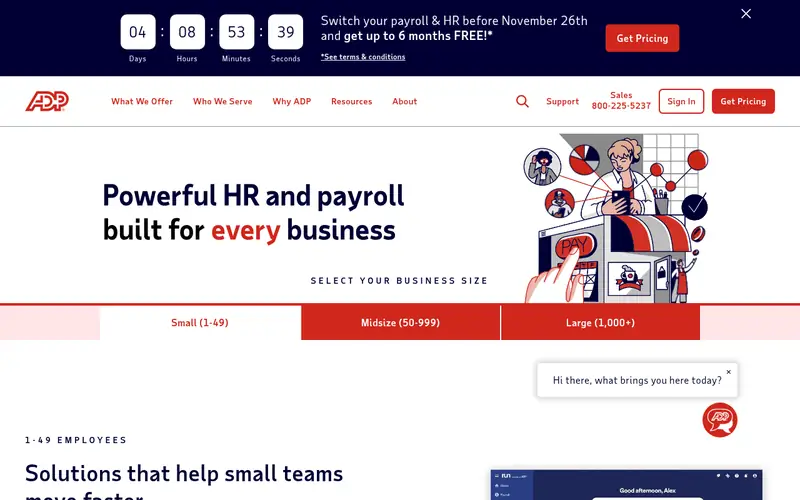
ADP Workforce Now includes time and attendance, scheduling and payroll in one platform. For predictive scheduling compliance, the value is the link between schedule changes and pay: premium pay and penalty rates can flow into the payroll run without manual re-entry. Reporting covers hours, overtime and schedule changes. ADP does not publish entry prices for Workforce Now. Costs depend on headcount and selected modules, and scheduling features may require add-ons. Setup and support are handled through ADP representatives. It suits mid-size employers already on ADP payroll. Teams that only need shift planning will pay for features they do not use.

Free plan: No

Website: adp.com

Strengths

  • Scheduling and payroll in one system
  • broad compliance reporting

Watch out for

  • Quote-based pricing
  • add-on modules raise cost
3

Paycom

Single-database HR and payroll with scheduling
See vendor pricing page
paycom.comHomepage, Nov 2026
Paycom homepage

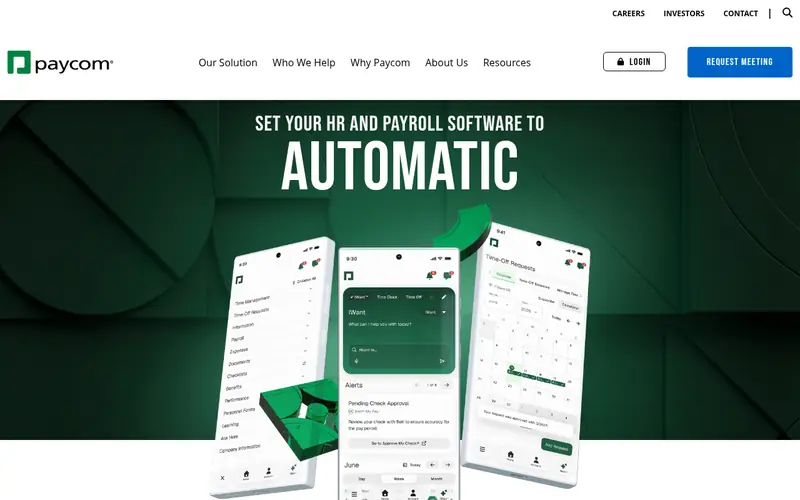
Paycom runs HR, time and attendance, scheduling and payroll on one database. Employees can view schedules, request changes and clock in from the same app. For compliance, schedule changes and hours are recorded in the same system that runs payroll, which reduces reconciliation work and keeps an audit trail. Paycom does not list public prices. It sells by quote based on headcount and modules. The platform is aimed at mid-size employers, and very small teams may find the scope and cost too large. Check that scheduling and time modules you need are included in your quote, since packaging varies.

Free plan: No

Website: paycom.com

Strengths

  • One database for HR, time and payroll
  • employee self-service for shifts

Watch out for

  • Pricing is quote-based
  • limited fit for very small teams
4

Deputy

Shift-based teams that need schedule records
See vendor pricing page
deputy.comHomepage, Nov 2026
Deputy homepage

Deputy handles shift scheduling, time and attendance and task assignment for hourly teams. Schedules can be published in advance, and changes are logged, which supports notice and record-keeping requirements. Employees see shifts on mobile and clock in from the app. Deputy publishes plan tiers but the entry price varies by region and billing cycle, so confirm on the vendor page. A 31-day trial is offered. The compliance features are strongest for general record-keeping; employers facing specific fair workweek ordinances should confirm rule support before buying. It fits small and mid-size shift-based businesses.

Free plan: Free trial (31 days)

Website: deputy.com

Strengths

  • Clear shift planning and change logs
  • mobile clock-in

Watch out for

  • Compliance depth varies by region
  • pricing tiers gate features
5

Homebase

Small hourly teams that need simple scheduling
See vendor pricing page
joinhomebase.comHomepage, Nov 2026
Homebase homepage

Homebase offers scheduling, time tracking and payroll for small businesses. The free tier covers basic scheduling and time clocks for a single location, which helps small teams publish shifts and keep records. Paid plans add hiring, payroll and more advanced controls. Homebase is a practical entry point for small hourly teams that need schedule records without a large system. It is not built for complex fair workweek rules across many locations, and advanced features sit behind paid plans. Check the current free tier limits on the vendor site, since they change. Larger employers should look at UKG or ADP.

Free plan: Yes

Website: joinhomebase.com

Strengths

  • Free tier for small teams
  • easy schedule publishing

Watch out for

  • Advanced compliance tools need paid plans
  • limited for large employers
6

When I Work

Shift scheduling with employee availability tracking
See vendor pricing page
wheniwork.comHomepage, Nov 2026
When I Work homepage

When I Work focuses on shift scheduling for hourly teams. Managers can build schedules, track availability and time-off requests, and publish shifts in advance. Employees swap shifts and get reminders on mobile, which helps keep schedule changes documented. The tool covers scheduling well but is not a full compliance platform. Employers with strict predictive scheduling ordinances will need to check whether notice and premium pay rules are supported. Pricing is per user and varies by plan, so confirm on the vendor page. A 14-day trial is offered. It suits small and mid-size teams that mainly need scheduling.

Free plan: Free trial (14 days)

Website: wheniwork.com

Strengths

  • Fast schedule building
  • availability and time-off in one place

Watch out for

  • Compliance reporting is basic
  • pricing is per user
7

Sling

Budget scheduling with shift change records
See vendor pricing page
getsling.comHomepage, Nov 2026
Sling homepage

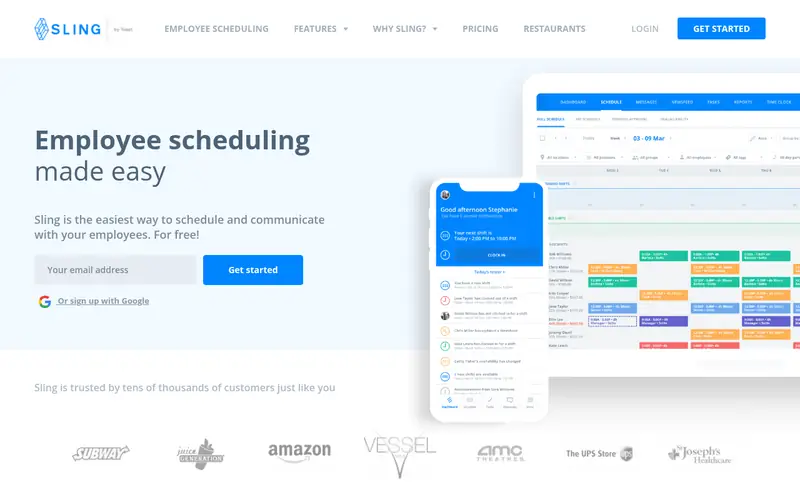
Sling provides shift scheduling, time tracking and communication for hourly teams. Schedules can be published ahead, and shift swaps are recorded, which supports basic notice and record-keeping needs. The free plan covers core scheduling for small teams. Sling is lighter on compliance than UKG or ADP. It does not replace a full workforce management suite for employers facing fair workweek rules. Pricing for paid tiers is published on the vendor site, and the free plan has limits on features and users. It fits small businesses that need simple scheduling and change records.

Free plan: Yes

Website: getsling.com

Strengths

  • Free plan for small teams
  • shift swap and change logs

Watch out for

  • Limited payroll depth
  • compliance features are light
8

Clockify

Time records that support schedule audits
See vendor pricing page
clockify.meHomepage, Nov 2026
Clockify homepage

Clockify is a time tracking tool with scheduling features. It records hours by project and team, and reports can be exported for audits. For predictive scheduling compliance, its role is narrower: it documents actual hours against planned shifts, which helps when you need records of schedule changes and worked time. Clockify is not a workforce management platform. It does not calculate premium pay under fair workweek rules or manage complex shift bidding. The free plan covers time tracking for unlimited users with limits on some features. Paid tiers add admin controls. It suits teams that need time records alongside a separate scheduling tool.

Free plan: Yes

Website: clockify.me

Strengths

  • Free time tracking for unlimited users
  • exportable reports

Watch out for

  • Scheduling is secondary
  • not a compliance suite

Pre-purchase checklist

  • Confirm which predictive scheduling rules apply to your locations, including notice periods and premium pay.
  • Check that schedule changes and premium pay flow into payroll without manual re-entry.
  • Ask whether scheduling and compliance modules are included in the quoted price or sold as add-ons.
  • Verify audit reports show who changed a schedule and when.
  • Test mobile access for employees, since shift swaps and notices often happen on phones.

FAQ

What is predictive scheduling compliance software?

It is software that helps employers publish schedules in advance and follow rules on notice periods, schedule changes and premium pay. It also keeps records for audits. Products range from full workforce management suites to scheduling tools with change logs.

Do I need a full workforce management suite?

Only if you face fair workweek ordinances or multiple locations with strict rules. Smaller teams can use scheduling tools with change records and pair them with payroll. A full suite helps when premium pay must be calculated automatically.

Which option has a free plan?

Homebase, Sling and Clockify offer free plans with limits. Deputy and When I Work offer trials. UKG, ADP and Paycom do not publish free plans. Check current limits on each vendor site, since they change.

Can these tools calculate premium pay?

UKG Pro Workforce Management and ADP Workforce Now support premium pay rules tied to schedule changes. Lighter tools like Sling and When I Work focus on scheduling and records. Confirm rule support for your region before buying.

How much does this software cost?

Most vendors here do not publish entry prices and sell by quote. Homebase, Sling and Clockify publish plan details on their sites. Costs depend on headcount and modules, so request a quote and confirm current pricing.