How we rank
HR and Workforce · Researched comparison

Best PTO Tracking Software for Imaging Centers in 2026

TaskReports may earn a fee from some links on this page, and some placements are paid and labelled. Neither one decides the order. See our disclosure.

The short answer

BambooHR suits imaging centers that want PTO requests, accrual rules and balances inside a broader HR system. Homebase is a lower-cost choice for small imaging teams, and it has a free plan. When PTO tracking needs to sit next to shift scheduling for technologists and front-desk staff, Deputy is the better fit. All three handle leave requests and balance tracking, which matter when a center must keep scanner coverage during staff leave.

On this page

Key takeaways

  • BambooHR is the first pick for imaging centers that want PTO requests, accrual rules and balances in one HR system.
  • Homebase has a free plan for small imaging teams, and its paid plans add PTO tracking and payroll.
  • Most tools here price per employee per month, so a 40-person imaging staff is the number to model.
  • Only some vendors publish entry prices; where a price is not confirmed, the listing says to check the vendor pricing page.

Quick comparison

ToolBest fitStarting price
BambooHRImaging centers that want PTO inside a full HR systemSee vendor pricing page
HomebaseSmall imaging teams that want a free starting pointSee vendor pricing page
DeputyImaging centers that pair PTO with shift schedulingSee vendor pricing page
GustoSmall imaging centers that run payroll and PTO togetherSee vendor pricing page
RipplingMulti-site imaging groups that need PTO policy controlSee vendor pricing page
ClockifyImaging centers that want low-cost PTO trackingSee vendor pricing page
CalamariImaging centers that need leave rules and approvalsSee vendor pricing page

How we chose

We picked tools that support real PTO requests, accrual rules and balance tracking, since those are the core needs for imaging center staff. We checked fit for the use case, published entry prices, free access and main limits. Sources are vendor websites and public documentation. Prices change, so confirm current pricing on the vendor site before you buy.

Best overall

BambooHR

Imaging centers that want PTO inside a full HR system

  • PTO accrual rules, balances and request approvals in one place
  • employee self-service for time-off requests
PriceSee vendor pricing page
See BambooHR pricing
bamboohr.comHomepage, Nov 2026
BambooHR homepage

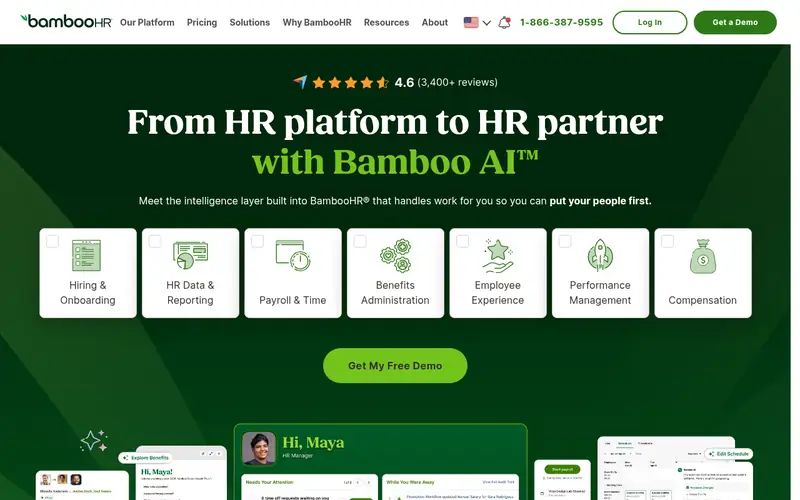
BambooHR is an HR platform with a time-off module. Employees submit PTO requests, managers approve them, and balances update from accrual rules you set. For an imaging center, that means a technologist can see remaining PTO before requesting a day, and the manager can check coverage before approving. The product is sold as a core HR platform with add-on modules, and PTO tracking is part of the standard time-off features. Pricing is quoted per employee per month, and the vendor does not publish a fixed entry price, so a center should request a quote based on its headcount. Skip BambooHR if you only need PTO tracking and nothing else. The platform covers records, onboarding and reporting, and a small center that wants a single-purpose tool may find it broader than needed.

Price: See vendor pricing page

Free plan: No

Website: bamboohr.com

Watch out for

  • Priced per employee, so cost grows with headcount
  • no free plan
2

Homebase

Small imaging teams that want a free starting point

See vendor pricing page
joinhomebase.comHomepage, Nov 2026
Homebase homepage

Homebase combines scheduling, time clock and HR features for small businesses. Its paid plans include PTO tracking with accrual and balance visibility. For a small imaging center with a handful of staff, the free plan is a way to start with scheduling and time tracking before adding PTO. The free plan has limits on features and team size, and PTO tracking is part of the paid tiers. The vendor publishes plan details on its pricing page, so a center should confirm the current limits before relying on the free tier. Homebase fits centers that want scheduling and PTO in one low-cost tool. It is less suited to a large imaging group that needs detailed HR records and custom accrual policies across many locations.

Free plan: Yes

Website: joinhomebase.com

Strengths

  • Free plan for small teams
  • PTO tracking on paid plans alongside scheduling

Watch out for

  • Free plan limits apply
  • PTO features sit on paid tiers
3

Deputy

Imaging centers that pair PTO with shift scheduling
See vendor pricing page
deputy.comHomepage, Nov 2026
Deputy homepage

Deputy is a workforce management tool built around scheduling and time tracking. It handles leave requests and shows approved leave on the schedule, which helps an imaging center keep scanner and front-desk coverage when a technologist is out. The product is priced per employee per month, with tiers that add features. The vendor offers a free trial, and pricing details are on its site. A center should confirm which tier includes leave management before signing up. Deputy suits centers where PTO decisions depend on the shift roster. If you want a standalone HR record with deep PTO policy settings, a dedicated HR platform is the better fit.

Free plan: Free trial (31 days)

Website: deputy.com

Strengths

  • Scheduling and leave requests in one place
  • leave balances visible to managers

Watch out for

  • PTO is tied to the scheduling workflow
  • no free plan
4

Gusto

Small imaging centers that run payroll and PTO together
See vendor pricing page
GustoHomepage image unavailable

Gusto is a payroll and HR platform for small businesses. Its plans include time-off requests and PTO balance tracking, and approved PTO can flow into payroll. For an imaging center, that means a technologist's leave balance and paycheck stay in one system. Gusto charges a monthly base fee plus a per-employee rate, and the vendor publishes plan details on its pricing page. PTO features vary by tier, so a center should check which plan includes time-off tracking. Gusto fits centers that want payroll and PTO together. A center that already runs payroll elsewhere may prefer a tool that focuses on scheduling and leave.

Free plan: No

Website: gusto.com

Strengths

  • PTO tracking connected to payroll
  • employee self-service for requests

Watch out for

  • Priced per employee plus a monthly base fee
  • no free plan
5

Rippling

Multi-site imaging groups that need PTO policy control
See vendor pricing page
rippling.comHomepage, Nov 2026
Rippling homepage

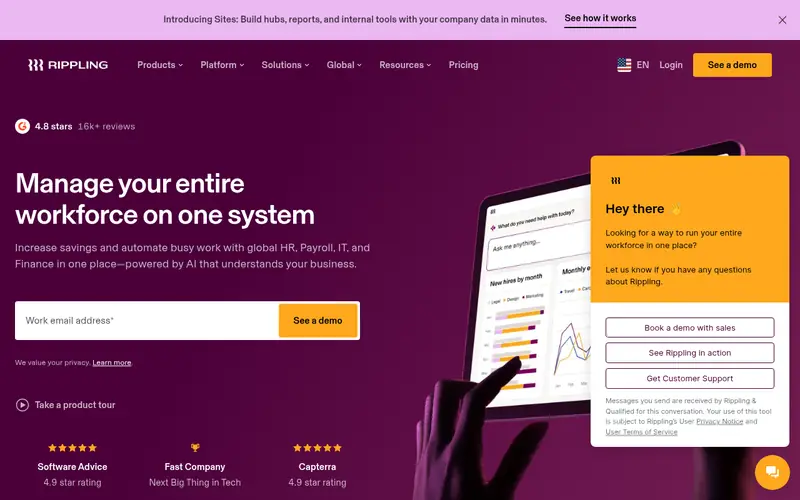
Rippling is a workforce platform with HR, payroll and time-off modules. It supports PTO policies with accrual rules and balances, and it ties leave records to the employee profile. For a multi-site imaging group, that helps keep PTO rules consistent across locations. Rippling prices per module and per employee, and the vendor does not publish a single entry price. A center should get a quote for the modules it needs, since PTO tracking may sit alongside other products. Rippling fits larger imaging groups with HR staff to manage setup. A small center with simple PTO rules may find the platform more than it needs.

Free plan: No

Website: rippling.com

Strengths

  • Detailed PTO policies and accrual rules
  • PTO tied to HR and payroll records

Watch out for

  • Modular pricing can add up
  • setup is more involved
6

Clockify

Imaging centers that want low-cost PTO tracking
See vendor pricing page
clockify.meHomepage, Nov 2026
Clockify homepage

Clockify is a time tracking tool that also handles PTO requests and balances. It lets employees request time off and shows remaining PTO, which is enough for a small imaging center that wants a simple record. Clockify has a free plan with limits, and paid plans add features. The vendor publishes plan details on its pricing page. A center should confirm that the PTO features it needs are included in the plan it chooses. Clockify suits centers that want a low-cost tool and can accept basic PTO controls. It is less suited to a center that needs detailed accrual policies and HR records in one system.

Free plan: Yes

Website: clockify.me

Strengths

  • Free plan with PTO tracking features
  • simple setup for small teams

Watch out for

  • PTO is one feature among time tracking tools
  • advanced controls on paid plans
7

Calamari

Imaging centers that need leave rules and approvals
See vendor pricing page
calamari.ioHomepage, Nov 2026
Calamari homepage

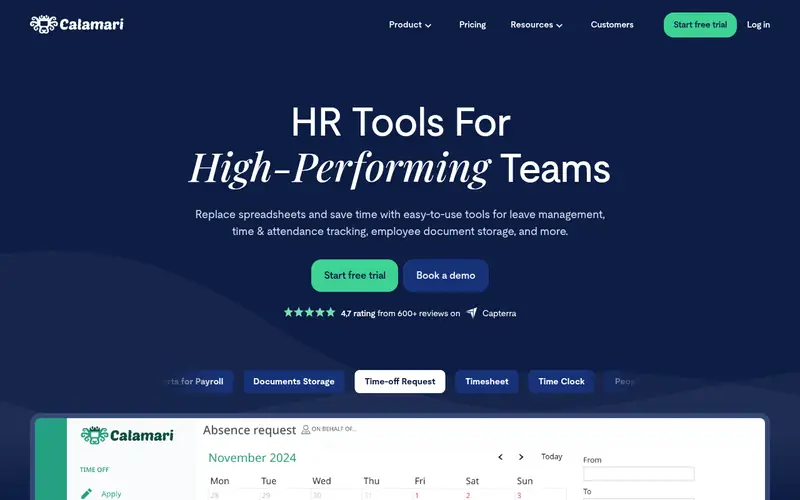
Calamari is a leave and attendance management tool. It handles PTO requests, approval workflows and accrual rules, and it shows balances to employees and managers. For an imaging center, that keeps leave records in one place without a full HR platform. Calamari is priced per employee per month, and the vendor publishes plan details on its site. A center should check which plan covers the leave features it needs. Calamari fits centers that want a focused leave tool. If you also need payroll and HR records, a broader platform may be simpler.

Free plan: No

Website: calamari.io

Strengths

  • Focused on leave management and approvals
  • accrual and balance tracking

Watch out for

  • Priced per employee
  • no free plan

Which PTO tracking software for imaging centers should I use if I only have a small team?

Homebase is the first choice for a small imaging team, because it has a free plan and adds PTO tracking on paid tiers. If you run payroll and want PTO in the same system, Gusto fits. If shift coverage is the main concern, Deputy shows approved leave on the schedule. Clockify has a free plan for core time tracking, and its time off module with balances sits on paid plans, so confirm the current tier on the vendor site.

Is BambooHR better than Homebase for PTO tracking software for imaging centers?

BambooHR is the better fit for a center that wants PTO inside a full HR system, with accrual rules and employee records in one place. Homebase is the better fit for a small team that wants a free starting point and PTO tracking on paid plans. Choose BambooHR for HR depth; choose Homebase for lower cost and a free tier.

Pre-purchase checklist

  • Confirm the tool supports PTO accrual rules and balance tracking, not just time-off requests.
  • Check the price model per employee, and model it against your imaging staff headcount.
  • Confirm whether PTO features are on the entry plan or a higher tier.
  • Check that managers can see approved leave against the shift schedule for scanner coverage.
  • Confirm the free plan or trial limits before you commit.

FAQ

What is the best PTO tracking software for imaging centers?

BambooHR is a strong fit for centers that want PTO inside an HR system. Homebase suits small teams with a free plan. Deputy suits centers that pair PTO with shift scheduling. The right pick depends on headcount, budget and whether you need payroll or scheduling in the same tool.

Do imaging centers need PTO accrual rules in their tracking software?

Yes, if staff earn PTO over time. Accrual rules calculate balances from hours worked or tenure. A tool that only records requests without accrual rules leaves managers to track balances by hand, which is harder across multiple imaging locations.

Can PTO tracking software show leave against the shift schedule?

Some tools do. Deputy shows approved leave on the schedule, which helps managers keep scanner and front-desk coverage. HR platforms like BambooHR track PTO balances but may not show leave on a shift roster, so check before you choose.

Is there free PTO tracking software for small imaging teams?

Homebase has a free plan. Clockify has a free plan for core time tracking, and its time off module with balances sits on paid plans, so confirm the current tier on the vendor site. Both have limits, and PTO tracking may sit on paid tiers or require checking plan details. Confirm the current free plan limits on the vendor site.

How much does PTO tracking software cost for an imaging center?

Most tools price per employee per month, and some add a base fee. Vendors often do not publish a fixed entry price, so a center should request a quote based on headcount. Confirm current pricing on the vendor pricing page.