How we rank
HR and Workforce · Researched comparison

Best PTO Tracking Software for Medical Practices in 2026

TaskReports may earn a fee from some links on this page, and some placements are paid and labelled. Neither one decides the order. See our disclosure.

The short answer

Buddy Punch is the first pick for small and mid-size medical practices that want PTO balances tied to clock-in data, with a published per-user price. Homebase suits clinics that want a free tier for scheduling and basic PTO. BambooHR fits practices that need formal accrual tiers, approval chains, and an HR record alongside time off. All three handle real leave requests and balance tracking, not just calendars.

On this page

Key takeaways

  • Buddy Punch, Homebase, and QuickBooks Time combine PTO balances with clock-in records, which suits clinics that track attendance and leave in one place.
  • Dedicated HR platforms like BambooHR and Gusto handle accrual tiers, approval chains, and multi-location staff better than basic time clocks.
  • Entry prices range from free tiers on Homebase and Clockify to per-employee monthly fees on BambooHR and Gusto.
  • Confirm accrual rules, carryover caps, and PTO payout handling on the vendor site before you commit.

Quick comparison

ToolBest fitStarting price
Buddy PunchClinics that want PTO balances tied to clock-in recordsSee vendor pricing page
HomebaseSmall clinics that want free scheduling and basic PTOSee vendor pricing page

QuickBooks TimePractices already using QuickBooks for payrollSee vendor pricing page
BambooHRPractices that need formal accrual tiers and approval chainsSee vendor pricing page
GustoPractices that want payroll and PTO in one platformSee vendor pricing page
ClockifySmall practices that want a free PTO trackerSee vendor pricing page
DeputyClinics with shift-based staff and mixed availabilitySee vendor pricing page
RipplingMulti-location practices that want HR and PTO togetherSee vendor pricing page

How we chose

We picked products that support real leave requests, accrual rules, and balance tracking, not just shared calendars. We weighed fit for medical practices, published entry pricing, free access, and main limits. Sources are vendor homepages and public documentation. Prices change, so confirm current pricing on the vendor site before you buy.

Best overall

Buddy Punch

Clinics that want PTO balances tied to clock-in records

  • Combines time clock and PTO tracking
  • supports accrual rules and approval flows
PriceSee vendor pricing page
See Buddy Punch pricing
Buddy PunchHomepage image unavailable

Buddy Punch pairs employee time tracking with PTO management. Staff clock in and out, and the same account tracks accrued PTO, requests, and approvals. For a medical practice, that means front-desk and clinical staff hours and leave sit in one record. Accrual rules can follow tenure or a fixed rate, and managers approve requests from a dashboard. The product is built for small and mid-size employers, so plan structure is per-user with a free trial. It does not replace a full HR platform, so practices that need onboarding documents, benefits, or performance records should pair it with an HR system. Practices with many part-time or per-diem staff should check how the vendor bills those users before signing up.

Price: See vendor pricing page

Free plan: Free trial (14 days)

Website: buddypunch.com

Watch out for

  • Per-user pricing rises with staff count
  • not a full HR system
2

Homebase

Small clinics that want free scheduling and basic PTO
See vendor pricing page
joinhomebase.comHomepage, Nov 2026
Homebase homepage

Homebase offers scheduling, time clock, and time-off requests in one app. The free tier covers basic scheduling and time-off tracking for a single location, which fits a small practice with a handful of staff. Paid plans add payroll, hiring tools, and more advanced controls. PTO accrual and balance rules are more limited on the free tier than on dedicated HR platforms. A practice with multiple locations, complex accrual tiers, or carryover rules should review the paid plan details on the vendor site. Homebase suits clinics that want a low-cost starting point and can accept simpler PTO logic.

Free plan: Yes

Website: joinhomebase.com

Strengths

  • Free tier covers scheduling and basic time off
  • simple setup for small teams

Watch out for

  • Advanced PTO and payroll features sit on paid plans
  • limited HR depth
3

QuickBooks Time

Practices already using QuickBooks for payroll
See vendor pricing page
quickbooks.intuit.comHomepage, Nov 2026
QuickBooks Time homepage

QuickBooks Time tracks employee hours and supports paid time off tracking on its plans. For a medical practice already running payroll in QuickBooks, time and PTO data flow into the same system, which reduces duplicate entry. Staff can request time off, and managers approve it from the app. PTO features depend on the plan tier, so confirm what is included before you buy. The product is strongest when paired with QuickBooks payroll. A practice that uses a different payroll provider may get less value and should compare standalone PTO tools first.

Free plan: Free trial (30 days)

Website: quickbooks.intuit.com/time-tracking

Strengths

  • Ties time records to QuickBooks payroll
  • PTO tracking available on paid plans

Watch out for

  • PTO features vary by plan
  • best value only if you use QuickBooks
4

BambooHR

Practices that need formal accrual tiers and approval chains
See vendor pricing page
bamboohr.comHomepage, Nov 2026
BambooHR homepage

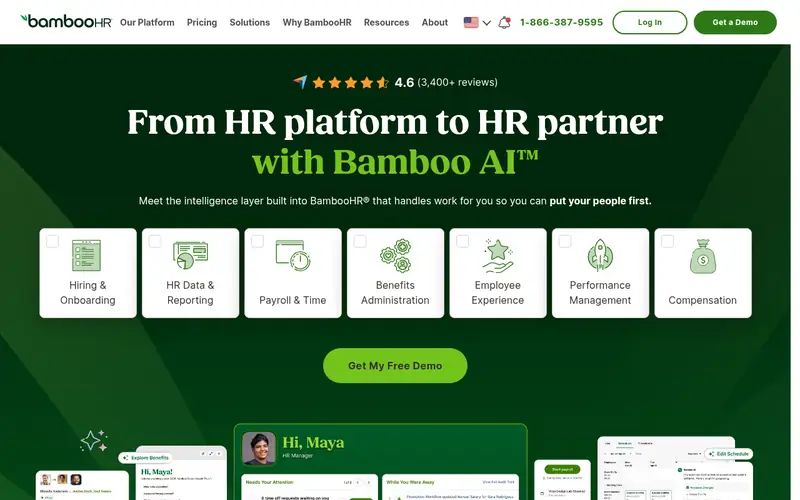
BambooHR is an HR platform with a time-off module that handles accrual rules, balance tracking, and multi-step approvals. A medical practice can set different accrual rates for full-time, part-time, and per-diem staff, and route requests to the right manager. Employee records, documents, and time off sit in one profile. The product is priced per employee per month and is aimed at growing employers, so very small practices may find it heavier than needed. Setup takes more time than a basic time clock. Practices that mainly need clock-in records should compare lighter tools first.

Free plan: No

Website: bamboohr.com

Strengths

  • Strong PTO accrual and approval setup
  • HR records in one place

Watch out for

  • Priced for larger teams
  • more setup than a simple time clock
5

Gusto

Practices that want payroll and PTO in one platform
See vendor pricing page
GustoHomepage image unavailable

Gusto combines payroll with time-off tracking. Employees request PTO, managers approve it, and balances update alongside payroll. For a medical practice, that means leave balances and pay runs stay consistent without manual reconciliation. PTO features depend on the plan, and Gusto is built around payroll, so practices that do not run payroll through Gusto get less value. Smaller clinics that want one system for pay and leave should review plan details on the vendor site.

Free plan: No

Website: gusto.com

Strengths

  • Payroll and PTO balances stay in sync
  • self-service requests for staff

Watch out for

  • PTO depth varies by plan
  • payroll is the core product
6

Clockify

Small practices that want a free PTO tracker
See vendor pricing page
clockify.meHomepage, Nov 2026
Clockify homepage

Clockify is a time tracking tool with a time-off module. The free tier includes basic PTO tracking, which suits a small practice that needs a simple leave log. Paid plans add more controls and reporting. PTO accrual and approval logic is simpler than dedicated HR platforms. A practice with complex accrual tiers or multi-location approval chains should look at BambooHR or Gusto instead. Clockify works best as a low-cost starting point for small teams.

Free plan: Yes

Website: clockify.me

Strengths

  • Free tier includes time off tracking
  • low-cost paid plans

Watch out for

  • PTO rules are basic
  • not built for medical scheduling
7

Deputy

Clinics with shift-based staff and mixed availability
See vendor pricing page
deputy.comHomepage, Nov 2026
Deputy homepage

Deputy combines employee scheduling with leave management. Shift-based medical practices can see who is available, who has requested time off, and how leave affects coverage. Managers approve requests from the same dashboard used for scheduling. PTO accrual features depend on the plan, so confirm what is included. Deputy is strongest for practices with rotating shifts and part-time staff. A practice with mostly salaried staff and simple leave rules may find a lighter tool sufficient.

Free plan: Free trial (31 days)

Website: deputy.com

Strengths

  • Scheduling and leave requests in one place
  • handles shift-based teams

Watch out for

  • PTO depth varies by plan
  • pricing scales with staff
8

Rippling

Multi-location practices that want HR and PTO together
See vendor pricing page
rippling.comHomepage, Nov 2026
Rippling homepage

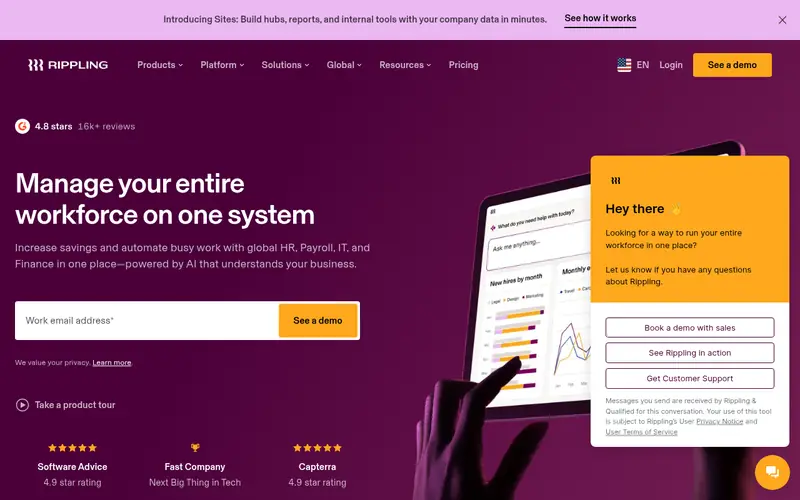
Rippling is an HR and IT platform with a PTO module. Practices can set accrual rules by employee type, route approvals, and keep balances in sync with payroll. Multi-location practices can apply different policies by site. Pricing is modular, so the cost depends on which products you add. A small single-site clinic may find it heavier than needed, while a growing group practice can consolidate HR, payroll, and PTO in one system. Confirm the PTO module details on the vendor site.

Free plan: No

Website: rippling.com

Strengths

  • PTO rules tied to HR and payroll data
  • scales across locations

Watch out for

  • Modular pricing adds up
  • more platform than a small clinic needs

Which PTO tracking software for medical practices should I use if my staff work rotating shifts?

Deputy is the best fit for rotating shifts because scheduling and leave requests sit in one dashboard. If you run payroll in QuickBooks, QuickBooks Time keeps hours and PTO together. If you want a free starting point for a small team, Homebase covers basic scheduling and time off. If you need formal accrual tiers across several locations, BambooHR handles approval chains and balance rules.

Is Buddy Punch better than Homebase for PTO tracking software for medical practices?

Buddy Punch is better when you want PTO balances tied directly to clock-in records and can pay per user. Homebase is better when you want a free tier for scheduling and basic time off for a small single-site practice. Buddy Punch offers more PTO control; Homebase offers a lower-cost start with simpler rules.

Pre-purchase checklist

  • Confirm the product supports real leave requests, accrual rules, and balance tracking, not just a shared calendar.
  • Check how accrual works for part-time and per-diem staff, including carryover caps.
  • Confirm whether PTO balances sync with your payroll provider.
  • Review per-user pricing against your current headcount and expected growth.
  • Check approval chains for multi-location or multi-manager practices.

FAQ

What is the best PTO tracking software for medical practices?

Buddy Punch is a strong pick for small and mid-size practices that want PTO tied to clock-in data. Homebase suits clinics that want a free tier for scheduling and basic time off. BambooHR fits practices that need formal accrual tiers and approval chains. The right choice depends on staff size, shift patterns, and payroll setup.

Does Homebase have a free plan for PTO tracking?

Homebase offers a free tier that covers basic scheduling and time-off tracking for a single location. Advanced PTO and payroll features sit on paid plans. Confirm the current free-tier limits on the vendor site, since plan details can change.

Can I track PTO accrual for part-time and per-diem staff?

Yes. BambooHR and Rippling let you set accrual rules by employee type, which suits practices with part-time and per-diem staff. Buddy Punch and Deputy also support accrual rules, though the depth varies by plan. Check each vendor's documentation for part-time and per-diem handling.

Which PTO tool works with QuickBooks payroll?

QuickBooks Time ties time records and PTO data to QuickBooks payroll. Gusto keeps PTO balances in sync with its own payroll. If you run payroll in QuickBooks, QuickBooks Time reduces duplicate entry. Confirm PTO features by plan before you buy.

Do these tools handle PTO payout at year end?

PTO payout handling varies by product and plan. Some platforms calculate balances and export them for payroll, while others require manual payout steps. Confirm year-end payout and carryover handling on the vendor site before you commit.