How we rank
HR and Workforce · Researched comparison

Best PTO Tracking Software for Pool Service Companies in 2026

TaskReports may earn a fee from some links on this page, and some placements are paid and labelled. Neither one decides the order. See our disclosure.

The short answer

Gusto is the best starting point for most pool service companies because it ties PTO accrual and requests to payroll in one place. If you want a free option for a single location, Homebase covers time clock, scheduling, and PTO basics. If your books already live in QuickBooks, QuickBooks Payroll keeps paid time off next to pay runs.

On this page

Key takeaways

  • Gusto is the top pick for pool service companies that want payroll and PTO balances in one system, with a monthly per-person fee.
  • Homebase offers a free plan for one location and adds PTO tracking with time clock and scheduling tools.
  • QuickBooks Payroll suits companies already running books in QuickBooks and needing paid time off tied to pay runs.
  • Most tools here charge per employee per month, so a small seasonal crew costs far less than a year-round staff.

Quick comparison

ToolBest fitStarting price
GustoPool companies wanting payroll and PTO in one tool$49 per month plus $6 per person per month
HomebaseSmall pool crews wanting free scheduling and PTO basicsSee vendor pricing page

QuickBooks PayrollPool companies already using QuickBooks for accountingSee vendor pricing page
BambooHRGrowing pool companies needing full HR plus PTOSee vendor pricing page
ClockifyBudget-conscious crews tracking PTO alongside hoursSee vendor pricing page
DeputyPool companies scheduling shifts and leave togetherSee vendor pricing page
RipplingPool companies wanting HR, payroll, and PTO in one systemSee vendor pricing page

How we chose

We picked tools that support real leave requests, accrual rules, and balance tracking, then compared entry pricing, free access, and main limits. Sources are vendor websites and public documentation. Prices change, so confirm current rates on each vendor's site before you buy.

Best overall

Gusto

Pool companies wanting payroll and PTO in one tool

  • PTO accrual tied to pay runs
  • employee self-service for requests
Price$49 per month plus $6 per person per month
See Gusto pricing
GustoHomepage image unavailable

Gusto handles payroll, and paid time off sits inside the same employee record. You set accrual policies, such as hours earned per pay period, and employees request time off from their own accounts. Managers approve requests and balances update with each pay run. For a pool service company, this matters because seasonal staff and year-round technicians often follow different accrual rules. Gusto lets you assign separate policies by group. The entry plan carries a monthly base fee plus a per-person charge, so a crew of five costs more than the headline rate suggests. Skip Gusto if you only need a leave calendar and already run payroll elsewhere. It is built as a payroll-first system, and PTO is one part of that.

Price: $49 per month plus $6 per person per month

Free plan: No

Website: gusto.com

Watch out for

  • Base fee plus per-person cost adds up
  • limited fit for very small crews
2

Homebase

Small pool crews wanting free scheduling and PTO basics
See vendor pricing page
joinhomebase.comHomepage, Nov 2026
Homebase homepage

Homebase combines scheduling, a time clock, and time off tracking. The free plan covers one location and includes basic time off requests, which suits a small pool service crew that needs a shared calendar more than complex accrual math. Paid plans add more control over accrual rules, PTO policies, and reporting. Employees can request time off from the app, and managers see who is out before building the next week's route schedule. The free tier is the draw here. If your crew is small and you want scheduling and PTO in one place without a subscription, Homebase is worth a look. Larger companies with several crews and detailed accrual tiers will likely need a paid plan or a payroll-first tool.

Free plan: Yes

Website: joinhomebase.com

Strengths

  • Free plan for one location
  • time clock and scheduling included

Watch out for

  • PTO features limited on the free tier
  • paid tiers needed for fuller accrual control
3

QuickBooks Payroll

Pool companies already using QuickBooks for accounting
See vendor pricing page
quickbooks.intuit.comHomepage, Nov 2026
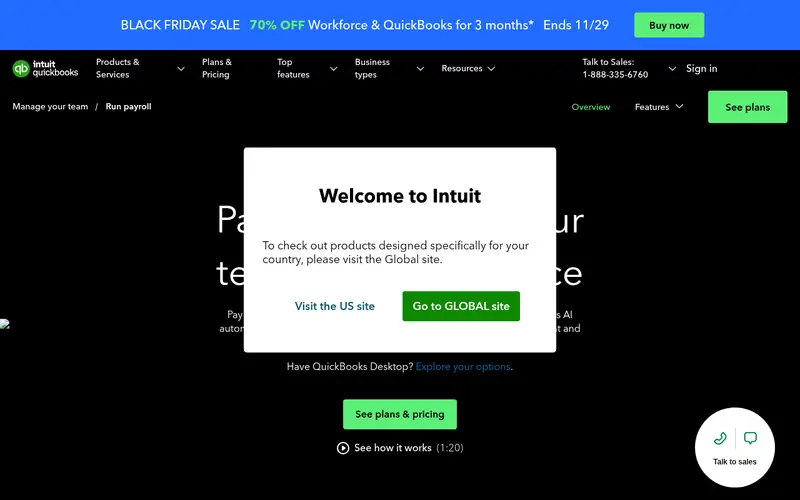
QuickBooks Payroll homepage

QuickBooks Payroll tracks paid time off alongside pay runs. If your pool service company already uses QuickBooks for invoicing and books, adding payroll keeps employee hours, PTO balances, and pay in one system. You set up PTO policies, and balances update as employees earn and use time. Employees can see available time and request leave, and approved time flows into payroll. The catch is fit. QuickBooks Payroll makes the most sense for companies already in the QuickBooks ecosystem. If you use different accounting software, the PTO features alone may not justify a switch. Pricing varies by plan and payroll size, so check the vendor page.

Free plan: No

Website: quickbooks.intuit.com/payroll

Strengths

  • PTO tied to pay runs inside QuickBooks
  • familiar to existing QuickBooks users

Watch out for

  • Best value only if you already use QuickBooks
  • PTO setup tied to payroll plans
4

BambooHR

Growing pool companies needing full HR plus PTO
See vendor pricing page
bamboohr.comHomepage, Nov 2026
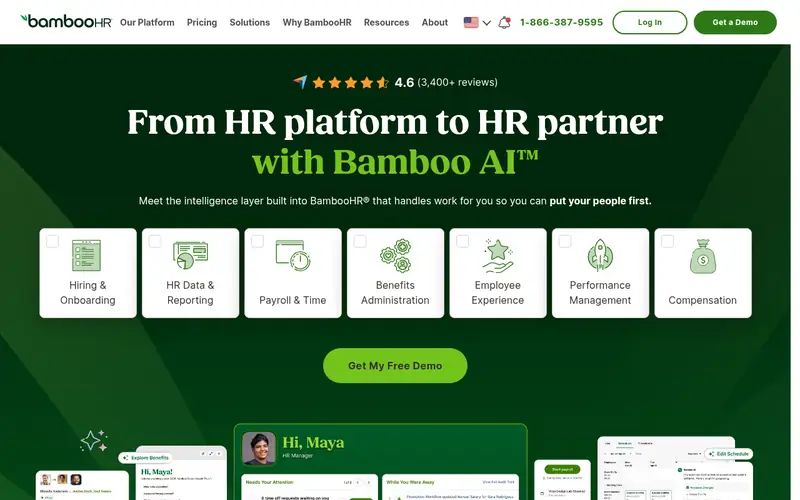
BambooHR homepage

BambooHR is an HR platform with a solid time off module. You build accrual policies, set carryover rules, and let employees request leave from a self-service portal. Managers approve requests and see team calendars. For a pool service company that has grown past a handful of employees and needs onboarding, documents, and PTO in one place, BambooHR covers more ground than a payroll add-on. The tradeoff is cost and complexity. It is priced for teams that need full HR, and a five-person crew will pay for features it may not use. Skip it if PTO tracking is your only need. A payroll-first tool or a free scheduling app will cost less.

Free plan: No

Website: bamboohr.com

Strengths

  • Strong PTO accrual and balance tracking
  • employee self-service portal

Watch out for

  • Priced for larger teams
  • more HR features than a small crew needs
5

Clockify

Budget-conscious crews tracking PTO alongside hours
See vendor pricing page
clockify.meHomepage, Nov 2026
Clockify homepage

Clockify is a time tracking tool that also handles time off. The free plan supports unlimited users for time tracking, and the time off module, where employees request leave and managers approve it, sits on paid plans. For a pool service company, Clockify works if you already track job hours and want PTO in the same place. You can see who is off before scheduling routes, and balances stay visible to the crew. The PTO side is simpler than a dedicated HR platform. Accrual rules and policy controls are limited on the free tier, and paid plans add more. If you need detailed accrual tiers or carryover rules, check the paid plans or look at an HR tool.

Free plan: Yes

Website: clockify.me

Strengths

  • Free plan covers unlimited users
  • time off tracking included

Watch out for

  • PTO features basic compared with HR platforms
  • accrual rules limited on free tier
6

Deputy

Pool companies scheduling shifts and leave together
See vendor pricing page
deputy.comHomepage, Nov 2026
Deputy homepage

Deputy is a scheduling and workforce tool with leave management built in. Employees request time off, managers approve it, and approved leave shows on the schedule so you can plan routes around who is out. That link between leave and scheduling fits pool service work, where a missing technician changes the day's route. Deputy also tracks availability and shift swaps, which helps with seasonal staffing. There is no free plan, only a trial. Pricing scales with team size, so a small crew pays less than a large one. If you mainly need PTO balances and payroll, a payroll-first tool may be simpler. If scheduling is the hard part, Deputy is a strong fit.

Free plan: Free trial (31 days)

Website: deputy.com

Strengths

  • Leave requests tied to shift scheduling
  • good for crews with varied routes

Watch out for

  • No permanent free plan
  • pricing scales with team size
7

Rippling

Pool companies wanting HR, payroll, and PTO in one system
See vendor pricing page
rippling.comHomepage, Nov 2026
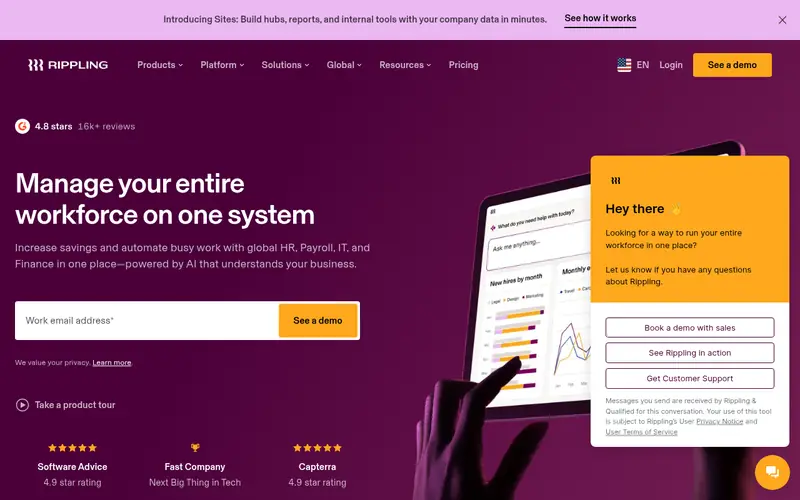
Rippling homepage

Rippling combines payroll, HR, and time off management. You set PTO policies, and balances update as employees earn and use time. Requests route to managers, and approved leave flows into payroll. For a pool service company adding staff and needing one system for onboarding, pay, and leave, Rippling covers the ground. Automation handles approval chains and policy rules, which helps when seasonal and year-round staff follow different accrual schedules. The platform is broad, and pricing reflects that. A small crew with simple PTO needs will likely find it more than necessary. Check the vendor page for current pricing before committing.

Free plan: No

Website: rippling.com

Strengths

  • PTO policies tied to payroll and HR records
  • strong automation for approvals

Watch out for

  • Broad platform priced for growing companies
  • more than a small crew needs

Which PTO tracking software for pool service companies should I use if I run a small seasonal crew?

Homebase is the practical pick for a small seasonal crew because its free plan covers one location with scheduling, a time clock, and basic time off requests. If you already run payroll in Gusto, adding PTO there keeps balances next to pay. If your books are in QuickBooks, QuickBooks Payroll keeps leave tied to pay runs. If scheduling around leave is the main headache, Deputy links approved time off to the shift schedule so routes can be planned around who is out.

Is Gusto better than Homebase for PTO tracking software for pool service companies?

Gusto is the better fit if you want PTO tied to payroll and can pay a monthly base fee plus a per-person charge. Homebase is better if you want a free plan for one location and mainly need scheduling, a time clock, and basic time off requests. Gusto offers deeper payroll integration; Homebase offers free access and simpler setup for a small crew.

Pre-purchase checklist

  • Confirm the tool supports accrual rules that match your policy, such as hours per pay period or annual grants.
  • Check whether seasonal and year-round staff can follow separate PTO policies.
  • Verify employees can request leave from a phone, since pool technicians are often in the field.
  • Confirm approved leave shows on the schedule so routes can be planned around absences.
  • Check the per-person cost against your crew size, including seasonal hires.

FAQ

What is the best PTO tracking software for a small pool service company?

Homebase is a strong choice for a small crew because its free plan covers one location with scheduling, a time clock, and basic time off requests. Gusto is the better pick if you want PTO tied to payroll and can pay the monthly base fee plus per-person charge.

Do pool service companies need PTO tracking software with a mobile app?

Yes, in most cases. Technicians work in the field and are not at a desk, so a mobile app lets them request leave and check balances from a phone. Homebase, Gusto, Deputy, and Clockify all offer mobile access for employees.

Can I track PTO and payroll in the same tool?

Yes. Gusto, QuickBooks Payroll, and Rippling tie PTO balances to pay runs, so approved leave flows into payroll. This avoids entering the same hours twice and keeps balances accurate after each pay period.

How much does PTO tracking software cost for a pool service company?

Costs vary by tool and crew size. Gusto starts at $49 per month plus $6 per person per month. Homebase and Clockify offer free plans, though Clockify's time off module needs a paid plan. Other tools list pricing on their vendor pages, and per-person fees mean a small crew pays far less than a large one.

What should I check before choosing PTO tracking software?

Check that the tool supports your accrual rules, lets seasonal and year-round staff follow separate policies, and shows approved leave on the schedule. Confirm the per-person cost for your crew size, and verify employees can request leave from a phone.