How we rank
HR and Workforce · Researched comparison

Best PTO Tracking Software for Salons in 2026

TaskReports may earn a fee from some links on this page, and some placements are paid and labelled. Neither one decides the order. See our disclosure.

The short answer

Homebase is the first pick for most salons because it pairs PTO tracking with hourly scheduling and a free plan for a single location. When I Work suits salons that schedule shifts first and track leave second. Gusto fits salons that want approved PTO to flow straight into payroll. All three are standalone products with published pricing pages.

On this page

Key takeaways

  • Homebase and When I Work combine PTO balances with hourly shift scheduling, which suits salon teams paid by the hour.
  • Gusto and Rippling tie leave requests to payroll, so approved PTO flows into pay runs without a separate export.
  • BambooHR and Bizneo HR focus on accrual rules and balance tracking rather than shift coverage.
  • Several tools on this list offer a free plan or free trial, but limits differ, so confirm on the vendor pricing page.

Quick comparison

ToolBest fitStarting price
HomebaseHourly salon teams that schedule and track leave togetherSee vendor pricing page
When I WorkSalons that build the shift schedule before tracking leaveSee vendor pricing page

GustoSalons that want PTO approvals to feed payroll directlySee vendor pricing page
RipplingGrowing salon groups that combine HR, payroll and PTOSee vendor pricing page
BambooHRSalons that need clear accrual rules and leave balancesSee vendor pricing page
Bizneo HRSalons that want configurable leave types and accrual rulesSee vendor pricing page
QuickBooks TimeSalons already using QuickBooks for payroll and accountingSee vendor pricing page

How we chose

We picked tools that support real leave requests, accrual and balance tracking, and that fit hourly salon teams. Criteria were fit for the use case, published entry price, free access, and main limits. Sources are vendor websites and public documentation. Prices change, so confirm current numbers on the vendor pricing page before you buy.

Best overall

Homebase

Hourly salon teams that schedule and track leave together

  • Free plan for one location
  • PTO balances sit next to the shift schedule
PriceSee vendor pricing page
See Homebase pricing
joinhomebase.comHomepage, Nov 2026
Homebase homepage

Homebase is built for small hourly teams, which matches how most salons staff stylists and front desk staff. Employees request time off from the app, and approved requests appear on the schedule so the owner can see coverage gaps. Accrual balances are tracked per employee. The free plan covers one location with core scheduling and time tracking. Paid tiers add more locations and advanced controls. Salons with several branches or complex accrual tiers should check the paid plan details before committing. Skip Homebase if you need deep HR records such as performance reviews or document workflows. It is a scheduling and time tool first.

Price: See vendor pricing page

Free plan: Yes

Website: joinhomebase.com

Watch out for

  • Advanced PTO rules need a paid plan
  • Payroll is a separate add-on
2

When I Work

Salons that build the shift schedule before tracking leave
See vendor pricing page
wheniwork.comHomepage, Nov 2026
When I Work homepage

When I Work puts scheduling at the center. For a salon, that means the owner builds the week of shifts first, then handles time-off requests against that schedule. Employees submit requests in the app, and managers approve or decline them with the coverage picture in view. The product offers a free trial rather than a permanent free tier. Pricing is per user per month, so a small salon pays less than a multi-chair operation. Time tracking and attendance features are available on paid plans. It fits salons where shift coverage is the main worry and PTO balances are simple. If you need detailed accrual policies with carryover rules, a dedicated HR platform may fit better.

Free plan: Free trial (14 days)

Website: wheniwork.com

Strengths

  • Strong shift scheduling for hourly staff
  • Time-off requests sit inside the schedule view

Watch out for

  • No permanent free plan
  • PTO depth is lighter than dedicated HR suites
3

Gusto

Salons that want PTO approvals to feed payroll directly
See vendor pricing page
GustoHomepage image unavailable

Gusto is a payroll platform with built-in time off management. Employees request PTO, managers approve it, and the approved hours are available when payroll runs. Balances update as requests are approved, so staff can see what remains. For a salon, this removes the step of copying leave data into a separate payroll system. The trade-off is that scheduling is not Gusto's strength. Salons with complex shift patterns may want a separate scheduling tool. Gusto charges a monthly base plus a per-person fee, and the exact numbers vary by plan and state. Check the vendor pricing page for current rates. It suits salons that already run payroll in-house and want one system for pay and leave.

Free plan: No

Website: gusto.com

Strengths

  • Approved time off flows into payroll
  • Employee self-service for requests and balances

Watch out for

  • No free plan
  • Payroll focus means scheduling is basic
4

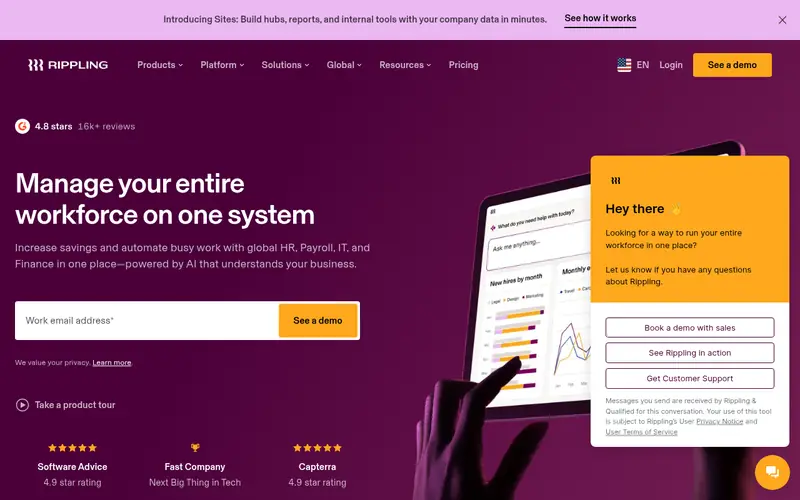
Rippling

Growing salon groups that combine HR, payroll and PTO
See vendor pricing page
rippling.comHomepage, Nov 2026
Rippling homepage

Rippling is an HR and IT platform with a time off module. Salons can set accrual policies, require approvals, and let employees see balances. Approved leave connects to payroll and to employee records in the same system. The platform is modular, so a salon can start with core HR and payroll and add modules later. That flexibility comes with quote-based pricing, which means small salons should ask for a quote before assuming it fits the budget. This is a better fit for a salon group with several locations and a dedicated manager than for a single-chair studio. Single-location salons often find lighter tools cheaper and faster to set up.

Free plan: No

Website: rippling.com

Strengths

  • PTO policies connect to payroll and HR records
  • Modular setup lets you add features over time

Watch out for

  • No free plan
  • Pricing is quote-based and can be high for small teams
5

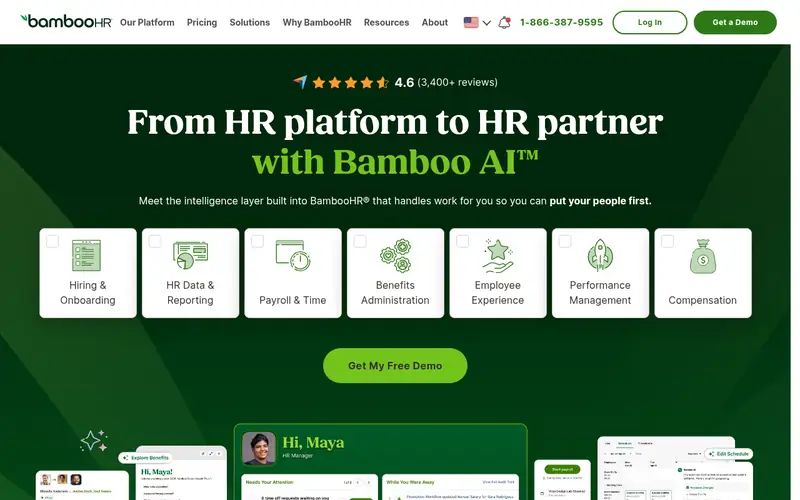
BambooHR

Salons that need clear accrual rules and leave balances
See vendor pricing page
bamboohr.comHomepage, Nov 2026
BambooHR homepage

BambooHR is an HR platform with a time off module. Salons can define accrual rates, set carryover limits, and let employees request leave from a self-service portal. Managers approve requests and balances update automatically. The strength here is policy detail. If your salon accrues PTO by hours worked or by tenure, BambooHR can model that. The gap is scheduling: it does not build shift schedules the way Homebase or When I Work do. BambooHR is priced per employee per month with a quote-based setup. It suits salons that have grown past a simple spreadsheet and want HR records in one place. Very small salons may find it more than they need.

Free plan: No

Website: bamboohr.com

Strengths

  • Detailed time off policies and balance tracking
  • Employee self-service portal

Watch out for

  • No free plan
  • Scheduling is not a core feature
6

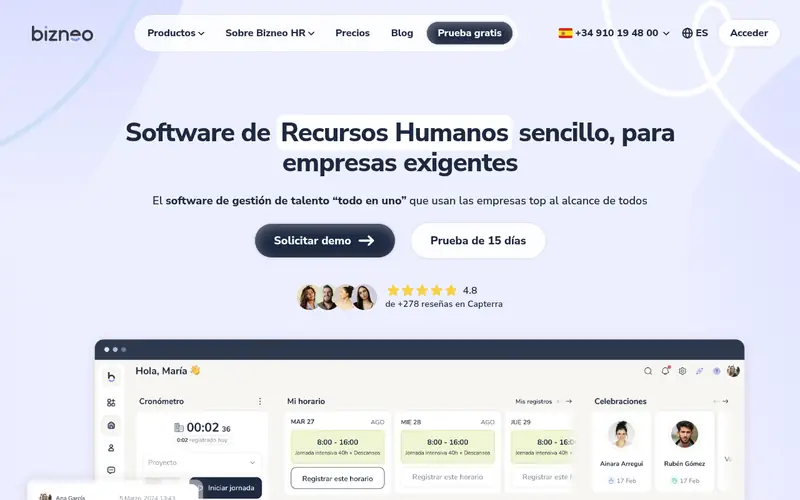
Bizneo HR

Salons that want configurable leave types and accrual rules
See vendor pricing page
bizneo.comHomepage, Nov 2026
Bizneo HR homepage

Bizneo HR is an HR suite with an absence management module. Salons can set up multiple leave types, define accrual rules, and route requests through approval chains. Employees see their balances in a portal. The configuration depth is the draw. A salon with different PTO rules for full-time and part-time staff can model both. The cost is setup time: expect to spend effort configuring policies before the tool runs smoothly. Pricing is quote-based, so confirm on the vendor site. It fits salons with enough staff to justify a configurable HR system. A small studio with one or two employees may prefer a simpler tool.

Free plan: No

Website: bizneo.com

Strengths

  • Flexible absence types and accrual configuration
  • Employee self-service for requests

Watch out for

  • No free plan
  • Setup takes more configuration time
7

QuickBooks Time

Salons already using QuickBooks for payroll and accounting
See vendor pricing page
quickbooks.intuit.comHomepage, Nov 2026
QuickBooks Time homepage

QuickBooks Time handles time tracking and basic time off. Employees clock in and out, request PTO, and managers approve requests. Approved leave can flow into QuickBooks payroll for salons already on that platform. For a salon, the appeal is one fewer system to manage if accounting already runs on QuickBooks. The PTO side is simpler than dedicated HR tools: accrual rules are limited compared with BambooHR or Bizneo HR. The product offers a free trial rather than a free plan. Pricing is per user per month with tiers. Salons with complex accrual policies should check the feature list carefully before choosing it for PTO alone.

Free plan: Free trial (30 days)

Website: quickbooks.intuit.com/time-tracking

Strengths

  • Time tracking and PTO requests in one app
  • Connects to QuickBooks payroll

Watch out for

  • No permanent free plan
  • PTO features are basic compared with HR suites

Which PTO tracking software for salons should I use if I schedule shifts by the hour?

Start with Homebase, which puts PTO balances next to the hourly shift schedule on a free plan for one location. If shift coverage is the main worry, When I Work builds the schedule first and handles requests inside it. If approved leave must feed payroll, Gusto connects the two. If you need detailed accrual rules for full-time and part-time staff, BambooHR and Bizneo HR offer deeper policy setup.

Is Homebase better than When I Work for PTO tracking software for salons?

Homebase is the better fit if you want a permanent free plan for one location and PTO tracking alongside scheduling. When I Work is the better fit if shift scheduling is your priority and you are fine with a free trial instead of a free plan. Both handle time-off requests inside the schedule view. Homebase adds time tracking on its free tier, while When I Work prices per user per month after the trial.

Pre-purchase checklist

  • Confirm the tool tracks accrual balances, not just leave requests.
  • Check whether the free plan covers one location or caps the number of employees.
  • Verify that approved PTO flows into your payroll system, or plan a manual step.
  • Test whether part-time and full-time staff can have different accrual rules.
  • Confirm per-user pricing against your actual headcount, including front desk staff.

FAQ

What is the best PTO tracking software for salons with hourly staff?

Homebase is a common pick because its free plan covers one location and PTO balances sit next to the shift schedule. When I Work and QuickBooks Time also handle hourly teams. Each tool's paid tiers differ, so check the vendor pricing page for current limits.

Do salon PTO tools include a free plan?

Some do. Homebase offers a free plan for one location. When I Work and QuickBooks Time offer free trials rather than permanent free plans. Gusto, Rippling, BambooHR and Bizneo HR do not list a free plan. Confirm current terms on each vendor site.

Can PTO tracking software handle different accrual rules for part-time stylists?

Yes, if the tool supports configurable policies. BambooHR and Bizneo HR let you define accrual rates and carryover limits by employee group. Homebase and When I Work handle simpler accrual setups. Match the tool to how complex your salon's PTO policy actually is.

Does PTO tracking connect to salon payroll?

Some tools connect directly. Gusto, Rippling and QuickBooks Time pass approved leave into payroll runs. Homebase offers payroll as a separate add-on. If payroll connection matters, confirm the integration before you buy.

How much does PTO tracking software for salons cost?

Entry prices vary and most vendors use quote-based or per-user pricing. We list "See vendor pricing page" where a current published number was not confirmed. Per-user pricing means cost scales with headcount, so compare quotes against your actual staff count.