How we rank
HR and Workforce · Researched comparison

Best PTO Tracking Software for Warehouses in 2026

TaskReports may earn a fee from some links on this page, and some placements are paid and labelled. Neither one decides the order. See our disclosure.

The short answer

Homebase is the best starting point for small warehouses that need PTO requests tied to shift schedules, and its free plan covers basic scheduling and time tracking. Deputy and When I Work are better alternatives when you run multiple shifts and need coverage alerts before approving leave. BambooHR fits warehouses that want PTO accruals inside a full HR system.

On this page

Key takeaways

  • Homebase is the first pick for small warehouse teams because its free plan covers scheduling and time tracking alongside PTO requests.
  • Deputy, When I Work and Sling combine shift scheduling with leave requests, which matters when a picker or forklift operator is out.
  • Dedicated HR platforms like BambooHR and Rippling handle accrual tiers and multi-state policy rules but cost more per employee.
  • Most tools here charge per user per month, so a 60-person warehouse should confirm seat pricing before committing.

Quick comparison

ToolBest fitStarting price
HomebaseSmall warehouse teams mixing hourly scheduling with PTO requestsSee vendor pricing page
DeputyMulti-shift warehouses that need coverage checks before leave approvalSee vendor pricing page

When I WorkWarehouse crews that schedule by shift and swap coverage oftenSee vendor pricing page
SlingSmall warehouses that want scheduling, time clock and PTO in one appSee vendor pricing page
BambooHRWarehouses that want PTO accruals inside a full HR systemSee vendor pricing page
RipplingGrowing warehouse operations that want PTO tied to payroll and HRSee vendor pricing page
ClockifyBudget-conscious warehouses tracking PTO hours alongside worked timeSee vendor pricing page

How we chose

We picked tools that support real leave requests and balance tracking and, where possible, shift scheduling for hourly warehouse staff. Criteria were fit for the use case, published entry pricing, free access and the main limits of each plan. Details come from vendor websites and public documentation. Prices change, so confirm current pricing on the vendor site before you buy.

Best overall

Homebase

Small warehouse teams mixing hourly scheduling with PTO requests

  • Free plan covers scheduling, time clock and basic PTO
  • mobile app works well for hourly staff
PriceSee vendor pricing page
See Homebase pricing
joinhomebase.comHomepage, Nov 2026
Homebase homepage

Homebase is built for hourly teams, which fits warehouse floors where most staff clock in and out. Employees request time off from the app, and managers see the request next to the posted schedule so they can check coverage before approving. Accrual balances are visible to both sides. The free plan covers one location and core scheduling and time tracking. Paid tiers add more locations, advanced permissions and HR tools. Small warehouses with a single site can run PTO requests on the free plan. Larger operations with several buildings should check the paid tiers before assuming the free plan is enough. Skip Homebase if you need detailed multi-state accrual rules or payroll that handles complex shift differentials without add-ons.

Price: See vendor pricing page

Free plan: Yes

Website: joinhomebase.com

Watch out for

  • Advanced HR and hiring tools sit on paid plans
  • limited multi-location controls
2

Deputy

Multi-shift warehouses that need coverage checks before leave approval
See vendor pricing page
deputy.comHomepage, Nov 2026
Deputy homepage

Deputy pairs scheduling with leave management, so a supervisor sees who is off before publishing shifts. Employees request PTO in the app, and the schedule shows approved leave so gaps are visible. Accrual balances and leave types can be configured per team. The product is aimed at shift-based workplaces, including warehouses and distribution sites. Pricing is per user per month, and the vendor publishes tiers on its site. There is a 31-day trial but no free plan. Choose Deputy if shift coverage is the main worry. Skip it if you only need simple PTO balances and already have scheduling elsewhere.

Free plan: Free trial (31 days)

Website: deputy.com

Strengths

  • Leave requests sit beside the shift schedule
  • rules flag uncovered shifts

Watch out for

  • No permanent free plan
  • per-user pricing adds up for large crews

3

When I Work

Warehouse crews that schedule by shift and swap coverage often
See vendor pricing page
wheniwork.comHomepage, Nov 2026
When I Work homepage

When I Work focuses on hourly scheduling, with time-off requests routed to managers and approved leave shown on the schedule. That helps warehouse supervisors see who is available for each shift before they approve a request. The tool is strongest for teams that change shifts often. Staff can offer shifts for swap, and managers approve. PTO balances are tracked, but the product is not a full HR system, so accrual rules stay fairly simple. Pricing is per user per month with tiers published on the vendor site. The trial runs 14 days. Skip it if you need payroll, benefits and PTO in one platform.

Free plan: Free trial (14 days)

Website: wheniwork.com

Strengths

  • Clear schedule view with leave shown
  • shift swaps and coverage tools

Watch out for

  • No free plan
  • PTO depth depends on the plan tier
4

Sling

Small warehouses that want scheduling, time clock and PTO in one app
See vendor pricing page
getsling.comHomepage, Nov 2026
Sling homepage

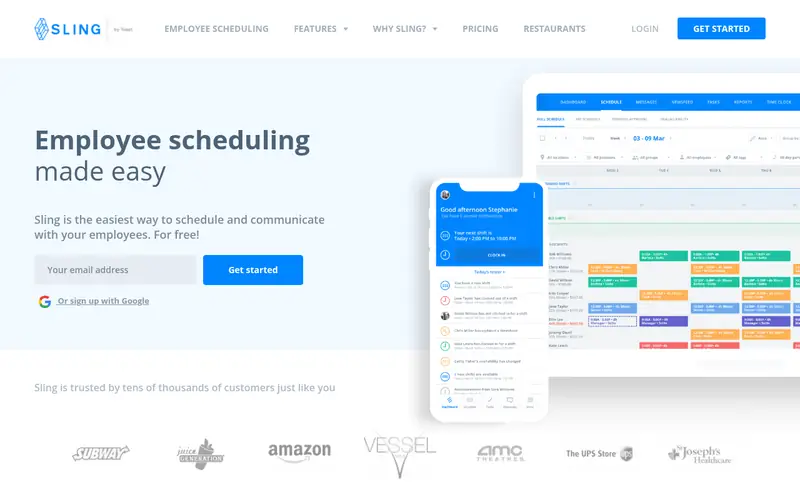
Sling combines shift scheduling, a time clock and time-off requests in one app. Employees submit PTO requests, and managers approve them with the schedule in view. The free plan covers core scheduling and time-off requests for small teams. For a single warehouse with a modest crew, Sling covers the basics without a paid seat for every worker. Paid plans add features such as more detailed reporting and integrations. Skip Sling if you need complex accrual policies across states or a full HR record for each employee.

Free plan: Yes

Website: getsling.com

Strengths

  • Free plan includes scheduling and time-off requests
  • built-in messaging for shift updates

Watch out for

  • Free plan limits features
  • HR and payroll depth is limited
5

BambooHR

Warehouses that want PTO accruals inside a full HR system
See vendor pricing page
bamboohr.comHomepage, Nov 2026
BambooHR homepage

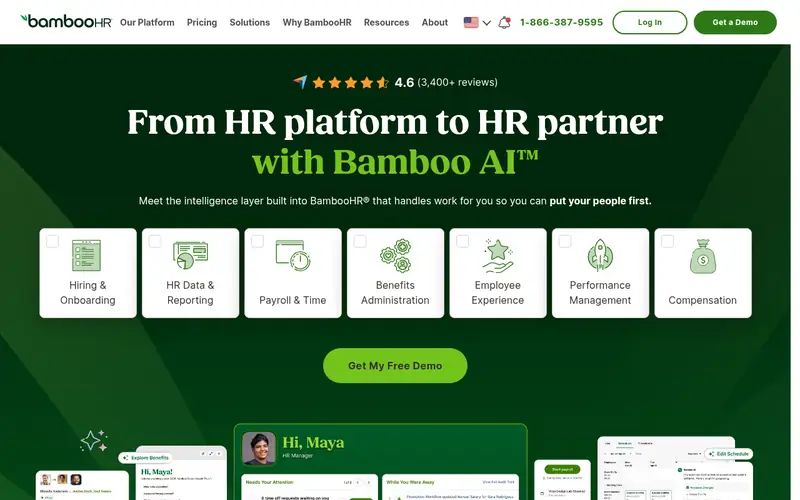
BambooHR is an HR platform with a time-off module that tracks accruals, balances and requests. Employees see their balance and request leave from a self-service portal, and managers approve with the team calendar in view. For warehouses, the value is policy depth. Accrual rates can differ by tenure or employment type, and balances stay in one record with the rest of the employee file. That suits operations with formal HR rules. There is no free plan, and pricing is quoted per employee. A warehouse with many hourly staff should model the cost before choosing it over a scheduling-first tool.

Free plan: No

Website: bamboohr.com

Strengths

  • Detailed PTO accrual rules and balances
  • self-service requests for employees

Watch out for

  • No free plan
  • priced per employee, so large hourly crews cost more
6

Rippling

Growing warehouse operations that want PTO tied to payroll and HR
See vendor pricing page
rippling.comHomepage, Nov 2026
Rippling homepage

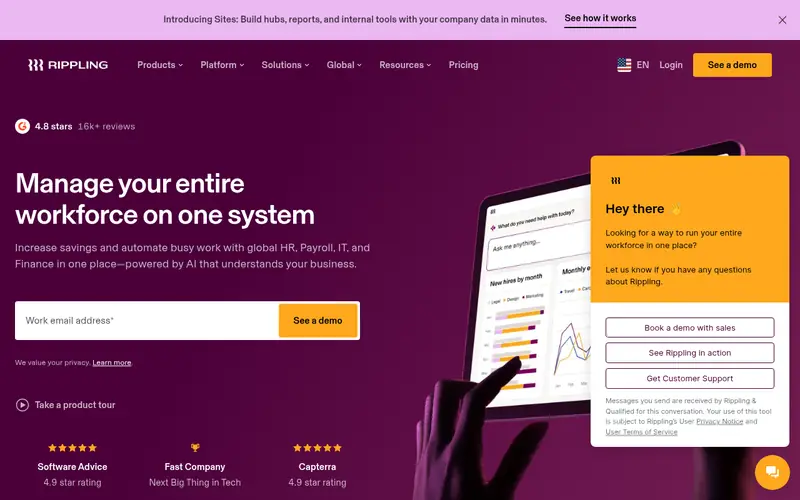
Rippling bundles HR, payroll and time-off management, with PTO policies that feed into payroll runs. Employees request leave, managers approve, and balances update in the same system that pays staff. That matters for warehouses that have outgrown spreadsheets and want one record for hourly and salaried staff. Accrual rules and leave types are configurable, and admin permissions can be split by site. Rippling is modular, so the price depends on which products you turn on. There is no free plan. Skip it if you only need shift scheduling and simple PTO requests.

Free plan: No

Website: rippling.com

Strengths

  • PTO policies connect to payroll and HR records
  • strong admin controls

Watch out for

  • No free plan
  • modular pricing means costs vary by what you add
7

Clockify

Budget-conscious warehouses tracking PTO hours alongside worked time
See vendor pricing page
clockify.meHomepage, Nov 2026
Clockify homepage

Clockify is a time tracking tool with PTO tracking built in. Employees log hours, request time off, and managers see balances by person. For a warehouse that mainly needs to count PTO hours against worked hours, it covers the basics. The free plan includes time tracking and time-off requests for unlimited users, with paid tiers adding features such as approvals and more detailed reporting. PTO rules are hour-based and simpler than an HR platform. Skip Clockify if you need shift scheduling with coverage alerts. It fits warehouses that already schedule elsewhere and want a low-cost PTO record.

Free plan: Yes

Website: clockify.me

Strengths

  • Free plan covers time tracking and PTO requests
  • simple hour-based balances

Watch out for

  • Scheduling is lighter than dedicated shift tools
  • advanced PTO rules need paid plans

Which PTO tracking software for warehouses should I use if I run three shifts a day?

Start with Deputy, because leave requests sit beside the shift schedule and gaps are visible before approval. If you also need payroll in one system, look at Rippling. If cost is the main limit and you already schedule elsewhere, Clockify covers PTO hours on a free plan. For a single small site, Homebase keeps scheduling and PTO requests together at no cost.

Is Homebase better than Deputy for PTO tracking software for warehouses?

Homebase is the better fit for a small single-site warehouse that wants a free plan covering scheduling and basic PTO. Deputy is better when you run multiple shifts and need coverage checks before leave is approved, but it has no free plan and charges per user after a 31-day trial. Choose based on crew size and how much shift coverage matters.

Pre-purchase checklist

  • Confirm the tool tracks real leave requests and shows accrual balances to employees.
  • Check whether approved PTO appears on the shift schedule so you can spot coverage gaps.
  • Ask how pricing scales per user, since warehouse crews are often large and hourly.
  • Verify the free plan limits, such as one location or capped features, before relying on it.
  • Confirm mobile clock-in and request access work for staff without desk computers.

FAQ

What is the best PTO tracking software for warehouses with hourly workers?

Homebase is a strong fit for small hourly teams because its free plan covers scheduling, time clock and basic PTO requests. Deputy and When I Work suit warehouses with multiple shifts and coverage concerns. BambooHR and Rippling fit operations that want PTO accruals inside a full HR and payroll system.

Do these PTO tools show approved leave on the shift schedule?

Several do. Homebase, Deputy, When I Work and Sling show approved time off next to posted shifts, which helps supervisors check coverage before approving more leave. Clockify and BambooHR focus on balances and requests rather than shift coverage, so they work best alongside a separate scheduling tool.

Can warehouse staff request PTO from a phone?

Yes for most tools listed here. Homebase, Deputy, When I Work, Sling and BambooHR offer mobile apps where employees submit requests and check balances. That matters on a warehouse floor where staff do not sit at desks.

Is there free PTO tracking software for small warehouses?

Homebase and Sling offer free plans that include time-off requests for small teams, and Clockify's free plan covers time tracking with PTO requests. Free plans limit features such as locations or advanced rules, so check the limits before you commit a whole crew to one.

How much does PTO tracking software cost for a warehouse?

Most tools here charge per user per month, and published entry prices vary by vendor and plan tier. Several list pricing only on their own sites, so confirm current rates there. A 50-person warehouse should multiply the per-user rate by headcount and compare that with the free plan limits before choosing.