
HR and Workforce · Researched comparison

Time and Attendance Software in 2026: A Guide to 8 Tools

TaskReports may earn a fee from some links on this page, and some placements are paid and labelled. Neither one decides the order. See our disclosure.

The short answer

For firms running QuickBooks payroll, QuickBooks Time is where this list starts. For a different need, Clockify covers free unlimited time tracking and Deputy covers shift firms needing scheduling plus compliance. All 8 tools are compared below on price, free plan and limits.

On this page

Key takeaways

  • QuickBooks Time sits first on this list: companies running QuickBooks payroll.
  • BambooHR fits HR teams that want attendance inside a real HRIS.
  • What to know about Rippling first: modular pricing escalates fast ($15-$25+/employee/month realistic).
  • 3 of 8 tools offer a free plan: Clockify, Homebase, Connecteam.

Quick comparison

ToolSuited toPrice fromDomain
------------
QuickBooks TimeCompanies running QuickBooks payroll$8/month + $4/user/monthquickbooks.intuit.com
ClockifyFree unlimited time trackingFreeclockify.me
DeputyShift companies needing scheduling plus complianceFrom $5/user/monthdeputy.com
RipplingBusinesses consolidating HR, IT, and payrollSee websiterippling.com
Buddy PunchGPS-verified punches and anti-buddy-punching controlsFrom $4.49/user/month + $19 base feebuddypunch.com
HomebaseHourly teams that want to start freeFrom $24.95/monthhomebase.com
ConnecteamDeskless teams wanting flat-rate pricingFrom $29/monthconnecteam.com
BambooHRHR teams that want attendance inside a real HRISSee websitebamboohr.com
★ Best overall

QuickBooks Time

Companies running QuickBooks payroll

  • Hours flow straight into QuickBooks payroll
  • GPS and geofencing for mobile teams
Price$8/month + $4/user/month
See QuickBooks Time pricing

Where QuickBooks Time fits: companies running QuickBooks payroll. Hours, overtime, and PTO flow straight into payroll with no exports or re-entry. The mobile app brings GPS tracking, geofencing, and photo clock-ins for field teams. On top of that, outside the QuickBooks ecosystem, the value drops: you are paying Intuit prices without the direct payroll connection. But for the millions of small firms already on QuickBooks, eliminating manual timesheet entry alone justifies the subscription. Pricing is an $8 monthly base plus $4 per user. Starting cost for QuickBooks Time: $8/month + $4/user/month. On free options: Free trial (30 days). What to check first: Best value only inside the QuickBooks ecosystem.

Price: $8/month + $4/user/month

Free plan: Free trial (30 days)

Website: quickbooks.intuit.com

Watch out for

  • Base fee plus per-user fee brings up
2

Clockify

Free unlimited time tracking
Free; premium plans from $6.99/user/month
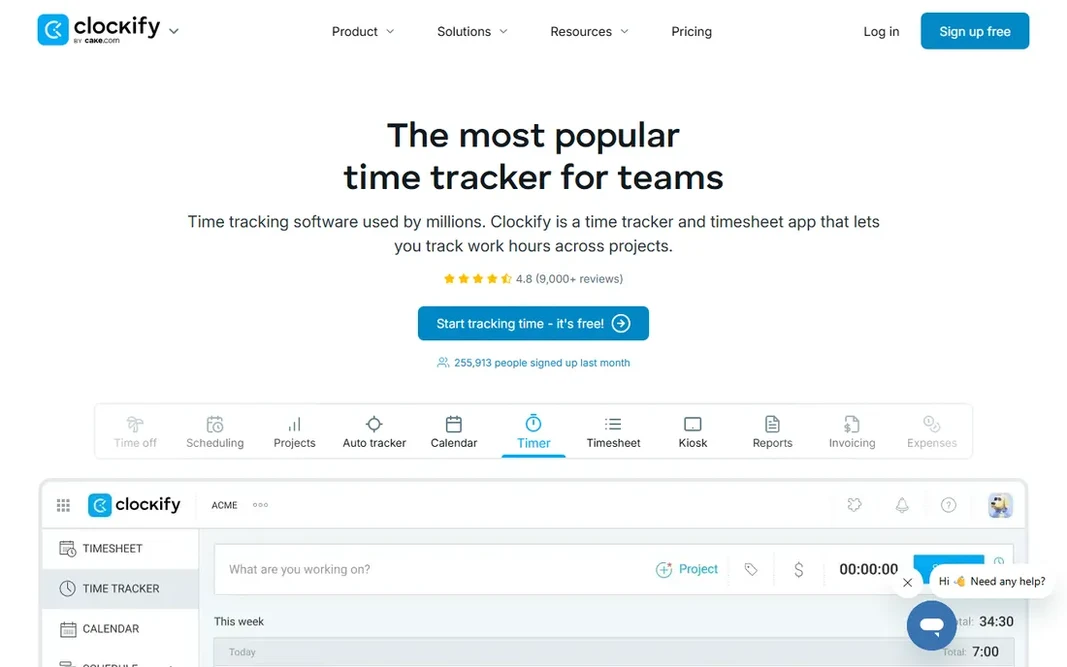
Where Clockify fits: free unlimited time tracking. For office teams, freelancers, and agencies tracking hours for billing or payroll input, the free level is commonly all you ever need. Pair it with a scheduling tool if you run shifts. Points against: No built-in scheduling or advanced attendance rules. From a buyer's view, premium plans from $6.99 per user a month add admin controls, audit logs, and advanced reporting. Clockify's free plan is the most ample in this category: unlimited users, unlimited projects, timer and manual timesheets, at no cost. Entry price for Clockify: Free. A free plan is available with Clockify.

Free plan: Yes

Website: clockify.me

Strengths

  • Cheap premium levels add admin controls
  • Straightforward timer and timesheet tracking

Watch out for

  • GPS and compliance features are basic
3

Deputy

Shift companies needing scheduling plus compliance
From $5/user/month (Lite)

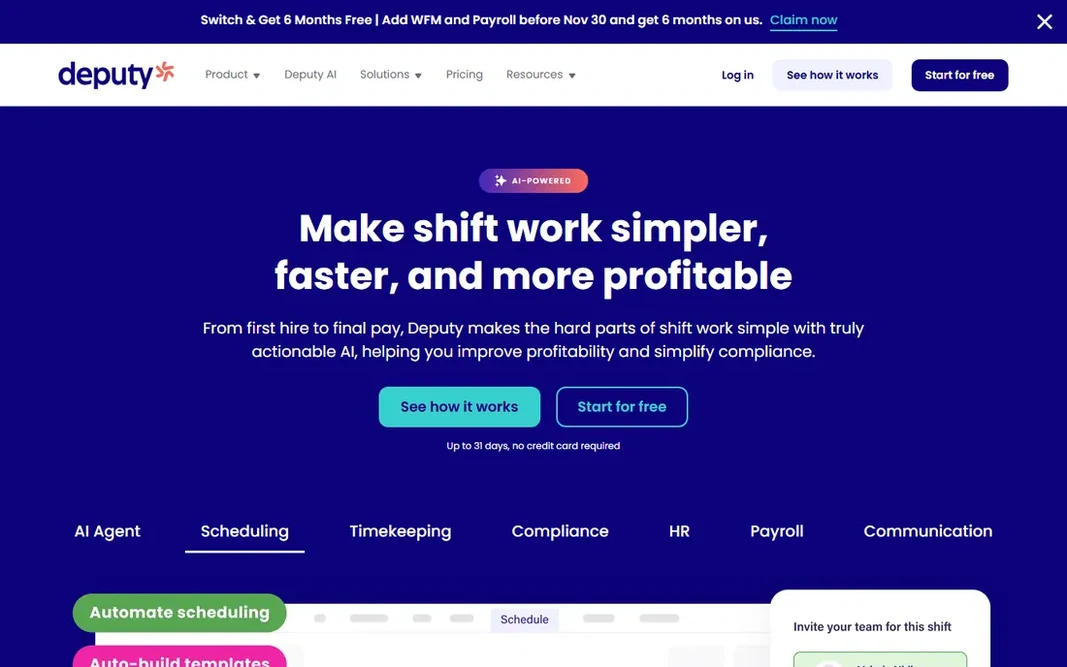
Deputy is designed for shift businesses needing scheduling plus compliance. Deputy is the scheduling-first answer to time and attendance. In practice, compliance is the quiet strength: fair workweek rules, break handling, and overtime-risk alerts are enforced during scheduling, not discovered after payroll runs. Beyond that, HR, messaging, analytics, and payroll are all premium extras. So a completely loaded Deputy setup can reach $20-plus per user a month. Still, for shift-heavy companies that schedule first and track second, Deputy's forecasting and compliance controls justify the per-user cost. The Lite plan at $5 per user a month spans scheduling or time tracking, whereas Core at $6.50 to $7.20 layers on both plus biometric clock-ins and demand forecasting. In daily use, the modular pricing is the catch. The starting price for Deputy: From $5/user/month. As for free access: Free trial (31 days). Where it falls short: analytics are premium extras.

Free plan: Free trial (31 days)

Website: deputy.com

Strengths

  • Fair workweek and overtime compliance controls
  • Capable scheduling with demand forecasting

Watch out for

  • Per-user pricing layers on up as you hire
4

Rippling

Businesses consolidating HR, IT, and payroll
See website

In short, Rippling is for firms consolidating HR, IT, and payroll. The time and attendance module layers on time tracking, geofencing, and PTO management to that foundation. More specifically, there is no free trial. In practice, the Unity base is reported at $8 per employee a month plus a $35 base fee, and each module layers on more. Realistic totals run $15 to $25 per employee a month for HR plus payroll plus time. From a buyer's view, buy Rippling when you are consolidating your entire back office, not when you just need a time clock. The pricing is modular and quote-only. Rippling shows no starting price here, so confirm the cost on the vendor site. Rippling does not include a free plan. What to check first: No free trial, quote-only.

Free plan: No

Website: rippling.com

Strengths

  • Solid automation across onboarding and offboarding
  • Time tracking unified with HR, payroll, benefits, IT

Watch out for

  • Modular pricing escalates quick ($15-$25+/employee/month realistic)
5

Buddy Punch

GPS-verified punches and anti-buddy-punching controls
From $4.49/user/month + $19 base fee (annual)

Buddy Punch is a good fit for GPS-verified punches and anti-buddy-punching controls. Buddy Punch is aimed at one problem: making sure the person clocking in is actually the person, actually at the location. The base fee stings for very small teams. On cost, Buddy Punch starts like this: From $4.49/user/month + $19 base fee. Free access: Free trial (14 days). Main advantages: QR and kiosk punching on Pro. Honest limits: $19 monthly base fee on every plan.

Free plan: Free trial (14 days)

Website: buddypunch.com

Strengths

  • IP locking on punches
  • Solid payroll integrations

Watch out for

  • Scheduling only on Pro and above
6

Homebase

Hourly teams that want to start free
From $24.95/month (Essentials)

Homebase was built for hourly teams that want to start free. Homebase is the rare tool that is genuinely free for small teams: scheduling, time tracking. Team communication for up to 10 employees at one location, at no cost. Watch-outs: Advanced HR features need the higher levels. As for the details, payroll is offered separately with its own base fee plus per-employee charge. Premium plans start at $24.95 a month per location with unlimited employees, which means your bill stays flat as you hire. Price to start with Homebase: From $24.95/month. A free plan is available with Homebase.

Free plan: Yes

Website: homebase.com

Strengths

  • Hiring and team messaging built in
  • Per-location pricing with unlimited employees on premium plans

Watch out for

  • Payroll is a separate premium service
7

Connecteam

Deskless teams wanting flat-rate pricing
From $29/month (first 30 users)

Pick Connecteam if this describes you: deskless teams wanting flat-rate pricing. Connecteam is aimed at the teams most software forgets: retail floor staff, cleaners, drivers, and field crews who work from phones, not desks. Beyond 30 users, per-user fees apply, and payroll runs through integrations instead of natively. On cost, Connecteam starts like this: From $29/month. Free access exists with Connecteam. Where it is weaker: Per-user charges kick in past 30 users.

Free plan: Yes

Website: connecteam.com

Strengths

  • Free plan for up to 10 users
  • Scheduling

Watch out for

  • No native payroll
8

BambooHR

HR teams that want attendance inside a real HRIS
See website

Think of BambooHR for HR teams that want attendance inside a real HRIS. BambooHR is not a time clock with HR features. Drawbacks to consider: Quote-based pricing, reportedly $10+/user/month. It is an HR system where time tracking lives alongside onboarding, benefits, performance reviews, and payroll. It makes sense when HR owns the buying decision and wants attendance, PTO, and performance in one place. BambooHR shows no starting price here, so confirm the cost on the vendor site. BambooHR has no free plan.

Free plan: No

Website: bamboohr.com

Strengths

  • Decent reporting
  • Full HR system (onboarding, benefits, performance) with time tracking included

Watch out for

  • More than a time-clock-only buyer needs

Pre-purchase checklist

  • Confirm the entry price on the vendor page. For Rippling and BambooHR that means a quote rather than a fixed price.
  • Look at free plan limits closely: Clockify, Homebase and Connecteam have one, and the caps decide whether it is usable for real work.
  • Run a trial of QuickBooks Time, Deputy and Buddy Punch with real work before paying for a year; your own workflow is the best test.
  • Before choosing QuickBooks Time, weigh its main limit: base fee plus per-user fee layers on up.
  • Price Homebase for your actual team size; headline prices rarely include add-ons or overage.
  • Look at which plan of Connecteam unlocks the features you need; entry tiers are often cut down.

FAQ

Do these tools publish their prices?

Not all of them. Rippling and BambooHR publish no starting price, so expect a quote request for those. The rest, QuickBooks Time included, show a starting price, though seats and billing terms still change the final cost.

How are the tools for time and attendance software ordered?

The order follows typical fit for time and attendance software, with QuickBooks Time first and BambooHR last, then price clarity and free access. It is editorial judgement, not a score, so another team could rank the tools differently.

What is the difference between time tracking and time and attendance?

Time and attendance layers on the workforce layer: schedules, shift swapping, overtime rules, PTO accrual, and compliance with labor laws. Shift-based companies typically need the latter; office teams commonly get by with the former.

Can I try these options before paying?

Often, yes. Clockify, Homebase and Connecteam have a free plan and QuickBooks Time, Deputy and Buddy Punch offer a free trial. Use your own data and a real task during the test, and check what the free tier or trial limits before you rely on it.

How much does time and attendance software cost?

Most small companies pay $2 to $8 per employee a month for dedicated tools, or $25 to $35 flat a month on per-location and flat-rate plans. Full HR systems with time tracking run $10 to $25 per employee a month.

Is QuickBooks Time the right pick for everyone comparing time and attendance software?

No single tool suits every team. QuickBooks Time comes first because it fits businesses running QuickBooks payroll, while Clockify suits free unlimited time tracking and Deputy suits shift businesses needing scheduling plus compliance. Match the tool to your own size, budget and workflow before deciding.