How we rank
HR and Workforce · Researched comparison

Best Time Clock Software With PIN Login in 2026

TaskReports may earn a fee from some links on this page, and some placements are paid and labelled. Neither one decides the order. See our disclosure.

The short answer

Buddy Punch is the first pick for most small teams that want a shared tablet or browser kiosk with PIN entry, because it publishes a simple per-user price and a free trial. Homebase suits businesses that also need scheduling and want a free tier to start. QuickBooks Time fits companies already running QuickBooks payroll. If job costing matters more than payroll, look at ClockShark or Timeero instead.

On this page

Key takeaways

  • All seven tools on this list support a shared-device time clock where employees identify themselves with a PIN, and most add photo capture on top of the PIN.
  • Buddy Punch publishes a per-user entry price and a free trial, which makes it the simplest starting point for a small team that only needs a PIN kiosk.
  • Homebase and Timeero both offer a free tier, but free plans cap the number of employees or features, so check the limit before you commit.
  • PIN login is only one part of the decision; payroll export, scheduling, job costing and offline clocking usually decide which tool fits.

Quick comparison

ToolBest fitStarting price
Buddy PunchSmall teams that want a simple PIN kioskSee vendor pricing page
HomebaseSmall businesses that want scheduling plus a PIN clockSee vendor pricing page
QuickBooks TimeTeams already using QuickBooks for payrollSee vendor pricing page
ClockifyTeams that want a free PIN kiosk with project trackingSee vendor pricing page
TimeeroMobile and field teams that need GPS with PINSee vendor pricing page
ClockSharkConstruction and field service crews with job costingSee vendor pricing page
OnTheClockBudget-conscious teams that want a PIN clockSee vendor pricing page

How we chose

We picked tools that publish a shared-device time clock with PIN identification and that are currently sold and supported. Criteria were fit for the PIN kiosk use case, published entry pricing, free access or trial length, and the main limits of each plan. Details come from vendor websites and public documentation. Prices and plan limits change, so confirm them on the vendor's site before you buy.

★ Best overall

Buddy Punch

Small teams that want a simple PIN kiosk

  • PIN and photo punch on a shared kiosk
  • Payroll export and PTO tracking in one place
PriceSee vendor pricing page
See Buddy Punch pricing
Buddy PunchHomepage image unavailable

Buddy Punch is built around the shared-device clock. An employee walks up to a tablet or opens the kiosk in a browser, enters a PIN, and the punch is recorded. You can require a photo with each punch and restrict punches by GPS or IP address, which covers the common concern that a PIN can be shared. The product also handles PTO accruals, scheduling, job codes and payroll export, so the clock is not a standalone gadget. Plans are priced per user per month, and the vendor lists the tiers on its pricing page. The free trial runs 14 days. Skip it if you need a permanently free plan or if your team is large enough that per-user pricing becomes the main cost. In that case a flat-rate or free-tier tool may fit better.

Price: See vendor pricing page

Free plan: Free trial (14 days)

Website: buddypunch.com

Watch out for

  • Per-user pricing rises as the team grows
  • Advanced features sit on higher tiers
2

Homebase

Small businesses that want scheduling plus a PIN clock

See vendor pricing page
joinhomebase.comHomepage, Nov 2026
Homebase homepage

Homebase offers a time clock with PIN entry on a shared device, and it pairs that with scheduling, messaging and hiring tools. The free plan covers a single location and a limited number of employees, which is enough for many very small businesses to run a basic PIN clock at no cost. Paid plans add payroll, more locations, advanced permissions and reporting. The vendor publishes current tiers and the free-plan employee cap on its pricing page, and that cap is worth confirming before you rely on the free tier. The PIN clock supports photo capture and geofencing on paid plans. Choose Homebase if scheduling and team communication matter as much as the punch itself. Look elsewhere if you need deep job costing or per-project billing.

Free plan: Yes

Website: joinhomebase.com

Strengths

  • Free tier covers one location with a time clock
  • Scheduling and hiring tools in the same app

Watch out for

  • Free plan limits employees and features
  • Payroll and advanced controls need a paid plan

3

QuickBooks Time

Teams already using QuickBooks for payroll
See vendor pricing page
quickbooks.intuit.comHomepage, Nov 2026
QuickBooks Time homepage

QuickBooks Time, formerly TSheets, runs a kiosk mode where employees punch in with a PIN on a shared tablet. You can attach a photo to each punch and restrict where clocking is allowed. The data flows into QuickBooks payroll and invoicing, which is the main reason teams pick it. It also supports scheduling, job and service item tracking, and approvals. Pricing is per user per month with a higher tier for larger teams, and the vendor lists both on its site. A 30-day trial is available. The tool is a weaker fit if you do not use QuickBooks, because much of its value is the connection to Intuit's accounting and payroll products. Standalone teams often find a simpler clock cheaper.

Free plan: Free trial (30 days)

Website: quickbooks.intuit.com/time-tracking

Strengths

  • PIN kiosk with photo capture
  • Payroll and invoicing connect to QuickBooks

Watch out for

  • Best value only inside the QuickBooks ecosystem
  • Per-user pricing
4

Clockify

Teams that want a free PIN kiosk with project tracking
See vendor pricing page
clockify.meHomepage, Nov 2026
Clockify homepage

Clockify is a time tracker first, and its kiosk mode lets employees punch in and out with a PIN on a shared device. Because the underlying product tracks time against projects and clients, the kiosk suits teams that bill hours rather than run classic payroll. The free plan includes the kiosk and unlimited users, with paid tiers adding admin controls, invoicing and reporting. The vendor publishes the feature split between free and paid on its pricing page. The trade-off is payroll. Clockify is not a payroll system, so if you need tax filing, pay runs or deep PTO accrual rules, pair it with payroll software or choose a tool built for payroll. It fits agencies and project teams best.

Free plan: Yes

Website: clockify.me

Strengths

  • Free plan includes the kiosk with PIN
  • Time entries can be tied to projects and clients

Watch out for

  • Payroll features are limited
  • Some controls need a paid plan
5

Timeero

Mobile and field teams that need GPS with PIN
See vendor pricing page
timeero.comHomepage, Nov 2026
Timeero homepage

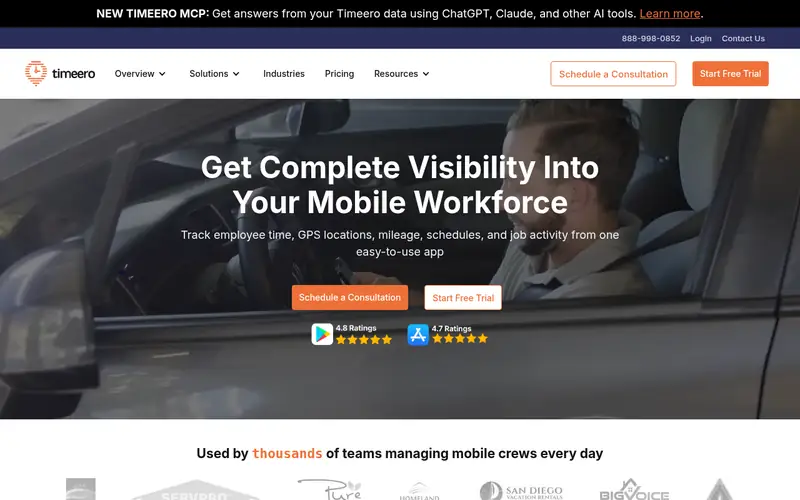
Timeero combines a PIN time clock with GPS tracking, which suits field crews, drivers and staff who move between sites. Employees punch in on a shared device or their own phone, and the system records location and mileage alongside the hours. Plans are tiered, with GPS and mileage features on higher levels. The vendor lists the tiers and any free allowance on its pricing page, and a trial is available. The PIN kiosk works on tablets mounted at a site or office. If your team works from one fixed location and you do not need location data, the GPS focus is more than you need. For distributed crews, it removes the guesswork about where a punch happened.

Free plan: Free trial (14 days)

Website: timeero.com

Strengths

  • PIN clock plus GPS tracking and route history
  • Works on phones and tablets

Watch out for

  • GPS features cost more on higher tiers
  • Small free allowance
6

ClockShark

Construction and field service crews with job costing
See vendor pricing page
ClockSharkHomepage image unavailable

ClockShark targets construction and field service businesses. Employees clock in with a PIN on a shared tablet, optionally with a photo, and the hours are assigned to jobs, tasks and service items. That makes the punch the start of job costing rather than just a payroll record. Scheduling, GPS tracking and job costing are available, some as add-ons. The vendor publishes per-user pricing and add-on costs on its site, and a trial is offered. Setup takes more effort than a bare clock because you define jobs and tasks first. Choose it if you bill or cost work by job. If you only need attendance hours for payroll, a simpler and cheaper tool will do the same job with less configuration.

Free plan: Free trial (14 days)

Website: clockshark.com

Strengths

  • PIN kiosk with photo and GPS options
  • Hours attach to jobs and tasks

Watch out for

  • Priced per user with add-ons
  • More setup than a basic clock
7

OnTheClock

Budget-conscious teams that want a PIN clock
See vendor pricing page
ontheclock.comHomepage, Nov 2026
OnTheClock homepage

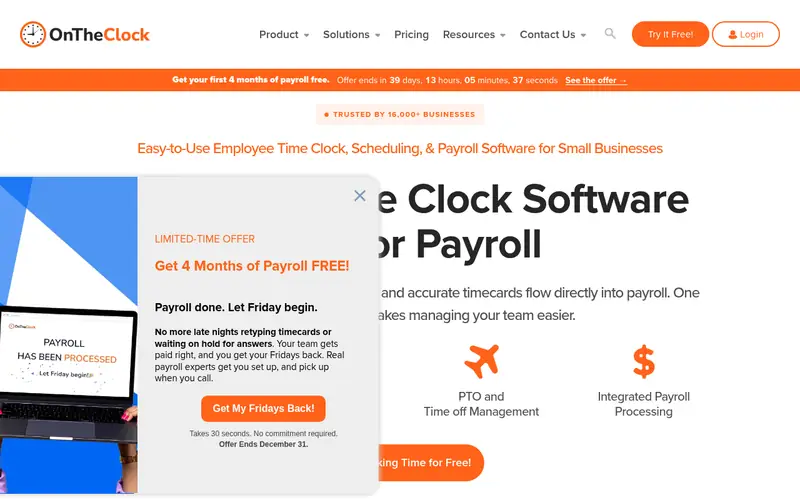
OnTheClock is a dedicated time clock. Employees punch in with a PIN on a shared device or through the web, and the admin side covers timesheets, PTO, scheduling and payroll reports. It is one of the more affordable per-user options, and the vendor lists current rates on its pricing page. It does not try to be a full HR suite, which keeps setup short. Photo capture, GPS and restrictions are available depending on the plan. A trial lets you test the kiosk before buying. The trade-off is integrations and polish. If you need deep connections to payroll providers or an all-in-one HR platform, a larger product may serve you better. For a plain, low-cost PIN clock, it is a reasonable fit.

Free plan: Free trial (14 days)

Website: ontheclock.com

Strengths

  • Straightforward PIN and web punch
  • Low per-user entry pricing

Watch out for

  • Fewer integrations than larger suites
  • Interface is plain

Pre-purchase checklist

  • Confirm the PIN kiosk runs on the device you own, such as an iPad, Android tablet or browser.
  • Check whether photo capture, GPS or IP restrictions are included or cost extra.
  • Confirm the employee cap on any free plan before you rely on it.
  • Verify payroll export formats and whether your payroll provider is supported.
  • Test offline clocking if your site loses internet access.

FAQ

What is PIN login on a time clock?

It is a way for employees to identify themselves on a shared device. Instead of each person having a login, they enter a short numeric code, and the software records the punch against their profile. Many tools add a photo or location check to reduce buddy punching.

Is PIN login secure enough for payroll?

A PIN alone can be shared, so most vendors pair it with photo capture, GPS or IP restrictions. For payroll accuracy, enable at least one of those controls. If your state or union rules require stricter verification, check the audit trail each tool provides.

Do these tools work on a shared tablet?

Yes. The tools on this list offer a kiosk mode for a tablet or browser that stays logged in while employees punch with a PIN. You typically need a stable internet connection, and some tools support offline punches that sync later.

Can I export PIN clock hours to payroll?

Most of these tools export timesheets to common payroll formats or connect directly to payroll providers. QuickBooks Time connects to QuickBooks payroll. Check the specific export options on each vendor's site before you commit.

Is there a free time clock with PIN login?

Homebase and Clockify both offer free plans that include a PIN time clock, with limits on employees or features. Other tools on this list offer free trials instead. Free-plan terms change, so confirm the current limits on the vendor's pricing page.