How we rank
HR and Workforce · Researched comparison

Best Timesheet Software for After School Programs in 2026

TaskReports may earn a fee from some links on this page, and some placements are paid and labelled. Neither one decides the order. See our disclosure.

The short answer

Homebase is the best starting point for most after school programs. It handles staff scheduling, clock-in and hours worked in one place, and the free plan covers a single location. For a low-cost, simple time clock, QuickBooks Time works well. For programs that need child care billing and parent communication alongside timesheets, Procare is the stronger fit.

On this page

Key takeaways

  • Homebase is the top pick for most after school programs because it combines shift scheduling, time clocks and payroll-ready hours in one free-forever plan.
  • QuickBooks Time and Clockify suit programs that need simple mobile clock-in and low-cost hourly tracking.
  • Paylocity and Procare fit larger programs that need HR, billing or child care management alongside timesheets.
  • Entry prices vary widely, so confirm current rates on each vendor's pricing page before you commit.

Quick comparison

ToolBest fitStarting price
HomebaseSmall programs needing scheduling and time clocksSee vendor pricing page
QuickBooks TimePrograms already using QuickBooks for payrollSee vendor pricing page

ClockifyBudget-conscious programs wanting simple time trackingSee vendor pricing page
When I WorkPrograms focused on shift scheduling and attendanceSee vendor pricing page
ProcareChild care and after school centers needing billing plus timeSee vendor pricing page
PaylocityLarger programs needing HR and payroll in one systemSee vendor pricing page

How we chose

We picked products that track hourly staff time, since after school programs run on part-time and shift-based schedules. We looked at fit for the use case, entry price, free access and main limits. Sources are vendor websites and public documentation. Prices change, so confirm current rates on each vendor's pricing page before you buy.

Best overall

Homebase

Small programs needing scheduling and time clocks

  • Free plan covers one location
  • combines scheduling, time clock and payroll hours
PriceSee vendor pricing page
See Homebase pricing
joinhomebase.comHomepage, Nov 2026
Homebase homepage

Homebase is built for hourly teams, which matches after school programs where staff work split shifts around school hours. Employees clock in from a phone or a shared tablet, and hours flow into timesheets that export to payroll. Managers can set schedules and see who is on site. The free plan covers one location with core scheduling and time tracking. Paid plans add more locations, hiring tools and payroll features. Programs with multiple sites will need to check the current plan limits. Skip Homebase if you need detailed child attendance and billing in the same system. It tracks staff time, not student records.

Price: See vendor pricing page

Free plan: Yes

Website: joinhomebase.com

Watch out for

  • Free plan limited to one location
  • advanced HR tools cost extra
2

QuickBooks Time

Programs already using QuickBooks for payroll
See vendor pricing page
quickbooks.intuit.comHomepage, Nov 2026
QuickBooks Time homepage

QuickBooks Time is a dedicated time tracking tool. Staff clock in from a phone, and the app records hours by job or location. For after school programs, that means you can separate time at different sites or for different funding streams. Timesheets sync to QuickBooks payroll, which saves manual entry if you already run payroll there. The service offers a free trial, then moves to paid per-user plans. There is no free tier. Small programs with a handful of staff may find the per-user cost hard to justify compared with Homebase. Larger programs already on QuickBooks will get more value from the sync.

Free plan: Free trial (30 days)

Website: quickbooks.intuit.com/time-tracking

Strengths

  • Mobile clock-in with GPS
  • hours sync to QuickBooks payroll

Watch out for

  • No free plan
  • per-user pricing adds up for larger teams

3

Clockify

Budget-conscious programs wanting simple time tracking
See vendor pricing page
clockify.meHomepage, Nov 2026
Clockify homepage

Clockify is a straightforward time tracker. Staff start and stop a timer or enter hours manually, and managers review timesheets by project or team. It works well for small after school programs that mainly need to record hours and export them. The free plan supports unlimited users with core time tracking. Paid plans add features such as invoicing and more detailed reporting. Check the current free plan limits on the vendor site, since they can change. Clockify is weaker on shift scheduling and payroll. Programs that need staff schedules tied to timesheets should look at Homebase or When I Work instead.

Free plan: Yes

Website: clockify.me

Strengths

  • Free plan for unlimited users
  • simple start and stop timers

Watch out for

  • Scheduling is limited
  • payroll features are basic
4

When I Work

Programs focused on shift scheduling and attendance
See vendor pricing page
wheniwork.comHomepage, Nov 2026
When I Work homepage

When I Work centers on scheduling. Managers build shifts, staff swap or pick up shifts, and the app records attendance when employees clock in. For after school programs with changing rosters and part-time staff, that scheduling focus is useful. The tool tracks hours and exports them for payroll, but it is not a full payroll system. Plans are paid after a free trial, priced per user. Confirm current rates on the vendor site. Choose When I Work if scheduling is your main pain point. Choose a dedicated time tracker if you only need hours.

Free plan: Free trial (14 days)

Website: wheniwork.com

Strengths

  • Strong scheduling and shift swapping
  • attendance tied to clock-in

Watch out for

  • No free plan
  • time tracking is secondary to scheduling
5

Procare

Child care and after school centers needing billing plus time
See vendor pricing page
procaresoftware.comHomepage, Nov 2026
Procare homepage

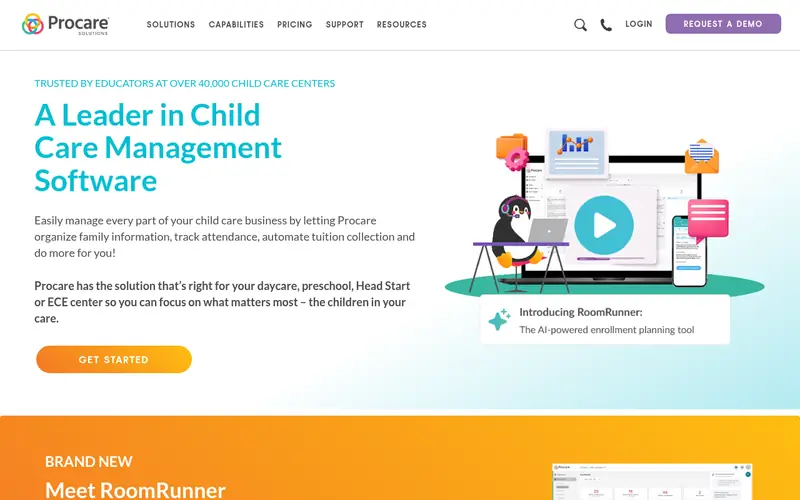
Procare is child care management software. Alongside staff time tracking, it handles child sign-in and sign-out, parent billing and communication. For after school programs that need both staff hours and student attendance in one system, that combination is the main draw. Pricing is quote-based, so you need to contact the vendor. There is no free plan. The system is aimed at centers rather than very small programs. Skip Procare if you only need staff timesheets. A simpler, cheaper time tracker will do the job.

Free plan: No

Website: procaresoftware.com

Strengths

  • Combines staff time tracking with child attendance and billing
  • built for child care

Watch out for

  • No free plan
  • pricing requires a quote
6

Paylocity

Larger programs needing HR and payroll in one system
See vendor pricing page
paylocity.comHomepage, Nov 2026
Paylocity homepage

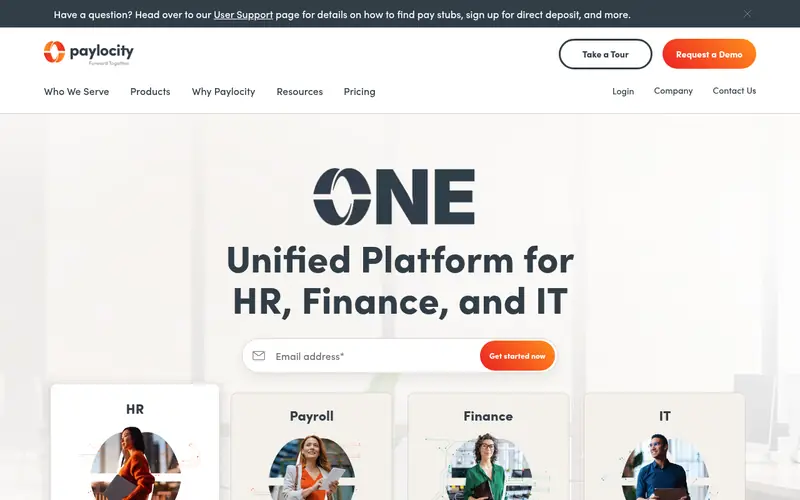
Paylocity is a payroll and HR platform with time and attendance tools. Staff clock in, managers approve hours, and the data flows into payroll. For larger after school programs with multiple sites and benefits administration, one system for HR and time can reduce admin work. Pricing is quote-based and aimed at employers with more staff. Small programs will likely find it too heavy and too costly. Consider Paylocity only if you need payroll, HR and time tracking together and have the staff size to justify it.

Free plan: No

Website: paylocity.com

Strengths

  • Timesheets connect to payroll and HR
  • handles multi-site staff

Watch out for

  • No free plan
  • priced for larger employers

Pre-purchase checklist

  • Confirm the free plan limits, including number of locations and users.
  • Check that staff can clock in from a phone or shared tablet.
  • Verify that hours export to your payroll system.
  • Ask whether the tool tracks staff time only or also student attendance.
  • Confirm the current entry price and per-user costs on the vendor site.

FAQ

What is the best timesheet software for after school programs?

Homebase is a strong fit for most small programs because it combines scheduling, time clocks and payroll hours, with a free plan for one location. QuickBooks Time and Clockify are good lower-cost alternatives for simple hourly tracking.

Do after school programs need special timesheet features?

They mainly need hourly tracking for part-time and split shifts, plus scheduling. Programs that also manage student attendance and billing may want a child care system such as Procare that handles both staff time and student records.

Is there free timesheet software for after school programs?

Homebase offers a free plan for one location, and Clockify has a free plan with core time tracking. Free plan limits can change, so check the vendor site before you rely on them.

Can timesheet software handle multiple sites?

Some tools do. Homebase charges for additional locations beyond the free plan, and Paylocity is built for multi-site employers. Confirm location limits and costs on the vendor pricing page.

How much does timesheet software cost for a small program?

Prices vary by vendor and plan. Many tools publish entry prices, while Procare and Paylocity require a quote. Check each vendor's pricing page for current rates.