How we rank
HR and Workforce · Researched comparison

Best Timesheet Software for Appliance Repair Companies in 2026

TaskReports may earn a fee from some links on this page, and some placements are paid and labelled. Neither one decides the order. See our disclosure.

The short answer

Connecteam is the first pick for small appliance repair shops that want a free start and a mobile time clock with job scheduling. QuickBooks Time suits companies already running payroll and invoicing in QuickBooks. Housecall Pro fits repair businesses that need dispatch, customer records and invoicing beside the timesheet. All three track hours per technician and per job, which is the core need for billing and payroll.

On this page

Key takeaways

  • Connecteam offers a free plan for up to 10 users and adds time clock and job scheduling in one app.
  • QuickBooks Time ties timesheets to QuickBooks payroll and invoicing, which suits shops already on QuickBooks.
  • Housecall Pro and Jobber combine dispatch, invoicing and time tracking for field repair teams.
  • Most tools here charge per user, so confirm the seat count before you compare monthly totals.

Quick comparison

ToolBest fitStarting price
ConnecteamSmall repair teams wanting a free mobile time clockSee vendor pricing page
QuickBooks TimeRepair shops already using QuickBooks for payrollSee vendor pricing page

Housecall ProRepair firms needing dispatch, invoicing and time trackingSee vendor pricing page
JobberSmall repair teams mixing scheduling and time trackingSee vendor pricing page
ClockifyRepair shops wanting a low-cost standalone time trackerSee vendor pricing page
HubstaffRepair teams wanting GPS and activity tracking on the roadSee vendor pricing page
Zoho PeopleRepair companies needing HR records plus timesheetsSee vendor pricing page
TimeCampRepair shops wanting automatic time capture and billingSee vendor pricing page

How we chose

We picked tools that track technician hours and support field work such as job codes, GPS or scheduling. We checked each vendor's public pricing page and documentation for entry price, free access and main limits. We did not run hands-on tests or collect user reviews. Prices and plan limits change, so confirm current details on the vendor site before you buy.

★ Best overall

Connecteam

Small repair teams wanting a free mobile time clock

  • Free plan for small teams
  • time clock and scheduling in one app
PriceSee vendor pricing page
See Connecteam pricing
connecteam.comHomepage, Nov 2026
Connecteam homepage

Connecteam is a workforce management app with a mobile time clock, GPS stamps and job scheduling. For appliance repair companies, a technician can clock in at a customer site and the record ties to the visit. The free plan covers a limited number of users, so check the current cap on the vendor site before you commit a full crew. Paid tiers add job costing and more admin controls. The app runs on phones, which suits technicians who move between homes and businesses all day. Admins can build schedules and review hours from a browser. Skip it if you need deep accounting integration, since Connecteam is not a full accounting system.

Price: See vendor pricing page

Free plan: Yes

Website: connecteam.com

Watch out for

  • Advanced job costing needs a paid tier
  • free plan caps users
2

QuickBooks Time

Repair shops already using QuickBooks for payroll
See vendor pricing page
quickbooks.intuit.comHomepage, Nov 2026
QuickBooks Time homepage

QuickBooks Time is a time tracking product from Intuit. Technicians clock in from a phone, and hours can carry into QuickBooks Payroll for pay runs. Job and customer codes let you attach hours to a repair visit, which helps when you bill by the hour. GPS stamps show where a clock-in happened. The product is sold per user, so a growing repair crew raises the monthly cost. There is a free trial, but no permanent free plan. If your books already live in QuickBooks, the connection saves manual entry. If you use another accounting system, a standalone tracker may cost less.

Free plan: Free trial (30 days)

Website: quickbooks.intuit.com/time-tracking

Strengths

  • Timesheets flow into QuickBooks payroll
  • GPS and job tracking

Watch out for

  • Best value only inside the QuickBooks ecosystem
  • per-user pricing
3

Housecall Pro

Repair firms needing dispatch, invoicing and time tracking
See vendor pricing page
housecallpro.comHomepage, Nov 2026
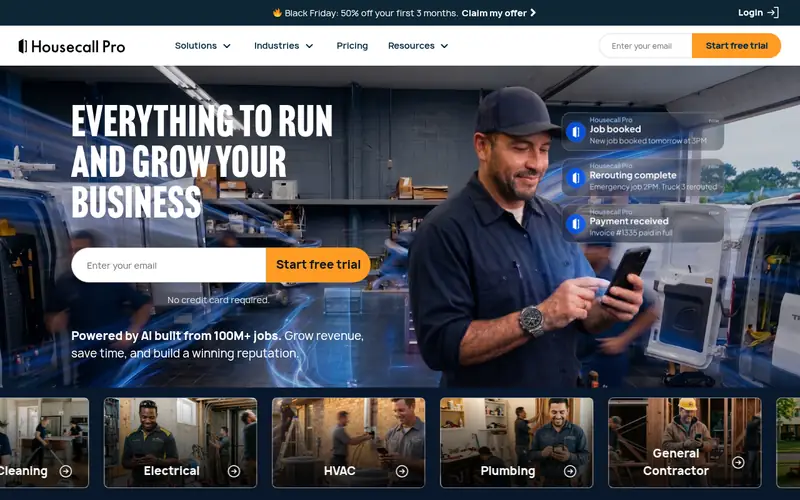
Housecall Pro homepage

Housecall Pro is field service software built for home service businesses, including appliance repair. It combines scheduling, dispatch, customer records, invoicing and time tracking. A technician clocks in on the job, and the hours can feed an invoice. That reduces double entry between a separate timesheet tool and a billing system. Plans are tiered, and the entry tier limits some features such as advanced reporting. Pricing is not published as a fixed number on all pages, so confirm on the vendor site. It suits shops that want one system for the office and the field. Small one-person operations may find a simpler tracker cheaper.

Free plan: Free trial (14 days)

Website: housecallpro.com

Strengths

  • Dispatch board and invoicing beside time tracking
  • mobile app for techs

Watch out for

  • Higher entry cost than simple trackers
  • no free plan
4

Jobber

Small repair teams mixing scheduling and time tracking
See vendor pricing page
JobberHomepage image unavailable

Jobber is field service software for small service businesses. It covers quoting, scheduling, job notes, invoicing and time tracking. An appliance repair technician can start a timer when the visit begins and add notes and photos. The office sees the hours and can turn them into an invoice line. Jobber is aimed at small teams, and its plans are priced per user. That works for a handful of technicians but gets costly for larger crews. There is a free trial but no free plan. It suits shops that want scheduling and billing together without a full enterprise suite.

Free plan: Free trial (14 days)

Website: getjobber.com

Strengths

  • Clean mobile app for technicians
  • quotes, jobs and invoices in one place

Watch out for

  • Per-user pricing adds up
  • no free plan
5

Clockify

Repair shops wanting a low-cost standalone time tracker
See vendor pricing page
clockify.meHomepage, Nov 2026
Clockify homepage

Clockify is a time tracking tool with a free plan that covers unlimited users on the basic tier. For an appliance repair company, technicians can start a timer per job and tag entries by customer. Reports show hours by technician or project, which helps with payroll prep and job costing. It does not handle dispatch, customer records or invoicing, so it works beside those systems rather than replacing them. The free plan has limits on some advanced features, so check the vendor page. It suits a repair shop that already has billing software and only needs clean hour records.

Free plan: Yes

Website: clockify.me

Strengths

  • Free plan for unlimited users
  • simple timers and reports

Watch out for

  • Not built for dispatch or invoicing
  • job costing is basic
6

Hubstaff

Repair teams wanting GPS and activity tracking on the road
See vendor pricing page
hubstaff.comHomepage, Nov 2026
Hubstaff homepage

Hubstaff is a time tracking and workforce tool with GPS, geofences and screenshots on some plans. For appliance repair, a geofence around a customer address can confirm a technician arrived before clocking in. Hours roll into reports and can connect to payroll tools. The product is priced per user, and some features sit on higher tiers. Activity monitoring is optional but may not suit every technician. It fits repair companies with mobile crews that want location data with the timesheet. A small shop with fixed locations may not need the GPS layer.

Free plan: Free trial (14 days)

Website: hubstaff.com

Strengths

  • GPS tracking and geofenced clock-in
  • payroll and reporting add-ons

Watch out for

  • Per-user pricing
  • activity tracking may feel heavy for some crews
7

Zoho People

Repair companies needing HR records plus timesheets
See vendor pricing page
zoho.comHomepage, Nov 2026
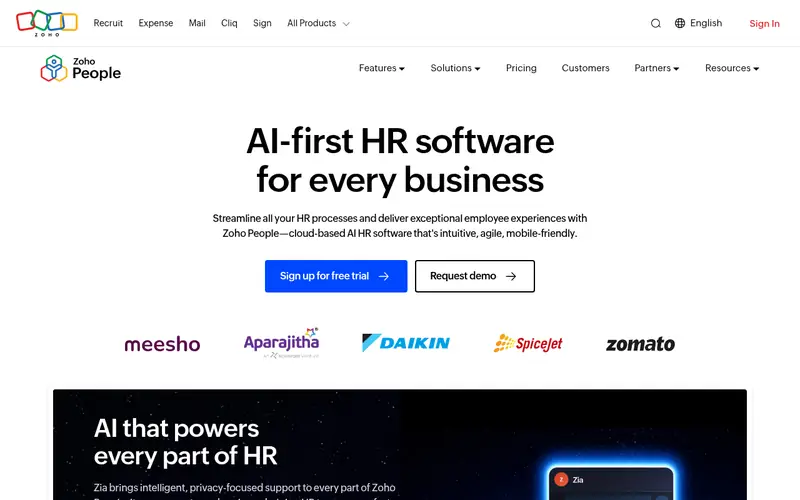
Zoho People homepage

Zoho People is an HR management system with timesheet, attendance and leave modules. An appliance repair company can record technician hours, track leave and keep employee records in one place. Timesheets can be approved by a manager before payroll. It is not a dispatch or invoicing tool, so it pairs with a field service app or an accounting system. The product is sold per user with tiered plans, and there is a free trial. It suits repair businesses with staff HR needs, such as leave tracking and shift records, more than a simple timer.

Free plan: Free trial (30 days)

Website: zoho.com/people

Strengths

  • Timesheets sit beside leave and HR records
  • part of Zoho suite

Watch out for

  • Setup takes time
  • not a field service dispatch tool
8

TimeCamp

Repair shops wanting automatic time capture and billing
See vendor pricing page
timecamp.comHomepage, Nov 2026
TimeCamp homepage

TimeCamp is a time tracking tool with automatic time capture, billable rates and reporting. A repair technician can log hours against a client or job, and the system can mark time as billable for invoicing. Reports show hours per client, which helps with job costing. The free plan is limited, so a team will likely need a paid tier. Pricing is per user and varies by plan, so confirm on the vendor site. It does not handle dispatch or customer scheduling. It suits repair companies that mainly need accurate billable hour records and simple reports.

Free plan: Yes

Website: timecamp.com

Strengths

  • Free plan for solo users
  • automatic time capture and billable rates

Watch out for

  • Free tier is limited
  • advanced features cost more

Pre-purchase checklist

  • Confirm the per-user price at your real crew size, including office staff who need admin access.
  • Check whether the mobile app works offline, since basements and rural homes often lack signal.
  • Verify that hours can be tagged to a job or customer for billing and job costing.
  • Ask whether timesheets export to your payroll or accounting system.
  • Read the free plan limits, such as user caps or feature locks, before you rely on them.

FAQ

What should appliance repair companies look for in timesheet software?

Look for a mobile time clock, job or customer codes, and a way to move hours into payroll or invoicing. GPS stamps help confirm site visits. Offline mode matters because technicians often work where signal is weak. Confirm the per-user price at your full crew size before you decide.

Can technicians clock in from a customer's home?

Yes. Most tools here offer a phone app with a clock-in button, and some add GPS or geofencing. The record can be tied to the customer or job so the office sees hours per visit. Check that the app works offline if your service area has poor coverage.

Do these tools handle invoicing as well as timesheets?

Some do. Housecall Pro, Jobber and QuickBooks Time connect hours to billing or payroll. Connecteam, Clockify, Hubstaff and TimeCamp focus on time tracking and reports, so they pair with separate invoicing software. Zoho People covers HR records rather than customer invoicing.

Is there a free option for a small repair shop?

Connecteam and Clockify offer free plans with limits, and TimeCamp has a limited free tier. Free plans usually cap users or lock advanced features. For a crew of several technicians, compare the paid tier price against a simple standalone tracker before you commit.

How do I keep timesheets accurate across multiple jobs a day?

Use job or customer codes so each timer maps to one visit, and require a clock-out before the next job starts. GPS stamps and manager approval add checks. Export hours weekly and reconcile them against work orders so billing and payroll match the same records.