
How we rank
HR and Workforce · Researched comparison

Best Timesheet Software for Auto Repair Shops in 2026

TaskReports may earn a fee from some links on this page, and some placements are paid and labelled. Neither one decides the order. See our disclosure.

The short answer

QuickBooks Time suits auto repair shops that want simple per-user time tracking tied to QuickBooks payroll and invoicing. Shopmonkey is the better fit for shops that want technician hours tracked inside repair orders and estimates. Clockify is the low-cost choice for small shops that need basic clock-in and clock-out with a free plan for unlimited users.

On this page

Key takeaways

  • QuickBooks Time is the first pick for shops that already run payroll or billing through QuickBooks, with a per-user monthly price.
  • Shopmonkey and Tekmetric are built for repair shops and track technician time against repair orders rather than general projects.
  • Clockify has a free plan for unlimited users, which suits small shops that only need basic clock-in and clock-out.
  • Most general timesheet tools bill per user per month, so cost grows with every technician and service advisor you add.

Quick comparison

ToolBest fitStarting price
QuickBooks TimeShops already using QuickBooks for payroll and billingSee vendor pricing page
ShopmonkeyRepair shops that want time tracking inside repair ordersSee vendor pricing page
TekmetricShops focused on technician efficiency and flat-rate hoursSee vendor pricing page
ClockifySmall shops that need basic time tracking at low costSee vendor pricing page
HomebaseSmall shops that need scheduling and time clocks togetherSee vendor pricing page
When I WorkShops that need shift scheduling with attendance trackingSee vendor pricing page
Toggl TrackSimple per-job time tracking for small shopsSee vendor pricing page
HubstaffShops that want time tracking with activity and location dataSee vendor pricing page

How we chose

We selected tools that either record technician hours against repair orders or provide general time tracking that fits a shop floor. Criteria were fit for auto repair workflows, published entry pricing or a clear quote process, free access where available, and main limits such as per-user caps. Sources are vendor websites and public documentation. Prices change, so confirm current rates on the vendor site before buying.

Best overall

QuickBooks Time

Shops already using QuickBooks for payroll and billing

  • Ties time entries to QuickBooks payroll and invoicing
  • mobile clock-in with GPS and job codes
PriceSee vendor pricing page
See QuickBooks Time pricing
quickbooks.intuit.comHomepage, Nov 2026
QuickBooks Time homepage

QuickBooks Time is a general time tracking tool from Intuit. Technicians clock in from a phone or shop computer, and you can assign hours to job codes for each repair order, customer, or service category. If your shop already uses QuickBooks for payroll or invoicing, approved timesheets flow into those workflows without re-entering hours. The plan structure is per user per month, with a higher tier for scheduling and payroll add-ons. That means a shop with eight technicians and two advisors pays for ten users. Small shops with steady headcount get the most value. Shops that need repair-order-level detail, parts, and estimates should look at a shop management system instead.

Price: See vendor pricing page

Free plan: Free trial (30 days)

Website: quickbooks.intuit.com/time-tracking

Watch out for

  • Per-user pricing adds up for larger shops
  • Full scheduling and payroll features cost extra
2

Shopmonkey

Repair shops that want time tracking inside repair orders
See vendor pricing page
shopmonkey.ioHomepage, Nov 2026
Shopmonkey homepage

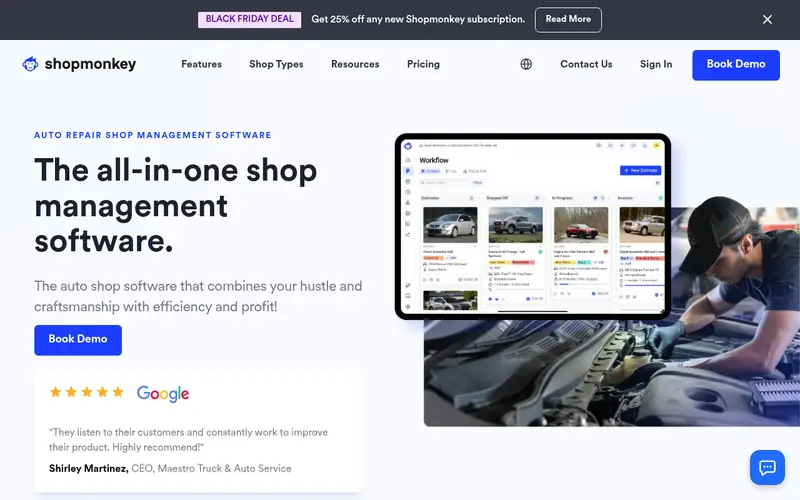
Shopmonkey is a shop management platform for auto repair businesses. It records technician time against repair orders, so you can see how long each job took and compare it to the estimate. Timesheets, work orders, parts, and customer records sit in one system, which reduces double entry for advisors. Plans are tiered by shop size and features, and the vendor does not publish a simple per-user rate. Expect to request a quote. The tool fits shops that want one system for scheduling, repair orders, and technician hours. A very small shop that only needs clock-in and clock-out may find it more than needed.

Free plan: No

Website: shopmonkey.io

Strengths

  • Technician time recorded against repair orders and jobs
  • Built-in estimates, invoicing, and parts ordering

Watch out for

  • No free plan
  • Pricing is quote-based and not published as a simple per-user rate
3

Tekmetric

Shops focused on technician efficiency and flat-rate hours
See vendor pricing page
tekmetric.comHomepage, Nov 2026
Tekmetric homepage

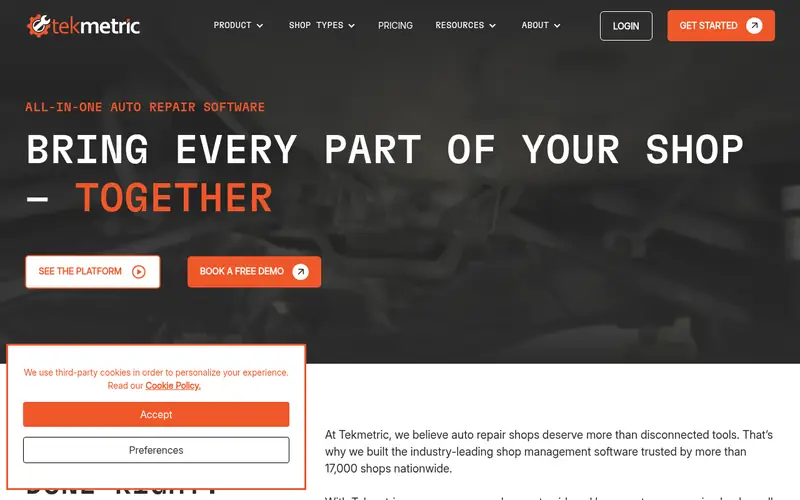
Tekmetric is a shop management system built around repair orders and technician productivity. Technicians clock onto jobs, and the system compares actual time to billed or flat-rate hours. That helps service managers spot jobs that run long and adjust estimates over time. It is designed for auto repair shops rather than general businesses, so the time data connects to estimates, inspections, and invoices. Plans are quoted based on shop needs, and there is no free plan. Shops that want detailed technician efficiency reporting will get more from it than from a generic timesheet app. Shops that only need payroll hours can choose a simpler tool.

Free plan: No

Website: tekmetric.com

Strengths

  • Tracks technician time against repair orders
  • Shows billed versus actual hours per job

Watch out for

  • No free plan
  • Pricing requires a quote from the vendor
4

Clockify

Small shops that need basic time tracking at low cost
See vendor pricing page
clockify.meHomepage, Nov 2026
Clockify homepage

Clockify is a general time tracking tool with a free plan for unlimited users. Technicians can clock in from a phone or browser, and you can set up a project for each repair order or a category for each service type. Reports show hours by technician, project, or date range. The free plan covers basic tracking and reporting. Paid tiers add features such as timesheet approvals, invoicing, and admin controls. For a small shop that mainly needs to know who worked when, Clockify keeps cost low. It does not connect to repair orders, parts, or estimates, so shops that want that link should use a shop management system.

Free plan: Yes

Website: clockify.me

Strengths

  • Free plan for unlimited users
  • Simple clock-in with projects and reports

Watch out for

  • Not built for repair orders or flat-rate hours
  • Advanced features require a paid plan
5

Homebase

Small shops that need scheduling and time clocks together
See vendor pricing page
joinhomebase.comHomepage, Nov 2026
Homebase homepage

Homebase combines employee scheduling, a time clock, and timesheets. A shop can post shifts for technicians and advisors, and staff clock in from a phone or a shared tablet. Timesheets then feed into payroll exports or Homebase payroll. The free plan covers one location with basic scheduling and time clock features. Paid plans add payroll, hiring tools, and more controls. It fits small shops that want scheduling and hours in one place without a full shop management system. It does not track repair orders, so it works best alongside a separate shop system.

Free plan: Yes

Website: joinhomebase.com

Strengths

  • Free plan for one location with time clock and scheduling
  • Mobile clock-in with location checks

Watch out for

  • Free plan is limited to a single location
  • Payroll and advanced features cost extra
6

When I Work

Shops that need shift scheduling with attendance tracking
See vendor pricing page
wheniwork.comHomepage, Nov 2026
When I Work homepage

When I Work focuses on employee scheduling and attendance. Shops can build weekly schedules for technicians and advisors, and staff clock in and out from the mobile app. Attendance records show late arrivals and missed shifts, which helps service managers cover busy days. Pricing is per user per month, and there is a free trial rather than a free plan. The tool does not handle repair orders or flat-rate hours. It fits shops that struggle with scheduling coverage and want time and attendance tied to shifts. Shops that mainly need repair-order time tracking should choose a shop management system.

Free plan: Free trial (14 days)

Website: wheniwork.com

Strengths

  • Shift scheduling with attendance and time tracking
  • Mobile app for staff clock-in

Watch out for

  • No free plan after the trial
  • Per-user pricing grows with staff count
7

Toggl Track

Simple per-job time tracking for small shops
See vendor pricing page
toggl.comHomepage, Nov 2026
Toggl Track homepage

Toggl Track is a general time tracking tool with a free plan for up to five users. A technician can start a timer when a job begins and stop it when the job ends, tagging entries by customer or service type. Reports show where hours went by tag, project, or team member. Paid plans add more users, billable rates, and advanced reporting. The tool is simple to set up and works on phones and desktops. It does not connect to repair orders, parts, or estimates, so it suits very small shops or shops that want a lightweight timer alongside another system. Larger shops will hit the five-user free limit quickly.

Free plan: Yes

Website: toggl.com/track

Strengths

  • Free plan for up to five users
  • One-click timers and simple reports

Watch out for

  • Free plan limited to five users
  • No repair-order or invoicing features
8

Hubstaff

Shops that want time tracking with activity and location data
See vendor pricing page
hubstaff.comHomepage, Nov 2026
Hubstaff homepage

Hubstaff is a workforce management tool with time tracking, activity monitoring, and scheduling. For an auto repair shop, it can track hours by technician and by job, with optional GPS and geofencing for mobile staff such as road testers or parts runners. Reports show hours by project, team member, and date. Pricing is per user per month, and there is a free trial rather than a free plan. Some features cost extra. The activity monitoring features are more than most shops need, and the tool does not handle repair orders. It fits shops with mobile staff or multiple locations that want detailed time records. Small shops may prefer a simpler, cheaper tool.

Free plan: Free trial (14 days)

Website: hubstaff.com

Strengths

  • Time tracking with optional screenshots and activity levels
  • GPS and geofencing for mobile staff

Watch out for

  • No free plan after the trial
  • Per-user pricing and add-ons raise cost

Pre-purchase checklist

  • Confirm whether the tool tracks time against repair orders or only against general projects.
  • Check the per-user price at your current technician and advisor headcount.
  • Verify how timesheets export to your payroll provider.
  • Ask whether mobile clock-in works on shop tablets and phones.
  • Confirm free plan limits, such as user caps or single-location restrictions.

FAQ

What is the best timesheet software for auto repair shops?

It depends on your workflow. QuickBooks Time suits shops on QuickBooks payroll. Shopmonkey and Tekmetric suit shops that want technician hours tied to repair orders. Clockify is a low-cost option for basic clock-in and clock-out with a free plan for unlimited users.

Can timesheet software track flat-rate technician hours?

General timesheet tools usually track actual hours only. Shop management systems such as Tekmetric and Shopmonkey can compare actual time to billed or flat-rate hours per repair order. Check this feature before buying if flat-rate comparison matters to your shop.

Is there free timesheet software for a small auto repair shop?

Clockify offers a free plan for unlimited users with basic tracking. Homebase has a free plan for one location. Toggl Track has a free plan for up to five users. Free plans usually leave out approvals, payroll, and repair-order features.

How much does timesheet software cost for a repair shop?

Most general tools charge per user per month, so cost depends on headcount. Shop management systems are often quote-based. We do not list specific prices here because vendors change them. Confirm current rates on each vendor's pricing page.

Do I need shop management software or just a timesheet app?

Choose a timesheet app if you only need hours for payroll and basic reporting. Choose shop management software if you want technician time linked to repair orders, estimates, parts, and invoices. Many shops use a shop system for repair orders and a simple time clock for payroll.




