How we rank
HR and Workforce · Researched comparison

Best Timesheet Software for HVAC Companies in 2026

TaskReports may earn a fee from some links on this page, and some placements are paid and labelled. Neither one decides the order. See our disclosure.

The short answer

ClockShark is the first pick for HVAC companies that mainly need mobile timesheets tied to jobs, with GPS stamps and crew scheduling. QuickBooks Time suits businesses already running QuickBooks payroll. Housecall Pro is the better fit if you want timesheets built into HVAC dispatch, estimates and invoicing in one field service app.

On this page

Key takeaways

  • ClockShark and QuickBooks Time lead for field crews that need GPS-stamped mobile time tracking tied to jobs.
  • Housecall Pro and ServiceTitan bundle timesheets with HVAC dispatch, invoicing and job costing rather than selling time tracking alone.
  • Entry prices range from free plans at Connecteam and Hubstaff to per-technician monthly fees at ServiceTitan.
  • Most tools charge per user per month, so cost scales with the number of technicians and office staff you track.

Quick comparison

ToolBest fitStarting price
ClockSharkField crews needing GPS-stamped mobile timesheetsSee vendor pricing page
QuickBooks TimeHVAC firms already using QuickBooks payrollSee vendor pricing page

Housecall ProHVAC firms wanting dispatch and timesheets togetherSee vendor pricing page
ServiceTitanLarger HVAC contractors needing end-to-end job costingSee vendor pricing page
ConnecteamSmall HVAC teams wanting a free time clockSee vendor pricing page
HubstaffHVAC teams mixing field and office time trackingSee vendor pricing page
TimeeroHVAC crews needing route and mileage trackingSee vendor pricing page

How we chose

We picked tools that support mobile time entry, job costing and payroll for field service crews, then compared entry pricing, free access and main limits. Sources are vendor websites and public pricing pages, not hands-on testing. Prices and plan limits change, so confirm current details on each vendor site before buying.

★ Best overall

ClockShark

Field crews needing GPS-stamped mobile timesheets

  • Mobile time clock with GPS and geofence stamps
  • Job and task codes for job costing
PriceSee vendor pricing page
See ClockShark pricing
ClockSharkHomepage image unavailable

ClockShark is built around field service time tracking. Technicians clock in from a phone, and each entry can carry a job code, task and GPS location. That gives HVAC companies a record of which service call or install the hours belong to, which feeds job costing and payroll. Scheduling, geofences and alerts for late or missed clock-ins are part of the platform. Time data exports to payroll and accounting tools. The main limit is cost: pricing is per user per month, so a growing technician roster raises the bill. Companies that only need office timesheets will find it heavier than needed.

Price: See vendor pricing page

Free plan: Free trial (14 days)

Website: clockshark.com

Watch out for

  • No free plan after the trial
  • Per-user pricing adds up for large crews
2

QuickBooks Time

HVAC firms already using QuickBooks payroll
See vendor pricing page
quickbooks.intuit.comHomepage, Nov 2026
QuickBooks Time homepage

QuickBooks Time, formerly TSheets, handles mobile time tracking with GPS, job codes and approvals. For HVAC companies that already run payroll in QuickBooks, approved timesheets move into pay runs without rekeying, which cuts a common source of errors. The mobile app supports clock-in from a phone or tablet, and schedulers can assign crews to jobs. Payroll, invoicing and job costing stay in one ecosystem if you use QuickBooks Online. The catch is that the value depends on that ecosystem. Firms on other accounting software may prefer a standalone tool.

Free plan: Free trial (30 days)

Website: quickbooks.intuit.com/time-tracking

Strengths

  • Timesheets flow into QuickBooks payroll
  • Mobile app with GPS and job codes

Watch out for

  • Best value only inside the QuickBooks ecosystem
  • Advanced features cost extra per user
3

Housecall Pro

HVAC firms wanting dispatch and timesheets together
See vendor pricing page
housecallpro.comHomepage, Nov 2026
Housecall Pro homepage

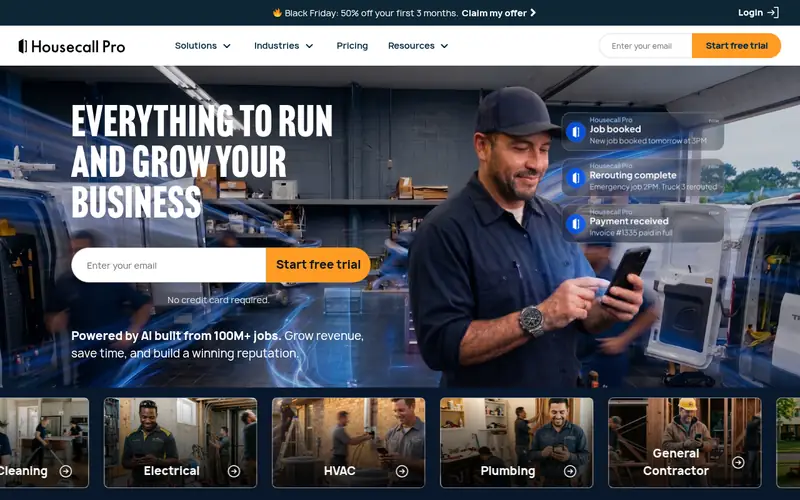
Housecall Pro is field service software for home service trades, including HVAC. Time tracking sits alongside dispatch, scheduling, estimates, invoicing and card payments, so a technician's hours connect to the job that generated the invoice. For an HVAC company, that means office staff see who is on which call and how long it took, without a separate timesheet tool. The tradeoff is scope: you adopt a full operations platform, not a standalone time clock, and the most useful features sit on higher tiers. Small shops that only want timesheets should compare lighter options first.

Free plan: Free trial (14 days)

Website: housecallpro.com

Strengths

  • Timesheets built into dispatch, invoicing and payments
  • Mobile app for technicians in the field

Watch out for

  • Time tracking is part of a larger platform
  • Full features require higher plan tiers
4

ServiceTitan

Larger HVAC contractors needing end-to-end job costing
See vendor pricing page
servicetitan.comHomepage, Nov 2026
ServiceTitan homepage

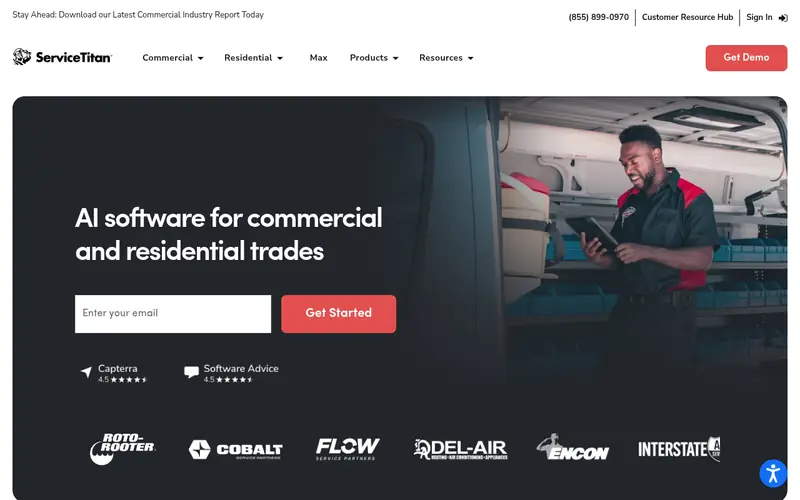
ServiceTitan is a full platform for home service contractors, with HVAC as a core trade. Timesheets connect to dispatch, job costing, payroll and reporting, so labor hours roll into the true cost of each job. It suits established contractors with office staff and a bookkeeping process. There is no free plan, and pricing is quoted after a sales conversation rather than published, so smaller shops often find it out of reach. Expect a real onboarding effort before the time tracking pays off.

Free plan: No

Website: servicetitan.com

Strengths

  • Deep job costing and payroll ties for the trades
  • Dispatch, scheduling and reporting in one system

Watch out for

  • No free plan and pricing is quote-based
  • Setup and training take real time
5

Connecteam

Small HVAC teams wanting a free time clock
See vendor pricing page
connecteam.comHomepage, Nov 2026
Connecteam homepage

Connecteam offers a mobile-first time clock with job scheduling, task checklists and geofencing. For a small HVAC crew, the free tier can cover basic clock-in and job assignment without a subscription. The free plan has limits on users and features, and the payroll and reporting depth grows on paid tiers. It is a reasonable starting point for a shop of a few technicians that wants to stop using paper timesheets. Larger contractors with complex job costing will likely outgrow it.

Free plan: Yes

Website: connecteam.com

Strengths

  • Free plan for small teams with a mobile time clock
  • Job scheduling and task checklists included

Watch out for

  • Free plan has user and feature limits
  • Advanced payroll features need paid tiers
6

Hubstaff

HVAC teams mixing field and office time tracking
See vendor pricing page
hubstaff.comHomepage, Nov 2026
Hubstaff homepage

Hubstaff tracks time across desktop and mobile, with GPS for field staff and optional activity monitoring. HVAC companies with both office estimators and field technicians can keep hours in one system and export them to payroll. The free plan covers only a small number of users, so most working crews need a paid tier. Some field technicians dislike activity monitoring, so decide policy before rollout. It is a better fit for mixed teams than for pure dispatch-driven HVAC operations.

Free plan: Yes

Website: hubstaff.com

Strengths

  • Time tracking with GPS and activity data
  • Payroll and invoicing add-ons

Watch out for

  • Free plan is limited to a small number of users
  • Activity monitoring may not suit every crew
7

Timeero

HVAC crews needing route and mileage tracking
See vendor pricing page
timeero.comHomepage, Nov 2026
Timeero homepage

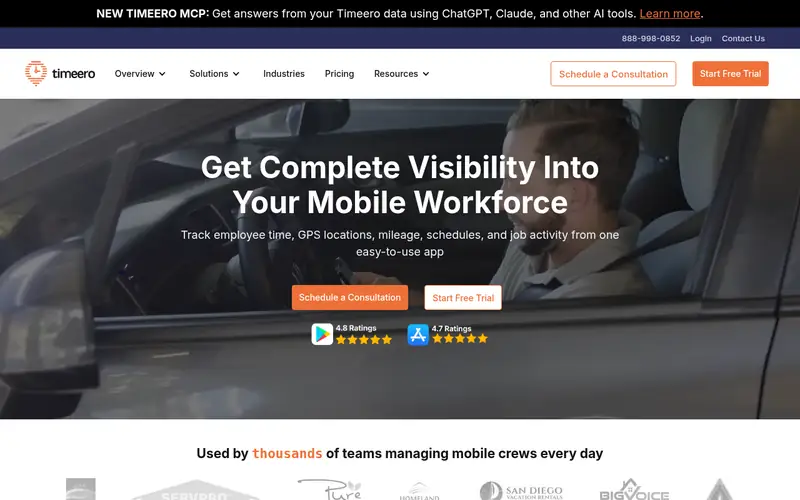
Timeero focuses on GPS time and mileage tracking for mobile workers. For HVAC technicians driving between service calls, route history and mileage logs support both payroll and vehicle records. Jobs and tasks can be attached to time entries, which helps with job costing on service and maintenance work. There is no free plan after the trial, and payroll integrations vary by tier. Companies that mainly need in-office timesheets will find it more than they need.

Free plan: Free trial (14 days)

Website: timeero.com

Strengths

  • GPS time tracking with route history and mileage
  • Job and task tracking for service calls

Watch out for

  • No free plan after the trial
  • Payroll integration depends on plan level

Pre-purchase checklist

  • Confirm the tool tracks time by job or service call, not just by employee.
  • Check mobile support for iOS and Android, since technicians clock in from phones.
  • Verify how approved hours export to your payroll provider.
  • Ask whether GPS, geofencing or mileage tracking is included or a paid add-on.
  • Confirm the per-user price at your real crew size, including office staff.

FAQ

Do HVAC companies need special timesheet software?

General timesheet tools track hours, but HVAC work is job-based and mobile. Software that ties time to service calls, supports phone clock-in and exports to payroll saves rekeying and improves job costing.

Can technicians clock in from a phone?

Yes. ClockShark, QuickBooks Time, Connecteam, Hubstaff and Timeero all offer mobile time clocks. GPS and geofence options vary by product and plan tier.

Does timesheet software connect to HVAC dispatch?

Housecall Pro and ServiceTitan combine dispatch with time tracking in one platform. Standalone tools like ClockShark focus on time and scheduling and integrate with other systems.

Is there free timesheet software for small HVAC crews?

Connecteam and Hubstaff offer free plans with limits on users and features. Most field-focused tools offer a free trial instead, typically 14 to 30 days.

How is pricing usually structured?

Most tools charge per user per month, often with tiers for added features. ServiceTitan is quote-based. Confirm the entry price and what it includes on the vendor pricing page.