How we rank
HR and Workforce · Researched comparison

Best Timesheet Software for Nursing Homes in 2026

TaskReports may earn a fee from some links on this page, and some placements are paid and labelled. Neither one decides the order. See our disclosure.

The short answer

Homebase is the first pick for small nursing homes because it combines staff scheduling, clock-in and timesheets on a free plan for one location. When I Work suits facilities that want simple shift scheduling with time tracking attached. Deputy fits homes that need stronger compliance controls around breaks and shift rules. Larger chains should look at UKG Ready or Dayforce for payroll and compliance in one system.

On this page

Key takeaways

  • Homebase offers a free plan for one location and is the first pick for small nursing homes that need scheduling and timesheets together.
  • When I Work, Deputy and QuickBooks Time charge per user, so cost rises with every aide, nurse and admin account you add.
  • UKG Ready and Dayforce are enterprise workforce platforms that combine time capture with payroll and compliance for larger facilities.
  • Most tools here bill per user or per location, so confirm how the vendor counts staff before you compare quotes.

Quick comparison

ToolBest fitStarting price
HomebaseSmall nursing homes scheduling hourly caregiversSee vendor pricing page
When I WorkShift-based scheduling with attached time trackingSee vendor pricing page

DeputyCompliance-focused time and attendanceSee vendor pricing page
QuickBooks TimeHomes already running QuickBooks payrollSee vendor pricing page
UKG ReadyLarger facilities needing payroll and compliance togetherSee vendor pricing page
DayforceMulti-site care providers with complex pay rulesSee vendor pricing page

How we chose

We picked tools that record hourly work for shift-based staff and connect those hours to payroll or reporting. Criteria were fit for nursing home scheduling and time capture, published entry pricing or a clear pricing page, free access where offered, and the main limits stated by the vendor. Sources are vendor websites and public documentation. Prices change, so confirm current rates on the vendor site before buying.

★ Best overall

Homebase

Small nursing homes scheduling hourly caregivers

  • Free plan for one location
  • scheduling and timesheets in one app
PriceSee vendor pricing page
See Homebase pricing
joinhomebase.comHomepage, Nov 2026
Homebase homepage

Homebase combines employee scheduling, time clock and timesheets in one tool. Staff can clock in from a shared kiosk or their phone, and managers see hours by employee and by shift. For a single nursing home, that covers the daily problem of tracking aides, nurses and support staff across rotating shifts. The free plan covers one location with core scheduling and time tracking. Paid plans add more locations and advanced controls. The vendor publishes current tiers on its pricing page, so confirm limits before you commit. Skip Homebase if you operate several facilities and need consolidated reporting across all of them from day one.

Price: See vendor pricing page

Free plan: Yes

Website: joinhomebase.com

Watch out for

  • Advanced features require paid plans
  • limited multi-location support on free tier
2

When I Work

Shift-based scheduling with attached time tracking
See vendor pricing page
wheniwork.comHomepage, Nov 2026
When I Work homepage

When I Work is built around shift scheduling, which fits nursing homes where coverage matters more than project hours. Managers build schedules, staff swap shifts, and the time clock records actual hours against the schedule. Attendance and late arrivals are visible in the same view. Pricing is per user per month, and the vendor lists tiers on its site. A nursing home with many part-time aides should calculate cost against headcount, because every active user adds to the bill. It suits homes that want scheduling first and timesheets second. Facilities that need deep payroll or clinical compliance rules should look elsewhere.

Free plan: Free trial (14 days)

Website: wheniwork.com

Strengths

  • Clear shift scheduling for rotating staff
  • mobile clock-in with GPS options

Watch out for

  • Billed per user
  • no free plan after trial
3

Deputy

Compliance-focused time and attendance
See vendor pricing page
deputy.comHomepage, Nov 2026
Deputy homepage

Deputy handles scheduling, time and attendance, and leave in one system. For nursing homes, the useful part is rule enforcement: break deductions, overtime thresholds and shift conditions can be configured so timesheets reflect policy rather than manual edits. The platform is priced per user, with tiers published on the vendor site. A facility with many casual staff should model the cost at full headcount, not just full-time employees. Deputy fits homes that have been burned by manual timesheet corrections and want rules applied automatically. Very small homes may find the setup heavier than needed.

Free plan: Free trial (31 days)

Website: deputy.com

Strengths

  • Strong break and overtime rule controls
  • shift swap and leave management

Watch out for

  • Per-user pricing
  • setup takes time for complex rules
4

QuickBooks Time

Homes already running QuickBooks payroll
See vendor pricing page
quickbooks.intuit.comHomepage, Nov 2026
QuickBooks Time homepage

QuickBooks Time records employee hours by shift, job or client, and approved timesheets move into QuickBooks payroll. A nursing home already using QuickBooks for payroll avoids double entry, which is the main reason to pick it. It supports mobile clock-in with location data, scheduling and PTO tracking. Pricing is per user per month with tiers on the vendor page, and there is no permanent free plan. Choose it if QuickBooks is already your accounting system. If not, the payroll link is less valuable and a standalone tool may cost less.

Free plan: Free trial (30 days)

Website: quickbooks.intuit.com/time-tracking

Strengths

  • Timesheets flow into QuickBooks payroll
  • mobile GPS clock-in

Watch out for

  • Best value only inside QuickBooks
  • per-user pricing
5

UKG Ready

Larger facilities needing payroll and compliance together
See vendor pricing page
ukg.comHomepage, Nov 2026
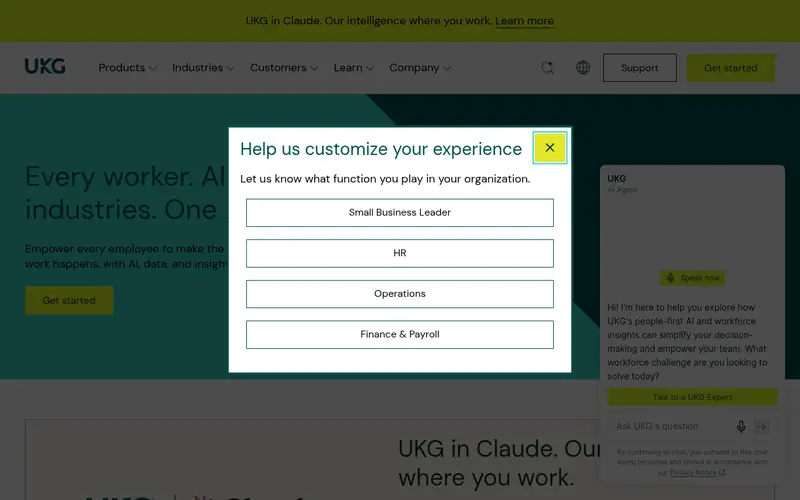
UKG Ready homepage

UKG Ready is a workforce management suite that covers time and attendance, scheduling, payroll and HR records. For a multi-site nursing home operator, that means one system for hours worked, overtime rules and pay runs. Pricing is quote-based, so there is no published entry price. Implementation takes longer than a small scheduling app, and the vendor typically works with larger employers. It suits chains and larger facilities with HR or payroll staff to run it. A single small home will likely find it more system than it needs.

Free plan: No

Website: ukg.com

Strengths

  • Time, scheduling and payroll in one suite
  • configurable compliance rules

Watch out for

  • Quote-based pricing
  • longer implementation
6

Dayforce

Multi-site care providers with complex pay rules
See vendor pricing page
dayforce.comHomepage, Nov 2026
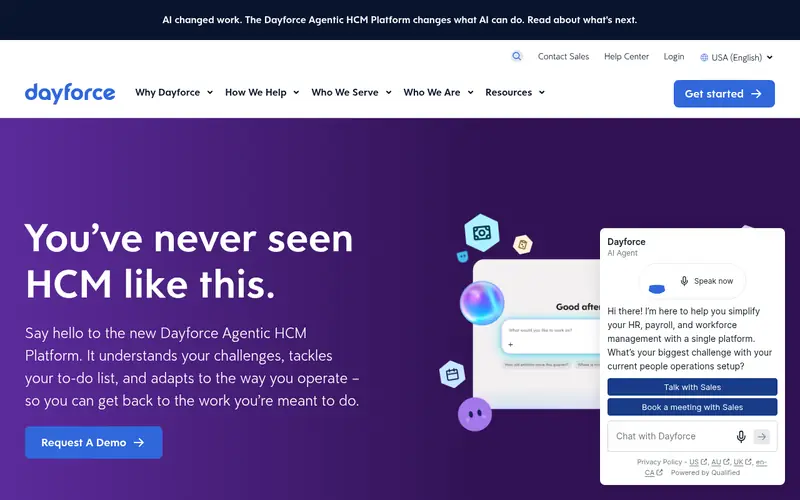
Dayforce homepage

Dayforce combines time tracking, scheduling, payroll and HR in one platform. Its payroll engine calculates continuously as hours are recorded, which helps nursing homes with shift differentials, overtime and multiple pay rates. The system is aimed at larger employers, and pricing is quote-based. Setup involves configuration of pay rules and integrations, so it is a project rather than a quick switch. Dayforce fits regional care groups that need one record for hours, pay and compliance. Small independent homes should start with a lighter tool.

Free plan: No

Website: dayforce.com

Strengths

  • Continuous payroll calculation
  • strong compliance and reporting

Watch out for

  • Quote-based pricing
  • enterprise-scale setup

Pre-purchase checklist

  • Confirm how the vendor counts users: every aide, nurse and admin account, or only active staff.
  • Check that break deductions and overtime rules match your state and facility policy.
  • Verify the time clock works on shared kiosks, phones or both, since staff may not carry devices.
  • Ask how approved hours export to your payroll provider and whether the integration is native.
  • Test reporting for hours by unit, shift and pay period before signing a contract.

FAQ

What is the best timesheet software for a small nursing home?

Homebase is a common starting point because its free plan covers one location with scheduling and time tracking. When I Work is an alternative if scheduling is the priority. Both charge for larger teams, so compare per-user cost against your headcount.

Can timesheet software handle shift differentials and overtime?

Deputy, UKG Ready and Dayforce support configurable pay rules, including overtime thresholds and shift conditions. Simpler tools like Homebase and When I Work track hours but may rely on your payroll system for complex differentials. Confirm the rule set before buying.

Do these tools integrate with payroll?

QuickBooks Time integrates directly with QuickBooks payroll. UKG Ready and Dayforce include payroll in the same suite. Homebase, When I Work and Deputy export approved hours, and integration options vary by plan, so check the vendor's integration list.

Is there free timesheet software for nursing homes?

Homebase offers a free plan for one location with core scheduling and time tracking. Other tools here offer free trials but no permanent free plan. Free tiers usually limit locations, features or user counts, so read the plan details.

How is pricing structured for nursing home timesheet software?

Most tools charge per user per month, which means cost scales with every employee account. UKG Ready and Dayforce use quote-based pricing for larger employers. Model the cost at your full headcount, including part-time staff, before comparing vendors.