How we rank
HR and Workforce · Researched comparison

Best Timesheet Software for Towing Companies in 2026

TaskReports may earn a fee from some links on this page, and some placements are paid and labelled. Neither one decides the order. See our disclosure.

The short answer

QuickBooks Time suits towing companies that already run QuickBooks and want driver hours tied to jobs and payroll. Clockify is the low-cost pick for small fleets that need simple time logs and a free tier. Hubstaff fits operators who need location tracking and activity records for roadside and on-call work. All three handle multi-driver time capture, but they differ on price, free access and how much location data they collect.

On this page

Key takeaways

  • QuickBooks Time is the strongest fit for towing firms already using QuickBooks, with GPS tracking and job costing on the same time records.
  • Clockify has a free plan for unlimited users, which suits small tow operators who need basic driver and dispatch time logs.
  • Hubstaff and Timeero add location tracking and geofencing, useful for verifying on-call and roadside hours.
  • Most tools price per user per month, so a 10-driver tow company should compare seat costs before choosing.

Quick comparison

ToolBest fitStarting price
QuickBooks TimeTowing firms already using QuickBooks payroll and accountingSee vendor pricing page
ClockifySmall tow fleets that need simple, low-cost time logsSee vendor pricing page

HubstaffTowing operators who need location and activity trackingSee vendor pricing page
TimeeroField tow crews that need GPS time and mileage recordsSee vendor pricing page
DeputyTowing companies scheduling shifts across drivers and dispatchSee vendor pricing page
HomebaseSmall towing teams that need scheduling and basic payroll linksSee vendor pricing page
Zoho PeopleTowing businesses that want HR records and timesheets togetherSee vendor pricing page

How we chose

We picked tools that record driver and staff hours, support job or client costing, and offer mobile clock-in for field work. We weighed entry price, free access and main limits, and we checked each product on the vendor's own site and public documentation. We did not run hands-on tests or collect user reviews. Prices and plan limits change, so confirm current details on the vendor's pricing page before buying.

★ Best overall

QuickBooks Time

Towing firms already using QuickBooks payroll and accounting

  • Ties time to jobs and payroll
  • GPS and location tracking on mobile
PriceSee vendor pricing page
See QuickBooks Time pricing
quickbooks.intuit.comHomepage, Nov 2026
QuickBooks Time homepage

QuickBooks Time records hours on mobile, which suits tow drivers who move between dispatch, roadside and yard work. You can assign time to a customer job or service code, so a single tow call can be costed against driver labor. GPS tracking on the mobile app lets a dispatcher confirm where a driver was when hours were logged. The product is sold in tiers, and the higher tiers add scheduling, geofencing and payroll features. Pricing is published on the vendor site and changes, so confirm the current entry price before you commit. The main reason to skip it is if you do not use QuickBooks; a standalone time tool may cost less.

Price: See vendor pricing page

Free plan: Free trial (30 days)

Website: quickbooks.intuit.com/time-tracking

Watch out for

  • Full features need a paid plan
  • best value only inside QuickBooks
2

Clockify

Small tow fleets that need simple, low-cost time logs
See vendor pricing page
clockify.meHomepage, Nov 2026
Clockify homepage

Clockify offers a free plan with unlimited users, which fits a small towing company that wants drivers and dispatchers to log hours without a per-seat bill. Users can start a timer or enter time manually, and time can be grouped by client, project or task so each tow account is tracked separately. Paid tiers add features such as timesheet approvals, invoicing and more detailed reporting. The free plan has limits on some admin features, so check the vendor's plan comparison before rolling it out to a large crew. It is a good fit for basic hour capture and a weaker fit if you need deep dispatch integration.

Free plan: Yes

Website: clockify.me

Strengths

  • Free plan for unlimited users
  • simple timer and manual entry

Watch out for

  • Advanced controls are paid
  • limited dispatch-specific features
3

Hubstaff

Towing operators who need location and activity tracking
See vendor pricing page
hubstaff.comHomepage, Nov 2026
Hubstaff homepage

Hubstaff is built around time tracking with location and activity data. For towing, that means a driver's mobile time entries can carry GPS points and geofence events, which helps confirm arrival at a roadside job or a customer lot. Timesheets can be approved by a dispatcher or office manager before payroll. Plans are priced per user per month, and the entry tier limits some features. The vendor publishes current prices on its site. The tracking depth is useful for verifying on-call and roadside hours, but some drivers may find it intrusive, and small fleets should weigh the per-seat cost.

Free plan: Free trial (14 days)

Website: hubstaff.com

Strengths

  • GPS and geofencing on mobile
  • activity and screenshot options

Watch out for

  • Per-user pricing adds up
  • tracking features may feel heavy for some
4

Timeero

Field tow crews that need GPS time and mileage records
See vendor pricing page
timeero.comHomepage, Nov 2026
Timeero homepage

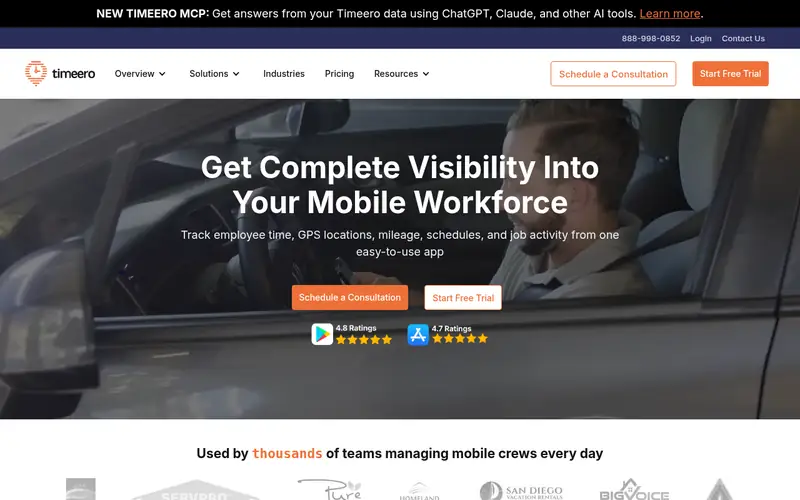
Timeero focuses on mobile time and location tracking for field staff, which matches tow drivers who spend the day on the road. It records GPS breadcrumbs and mileage, useful when a towing company needs to document distance for jobs or reimbursements. Geofences can mark a yard or customer site and trigger time events. The product is sold per user, and the vendor lists current tiers on its pricing page. It suits operators who want location records without a full workforce suite. It is less suited to firms that want accounting, payroll and dispatch in one system.

Free plan: Free trial (14 days)

Website: timeero.com

Strengths

  • GPS tracking and mileage capture
  • geofencing for job sites

Watch out for

  • Per-user pricing
  • smaller app ecosystem than larger vendors
5

Deputy

Towing companies scheduling shifts across drivers and dispatch
See vendor pricing page
deputy.comHomepage, Nov 2026
Deputy homepage

Deputy combines scheduling with time and attendance. A towing business can build shifts for drivers and dispatchers, let staff clock in from a phone, and route timesheets for approval. That helps when on-call rotations and overnight tows make manual timesheets messy. Pricing is per user per month, with feature tiers published by the vendor. The scheduling side is the main draw; if you only need raw hour capture, a simpler tool may cost less. It fits operators with enough staff to justify structured shift planning.

Free plan: Free trial (31 days)

Website: deputy.com

Strengths

  • Strong shift scheduling and timesheet approval
  • mobile clock-in

Watch out for

  • Per-user pricing
  • advanced features sit on higher tiers
6

Homebase

Small towing teams that need scheduling and basic payroll links
See vendor pricing page
joinhomebase.comHomepage, Nov 2026
Homebase homepage

Homebase offers a free plan for small teams, covering basic scheduling and time clock use. A small towing company can have drivers clock in from a phone and have an office manager review hours before payroll. It is simple to set up and aimed at small businesses. Paid plans add payroll, hiring and more advanced controls. The free tier has limits on features and locations, so confirm what is included before relying on it for a growing fleet. It suits a small operator and is less suited to a multi-location towing business.

Free plan: Yes

Website: joinhomebase.com

Strengths

  • Free plan for a single location
  • simple mobile clock-in

Watch out for

  • Free plan limits
  • payroll and HR features are paid
7

Zoho People

Towing businesses that want HR records and timesheets together
See vendor pricing page
zoho.comHomepage, Nov 2026
Zoho People homepage

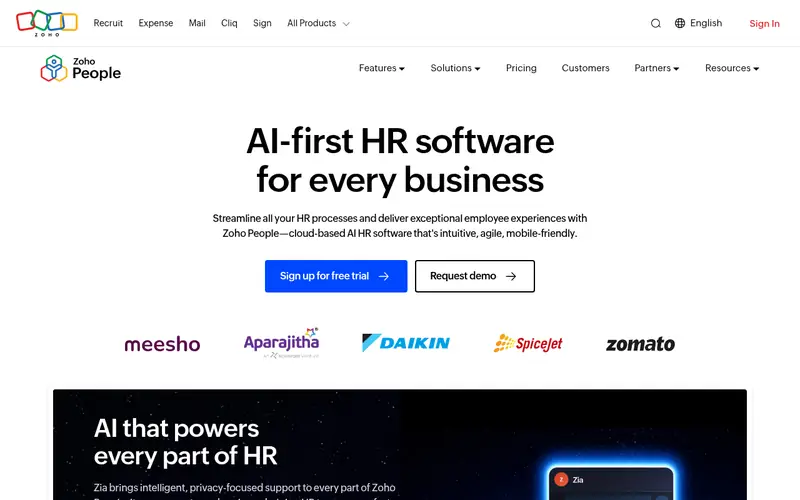
Zoho People is HR software with timesheet and attendance modules. A towing company can record driver and office hours, manage leave, and keep employee records in one system. Timesheets can be approved and exported for payroll. The product is priced per user, and the vendor lists plans on its site. Setup takes more effort than a simple time clock, so it suits operators who want HR and time data together. It is less suited to a small fleet that only needs basic hour capture.

Free plan: Free trial (30 days)

Website: zoho.com/people

Strengths

  • Timesheets tied to HR records
  • part of a wider Zoho suite

Watch out for

  • Setup takes effort
  • per-user pricing on paid plans

Pre-purchase checklist

  • Confirm the tool records time on a phone, since tow drivers rarely sit at a desk.
  • Check whether hours can be assigned to a customer job or service code for costing.
  • Ask how location tracking works and whether drivers must consent to it.
  • Compare the per-user cost at your full driver and dispatch headcount.
  • Confirm timesheet approval and payroll export fit your current process.

FAQ

What is the best timesheet software for towing companies?

QuickBooks Time is a strong pick for towing firms on QuickBooks because hours tie to jobs and payroll. Clockify suits small fleets that want a free plan, and Hubstaff fits operators who need location tracking for roadside and on-call work. The right choice depends on fleet size and whether you need location data.

Do tow drivers need GPS time tracking?

GPS tracking helps confirm that a driver was at a job site when hours were logged, which matters for roadside and on-call billing. It is optional in most tools and can be limited to certain plans. Check your local rules on employee monitoring before turning it on.

Can timesheet software handle on-call and overnight towing hours?

Most tools let you define pay codes, shifts and approval rules, so on-call and overnight hours can be recorded separately. Deputy and QuickBooks Time are built for shift-based work. Confirm the pay rules you need are supported on the plan you choose.

Is there free timesheet software for a small towing company?

Clockify offers a free plan with unlimited users, and Homebase has a free plan for small teams. Both have limits on advanced features. For a small fleet, a free plan can cover basic clock-in and timesheet review before you pay for more.

How much does timesheet software cost for a towing company?

Most tools price per user per month, so cost depends on how many drivers and dispatchers you add. Entry prices vary by vendor and change over time. Check each vendor's pricing page for current rates and any minimum seat counts.