How we rank
HR and Workforce · Researched comparison

Best Union Timesheet Software for Payroll and Compliance in 2026

TaskReports may earn a fee from some links on this page, and some placements are paid and labelled. Neither one decides the order. See our disclosure.

The short answer

ClockShark is the first pick for union construction crews that need GPS tracking, job costing, and multi-rate pay on one timesheet. QuickBooks Time suits small contractors already using QuickBooks payroll. UKG Ready fits larger organizations that need deep scheduling and labor compliance rules. All three handle shift differentials and approval workflows, but only some plans include certified payroll, so check the plan tier before you commit.

On this page

Key takeaways

  • Union timesheets need multi-rate pay rules, shift differentials, and audit trails that generic time trackers often lack.
  • ClockShark, QuickBooks Time, and UKG Ready are the strongest fits for construction and field crews with union pay rules.
  • Entry prices range from free tiers on QuickBooks Time and Clockify to custom quotes for UKG Ready and Workday.
  • Confirm certified payroll and prevailing wage support on the vendor site before buying, since plan limits change.

Quick comparison

ToolBest fitStarting price
ClockSharkConstruction crews with union pay rules and job costingSee vendor pricing page
QuickBooks TimeSmall contractors already running QuickBooks payrollSee vendor pricing page
UKG ReadyMid-size and larger employers with complex labor rulesSee vendor pricing page
WorkdayLarge enterprises with multi-union payroll and compliance needsSee vendor pricing page
ClockifySmall teams that need low-cost time tracking with exportsSee vendor pricing page
DeputyShift-based teams that need scheduling plus timesheetsSee vendor pricing page
HomebaseSmall hourly teams that need free scheduling and time clocksSee vendor pricing page

How we chose

We picked tools based on fit for union timesheet needs: multiple pay rates, shift differentials, approval workflows, audit trails, and payroll export. We also weighed published entry pricing, free plan or trial access, and the main limits buyers hit. Sources are vendor websites and public documentation, not hands-on testing. Prices and plan limits change, so confirm details on each vendor's pricing page before you buy.

★ Best overall

ClockShark

Construction crews with union pay rules and job costing

  • GPS and geofence tracking on mobile punches
  • job costing and multi-rate pay support
PriceSee vendor pricing page
See ClockShark pricing
ClockSharkHomepage image unavailable

ClockShark is built for construction and field service crews, which is where many union timesheet needs sit. Employees clock in from a phone or tablet, and the system records location, job, and task. Supervisors can assign multiple pay rates to one worker, which helps when a union member earns a base rate plus a differential for shift or trade. The scheduling and job costing modules tie hours to specific projects, so office staff can review union hours by job before payroll runs. Approval workflows let a foreman sign off on a crew's time before it reaches payroll. The main gap is payroll itself: ClockShark exports hours to payroll systems rather than running union payroll in full, so larger shops often pair it with a dedicated payroll provider. Skip ClockShark if you need built-in certified payroll forms on the entry plan, or if your workforce is office-based rather than field-based.

Price: See vendor pricing page

Free plan: Free trial (14 days)

Website: clockshark.com

Watch out for

  • No free plan after the trial
  • advanced payroll add-ons cost extra
2

QuickBooks Time

Small contractors already running QuickBooks payroll

See vendor pricing page
quickbooks.intuit.comHomepage, Nov 2026
QuickBooks Time homepage

QuickBooks Time, formerly TSheets, is a common choice for small contractors who already use QuickBooks. Time entries flow into QuickBooks Payroll, which reduces double entry when union hours need to reach paychecks. Workers can clock in from a mobile app with GPS, and managers can approve timesheets before payroll closes. For union use, the tool supports pay rates per employee and per service item, plus overtime rules. It does not market itself as union payroll software, so multi-rate union agreements and shift differentials may need manual setup or a payroll specialist's review. Certified payroll reporting is not a core feature, which matters for public works jobs. Choose QuickBooks Time if your payroll already runs in QuickBooks and your union rules are simple. Look elsewhere if you need prevailing wage forms or complex multi-union rate tables.

Free plan: Free trial (30 days)

Website: quickbooks.intuit.com/time-tracking

Strengths

  • Tight link to QuickBooks payroll
  • mobile GPS punches and approvals

Watch out for

  • Payroll features depend on a QuickBooks Payroll subscription
  • limited union-specific reporting
3

UKG Ready

Mid-size and larger employers with complex labor rules
See vendor pricing page
ukg.comHomepage, Nov 2026
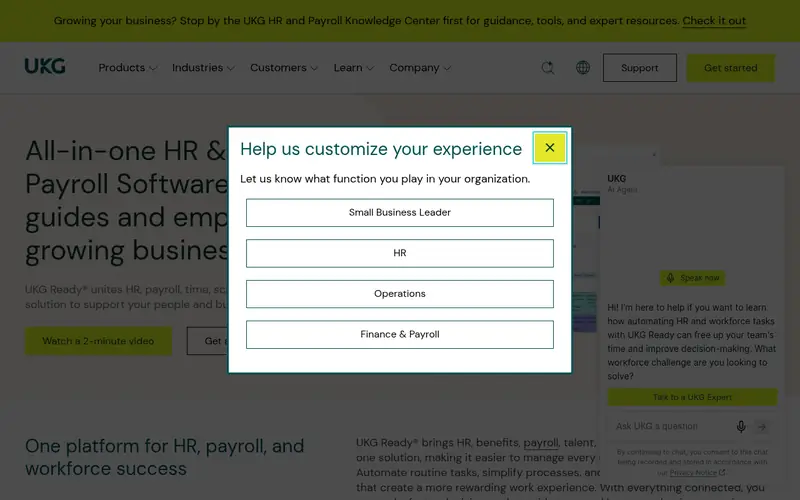
UKG Ready homepage

UKG Ready is a full HR and workforce management suite, and its timekeeping module handles the kind of rules union shops often need: multiple pay rates, shift differentials, overtime by rule set, and approval chains. Labor rules can be configured per location or bargaining unit, and the system keeps an audit trail of edits, which helps in grievance reviews. The trade-off is complexity. UKG Ready is sold through quotes, not a public price list, and implementation usually involves a partner or internal admin. Small shops with one union contract will likely find it heavier than needed. Larger employers with several unions, locations, and pay agreements are the better fit. Ask the vendor directly about union-specific reporting and payroll exports before you scope a quote.

Free plan: No

Website: ukg.com/products/ukg-ready

Strengths

  • Deep scheduling, labor rules and compliance configuration
  • strong audit trails

Watch out for

  • Quote-based pricing
  • setup and admin time are higher than simple trackers
4

Workday

Large enterprises with multi-union payroll and compliance needs
See vendor pricing page
workday.comHomepage, Nov 2026
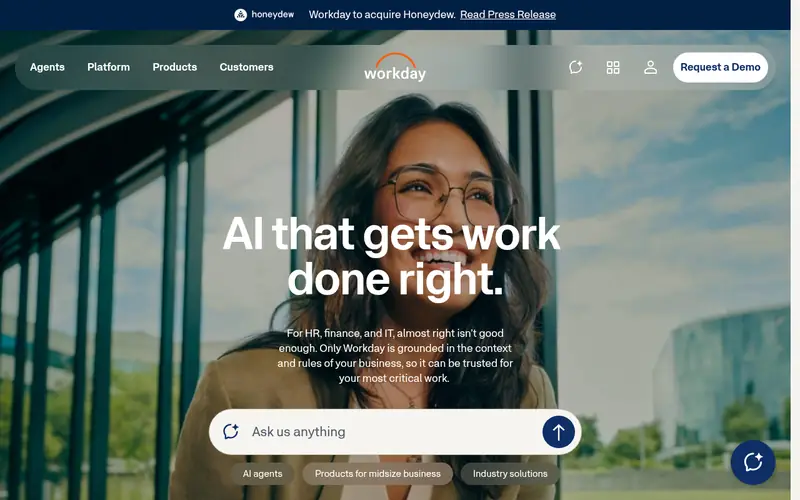
Workday homepage

Workday covers time tracking, scheduling, absence, and payroll in one platform. For union environments, the value is in configuration: pay rates, differentials, and eligibility rules can be set by worker group, and time entries flow into payroll with approval steps. Reporting tools let HR and payroll teams pull hours by group, location, or pay rule. Workday is not a small-business product. Pricing is quote-based, implementation takes months, and the system expects dedicated administrators. It fits large employers with multiple bargaining units and a payroll team that can manage configuration changes. If you run a single crew or a small shop, Workday is more system than you need. Mid-size union employers should compare it against UKG Ready on implementation cost and admin load.

Free plan: No

Website: workday.com

Strengths

  • Time tracking tied to payroll, scheduling and absence in one system
  • strong reporting

Watch out for

  • Enterprise-only pricing
  • long implementation timelines
5

Clockify

Small teams that need low-cost time tracking with exports
See vendor pricing page
clockify.meHomepage, Nov 2026
Clockify homepage

Clockify is a general time tracker with a free plan for unlimited users, which makes it a low-cost starting point for small union offices or committees that just need hours logged and exported. Users can track time by project, client, or task, and admins can pull timesheet reports for review. For union payroll, Clockify's fit is limited. It supports billable rates and some approval features, but multi-rate union pay, shift differentials, and certified payroll are not core strengths. Teams that need those rules should look at ClockShark or UKG Ready instead. Use Clockify when the goal is simple hour capture and reporting, not full union payroll compliance.

Free plan: Yes

Website: clockify.me

Strengths

  • Free plan for unlimited users
  • simple timesheet exports

Watch out for

  • Limited union-specific pay rules
  • payroll features are basic
6

Deputy

Shift-based teams that need scheduling plus timesheets
See vendor pricing page
deputy.comHomepage, Nov 2026
Deputy homepage

Deputy combines employee scheduling with time and attendance. Shift-based workplaces, including some unionized hospitality and retail sites, use it to publish schedules, track punches, and approve hours. Pay rules can be configured for overtime and some penalty rates, and timesheets export to payroll. Deputy's strength is scheduling, so it suits teams where shifts change often and hours must match the roster. It is not built around union bargaining agreements, and certified payroll is not a core feature. Check the plan details for pay rule limits before relying on it for union payroll. Small shift-based teams that need scheduling and timesheets together should shortlist Deputy. Teams with complex multi-union rate tables should not.

Free plan: Free trial (31 days)

Website: deputy.com

Strengths

  • Scheduling and timesheets in one tool
  • award and pay rule support

Watch out for

  • Union-specific reporting is limited
  • pricing varies by plan and region
7

Homebase

Small hourly teams that need free scheduling and time clocks
See vendor pricing page
joinhomebase.comHomepage, Nov 2026
Homebase homepage

Homebase offers scheduling, time clocks, and basic HR tools for small hourly teams. Its free plan covers one location, which can suit a small unionized shop or a single-site crew that needs a basic clock and timesheet export. Union-specific needs are mostly outside Homebase's scope. Multi-rate pay, shift differentials tied to bargaining agreements, and certified payroll reporting are not core features. It works best as a simple time clock for a small team, with payroll handled elsewhere. Choose Homebase if you need a free, simple clock for one location. Look at ClockShark or UKG Ready if union pay rules are central.

Free plan: Yes

Website: joinhomebase.com

Strengths

  • Free plan for one location
  • simple mobile time clock

Watch out for

  • Advanced features and multiple locations require paid plans
  • limited union pay rules

Pre-purchase checklist

  • Confirm the tool supports multiple pay rates per employee and shift differentials.
  • Ask whether certified payroll or prevailing wage reports are included in your plan tier.
  • Check how timesheets export to your payroll provider and whether edits leave an audit trail.
  • Review mobile clock options, GPS, and geofencing if crews work at varied sites.
  • Confirm the free plan or trial limits, and the price after any introductory period.

FAQ

What makes union timesheet software different from general time tracking?

Union timesheets often need multiple pay rates per worker, shift differentials, overtime rules tied to bargaining agreements, and audit trails for grievance review. General time trackers may log hours but lack those pay rules and reports. Check that a tool supports your specific union agreements before buying.

Does ClockShark handle union payroll?

ClockShark handles time capture, GPS punches, job costing, and multi-rate pay, then exports hours to payroll. It does not run full union payroll itself. Pair it with a payroll provider that handles union deductions and certified payroll if those are required.

Is there free union timesheet software?

Clockify and Homebase offer free plans, but neither is built for union payroll rules. They suit small teams that need basic hour capture and exports. For multi-rate pay and compliance reporting, paid tools like ClockShark or UKG Ready are the better fit.

Can QuickBooks Time produce certified payroll reports?

QuickBooks Time is not marketed as certified payroll software. Its strength is linking time entries to QuickBooks Payroll. If you need certified payroll forms for public works jobs, confirm support with the vendor or pair the tool with a certified payroll service.

How much does union timesheet software cost?

Prices vary widely. Clockify and Homebase have free tiers, ClockShark and QuickBooks Time publish plans but change pricing, and UKG Ready and Workday are quote-based. Confirm current pricing on each vendor's site, since plan limits and add-on costs change.