Data and Analytics · Researched comparison

AI Chat Platforms Buyer's Guide: 6 Tools for 2026

TaskReports may earn a fee from some links on this page, and some placements are paid and labelled. Neither one decides the order. See our disclosure.

The short answer

Our first pick is Rasa, best for engineering teams that want to own their chatbot stack outright. Cognigy is better for contact centers deploying conversational AI across voice and chat, and Microsoft Copilot Studio is better for Microsoft 365 organizations building agents for employees and customers. The remaining 3 options are covered below with prices and limits.

On this page

Key takeaways

  • Rasa takes the first slot, best suited to engineering teams that want to own their chatbot stack outright.
  • Botpress fits product and support teams building chatbots that require to scale past a demo.
  • Free plans exist at 4 of 6 tools (Rasa, Google Dialogflow, IBM watsonx Assistant, Botpress).
  • The cheapest monthly starting price in the list is $200/month for 25,000 messages, offered by Microsoft Copilot Studio.
  • Check the limits for Cognigy before you commit: quote-only pricing with no public numbers.

Quick comparison

ToolSuited toWatch out forStarts atFree option
---------------
RasaEngineering teams that want to own their chatbot stack outrightIncluding hosting and upgradesFreeYes
CognigyContact centers deploying conversational AI across voice and chatQuote-only pricing with no public numbersSee websiteFree trial
Microsoft Copilot StudioMicrosoft 365 organizations building agents for employees and customersThe message-based billing model takes study$200/month for 25,000 messagesFree trial
Google DialogflowTeams on Google Cloud that require chat and voice in one NLU serviceThe console feels built for developers, not conversation designersSee websiteYes
IBM watsonx AssistantRegulated enterprises that require compliance-grade conversational AIThe platform shows its enterprise weight in setup complexitySee websiteYes
BotpressProduct and support teams building chatbots that require to scale past a demoComplex bots still need someone technical on the teamFreeYes
★ Best overall

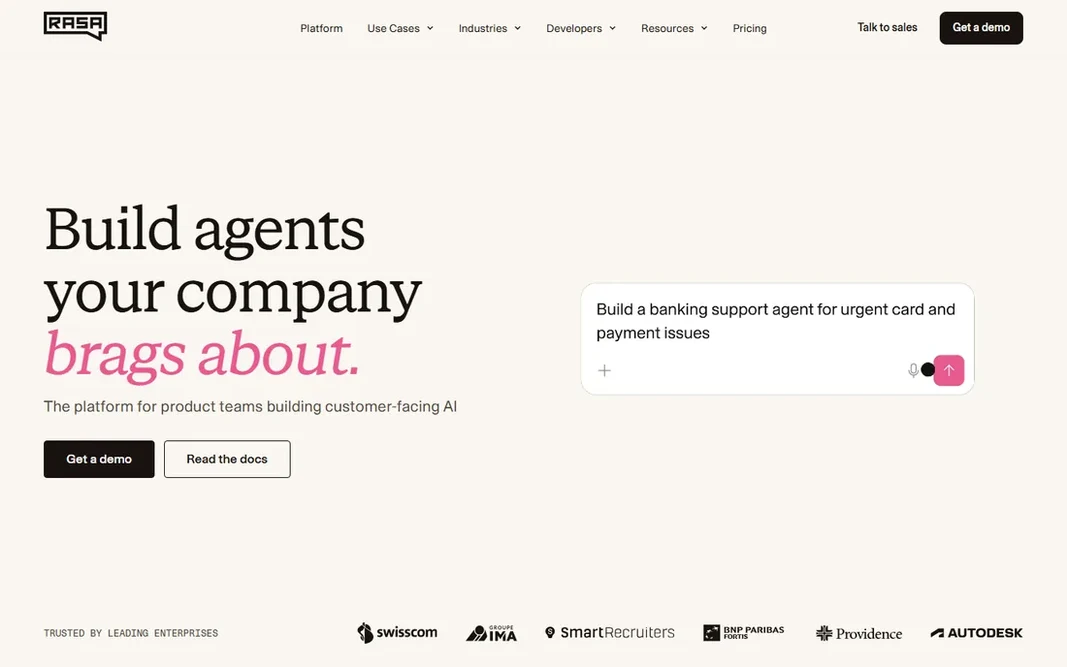
Rasa

Engineering teams that want to own their chatbot stack outright

  • Full source access with no vendor lock-in
  • Capable NLU that runs on your own infrastructure
PriceFree (open source); Rasa Pro on custom pricing
See Rasa pricing

Rasa makes the most sense for engineering teams that want to own their chatbot stack outright. The framework is free, the NLU runs where you deploy it, and your conversation data never has to leave your infrastructure. That matters for regulated industries and for businesses whose chatbot manages sensitive customer data. The price of freedom is effort. From a buyer's view, Rasa Pro brings enterprise features like analytics and observability on custom pricing. Teams that do not should pick a hosted builder instead. What you pay to start with Rasa: Free. Free access exists with Rasa. Limits to weigh: You build and maintain everything.

Price: Free (open source); Rasa Pro on custom pricing

Free plan: Yes

Website: rasa.com

Watch out for

  • Conversational design tooling lags the visual builders
2

Cognigy

Contact centers deploying conversational AI across voice and chat
See website (custom quote)

Cognigy is aimed squarely at contact centers deploying conversational AI across voice and chat. Cognigy focuses where chatbots meet the contact center. Its system manages voice and digital channels from one flow builder, with agent-assist, knowledge AI and analytics geared toward operations managers instead of developers. As for the details, small teams can trial it, but the pricing and packaging assume contact-center volume. For everyday use, for a large support operation replacing IVR menus with conversational AI, it belongs on the shortlist alongside the other enterprise names here. No starting price is listed for Cognigy here; confirm pricing on the vendor site. Trial and free access: Free trial. Where it is weaker: Quote-only pricing with no public numbers.

Free plan: Free trial

Website: cognigy.com

Strengths

  • Solid low-code flow builder with developer extensibility
  • Decent marks for human-handoff design

Watch out for

  • The sweet spot is plainly large operations, not small teams
3

Microsoft Copilot Studio

Microsoft 365 organizations building agents for employees and customers
$200/month for 25,000 messages (per Microsoft licensing guide)

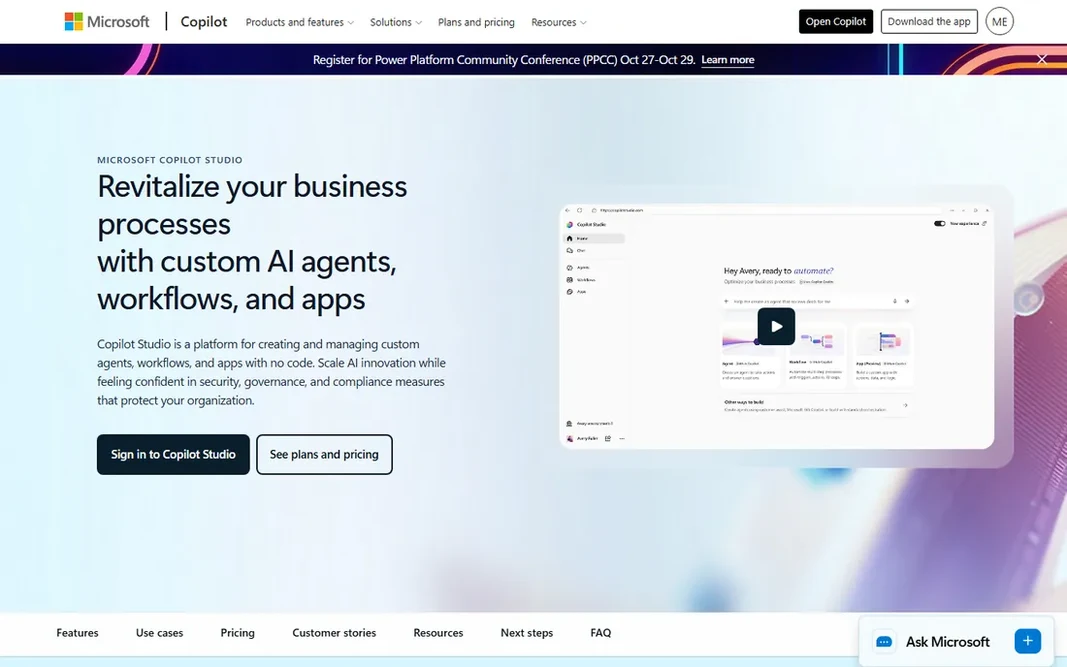
Pick Microsoft Copilot Studio if this describes you: Microsoft 365 organizations building agents for employees and customers. Copilot Studio is Microsoft's low-code agent builder, and its pricing is public in Microsoft's own licensing guide: $200 a month per tenant for a 25,000-message pack, with pay-as-you-go at $0.01 per message for variable needs. Generative answers cost more messages than classic ones, Graph-grounded answers cost more still, and autonomous actions add their own meter. Watch-outs: The message-based billing model takes study. For everyday use, agents can answer from company knowledge in SharePoint, act across Microsoft 365, and publish to websites and external channels on the standalone license. For everyday use, Microsoft 365 Copilot license holders get some internal agent use included. What you pay to start with Microsoft Copilot Studio: $200/month for 25,000 messages. As for free access: Free trial.

Free plan: Free trial

Website: microsoft.com/en-us/microsoft-copilot/microsoft-copilot-studio

Strengths

  • Dataverse and Microsoft Graph
  • Pay-as-you-go choice ($0.01/message) for variable workloads

Watch out for

  • External publishing and autonomous agents cost more than internal use
4

Google Dialogflow

Teams on Google Cloud that require chat and voice in one NLU service
See website (usage-based pricing per request)

Google Dialogflow is aimed squarely at teams on Google Cloud that require chat and voice in one NLU service. Billing is per request, which keeps small pilots cheap. Forecasting is the work. Per-request pricing means your bill follows your traffic, and a viral moment or a misconfigured loop can spike costs. Model your expected sessions before launch and set billing alerts on day one. Google Dialogflow shows no starting price here, so confirm the cost on the vendor site. Google Dialogflow has a free plan. Where it falls short: The console feels designed for developers, not conversation designers.

Free plan: Yes

Website: cloud.google.com/dialogflow

Strengths

  • Deep integration with the rest of Google Cloud
  • Native voice support through phone and smart-speaker channels

Watch out for

  • Usage-based pricing is hard to forecast without traffic history
5

IBM watsonx Assistant

Regulated enterprises that require compliance-grade conversational AI
See website (tiered by per month active users)

Pick IBM watsonx Assistant if this describes you: regulated enterprises that require compliance-grade conversational AI. If you are not in a regulated industry, the lighter systems above deliver similar bots with far less ceremony. On top of that, the payoff is a product your compliance team will approve and your auditors can inspect. The Lite plan is free for evaluation, premium tiers scale by monthly active users. The enterprise level supplies data isolation with HIPAA support. This is not a tool you trial on a Friday afternoon. IBM watsonx Assistant shows no starting price here, so confirm the cost on the vendor site. IBM watsonx Assistant includes a free tier. Where it is weaker: Pricing is not published on a straightforward page and scales with active users.

Free plan: Yes

Website: ibm.com/products/watsonx-assistant

Strengths

  • Decades of enterprise support infrastructure
  • Voice and chat in one product with telephony integration

Watch out for

  • The product displays its enterprise weight in setup complexity
6

Botpress

Product and support teams building chatbots that require to scale past a demo
Free; Plus from $150/month (per vendor site)

Think of Botpress for product and support teams building chatbots that require to scale past a demo. Pricing is conversation-based instead of seat-based, which keeps costs tied to usage rather than headcount. Set the AI spend cap the vendor offers before launch. For everyday use, for teams that can model their volume, it is the most capable system near this price. From a buyer's view, the free plan spans building and testing. The Plus plan at $150 a month (per the vendor's own pricing content) layers on production features like human handoff and knowledge base indexing. Botpress pricing: Free. A free plan is available with Botpress. Downsides: Complicated bots still need someone technical on the team.

Free plan: Yes

Website: botpress.com

Strengths

  • Visual builder plus full API control in one product
  • LLM-agnostic design lets you swap models without rebuilding

Watch out for

  • Production costs contain AI usage on top of the plan, so forecasting matters

FAQ

How do I keep chatbot costs predictable?

Pick a pricing model that matches your traffic: flat plans for steady volume, usage-based for spiky or experimental traffic. Set billing alerts on day one, cap AI spend where the system lets it, and run a two-week pilot to measure real consumption before signing anything annual.

Is Rasa the right pick for everyone comparing AI chat platforms?

No single tool suits every team. Rasa comes first because it fits engineering teams that want to own their chatbot stack outright, while Cognigy suits contact centers deploying conversational AI across voice and chat and Microsoft Copilot Studio suits Microsoft 365 organizations building agents for employees and customers. Match the tool to your own size, budget and workflow before deciding.

Can I try these options before paying?

Often, yes. Rasa, Google Dialogflow, IBM watsonx Assistant and Botpress have a free plan and Cognigy and Microsoft Copilot Studio offer a free trial. Use your own data and a real task during the test, and check what the free tier or trial limits before you rely on it.

What is the cheapest option for AI chat platforms in this list?

On published monthly entry prices, Microsoft Copilot Studio is the lowest here at $200/month for 25,000 messages. Entry price is only part of the cost, because seats, add-ons and billing terms can change the total.

How are the tools for AI chat platforms ordered?

Rasa sits first and Botpress last because the order follows typical fit for AI chat platforms, then price clarity and free access. It is a judgement call, so read each profile for fit and limits.