AI Tools · Researched comparison

Best AI Design Software (2026): 7 Options Compared

TaskReports may earn a fee from some links on this page, and some placements are paid and labelled. Neither one decides the order. See our disclosure.

The short answer

Uizard leads the list, best for AI-generated app and web UI mockups. For a different need, Looka covers AI logo design and brand kits for new firms and Canva Magic Studio covers everyday marketing graphics and social content. Prices, free plans and limits for all 7 tools follow.

On this page

Key takeaways

  • This list starts with Uizard, which is built for AI-generated app and web UI mockups.
  • A fair warning about Designs.ai: jack of all trades, master of none.
  • The cheapest monthly starting price in the list is $9.90/month, offered by Designs.ai.
  • Only 5 of the 7 tools have a free plan (Uizard, Canva Magic Studio, Flair.ai, Adobe Firefly, Leonardo.ai), so check the caps.

Quick comparison

ToolStarting priceFree planOfficial site
------------
Uizard$12 per creator/monthYesuizard.io
Looka$20 one-timeNolooka.com
Canva Magic Studio$15/monthYescanva.com
Designs.ai$9.90/monthFree trialdesigns.ai
Flair.ai$10/monthYesflair.ai
Adobe Firefly$9.99/monthYesfirefly.adobe.com
Leonardo.ai$12/monthYesleonardo.ai
★ Best overall

Uizard

AI-generated app and web UI mockups

  • Turns text prompts
  • Screenshots and hand sketches into editable UI
Price$12 per creator/month (Pro, billed annually)
See Uizard pricing

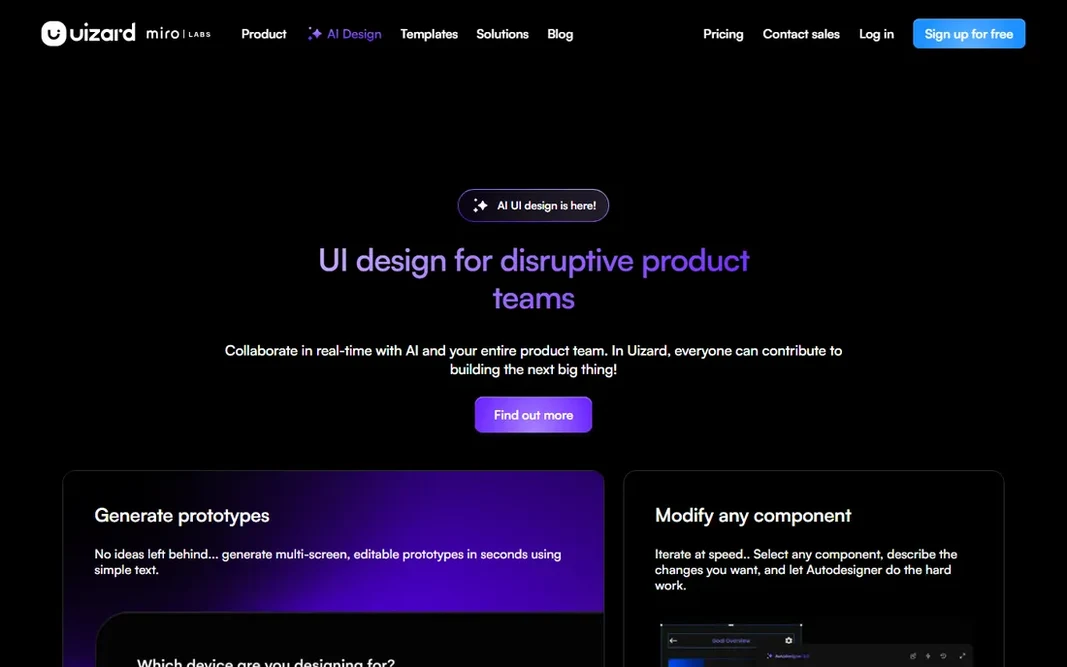
Choose Uizard for AI-generated app and web UI mockups. Pro at $12 per creator a month (billed yearly) brings 500 AI generations a month, up to 100 projects and developer handoff features. Main advantages: Figma plugin for handoff. The main drawbacks: Per-creator pricing brings up for larger teams. Worth adding: for founders and product managers who cannot design, it compresses the idea-to-prototype loop to minutes. Entry price for Uizard: $12 per creator/month. Uizard has a free plan.

Price: $12 per creator/month (Pro, billed annually)

Free plan: Yes

Website: uizard.io

Watch out for

  • Generated screens need a designer pass before shipping
2

Looka

AI logo design and brand kits for new firms
$20 one-time (Basic logo package)

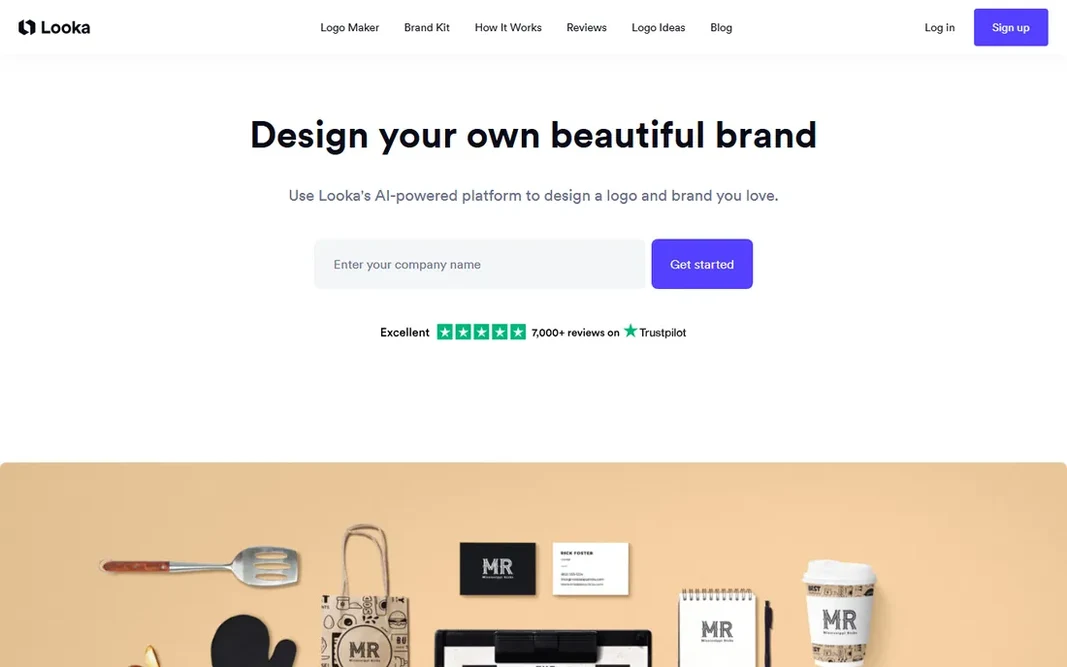
Looka is a good fit for AI logo design and brand kits for new companies. You enter a business name and industry, pick styles you like, and the AI creates logo concepts in under a minute. For a new business that needs a credible identity quick, the Premium package beats a $500 designer for a first version. For everyday use, you can design logos at no cost and only pay to download, which makes it simple to test. Looka cost at the entry level: $20 one-time. There is no free plan with Looka. Watch-outs: Logo styles can feel template-driven at the budget end.

Free plan: No

Website: looka.com

Strengths

  • One-time logo packages rather than subscriptions
  • Brand Kit auto-generates 300+ matching assets

Watch out for

  • No free downloads
3

Canva Magic Studio

Everyday marketing graphics and social content
$15/month (Pro; $144 billed yearly)

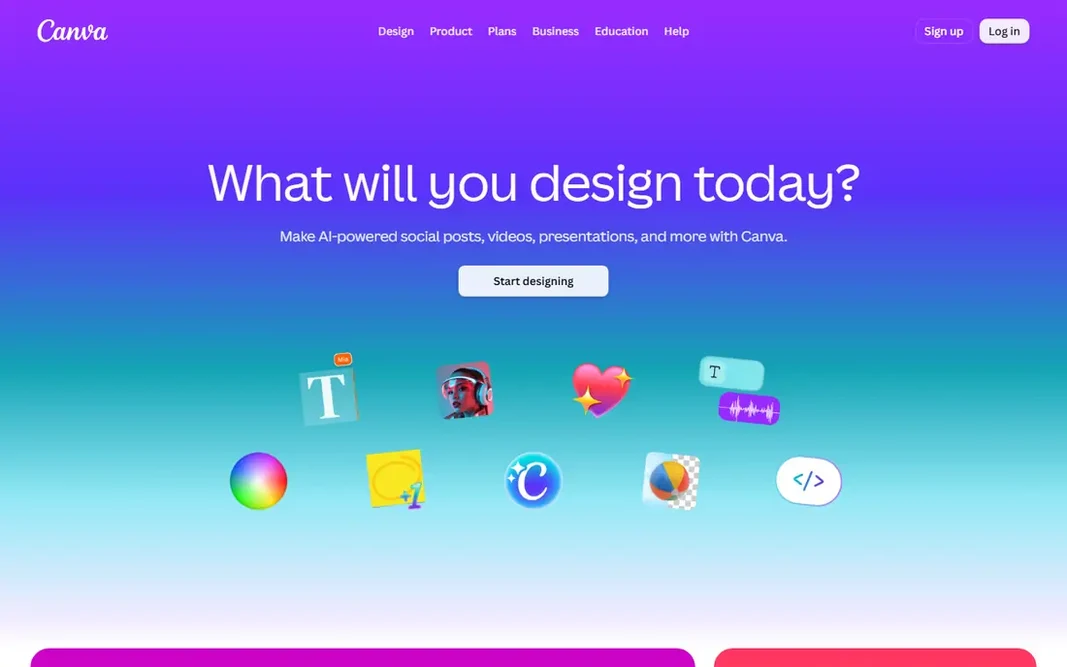
Canva Magic Studio serves everyday marketing graphics and social content. The output stays editable in the same canvas, so an AI-generated starting point becomes a finished post, deck or ad without exporting to another app. On top of that, the main limit is the credit system. Teams that produce content every day should budget around the credit pool, not just the subscription price. Beyond that, free accounts get a small allowance that is fine for testing but not for daily production. Canva Magic Studio cost at the entry level: $15/month. Canva Magic Studio has a free plan. Where it is weaker: Advanced designers will hit customization limits.

Free plan: Yes

Website: canva.com

Strengths

  • Ample free level for trying features
  • AI tools live inside a familiar editor

Watch out for

  • AI features draw from a shared monthly credit pool
4

Designs.ai

All-in-one AI creative suite for marketing teams
$9.90/month (Go)

Designs.ai was built for all-in-one AI creative suite for marketing teams. For a small marketing team that needs a logo on Monday, a video ad on Wednesday and a slide deck on Friday, one subscription replaces four or five separate tools. The main drawbacks: The full suite takes time to learn. There is no permanently free plan, but a free trial lets you test the suite before paying. Also, plans start with Go at $9.90/month, then scale up monthly AI credits, user seats and indemnity coverage through Plus, Pro and Enterprise. Designs.ai pricing: $9.90/month. Free options: Free trial. Main advantages: Brand consistency enforced across formats.

Free plan: Free trial

Website: designs.ai

Strengths

  • Large licensed stock library
  • Logos, images, video, copy

Watch out for

  • Jack of all trades, master of none
5

Flair.ai

AI product photography for e-commerce keeps
$10/month (Pro; $8 billed yearly)

Flair.ai targets AI product photography for e-commerce keeps. You drag your product image onto a canvas, arrange backgrounds, props and lighting, and the AI renders studio-quality e-commerce photos. Worth adding: Pro+ layers on 80 generated images and a company commercial license, and Scale brings API access for bigger catalogs. In daily use, watch the credit math: instant image and ad generation consume four times the normal quota, and unused credits do not roll over. What you pay to start with Flair.ai: $10/month. Free access exists with Flair.ai. Honest limits: Lower-tier content may appear in the community gallery.

Free plan: Yes

Website: flair.ai

Strengths

  • Custom models trained on your products
  • Short product videos in the same tool

Watch out for

  • Instant generation burns credits at 4x the normal rate
6

Adobe Firefly

Commercially safe image and video generation
$9.99/month (Standard)

Pick Adobe Firefly if this describes you: commercially safe image and video generation. Firefly is Adobe's standalone AI creative app for generating and editing images, video and audio. Its defining advantage is the training data. Where it falls short: Credit costs for video add up quick. More specifically, generated images also carry content credentials metadata, so viewers can verify how they were made. Worth adding: standard at $9.99/month layers on 2,000 monthly generative credits plus unlimited standard image features like Generative Fill. Beyond that, Adobe built the base models on licensed Adobe Stock content and public-domain material, which means images generated here carry far less legal risk for client work than tools trained on scraped web images. Entry price for Adobe Firefly: $9.99/month. Adobe Firefly includes a free tier.

Free plan: Yes

Website: firefly.adobe.com

Strengths

  • Solid text-to-video
  • Trained on licensed and public-domain content, so output is safe for commercial use

Watch out for

  • Fewer models to choose from than open products
7

Leonardo.ai

Power-user image generation and custom model training
$12/month (Essential)

Pick Leonardo.ai if this describes you: power-user image generation and custom model training. Leonardo.ai has grown from a widely used image generator into a full creative system with image editing, video generation, upscaling and an API. Because every operation (generation, upscale, training) debits tokens at different rates, watch per month of real usage before picking a level. From a buyer's view, Leonardo fits teams producing assets daily. You can fine-tune a model on your own art style, characters or product line with no machine-learning skills, which is the fastest route to brand-consistent AI imagery at volume. The standout feature is custom model training. Leonardo.ai cost at the entry level: $12/month. You can start on Leonardo.ai without paying. Where it falls short: Token economics take effort to handle.

Free plan: Yes

Website: leonardo.ai

Strengths

  • Several models under one subscription including FLUX and its own Phoenix line
  • Canvas editor and upscaling built in

Watch out for

  • The interface overwhelms first-time users

Pre-purchase checklist

  • Confirm the entry price on the vendor page: Designs.ai starts at $9.90/month, but seat counts and billing terms change the total.
  • Check what the free option really includes: Uizard, Canva Magic Studio, Flair.ai and others offer a free plan, and usage caps differ.
  • Use real work to test the free trial from Designs.ai, rather than a demo project.
  • Before choosing Uizard, weigh its main limit: per-creator pricing brings up for bigger teams.
  • Ask whether Designs.ai integrates with your current software, and whether that comes standard or as an add-on.
  • Verify that exporting from Canva Magic Studio is possible on your plan and covers all your records.

FAQ

Which options for AI design software have a free plan?

On this list, Uizard, Canva Magic Studio, Flair.ai, Adobe Firefly and Leonardo.ai include a free plan. Caps on seats, usage or features are common, so test the free plan against your real workload. One other tool offers a trial instead.

How are the tools for AI design software ordered?

Uizard sits first and Leonardo.ai last because the order follows typical fit for AI design software, then price clarity and free access. It is a judgement call, so read each profile for fit and limits.

Can I try these options before paying?

Often, yes. Uizard, Canva Magic Studio, Flair.ai and others have a free plan and Designs.ai offers a free trial. Use your own data and a real task during the test, and check what the free tier or trial limits before you rely on it.

Do these tools publish their prices?

Yes. Every tool from Uizard to Leonardo.ai shows a starting price, though seats, add-ons and billing terms still change the final cost.