Data and Analytics · Researched comparison

AI Detection Software Compared: 7 Tools, Prices and Limits

TaskReports may earn a fee from some links on this page, and some placements are paid and labelled. Neither one decides the order. See our disclosure.

The short answer

For teams that want detection inside a writing assistant, Sapling is where this list starts. Alternatives: Copyleaks for enterprises needing detection plus plagiarism checks, and Originality.ai for publishers checking freelance content at scale. All 7 tools are compared below on price, free plan and limits.

On this page

Key takeaways

  • Top of the list is Sapling, which targets teams that want detection inside a writing assistant.
  • Check the limits for Originality.ai before you commit: no meaningful free level.
  • ZeroGPT is the one to check for fast free checks with no signup.
  • Free plans exist at 4 of 7 tools (Sapling, Copyleaks, Scribbr, ZeroGPT).

Quick comparison

ToolIdeal forEntry priceFree plan
------------
SaplingTeams that want detection inside a writing assistant$25/monthYes
CopyleaksEnterprises needing detection plus plagiarism checks$9.99/monthYes
Originality.aiPublishers checking freelance content at scale$14.95/monthFree trial
Winston AIContent teams wanting in-depth, shareable reports$12/monthFree trial (14 days)
TurnitinUniversities and schools buying institution-wideSee websiteNo
ScribbrStudents who require a free one-off checkFreeYes
ZeroGPTFast free checks with no signup$9.99/monthYes
★ Best overall

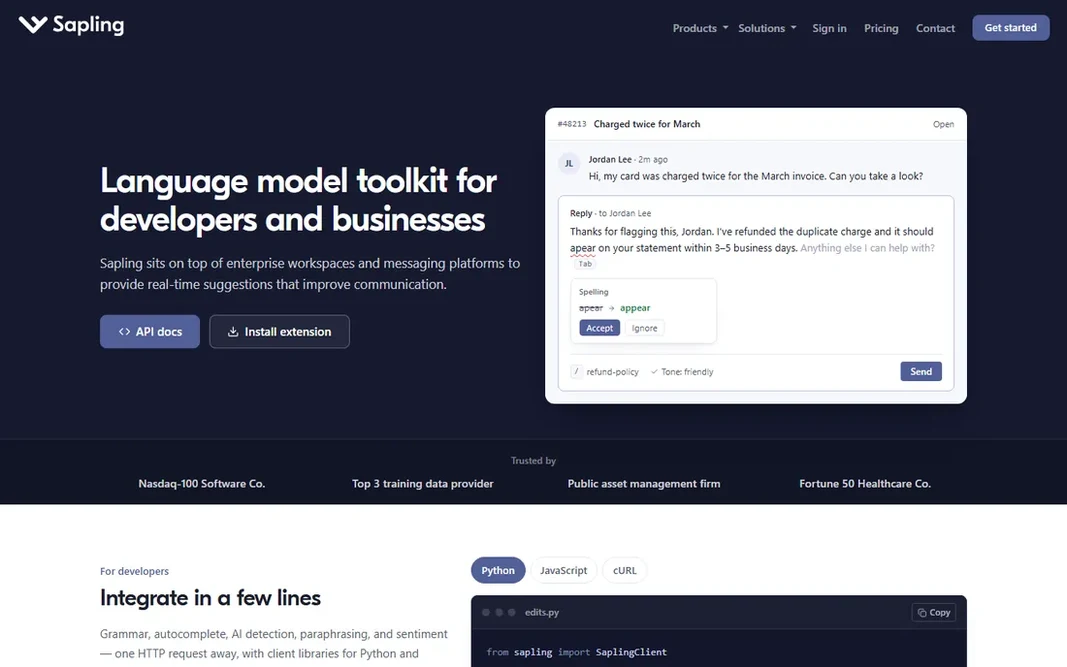
Sapling

Teams that want detection inside a writing assistant

  • Grammar and AI detection in one tool
  • Browser extension
Price$25/month (Pro)
See Sapling pricing

Choose Sapling for teams that want detection inside a writing assistant. The browser extension watches what your team writes and flags grammar issues, tone problems, and AI-generated text in one pass. Points against: Detection is secondary to the writing assistant. In practice, a restricted free tier handles entry-level checks. Buy Sapling for the writing assistant with detection as a bonus, not the other way around. Starting cost for Sapling: $25/month. Sapling offers a free plan. What works well: Team analytics.

Price: $25/month (Pro)

Free plan: Yes

Website: sapling.ai

Watch out for

  • Pricier than pure detectors
2

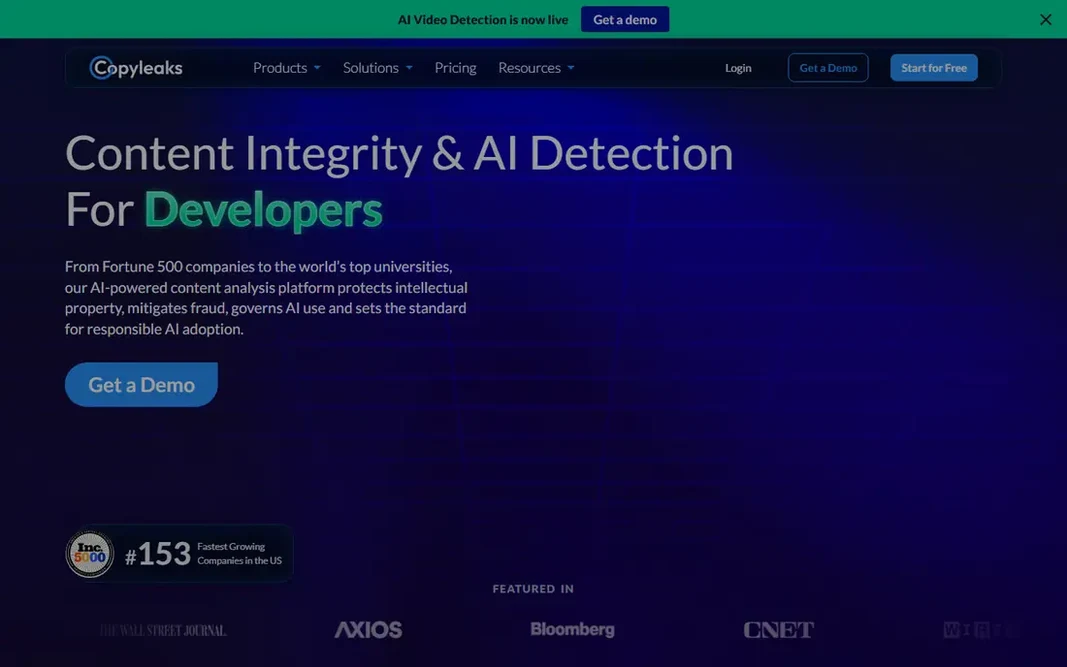
Copyleaks

Enterprises needing detection plus plagiarism checks
$9.99/month (AI detection only)

Copyleaks was built for enterprises needing detection plus plagiarism checks. A solo blogger does not need any of that. Worth adding: what sets Copyleaks apart is infrastructure: SSO, LMS plugins, audit logs, and compliance certifications that procurement departments need. Downsides: Full system pricing climbs quick. Copyleaks sells to institutions, not individuals. The free level permits five scans a day, which is genuinely handy for one-off checks. Beyond that, the $9.99-a-month AI detection plan is the entry point; the full academic integrity suite is quoted per institution. Price to start with Copyleaks: $9.99/month. Copyleaks has a free plan.

Free plan: Yes

Website: copyleaks.com

Strengths

  • Source-code detection
  • API and LMS integrations

Watch out for

  • Overkill for casual checks
3

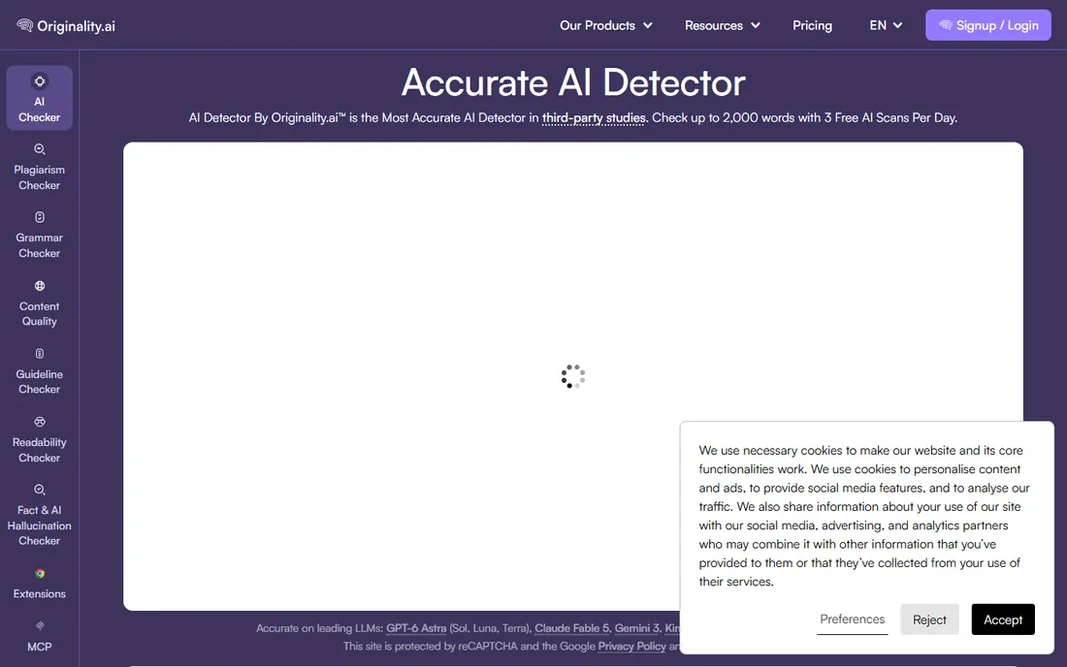
Originality.ai

Publishers checking freelance content at scale
$14.95/month

Choose Originality.ai for publishers checking freelance content at scale. It merges AI detection with plagiarism and fact-checking in one scan, which matches how content teams actually review submissions. If you publish content at volume and need a paper trail for clients, this is the most purpose-built choice here. Pricing begins at $14.95 per month, with pay-as-you-go credit packs for irregular volume. On cost, Originality.ai starts like this: $14.95/month. Free options: Free trial. Drawbacks to consider: No meaningful free level.

Free plan: Free trial

Website: originality.ai

Strengths

  • Pay-as-you-go credits
  • Aimed at content teams

Watch out for

  • Per-scan costs add up for heavy users
4

Winston AI

Content teams wanting in-depth, shareable reports
$12/month

In short, Winston AI is for content teams wanting in-depth, shareable reports. Winston AI targets the same publisher buyer as Originality.ai but differentiates on reporting. It also reads text from images and scanned handwriting via OCR, a nice touch for academic use. The main drawbacks: Smaller brand than competitors. For everyday use, plans start at $12 per month with a 14-day free trial. The per-word pricing model means costs scale with volume in a way that rewards estimating your usage honestly before committing. Winston AI cost at the entry level: $12/month. On free options: Free trial (14 days).

Free plan: Free trial (14 days)

Website: gowinston.ai

Strengths

  • OCR for images and handwriting
  • In-depth reports with readability scores

Watch out for

  • Pricing per word can surprise heavy users
5

Turnitin

Universities and schools buying institution-wide
See website (institution licensing)

Turnitin is designed for universities and schools buying institution-wide. Turnitin is the name every educator knows, and its AI detection rides inside the similarity reports schools already use. It is sold as institution licensing only: a university buys it, integrates it with Canvas or Blackboard, and every submission gets screened automatically. Honest limits: Pricing hidden behind sales. On top of that, there is no meaningful way for an individual to purchase it. That makes Turnitin a strange entry on a buyer's list, but an essential one, since numerous readers are evaluating it through their school. Pricing is quote-based and not published. No starting price is listed for Turnitin here; confirm pricing on the vendor site. Turnitin has no permanent free option.

Free plan: No

Website: turnitin.com

Strengths

  • Deep LMS integration
  • Writing feedback tools

Watch out for

  • Students cannot buy it straight
6

Scribbr

Students who require a free one-off check
Free (premium check $19.95 per document)

Scribbr targets students who require a free one-off check. Scribbr will not replace an institutional product, but as a free student-facing tool it is honest about what it does. As for the details, the premium check at $19.95 per document brings deeper analysis for high-stakes work like theses. Limits to weigh: Premium is per document, not subscription. From a buyer's view, there is no subscription, which is either a pro or a con based on your volume. Beyond that, no account, no payment, paste your text and get a result. Entry price for Scribbr: Free. Free access exists with Scribbr.

Free plan: Yes

Website: scribbr.com

Strengths

  • Premium deep-check available
  • Trusted student brand

Watch out for

  • Restricted features in free version
7

ZeroGPT

Fast free checks with no signup
$9.99/month (Pro)

ZeroGPT makes the most sense for fast free checks with no signup. ZeroGPT is the tool people actually use most, since it is free and needs no account. Limits to weigh: Less depth than premium rivals. In daily use, be realistic about what it is: a quick screening tool with less analytical depth than the premium systems, and no team features or integrations. Also, the Pro plan at $9.99 per month removes ads and raises limits, but the free level is the real product here. ZeroGPT pricing: $9.99/month. You can start on ZeroGPT without paying.

Free plan: Yes

Website: zerogpt.com

Strengths

  • Free without an account
  • Straightforward interface

Watch out for

  • Ad-supported free level

Pre-purchase checklist

  • Get a written quote from Turnitin; the list shows no starting price for them.
  • Read the fine print on the free plans from Sapling, Copyleaks, Scribbr and ZeroGPT; seat, project and feature caps differ.
  • Use real work to test the free trial from Originality.ai and Winston AI, rather than a demo project.
  • Read the limits listed for Sapling first: detection is secondary to the writing assistant.
  • Test how quickly Winston AI answers a pre-sales question; it hints at how support will feel later.
  • Ask Sapling how an export works before you move any records in; an easy exit lowers the risk.

FAQ

Can I try these options before paying?

Often, yes. Sapling, Copyleaks, Scribbr and ZeroGPT have a free plan and Originality.ai and Winston AI offer a free trial. Use your own data and a real task during the test, and check what the free tier or trial limits before you rely on it.

Do AI detectors work on paraphrased text?

Paraphrasing, whether by a human editor or a paraphrasing tool, is one of the most effective ways to evade detection, and short texts are harder to classify than long ones. This is a fundamental limitation of how detectors work, not a flaw in any single product.

Which AI detector is the most accurate?

Vendors each claim high accuracy on their own test data, and those claims cannot be meaningfully compared. Choose based on workflow fit and reporting quality instead of chasing the biggest accuracy number.

Is Sapling the right pick for everyone comparing AI detection software?

No single tool suits every team. Sapling comes first because it fits teams that want detection inside a writing assistant, while Copyleaks suits enterprises needing detection plus plagiarism checks and Originality.ai suits publishers checking freelance content at scale. Match the tool to your own size, budget and workflow before deciding.

What is the cheapest option for AI detection software in this list?

On published monthly entry prices, Copyleaks is the lowest here at $9.99/month. Entry price is only part of the cost, because seats, add-ons and billing terms can change the total.

Do these tools publish their prices?

Not all of them. Turnitin publishes no starting price, so expect a quote request for it. The rest, Sapling included, show a starting price, though seats and billing terms still change the final cost.