AI Tools · Researched comparison

Top 5 AI Image to Video Tools for 2026, Compared

TaskReports may earn a fee from some links on this page, and some placements are paid and labelled. Neither one decides the order. See our disclosure.

The short answer

Pika comes first here, mainly for quick stylised social clips. Alternatives: Google Veo for realistic clips with synced audio, and Adobe Firefly for commercially safe brand work. Prices, free plans and limits for all 5 tools follow.

On this page

Key takeaways

  • Top of the list is Pika, which targets fast stylised social clips.
  • A free plan is available from 4 of the 5 tools: Pika, Google Veo, Adobe Firefly, Luma Dream Machine.
  • Pika is the lowest-priced starter here at $8 per month.
  • Luma Dream Machine is the one to check for cinematic camera moves and quick iteration.
  • Pika comes with a trade-off: short clips suit social, not long film.

Quick comparison

ToolIdeal forStarts atKey limitation
------------
PikaQuick stylised social clips$8 per monthCredit packs can confuse new users
Google VeoRealistic clips with synced audio$19.99 per monthClips are about eight seconds per generation
Adobe FireflyCommercially safe brand work$9.99 per monthCredit limits affect heavy users
RunwayFilm-style control and editing$12 per monthLearning curve for new creators
Luma Dream MachineCinematic camera moves and quick iteration$30 per monthEntry plan is expensive

How we chose

TaskReports used vendor pricing pages and product documentation as the base, then compared plans, free access and documented limits for 5 tools. Figures are shown as the vendors publish them. Billing terms, seat minimums and add-ons can change the real cost. The order reflects how well each tool fits the most common buying scenario for AI image to video tools, then price clarity, then free plan access. It is a starting point, not a verdict.

★ Best overall

Pika

Quick stylised social clips

  • No watermark on premium output
  • Fun effects and styles
Price$8 per month (billed annually)
See Pika pricing

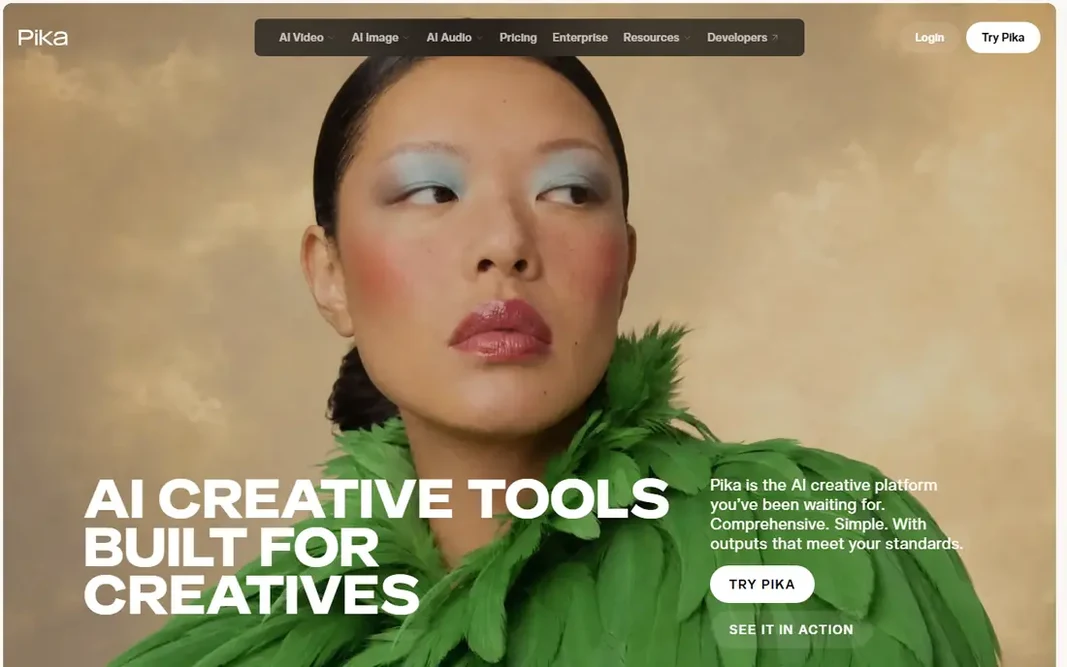
Pika is built with quick stylised social clips in mind. For a new user, the first week normally settles the question of fit, since the core routine either feels natural or it starts to feel like additional work. Move only the lists or schedules you already use, and check the tool on a phone as well as on a computer, since a tool that is awkward on the device you carry will be skipped on busy days. In daily use, Pika fits best when it holds one clear job at first. A still image can be animated with effects, lip sync, and sound tools, and the results are sized for short-form systems. It is built around quick stylised social clips, and that focus presents in how the primary screens are arranged, with the most used actions close at hand and less used settings kept out of the way. What you pay to start with Pika: $8 per month. Pika has a free plan. Honest limits: Credit packs can confuse new users.

Price: $8 per month (billed annually)

Free plan: Yes

Website: pika.art

Watch out for

  • Short clips suit social, not long film
2

Google Veo

Realistic clips with synced audio

$19.99 a month (Google AI Pro)

Google Veo makes the most sense for realistic clips with synced audio. Text and image inputs can produce clips with synced dialogue, sound effects, and ambient audio, which saves a separate audio step. It is built around realistic clips with synced audio, and that focus displays in how the primary screens are arranged, with the most used actions close at hand and less used settings kept out of the way. Drawbacks to consider: Clips are about eight seconds per generation. From a buyer's view, move only the lists or schedules you already use, and check the tool on a phone plus on a computer, since a tool that is awkward on the device you carry will be skipped on busy days. From a buyer's view, Google Veo suits readers who want realistic clips with synced audio. The starting price for Google Veo: $19.99 per month. Free access exists with Google Veo.

Free plan: Yes

Website: gemini.google.com

Strengths

  • Works inside Gemini and Flow
  • Capable prompt following

Watch out for

  • Full access needs a premium Google plan

3

Adobe Firefly

Commercially safe brand work
$9.99 per month

For commercially safe brand work, Adobe Firefly is a natural candidate. Firefly models are trained on licensed content, and generated clips can move into Photoshop, Premiere, or Express for finishing. It is built around commercially safe brand work, and that focus displays in how the primary screens are arranged, with the most used actions close at hand and less used settings kept out of the way. As for the details, Adobe Firefly suits readers who want commercially safe brand work. In practice, in daily use, Adobe Firefly fits best when it holds one clear job at first. More specifically, for a new user, the first week typically settles the question of fit, since the core routine either feels natural or it starts to feel like additional work. Starting cost for Adobe Firefly: $9.99 per month. Adobe Firefly offers a free plan. Where it falls short: Credit limits affect heavy users.

Free plan: Yes

Website: adobe.com/products/firefly.html

Strengths

  • Commercially safe Adobe models
  • Content Credentials for transparency

Watch out for

  • Clips are short, about five seconds
4

Runway

Film-style control and editing
$12 a month (billed yearly)

Runway serves Film-style control and editing. Runway is the choice for creators who want control over camera movement, not just a moving image. For everyday use, for a new user, the first week normally settles the question of fit, because the core routine either feels natural or it starts to feel like additional work. Image-to-video generations can be refined with motion controls and editing tools, and the workspace supports longer projects built from multiple clips. It is built around film-style control and editing, and that focus displays in how the central screens are arranged, with the most used actions close at hand and less used settings kept out of the way. From a buyer's view, move only the lists or schedules you already use, and check the tool on a phone plus on a computer, since a tool that is awkward on the device you carry will be skipped on busy days. What you pay to start with Runway: $12 per month. As for free access: Free trial. Points against: Ramp-up time for new creators.

Free plan: Free trial

Website: runwayml.com

Strengths

  • High-quality output on premium plans
  • Editing tools in the same workspace

Watch out for

  • Free credits do not refill monthly
5

Luma Dream Machine

Cinematic camera moves and quick iteration
$30 a month

Luma Dream Machine is designed for cinematic camera moves and quick iteration. Move only the lists or schedules you already use, and check the tool on a phone plus on a computer, since a tool that is awkward on the device you carry will be skipped on busy days. In daily use, Keyframe controls and cinematic styles help turn a still into a shot that feels directed, instead of a straightforward pan or zoom. It is built around cinematic camera moves and quick iteration, and that focus presents in how the primary screens are arranged, with the most used actions close at hand and less used settings kept out of the way. Luma Dream Machine cost at the entry level: $30 per month. You can start on Luma Dream Machine without paying. Drawbacks to consider: Entry plan is costly.

Free plan: Yes

Website: lumalabs.ai

Strengths

  • Cinematic camera controls
  • Quick iteration on ideas

Watch out for

  • No free level listed on pricing page

FAQ

Is Pika the right pick for everyone comparing AI image to video tools?

No single tool suits every team. Pika comes first because it fits fast stylised social clips, while Google Veo suits realistic clips with synced audio and Adobe Firefly suits commercially safe brand work. Match the tool to your own size, budget and workflow before deciding.

What is the best AI image-to-video tool overall?

For most readers this guide would start with Pika, built for fast stylised social clips. Google Veo is the alternative for realistic clips with synced audio, and Adobe Firefly for commercially safe brand work. The right answer depends on budget and workflow.

Which options for AI image to video tools have a free plan?

On this list, Pika, Google Veo, Adobe Firefly and Luma Dream Machine include a free plan. Caps on seats, usage or features are common, so test the free plan against your real workload. One other tool offers a trial instead.

Can I try these options before paying?

Often, yes. Pika, Google Veo, Adobe Firefly and Luma Dream Machine have a free plan and Runway offers a free trial. Use your own data and a real task during the test, and check what the free tier or trial limits before you rely on it.

Do free plans add a watermark?

Some free plans add a watermark, and some do not, so check the tool before publishing. If a clip is for a client, use a premium plan or a tool with watermark-free premium output.

Do these tools publish their prices?

Yes. Every tool from Pika to Luma Dream Machine shows a starting price, though seats, add-ons and billing terms still change the final cost.