
AI Tools · Researched comparison

6 Top AI Interior Design Software Options Compared (2026)

TaskReports may earn a fee from some links on this page, and some placements are paid and labelled. Neither one decides the order. See our disclosure.

The short answer

This list puts Spacely AI first for studios and architects needing client-ready renders. If your case is different, Fotor suits budget buyers who want AI design plus general photo editing and DecorAI suits heavy users who want unlimited designs for a flat fee. Prices, free plans and limits for all 6 tools follow.

On this page

Key takeaways

  • Spacely AI is the opening pick, best for studios and architects needing client-ready renders.
  • REimagineHome fits homeowners and agents who want designs with real products.
  • Starting prices begin at $14/month with REimagineHome.
  • A free plan is available from 5 of the 6 tools: Spacely AI, Fotor, Homestyler, RoomGPT, REimagineHome.

Quick comparison

ToolStarting priceFree tierBiggest drawbackIdeal for
---------------
Spacely AIFree planYesCredit system adds up at high volumeStudios and architects needing client-ready renders
FotorSee websiteYesAI generations consume monthly creditsBudget buyers who want AI design plus general photo editing
DecorAI$24/monthFree trialTrial requires a credit cardHeavy users who want unlimited designs for a flat fee
HomestylerSee websiteYesAI features are helpersDIY floor plans with real furniture models
RoomGPTSee websiteYesLimited control over specific detailsThe fastest possible room restyle
REimagineHomeFrom $14/monthYesFree tier ends after 5 designsHomeowners and agents who want designs with real products
★ Best overall

Spacely AI

Studios and architects needing client-ready renders

  • Free plan comes with core features
  • Rhino integrations
PriceFree plan; credit packs from $9 (one-time)
See Spacely AI pricing

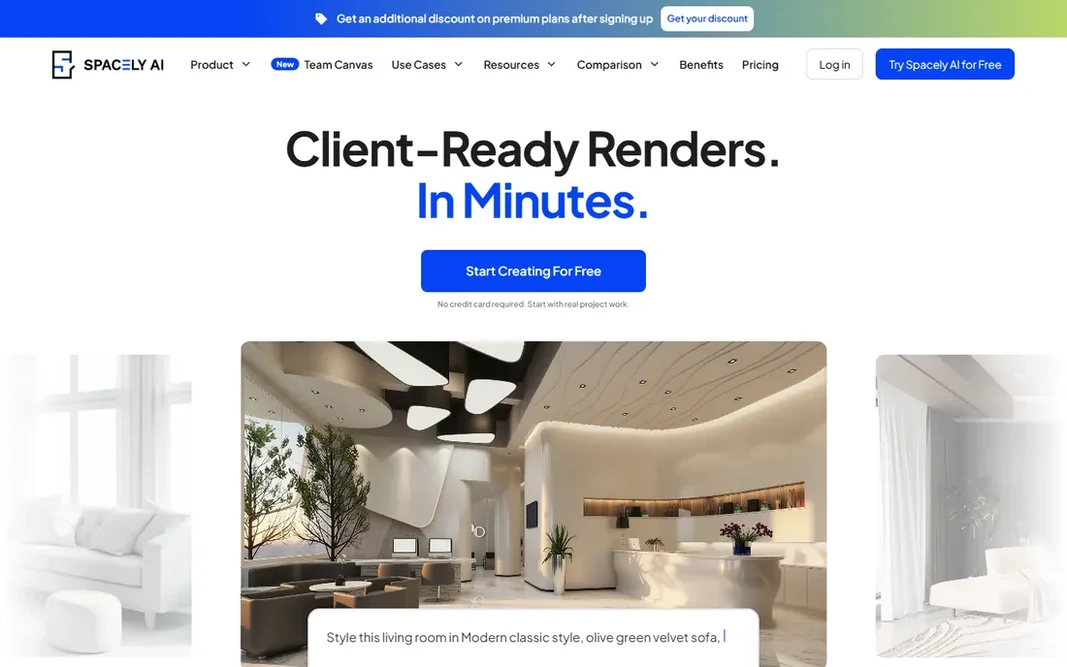
Spacely AI serves studios and architects needing client-ready renders. Spacely AI is aimed squarely at professionals. Drawbacks to consider: Pro render quality and 4K downloads need premium plans. As for the details, the limitation to know is that the highest render quality, 4K downloads, and pro editing tools sit on the premium levels, so budget accordingly if your deliverables are client-facing. In practice, pricing is a hybrid: a free plan with access to core features, then Personal, Studio, and Agency subscriptions for seats and pro features, plus one-time credit top-ups beginning at $9 that never expire. Spacely AI cost at the entry level: Free plan. Spacely AI offers a free plan.

Price: Free plan; credit packs from $9 (one-time)

Free plan: Yes

Website: spacely.ai

Watch out for

  • Credit system layers on up at high volume
2

Fotor

Budget buyers who want AI design plus general photo editing
See website

Fotor is a good fit for budget buyers who want AI design plus general photo editing. For a homeowner who also needs a photo editor, it is the value pick. Downsides: AI generations consume monthly credits. Fotor shows no starting price here, so confirm the cost on the vendor site. Fotor offers a free plan.

Free plan: Yes

Website: fotor.com

Strengths

  • Free plan with no watermark on exports
  • Huge toolkit beyond interior design (background removal, collages, AI art)

Watch out for

  • Interior design is one feature among dozens, not a specialty
3

DecorAI

Heavy users who want unlimited designs for a flat fee
$24/month

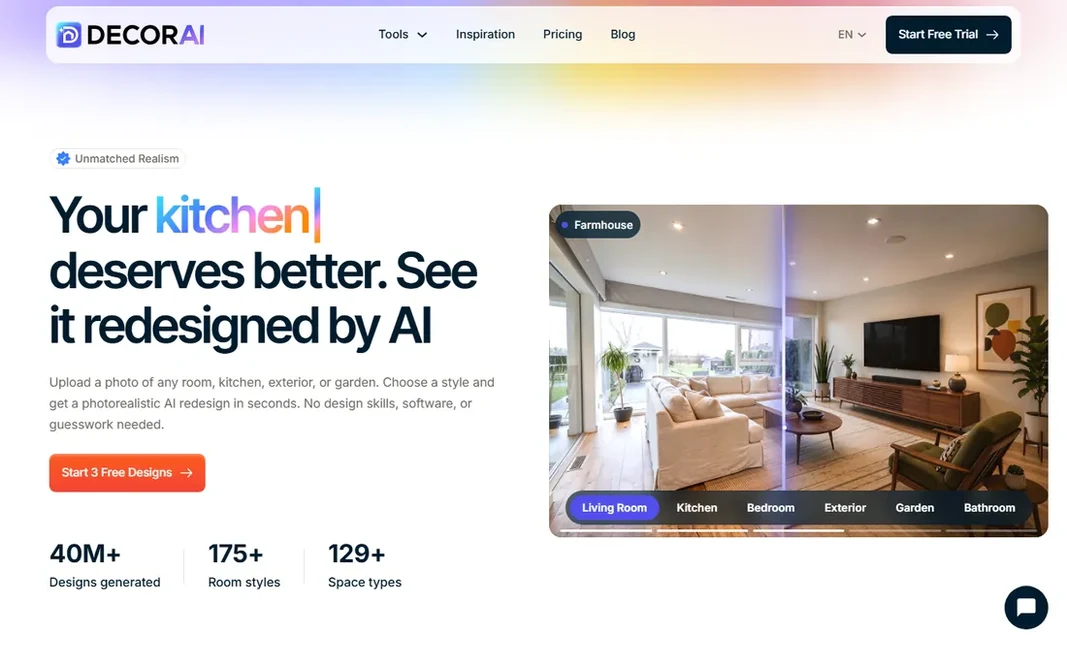
DecorAI is designed for heavy users who want unlimited designs for a flat fee. Exterior and garden redesign tools, sketch-to-render, a dedicated kitchen designer, and virtual staging all live under the same subscription. Drawbacks to consider: No pay-per-design choice for occasional users. As for the details, every plan comes with commercial rights, which matters if you are using the output for client work or listings. Price to start with DecorAI: $24/month. On free options: Free trial.

Free plan: Free trial

Website: decorai.io

Strengths

  • Unlimited AI image designs on the premium plan
  • Commercial usage rights on every plan

Watch out for

  • Trial needs a credit card
4

Homestyler

DIY floor plans with real furniture models
See website

Pick Homestyler if this describes you: DIY floor plans with real furniture models. Homestyler is the builder's tool in this roundup, not a photo filter. The free level is ample enough for real projects. Where it falls short: Advanced rendering costs additional. People who want one-click magic should look at RoomGPT or DecorAI instead. Worth adding: you draw or upload a floor plan, the AI converts it into an editable 3D model, and then you furnish it yourself from a library of over 10 million branded 3D models. Homestyler does not show a starting price in this comparison, so check the vendor site for current pricing. Free access exists with Homestyler.

Free plan: Yes

Website: homestyler.com

Strengths

  • Cloud rendering built in
  • Free 3D floor planning with drag-and-drop

Watch out for

  • Not the core product
5

RoomGPT

The fastest possible room restyle
See website

RoomGPT works best for the fastest possible room restyle. There is no floor plan, no furniture catalog, no settings to learn. From a buyer's view, premium plans add higher volume for people using it for client work or content. What to check first: Furniture in renders does not map to real products. The free level provides you a few designs per day, which is plenty for casual experimenting. On top of that, you cannot fine-tune individual pieces of furniture. The items in the renders are invented by the AI instead of pulled from a catalog, so treat the output as a mood board instead of a shopping list. Pricing for RoomGPT is not stated here, so ask the vendor for current figures. RoomGPT has a free plan.

Free plan: Yes

Website: roomgpt.io

Strengths

  • Upload a photo and get several style variations in seconds
  • Very straightforward interface with no ramp-up time

Watch out for

  • Restricted control over specific details
6

REimagineHome

Homeowners and agents who want designs with real products
From $14/month

REimagineHome makes the most sense for homeowners and agents who want designs with real products. REimagineHome begins from the room you already have and works toward a decision you can act on. For everyday use, what sets it apart is the shopping layer: the furniture in your renders is real, priced, and available from retailers. The main drawbacks: Free level ends after 5 designs. So a design you like can move straight to a cart. Beyond that, the virtual staging mode fills empty rooms with furniture for listings, and batch tools manage a full set of listing photos at once. Entry price for REimagineHome: From $14/month. REimagineHome offers a free plan.

Free plan: Yes

Website: reimaginehome.ai

Strengths

  • First 5 designs free with no card required
  • Designs built around real products with prices

Watch out for

  • Premium plans needed for continuing project work

FAQ

Is Spacely AI the right pick for everyone comparing AI Interior design software?

No single tool suits every team. Spacely AI comes first because it fits studios and architects needing client-ready renders, while Fotor suits budget buyers who want AI design plus general photo editing and DecorAI suits heavy users who want unlimited designs for a flat fee. Match the tool to your own size, budget and workflow before deciding.

How are the tools for AI Interior design software ordered?

The order follows typical fit for AI Interior design software, with Spacely AI first and REimagineHome last, then price clarity and free access. It is editorial judgement, not a score, so another team could rank the tools differently.

Which options for AI Interior design software have a free plan?

Spacely AI, Fotor, Homestyler, RoomGPT and REimagineHome offer a free plan in this list. Free plans usually cap users, projects or features, so check the limits on the vendor page. One other tool offers a trial instead.

Can I try these options before paying?

Often, yes. Spacely AI, Fotor, Homestyler and others have a free plan and DecorAI offers a free trial. Use your own data and a real task during the test, and check what the free tier or trial limits before you rely on it.

Is AI interior design software accurate enough for a real remodel?

It is accurate enough for decisions about style, color, and layout direction, but not for construction. Photo-based tools keep your room's structure approximately, not exactly, and the furniture shown is normally AI-generated instead of dimensionally real.