
AI Tools · Researched comparison

6 AI Tools to Turn Photo Into Video Options Ranked for 2026

TaskReports may earn a fee from some links on this page, and some placements are paid and labelled. Neither one decides the order. See our disclosure.

The short answer

Our first pick is Kaiber, best for music visuals and stylised animation. For a different need, PixVerse covers fast stylised clips from photos and Runway covers professional image-to-video with editing tools. The full list of 6 tools follows, with prices and free plan facts.

On this page

Key takeaways

  • Top of the list is Kaiber, which targets music visuals and stylised animation.
  • Hailuo is the lowest-priced starter here at $9.99 per month.
  • Before buying Runway, weigh this: free credits are one-time, not a lasting free tier.
  • Hailuo suits budget-friendly photo animation.

Quick comparison

ToolStarting priceFree optionKey limitationSuited to
---------------
KaiberSee websiteFree trialLess suited to realistic photo animationMusic visuals and stylised animation
PixVerse$10.00 per monthYesHigher resolution sits on premium tiersFast stylised clips from photos
Runway$12.00 per monthFree trialFree credits are one-timeProfessional image-to-video with editing tools
Luma Dream Machine$30.00 per monthYesHigher premium entry price than Runway or PikaNatural, steady motion from a photo
Pika$10.00 per monthYesShorter clips than some rivalsQuick social clips from a photo
Hailuo$9.99 per monthFree trialFree access is trial-basedBudget-friendly photo animation
★ Best overall

Kaiber

Music visuals and stylised animation

  • A decent match for mood-led visuals
  • Capable stylised looks for music and art projects
PriceSee website
See Kaiber pricing

In short, Kaiber is for music visuals and stylised animation. Kaiber takes a different path from the realistic tools above. Points against: Less suited to realistic photo animation. Its strength is mood and style, not faithful realism. Pricing for Kaiber is not stated here, so ask the vendor for current figures. On free options: Free trial.

Price: See website

Free plan: Free trial

Website: kaiber.ai

Watch out for

  • Pricing needs checking on the vendor site before purchase
2

PixVerse

Fast stylised clips from photos
$10.00 a month

Pick PixVerse if this describes you: fast stylised clips from photos. For quick, stylised social content, PixVerse is a low-risk place to start. For everyday use, free exports carry a watermark and are restricted to non-commercial use, so you need a premium plan for clean business posts. Generations are quick, which helps for social trends and short product clips. Price to start with PixVerse: $10.00 per month. A free plan is available with PixVerse. Where it is weaker: Free output is watermarked and restricted to non-commercial use.

Free plan: Yes

Website: pixverse.ai

Strengths

  • Quick generations
  • Clay and 3D styles in one tool

Watch out for

  • Higher resolution sits on premium levels
3

Runway

Professional image-to-video with editing tools
$12.00 a month

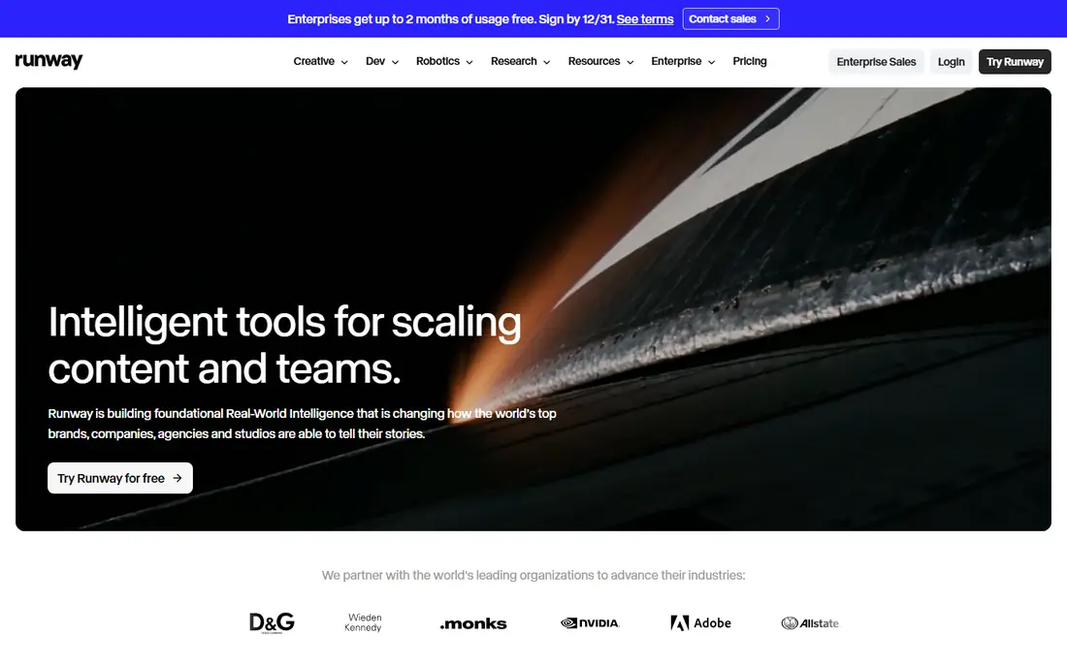
Choose Runway for professional image-to-video with editing tools. For a one-off experiment, a tool with daily free credits may suit you better. premium plans start at a monthly rate on annual billing, and credits are spent per generation. On top of that, the free allowance is a one-time credit bundle, so it is for testing, not for regular posting. Runway starts at: $12.00 per month. Free options: Free trial. Limits to weigh: Free credits are one-time.

Free plan: Free trial

Website: runwayml.com

Strengths

  • Image-to-video with solid motion controls
  • Bundles other video models on premium plans

Watch out for

  • Credit costs rise with longer or higher-quality clips
4

Luma Dream Machine

Natural, steady motion from a photo
$30.00 a month

Luma Dream Machine is aimed squarely at natural, steady motion from a photo. A still image of a product, a room or a street scene can gain a gentle camera move without the subject warping too much. What to check first: Higher premium entry price than Runway or Pika. At a higher monthly rate than most rivals here, it only makes sense if you use it often or you value that motion quality. Entry price for Luma Dream Machine: $30.00 per month. You can start on Luma Dream Machine without paying.

Free plan: Yes

Website: lumalabs.ai

Strengths

  • Bundles other models on premium plans
  • Daily free allowance on the web level

Watch out for

  • Premium plans can feel expensive for light use
5

Pika

Quick social clips from a photo
$10.00 a month

Pika targets quick social clips from a photo. Clip length is the primary limit, and free-plan output may carry limits on commercial use, so read the plan terms before posting premium work. Downsides: Free output limits and commercial rules need checking before business use. What you pay to start with Pika: $10.00 per month. Free access exists with Pika.

Free plan: Yes

Website: pika.art

Strengths

  • Effects library for short clips
  • Quick generations for social formats

Watch out for

  • Shorter clips than some rivals
6

Hailuo

Budget-friendly photo animation
$9.99 a month

Hailuo is built with budget-friendly photo animation in mind. If your central need is short, realistic motion at a low price, Hailuo deserves a test run with your own images. What to check first: Longer clips cost more credits. Hailuo cost at the entry level: $9.99 per month. As for free access: Free trial.

Free plan: Free trial

Website: hailuoai.video

Strengths

  • Decent realism for everyday scenes
  • Low entry price

Watch out for

  • Free access is trial-based

FAQ

What is the cheapest option for AI tools to turn photo into video in this list?

On published monthly entry prices, Hailuo is the lowest here at $9.99 per month. Entry price is only part of the cost, because seats, add-ons and billing terms can change the total.

How are the tools for AI tools to turn photo into video ordered?

The order follows typical fit for AI tools to turn photo into video, with Kaiber first and Hailuo last, then price clarity and free access. It is editorial judgement, not a score, so another team could rank the tools differently.

What is the best AI tool to turn photos into videos at no cost?

For most readers this guide would start with Kaiber, built for music visuals and stylised animation. PixVerse is the alternative for fast stylised clips from photos, and Runway for professional image-to-video with editing tools. The right answer depends on budget and workflow.

Can I try these tools before paying?

Often, yes. PixVerse, Luma Dream Machine and Pika have a free plan and Kaiber, Runway and Hailuo offer a free trial. Use your own data and a real task during the test, and check what the free tier or trial limits before you rely on it.

Do these tools publish their prices?

Not all of them. Kaiber publishes no starting price, so expect a quote request for it. The rest, PixVerse included, show a starting price, though seats and billing terms still change the final cost.