AI Tools · Researched comparison

6 AI Video Editing Software Options Compared on Price and Fit

TaskReports may earn a fee from some links on this page, and some placements are paid and labelled. Neither one decides the order. See our disclosure.

The short answer

OpusClip is the first pick on this list for long video to short clips. Descript is the stronger choice for Transcript-based video and podcast editing, while Runway suits AI-generated video and creative editing. All 6 tools are compared below on price, free plan and limits.

On this page

Key takeaways

  • OpusClip is the opening pick, best for long video to short clips.
  • For the cheapest start, look at Runway: $12 per month.
  • Only 5 of the 6 tools have a free plan (OpusClip, Descript, Runway, Kapwing, InVideo), so check the caps.
  • One limit worth knowing about Pictory: no permanent free plan, only a trial.
  • InVideo suits prompt-to-video with a timeline editor.

Quick comparison

ToolEntry priceFree tierKey limitationIdeal for
---------------
OpusClip$15 per monthYesNeeds source footageLong video to short clips
Descript$16 per monthYesLearning curve for timeline workTranscript-based video and podcast editing
Runway$12 per monthYesCredit costs rise with newer modelsAI-generated video and creative editing
Pictory$25 per monthFree trialHeavy use needs higher plansScript and article to video
Kapwing$16 per monthYesPro is needed for 4K exportBrowser-based team video editing
InVideo$20 per monthYesCredit system needs careful budgetingPrompt-to-video with a timeline editor
★ Best overall

OpusClip

Long video to short clips

  • Captions and virality scores
  • Vertical reframing with subject tracking
Price$15 a month
See OpusClip pricing

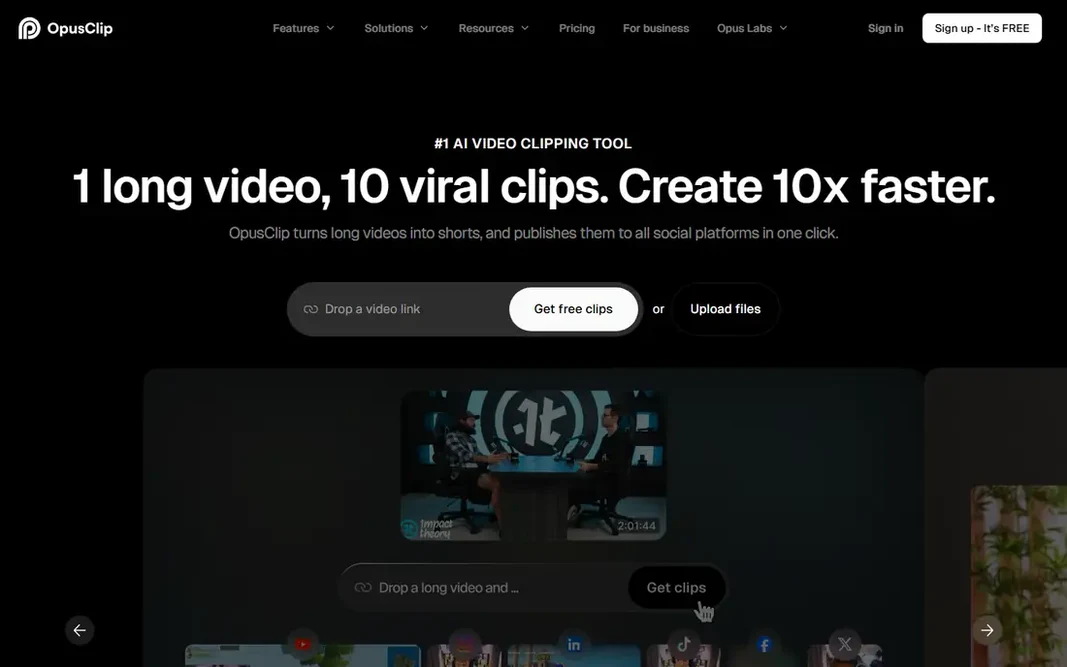
OpusClip serves long video to short clips. Premium plans start at $15 a month and add more processing time and features. A free plan bundles 60 minutes of processing time refreshed monthly, with a 7-day Pro trial for new users. Also, upload a podcast, webinar, vlog, or interview, and its models find the most solid moments, reframe them vertically with subject tracking, add captions, and score each clip. Entry price for OpusClip: $15 per month. Free access exists with OpusClip. The main drawbacks: Clip quality varies by source; Free plan limits processing time.

Price: $15 a month

Free plan: Yes

Website: opus.pro

Watch out for

  • Needs source footage
2

Descript

Transcript-based video and podcast editing
$16 a month (billed yearly)

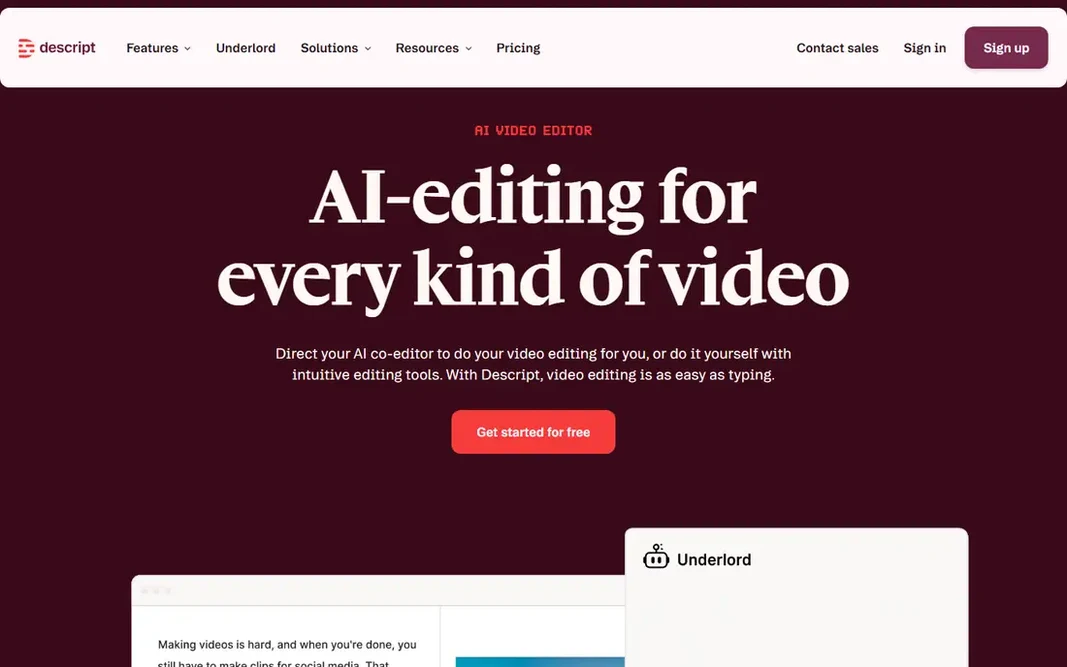
Descript is a good fit for Transcript-based video and podcast editing. Descript changes video editing into document editing. Upload or record a video, get a transcript, and cut footage by deleting words, move scenes by moving sentences, and remove filler words in bulk. What to check first: premium plans bill per seat. The free plan spans entry-level recording and editing with limits, whereas Hobbyist, at $16 a month billed yearly, layers on more media minutes and AI credits. In daily use, studio Sound cleans up noisy audio with one click, and the Underlord agent can turn a raw recording into a tight cut or a set of clips. Starting cost for Descript: $16 per month. A free plan is available with Descript.

Free plan: Yes

Website: descript.com

Strengths

  • Studio Sound cleanup
  • Edit video by editing text

Watch out for

  • Ramp-up time for timeline work
3

Runway

AI-generated video and creative editing
$12 a month (billed yearly)

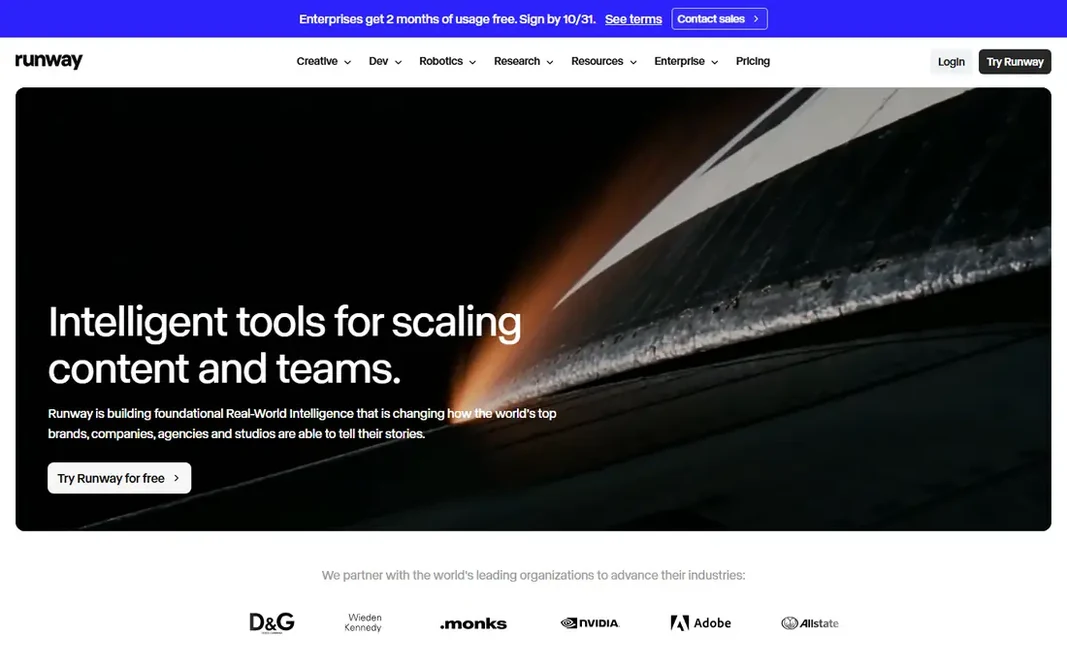
Where Runway fits: AI-generated video and creative editing. The free plan includes 125 one-time credits with watermarked exports, whereas Standard, at $12 a month billed yearly, layers on a monthly credit allowance and watermark-free exports. If you create clips commonly, budget for credits carefully, since iteration burns through an allowance quicker than a flat subscription suggests. As for the details, Pro brings more credits and models. The starting price for Runway: $12 per month. Runway has a free plan. Watch-outs: Free credits are one-time and exports carry a watermark.

Free plan: Yes

Website: runwayml.com

Strengths

  • Capable generation and editing suite
  • Camera-direction controls

Watch out for

  • Credit costs rise with newer models
4

Pictory

Script and article to video
$25 a month (billed yearly)

Pictory targets script and article to video. Pictory turns text into video. Paste a script, article, or URL, or upload slides or audio, and Pictory builds scenes with visuals, captions, and an AI voice. The main drawbacks: Heavy use needs higher plans. Beyond that, a free trial bundles 300 credits with no card required, whereas Starter, at $25 a month billed yearly, brings monthly video minutes and more features. Brand kits apply colors, fonts, and logos across scenes. The starting price for Pictory: $25 per month. Free options: Free trial. Reasons to shortlist it: AI voices and avatars.

Free plan: Free trial

Website: pictory.ai

Strengths

  • Audio into video
  • Turns scripts, URLs, slides

Watch out for

  • Stock footage can feel generic
5

Kapwing

Browser-based team video editing
$16 a month (billed yearly)

Kapwing works best for browser-based team video editing. The editor includes trimming, captions, templates, and AI tools like auto-subtitles, dubbing, and background removal, with collaboration built in. Worth adding: Pro, at $16 a month billed annually, removes the watermark and layers on 4K export and more credits. On top of that, the free plan permits unlimited exports, but each is watermarked and restricted to 720p and short length. A prompt can also create a first draft project with layers, timing, and sound. Starting cost for Kapwing: $16 per month. You can start on Kapwing without paying. Highlights: Full browser editor with no install. Trade-offs to know: Browser editing can lag on long timelines.

Free plan: Yes

Website: kapwing.com

Strengths

  • AI captions, dubbing
  • Templates and collaboration

Watch out for

  • Pro is needed for 4K export
6

InVideo

Prompt-to-video with a timeline editor
$20 per month (billed annually)

For prompt-to-video with a timeline editor, InVideo is a natural candidate. InVideo pairs AI generation with a real timeline editor. Downsides: Credit system needs careful budgeting. AI agents help write scripts, plan shots, and build a first cut, and you can then refine timing, color, audio, and 3D elements on the timeline. InVideo cost at the entry level: $20 per month. InVideo includes a free tier.

Free plan: Yes

Website: invideo.io

Strengths

  • Full timeline editor
  • AI agents for scripting, storyboarding, editing

Watch out for

  • Free plan carries limits and watermarks

FAQ

What is the best AI video editing software for beginners?

OpusClip is the pick this page puts first, mainly for long video to short clips. If your situation differs, Descript suits Transcript-based video and podcast editing, and Runway suits AI-generated video and creative editing. Compare price and limits before you decide.

Do these tools publish their prices?

Yes. Every tool from OpusClip to InVideo shows a starting price, though seats, add-ons and billing terms still change the final cost.

Can I try these options before paying?

Often, yes. OpusClip, Descript, Runway and others have a free plan and Pictory offers a free trial. Use your own data and a real task during the test, and check what the free tier or trial limits before you rely on it.

Is OpusClip the right pick for everyone comparing AI video editing software?

No single tool suits every team. OpusClip comes first because it fits long video to short clips, while Descript suits Transcript-based video and podcast editing and Runway suits AI-generated video and creative editing. Match the tool to your own size, budget and workflow before deciding.

What is the cheapest option for AI video editing software in this list?

On published monthly entry prices, Runway is the lowest here at $12 per month. Entry price is only part of the cost, because seats, add-ons and billing terms can change the total.

Do free plans allow commercial use?

It relies on the tool and plan. Runway and Kapwing free exports carry watermarks, which make them unsuitable for published work. Premium plans usually allow commercial use, but check each vendor's terms before publishing client work.