AI Tools · Researched comparison

8 Strong AI Video Editor Software Options in 2026

TaskReports may earn a fee from some links on this page, and some placements are paid and labelled. Neither one decides the order. See our disclosure.

The short answer

Runway leads the list, best for generative AI video and image models. InVideo is better for prompt-to-video marketing content, and Descript is better for text-based video and podcast editing. The full list of 8 tools follows, with prices and free plan facts.

On this page

Key takeaways

  • Top of the list is Runway, which targets generative AI video and image models.
  • The cheapest monthly starting price in the list is $12 per user/month, offered by Runway.
  • Synthesia fits AI avatar training and explainer videos.
  • Descript comes with a trade-off: pricing numbers are not shown plainly on the vendor page.

Quick comparison

ToolIdeal forStarting priceMain limit
------------
RunwayGenerative AI video and image models$12 per user/monthCredits burn quickly at high quality
InVideoPrompt-to-video marketing contentSee websiteCredit system is complex and restructured in 2026
DescriptText-based video and podcast editingSee websiteHeavy AI use consumes credits fast
VEEDCaptioned social clips and fast editsSee websiteFree exports carry a watermark
KapwingBrowser-based collaborative editing$16 per user/monthBrowser performance limits heavy projects
CapCutFree mobile-first social editingSee websiteFree exports can carry watermarks on some assets
OpusClipTurning long videos into short clips$15/monthCredit system meters source-video minutes, not output
SynthesiaAI avatar training and explainer videos$29 per user/monthPer-minute pricing gets expensive at volume
★ Best overall

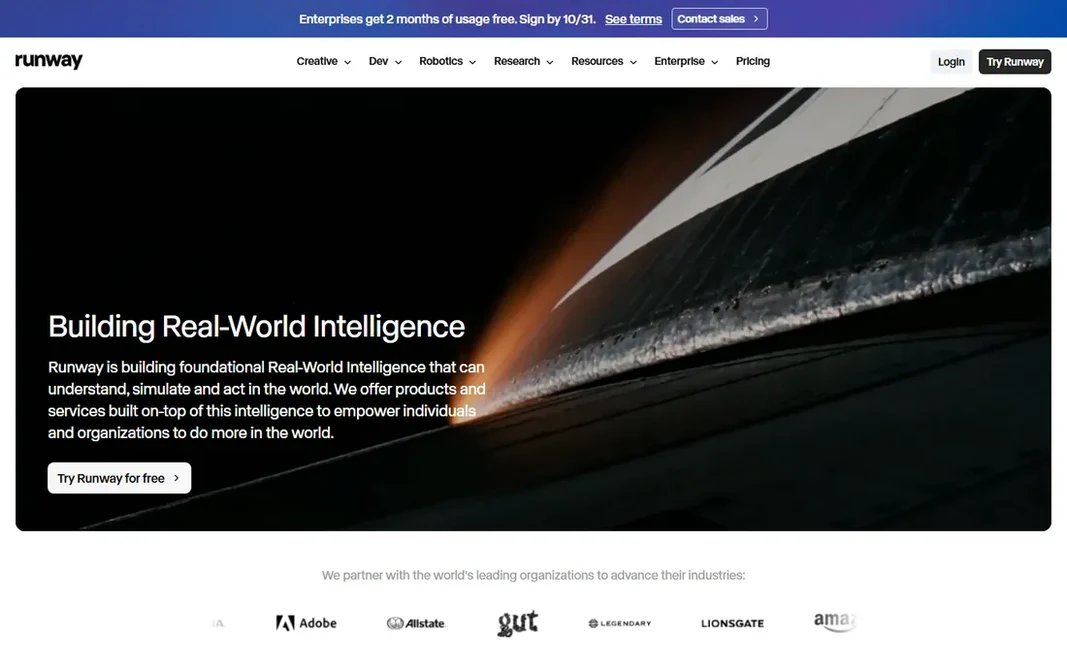
Runway

Generative AI video and image models

  • Leading generative video models with 4K upscaling
  • Vendor pricing page is transparent
Price$12 per user/month (billed yearly)
See Runway pricing

Runway is built with generative AI video and image models in mind. Runway is where generative video grew up. Downsides: Serious use needs the Pro level at $28 a month annually. On top of that, creators use it for B-roll that does not exist, style transfers, and shots that would cost thousands to film. What you pay to start with Runway: $12 per user/month. Runway has a free plan.

Price: $12 per user/month (billed yearly)

Free plan: Yes

Website: runwayml.com

Watch out for

  • Credits burn rapidly at high quality
2

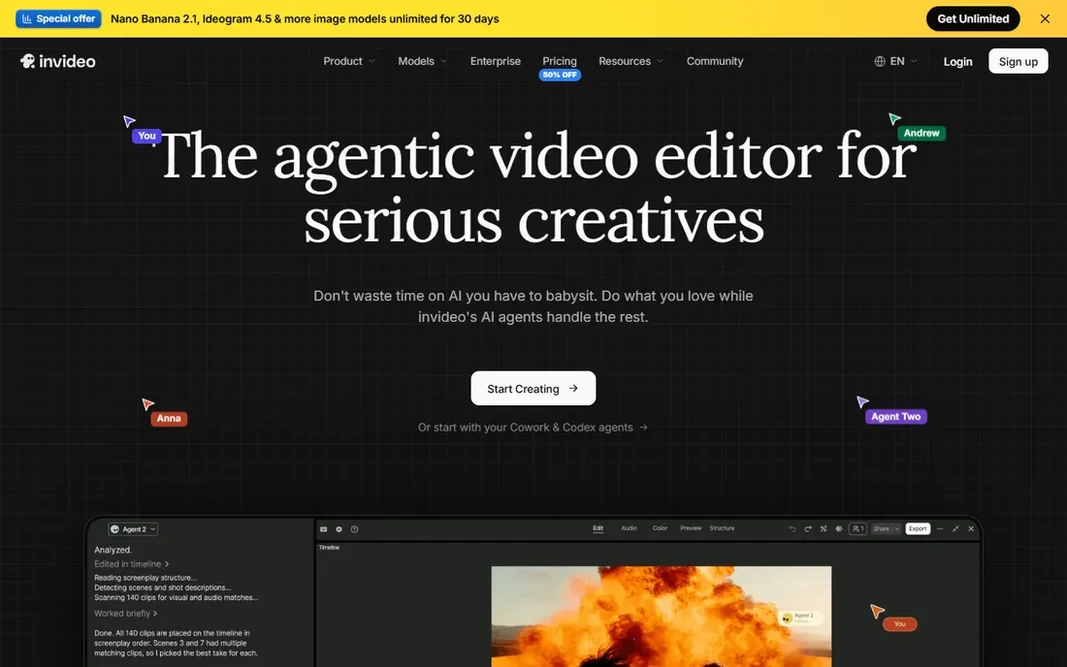
InVideo

Prompt-to-video marketing content
See website

Pick InVideo if this describes you: prompt-to-video marketing content. The main limit is pricing clarity. Points against: Pricing needs a careful read of the vendor page. More specifically, InVideo rebuilt itself around AI agents that plan, produce, and edit video from prompts, with access to frontier models for generation and a full timeline editor for finishing. InVideo does not show a starting price in this comparison, so check the vendor site for current pricing. As for free access: Not stated.

Free plan: Not stated

Website: invideo.io

Strengths

  • Agentic editing with frontier video models
  • Timeline editor plus AI agents in one workspace

Watch out for

  • Credit system is complicated and restructured in 2026
3

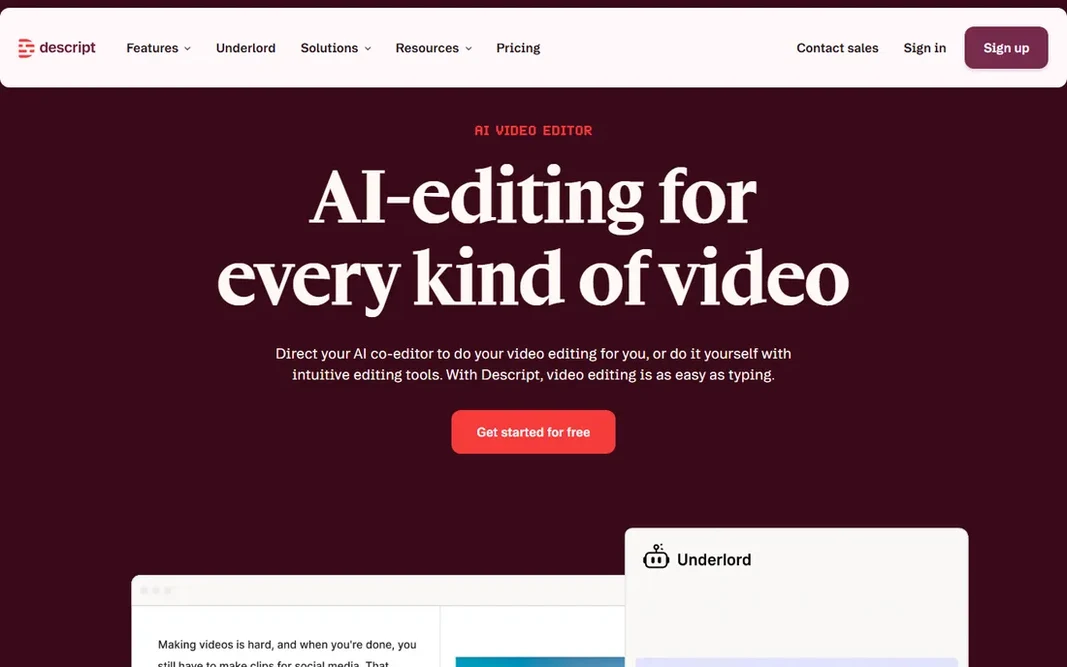
Descript

Text-based video and podcast editing
See website

Descript works best for text-based video and podcast editing. Removing filler words, rearranging sections, and generating clips from a long recording all happen in a document-like interface. For everyday use, premium plans run Hobbyist, Creator, and Business levels with media hours and AI credits per editor. But the pricing page did not expose dollar figures in our check, so confirm on descript.com before budgeting. Descript does not show a starting price in this comparison, so check the vendor site for current pricing. A free plan is available with Descript. The main drawbacks: Pricing numbers are not shown plainly on the vendor page.

Free plan: Yes

Website: descript.com

Strengths

  • Studio Sound cleans audio in one click
  • Edit video by editing the transcript

Watch out for

  • Heavy AI use consumes credits quick
4

VEED

Captioned social clips and fast edits
See website

VEED is aimed squarely at captioned social clips and fast edits. It sits between Kapwing and Descript in spirit: less collaborative than the former, less transcript-driven than the latter, with the best subtitle engine of the three. Where it is weaker: Plan names and prices changed in 2026, so verify on the vendor site. This comparison lists no price for VEED; ask the vendor. VEED includes a free tier.

Free plan: Yes

Website: veed.io

Strengths

  • Clean browser workflow
  • Very good auto-subtitles in plenty of languages

Watch out for

  • Free exports carry a watermark
5

Kapwing

Browser-based collaborative editing
$16 per user/month (billed annually)

Where Kapwing fits: browser-based collaborative editing. Per-member pricing means a team of five pays five seats, so size the plan to your headcount. Trade-offs to know: Free exports are watermarked at 720p. The vendor's own pricing page confirms the numbers: Free at $0 with 10 credits and watermarked 720p exports, Pro at $16 per member a month billed yearly ($24 monthly), Business at $50, and Enterprise custom. The starting price for Kapwing: $16 per user/month. Free access exists with Kapwing.

Free plan: Yes

Website: kapwing.com

Strengths

  • Ample AI subtitle tools
  • Vendor pricing page is transparent

Watch out for

  • Browser performance limits heavy projects
6

CapCut

Free mobile-first social editing
See website

CapCut serves free mobile-first social editing. The 2026 pricing restructure split premium plans into levels around $9.99 and $19.99 a month, but prices vary by region and product, with app-store billing running higher than web checkout, so confirm on capcut.com. For everyday use, for social-first creators on a budget, start here before paying for anything. On top of that, the vendor homepage confirms you can start free with no credit card. CapCut shows no starting price here, so confirm the cost on the vendor site. You can start on CapCut without paying. Where it falls short: Free exports can carry watermarks on some assets.

Free plan: Yes

Website: capcut.com

Strengths

  • The most ample free level in social editing
  • Templates and effects designed for TikTok and Reels

Watch out for

  • Premium pricing restructured in 2026 and varies by region
7

OpusClip

Turning long videos into short clips
$15/month

OpusClip is built with turning long videos into short clips in mind. The vendor's own pricing page confirms the levels: Free at $0 with 60 processing credits per month, Starter at $15 a month, Pro at $29, and Business custom. In daily use, direct posting to Shorts, TikTok, and Reels closes the loop. Honest limits: The $15 Starter plan has no annual discount. What OpusClip does well: Virality scores help prioritize clips. OpusClip does one job very well: feed it a podcast or webinar, and it returns ranked short clips with captions, reframing, and hooks. The virality score is a blunt instrument, but as a shortlist of moments worth posting it saves hours of scrubbing. One credit equals one minute of source video, so size the plan to your recording schedule, not your clip count. For creators repurposing long-form content weekly, it pays for itself in the first month. On cost, OpusClip starts like this: $15/month. Free access exists with OpusClip.

Free plan: Yes

Website: opus.pro

Strengths

  • AI finds the best moments and reframes them vertically
  • Vendor pricing confirmed on its own page

Watch out for

  • Credit system meters source-video minutes, not output
8

Synthesia

AI avatar training and explainer videos
$29 per user/month (billed per month)

Synthesia serves AI avatar training and explainer videos. Synthesia is the enterprise pick for a reason: type a script, pick an avatar, and get a presenter-led video in over 140 languages without a camera. Training teams, onboarding flows, and product explainers are its home turf. The compliance stack (SOC 2, GDPR, SSO on higher levels) is designed for big businesses. Starting cost for Synthesia: $29 per user/month. A free plan is available with Synthesia. Drawbacks to consider: Avatar videos suit corporate content more than creative work.

Free plan: Yes

Website: synthesia.io

Strengths

  • The most refined AI avatars in the business
  • Free Basic plan for testing

Watch out for

  • Per-minute pricing gets costly at volume

Pre-purchase checklist

  • Confirm the entry price on the vendor page. For InVideo, Descript, VEED and CapCut that means a quote rather than a fixed price.
  • Look at free plan limits closely: Runway, Descript, VEED and others have one, and the caps decide whether it is usable for real work.
  • Before choosing Runway, weigh its main limit: credits burn rapidly at high quality.
  • Ask whether VEED integrates with your current software, and whether that comes standard or as an add-on.
  • Confirm you can export your data from Kapwing, so leaving later does not mean losing records.

FAQ

Can I try these options before paying?

Often, yes. Runway, Descript, VEED and others have a free plan. Use your own data and a real task during the test, and check what the free tier or trial limits before you rely on it.

What is the best AI video editor software for beginners?

Runway comes first here and is built for generative AI video and image models. Buyers with other needs may prefer InVideo (for prompt-to-video marketing content) or Descript (for text-based video and podcast editing). Compare costs and limits first.

Which options for AI video editor software have a free plan?

7 of the 8 tools have a free plan, including Runway, Descript, VEED and Kapwing. Free plans usually cap users, projects or features, so check the limits on the vendor page.

What is the cheapest option for AI video editor software in this list?

On published monthly entry prices, Runway is the lowest here at $12 per user/month. Entry price is only part of the cost, because seats, add-ons and billing terms can change the total.

Is Runway the right pick for everyone comparing AI video editor software?

No single tool suits every team. Runway comes first because it fits generative AI video and image models, while InVideo suits prompt-to-video marketing content and Descript suits text-based video and podcast editing. Match the tool to your own size, budget and workflow before deciding.