AI Tools · Researched comparison

AI Video Generation Platforms in 2026: A Guide to 8 Tools

TaskReports may earn a fee from some links on this page, and some placements are paid and labelled. Neither one decides the order. See our disclosure.

The short answer

This list puts InVideo first for small teams turning scripts into social videos quick. Pictory is the stronger choice for Repurposing long content into short videos, while Runway suits creators who want text-to-video generation and editing. Details, prices and limits for the rest of the 8 tools are below.

On this page

Key takeaways

  • InVideo sits first on this list: small teams turning scripts into social videos quick.
  • Starting prices begin at $25 per month with Pictory.
  • What to know about Pictory first: restricted manual editing depth.
  • HeyGen fits Marketers who want fast avatar videos with templates.
  • Colossyan, Fliki, HeyGen: these are the 3 tools out of 8 that offer a free plan.

Quick comparison

ToolBest fitStarts atFree option
------------
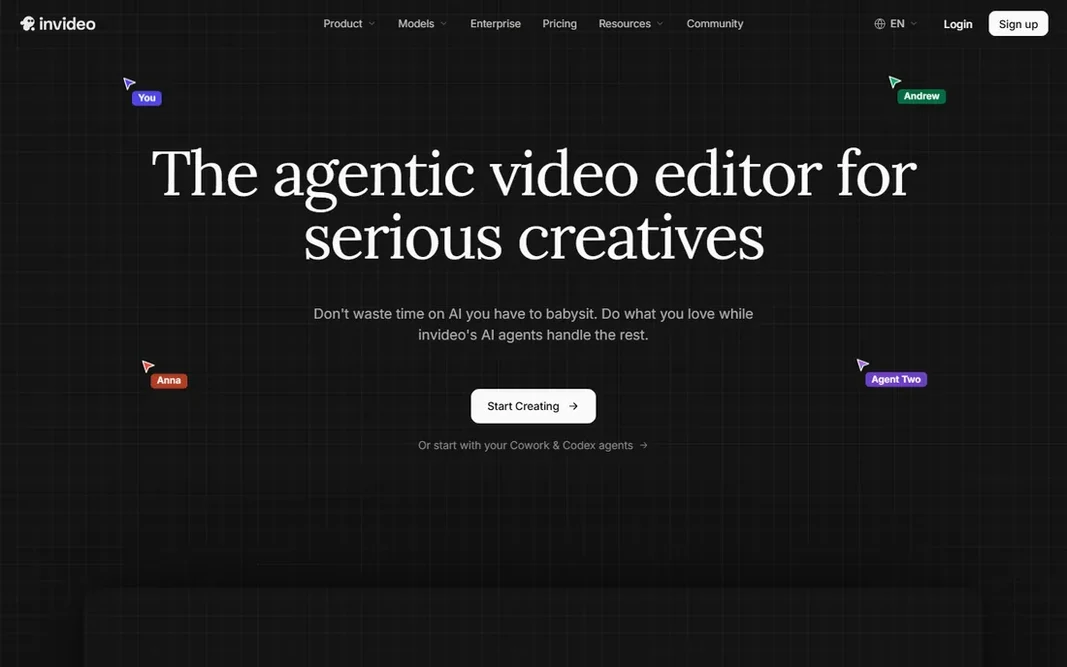
InVideoSmall teams turning scripts into social videos quickSee websiteNo
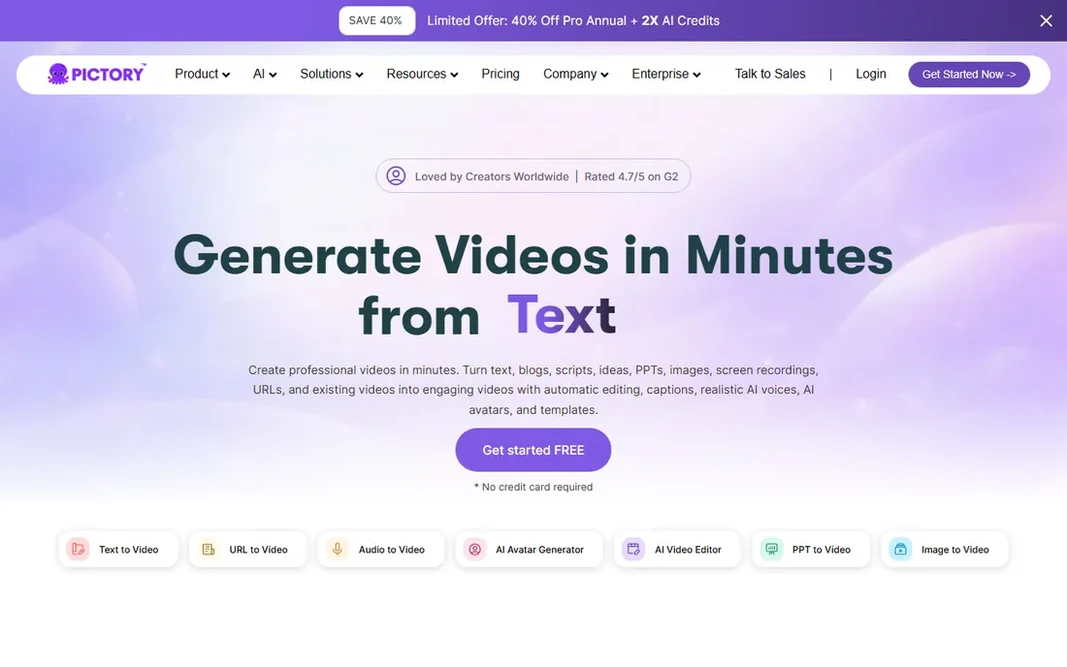
PictoryRepurposing long content into short videos$25 per monthNo
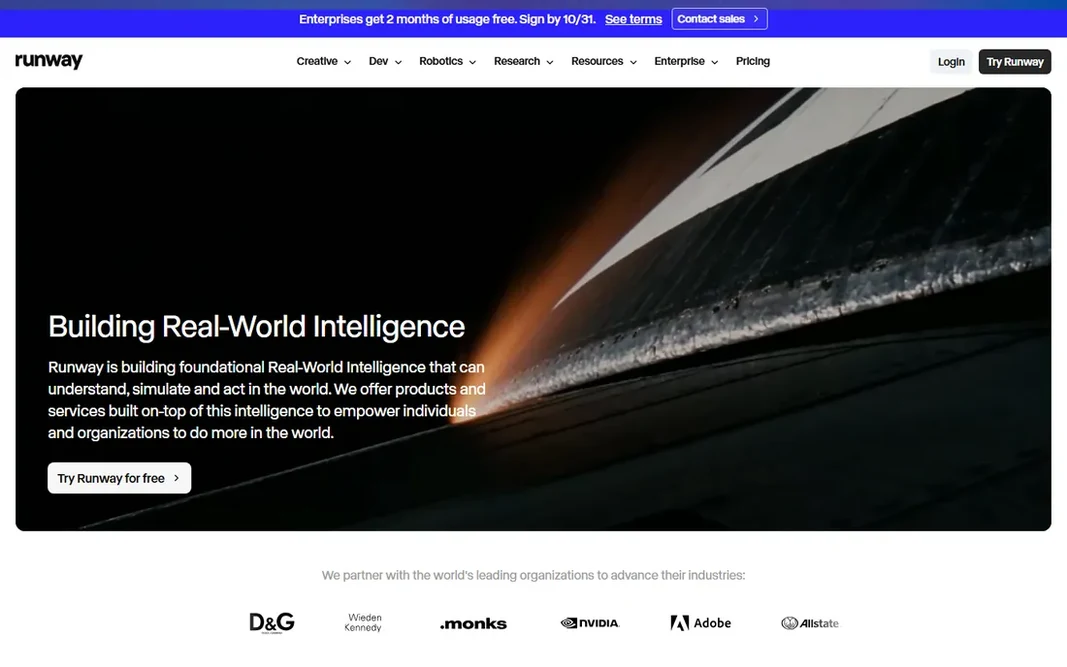
RunwayCreators who want text-to-video generation and editingSee websiteNo
PikaCreators experimenting with stylized AI video clipsSee websiteNo
ColossyanL&D teams creating training videos with avatarsSee websiteYes
SynthesiaCompanies that require avatar-led training videos at scaleSee websiteNo
FlikiTurning blog posts and tweets into narrated videosSee websiteYes
HeyGenMarketers who want fast avatar videos with templatesSee websiteYes
★ Best overall

InVideo

Small teams turning scripts into social videos quick

  • Script-to-video generation
  • Huge template library
PriceSee website
See InVideo pricing

In short, InVideo is for small teams turning scripts into social videos quick. Script-to-video does the assembly, and the editor is straightforward enough for marketers. More specifically, small teams without editors can keep a content calendar full without touching a timeline. Drawbacks to consider: Watermark on lower plans. From a buyer's view, lower plans carry watermarks and AI voices range from decent to robotic. It is a production line, not a craft tool. But for teams that require quantity on a schedule, InVideo gives. InVideo is designed for volume: turn a script into a finished social video in minutes using templates, stock footage and AI voiceover. No starting price is listed for InVideo here; confirm pricing on the vendor site. InVideo has no permanent free option.

Price: See website

Free plan: No

Website: invideo.io

Watch out for

  • AI voice quality varies
2

Pictory

Repurposing long content into short videos
$25 per month

For Repurposing long content into short videos, Pictory is a natural candidate. At $25 per month with published pricing, the value is clear. Manual editing is shallow and the stock footage can feel interchangeable across videos. Where it is weaker: Restricted manual editing depth. It will not win craft awards. But as a repurposing engine for busy content teams, Pictory is efficient and fairly priced. More specifically, automatic captions also make everything social-ready. Entry price for Pictory: $25 per month. There is no free plan with Pictory.

Free plan: No

Website: pictory.ai

Strengths

  • Automatic captions
  • Blog-to-video in minutes

Watch out for

  • Stock footage can feel generic
3

Runway

Creators who want text-to-video generation and editing
See website

Choose Runway for creators who want text-to-video generation and editing. Runway is where generative video grew up. Its models turn text and image prompts into video clips, and the in-browser editor lets you refine, extend and composite the results. Downsides: Generation costs add up with volume. The editor integration means you stay in one place from generation to final cut. For creators and studios experimenting with AI footage, it is the reference tool. Also, the pace of model updates is relentless, with each generation improving motion quality and prompt adherence. Runway shows no starting price here, so confirm the cost on the vendor site. Runway has no permanent free option.

Free plan: No

Website: runwayml.com

Strengths

  • In-browser editing suite
  • Solid generative video models

Watch out for

  • Outputs need curation and selection
4

Pika

Creators experimenting with stylized AI video clips
See website

For creators experimenting with stylized AI video clips, Pika is a natural candidate. Pika is the playful end of AI video: stylized effects, creative transformations and short clips made for social feeds. But for creators riding AI video trends, Pika is an entertaining and capable tool. No starting price is listed for Pika here; confirm pricing on the vendor site. Pika has no permanent free option. The main drawbacks: Less suited to corporate use.

Free plan: No

Website: pika.art

Strengths

  • Fun creative effects and styles
  • Active creator community

Watch out for

  • Short clip lengths
5

Colossyan

L&D teams creating training videos with avatars
See website

Colossyan works best for L&D teams creating training videos with avatars. Colossyan targets learning and development teams with avatar video made for training. A free starter level lets L&D teams pilot it. That focus saves instructional designers live. It is a specialist, so creative marketers should look at Runway or HeyGen instead. No starting price is listed for Colossyan here; confirm pricing on the vendor site. Free access exists with Colossyan. Watch-outs: Less suited to creative projects.

Free plan: Yes

Website: colossyan.com

Strengths

  • Learning-focused features
  • Free starter level

Watch out for

  • Niche use case
6

Synthesia

Companies that require avatar-led training videos at scale
See website

Synthesia makes the most sense for businesses that require avatar-led training videos at scale. For training, onboarding and internal comms, it replaces filming days with an afternoon at a desk. Creative control is also narrower than text-to-video generators. The main drawbacks: Avatar style can feel corporate. From a buyer's view, large organizations can roll it out to teams without creative bottlenecks. In practice, the output looks refined but unmistakably synthetic, which fits training better than brand storytelling. More specifically, Synthesia turned AI avatar video from a novelty into a corporate standard. In daily use, you type a script, pick an avatar, and get a presenter-led video in over 140 languages. Check the vendor site for Synthesia pricing; none is listed in this comparison. Synthesia has no free plan.

Free plan: No

Website: synthesia.io

Strengths

  • Realistic AI avatars with 140+ languages
  • Enterprise security and controls

Watch out for

  • Restricted creative control compared with generative video
7

Fliki

Turning blog posts and tweets into narrated videos
See website

Fliki makes the most sense for turning blog posts and tweets into narrated videos. Voice quality carries the product, and it presents. On top of that, design control is restricted and free minutes run out quick. Drawbacks to consider: Restricted design control. It is not an editor replacement. But for text-to-video with voices that do not embarrass you, Fliki is a solid pick. Pricing for Fliki is not stated here, so ask the vendor for current figures. Fliki offers a free plan.

Free plan: Yes

Website: fliki.ai

Strengths

  • Quick turnaround
  • Free plan available

Watch out for

  • Free plan limits minutes
8

HeyGen

Marketers who want fast avatar videos with templates
See website

Where HeyGen fits: Marketers who want fast avatar videos with templates. HeyGen makes avatar video accessible to marketers without a production budget. Templates handle product explainers, social clips and presentations, and generation takes minutes from script to finished video. Free plan limits are tight and avatar realism varies by model. It will not replace Synthesia for enterprise training at scale. In practice, the free plan lets you test the quality before committing. HeyGen does not show a starting price in this comparison, so check the vendor site for current pricing. Free access exists with HeyGen. Drawbacks to consider: Free plan is restricted.

Free plan: Yes

Website: heygen.com

Strengths

  • Quick avatar video generation
  • Free plan to try

Watch out for

  • Avatar realism varies

FAQ

How much does AI video generation cost?

Subscriptions range from $25 per month for tools like Pictory to custom enterprise pricing for Synthesia. Pay-per-generation models add up at volume, so estimate your monthly output before choosing.

Can AI video replace hiring a videographer?

For talking-head and straightforward marketing videos, mostly yes. Avatar tools produce consistent presenter content cheaply. From a buyer's view, for brand films, commercials, and creative storytelling, human production still wins on quality and originality.

What is the difference between avatar and generative video?

Generative video builds footage from text prompts; it is creative but variable. Choose avatar tools for explainers and training, generative tools for creative visuals.

Which options for AI video generation platforms have a free plan?

On this list, Colossyan, Fliki and HeyGen include a free plan. Caps on seats, usage or features are common, so test the free plan against your real workload.

Do these tools publish their prices?

Not all of them. InVideo, Runway, Pika and others publish no starting price, so expect a quote request for those. The rest, Pictory included, show a starting price, though seats and billing terms still change the final cost.

How are the tools for AI video generation platforms ordered?

The order follows typical fit for AI video generation platforms, with InVideo first and HeyGen last, then price clarity and free access. It is editorial judgement, not a score, so another team could rank the tools differently.