AI Tools · Researched comparison

Top 7 AI Video Making Software Options for 2026, Compared

TaskReports may earn a fee from some links on this page, and some placements are paid and labelled. Neither one decides the order. See our disclosure.

The short answer

Our first pick is InVideo, best for prompt-to-video with stock footage and AI models. If your case is different, Synthesia suits corporate training and explainer videos and Colossyan suits training videos, courses and internal comms. All 7 tools are compared below on price, free plan and limits.

On this page

Key takeaways

  • InVideo takes the first slot, best suited to prompt-to-video with stock footage and AI models.
  • The main caution on Synthesia: less creative adaptability than generative tools.
  • InVideo has the lowest monthly starting price in this list: $10/seat/month.
  • 6 out of 7 tools include a free plan, among them InVideo, Synthesia, Colossyan and HeyGen.

Quick comparison

ToolBest fitFree tierBiggest drawback
------------
InVideoPrompt-to-video with stock footage and AI modelsYesPer-seat pricing adds up for teams
SynthesiaCorporate training and explainer videosYesLess creative flexibility than generative tools
ColossyanTraining videos, courses and internal commsYesFocused on training, not marketing creative
HeyGenAvatar videos and one-click translationYesBest features sit on higher tiers
PictoryTurning blogs, scripts and URLs into videosFree trial (14 days)Text-to-video currently English-only
FlikiFaceless shorts, explainers and voiceover videosYesFree tier is 3 credits a month
VEEDBrowser-based editing with AI assistsYesBrowser performance depends on your connection
★ Best overall

InVideo

Prompt-to-video with stock footage and AI models

  • Access to frontier models like Seedance inside one subscription
  • Aggressive pricing
Price$10/seat/month (Starter, billed yearly)
See InVideo pricing

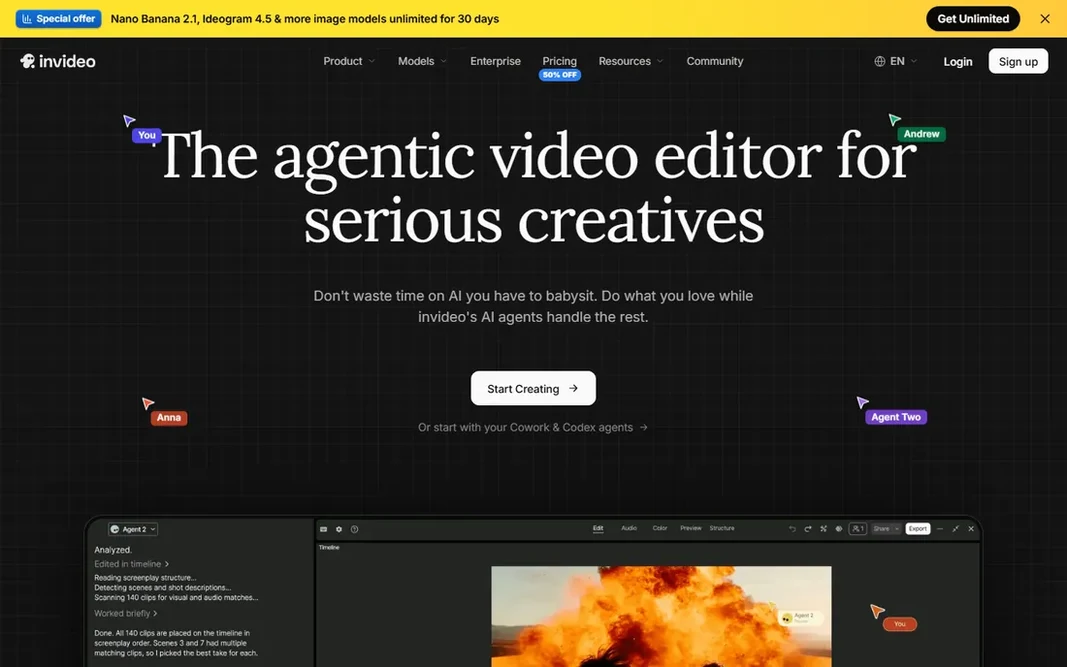
Choose InVideo for prompt-to-video with stock footage and AI models. You describe the video, its agents deal with scripting, visuals, voiceover and assembly. The main drawbacks: Credit costs vary by model and can surprise. You finish in a full timeline editor with multiplayer collaboration. More specifically, credits are the currency and different models cost different amounts, which means your real cost relies on which generation engine you lean on. InVideo cost at the entry level: $10/seat/month. InVideo offers a free plan.

Price: $10/seat/month (Starter, billed yearly)

Free plan: Yes

Website: invideo.io

Watch out for

  • Per-seat pricing brings up for teams
2

Synthesia

Corporate training and explainer videos
$29/month (Starter)

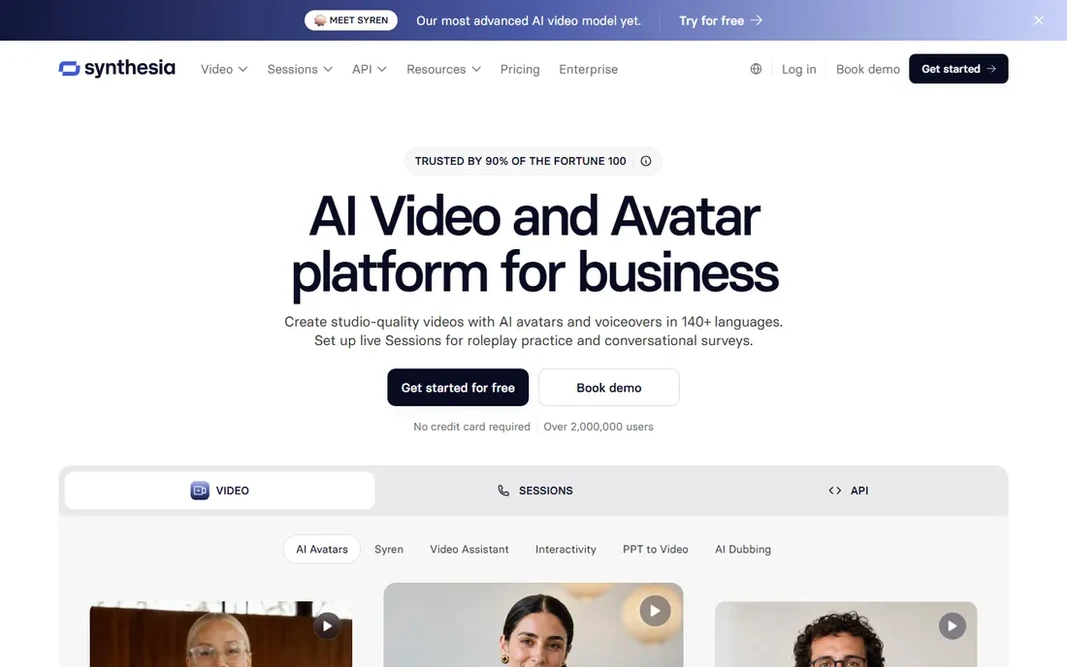
Synthesia was built for corporate training and explainer videos. Where it wins is training at scale. The free Basic plan is unusually ample at 10 minutes of video a month, though exports carry a watermark. More specifically, premium plans start at $29 a month for Starter, and the product now runs on credits across video, dubbing and surveys. Starting cost for Synthesia: $29/month. A free plan is available with Synthesia. Drawbacks to consider: Credit system layers on up for long videos. What Synthesia does well: Solid compliance story (SOC 2, GDPR).

Free plan: Yes

Website: synthesia.io

Strengths

  • SCORM export for LMS products
  • Free Basic plan with 10 minutes monthly

Watch out for

  • Less creative adaptability than generative tools
3

Colossyan

Training videos, courses and internal comms
Free (Starter; Professional $59/month)

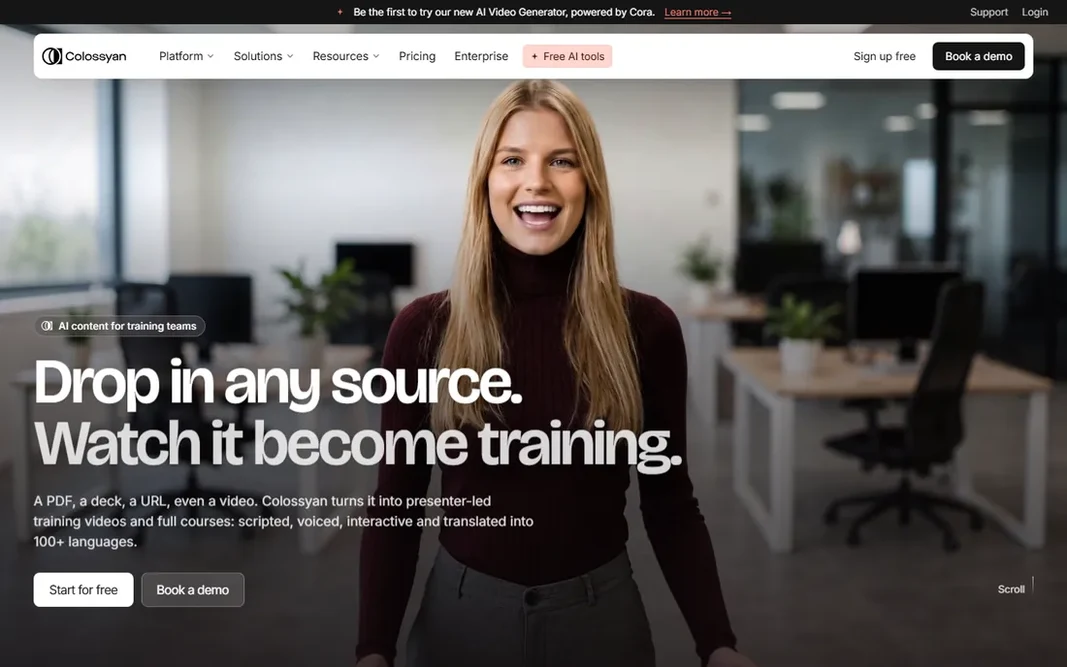
Pick Colossyan if this describes you: training videos, courses and internal comms. Colossyan is Synthesia's closest competitor in the training niche, with a sharper focus on courses. Colossyan is aimed at learning and development teams, not for ads or social content, and the presenter-led format gets repetitive outside training. But for onboarding, compliance and product education, the course structure and LMS export put it ahead of general-purpose tools. Drop in a PDF, deck or URL and its planner builds a scene-by-scene training video with an AI presenter, quizzes and interactivity, then localizes it into 120-plus languages with lip-sync. Worth adding: the free Starter tier is genuinely usable at 20 video minutes per month, and Professional at $59 a month brings SCORM export, AI image generation and more minutes. If your videos teach instead of sell, shortlist Colossyan alongside Synthesia. Starting cost for Colossyan: Free. Colossyan includes a free tier. Watch-outs: Video minute caps on lower levels.

Free plan: Yes

Website: colossyan.com

Strengths

  • 120+ languages with lip-sync
  • SCORM export and interactive video

Watch out for

  • Centred on training, not marketing creative
4

HeyGen

Avatar videos and one-click translation
$29/month (Creator; $24/month billed yearly)

HeyGen is aimed squarely at avatar videos and one-click translation. The Creator plan is $29 a month or $24 a month billed yearly, and everything runs on credits that drain at different rates based on the avatar model and video length. The standout feature is translation: one click re-renders your video in another language with synced lip movement, which is why global marketing teams use it for localized ads and explainers. Downsides: Best features sit on higher levels. In practice, HeyGen is the tool marketers reach for when the video needs a human face but there is no human available. For everyday use, the pricing deserves a careful read. Heavy users producing dozens of videos per month will feel the meter running, so estimate your monthly minutes before you commit. What you pay to start with HeyGen: $29/month. A free plan is available with HeyGen.

Free plan: Yes

Website: heygen.com

Strengths

  • Very realistic avatars with identity verification
  • Generous free level

Watch out for

  • Credit-based pricing gets costly at volume
5

Pictory

Turning blogs, scripts and URLs into videos
$25/month

Pictory is a good fit for turning blogs, scripts and URLs into videos. The honest limitation is creative ceiling. Limits to weigh: No permanent free level, only trials. The Professional plan bundles 600 export video minutes a month, which is ample next to credit-metered competitors. Every clip, music track and voiceover is pre-licensed, so there are no royalty surprises. What you pay to start with Pictory: $25/month. Free options: Free trial (14 days).

Free plan: Free trial (14 days)

Website: pictory.ai

Strengths

  • All stock media pre-licensed
  • 600 export minutes on Professional

Watch out for

  • Text-to-video currently English-only
6

Fliki

Faceless shorts, explainers and voiceover videos
See website

Fliki is built with faceless shorts, explainers and voiceover videos in mind. The voice library is the standout: over 2,000 voices across 80-plus languages, plus voice cloning and a digital twin feature. The Series tool plans and schedules recurring videos, which is why TikTok and YouTube Shorts creators run entire channels on it. Downsides: Free level is 3 credits per month. Paste a script, blog post or prompt and it assembles a video with AI voiceover, stock or AI-generated visuals, music and captions in about two minutes. Fliki is the volume play for faceless content. No starting price is listed for Fliki here; confirm pricing on the vendor site. Fliki includes a free tier.

Free plan: Yes

Website: fliki.ai

Strengths

  • Free-forever plan with no credit card
  • 2,000+ AI voices in 80+ languages

Watch out for

  • Premium plan prices not shown as plain numbers on the pricing page
7

VEED

Browser-based editing with AI assists
$19/month (Lite; $9/month billed yearly)

VEED is a good fit for browser-based editing with AI assists. Lite begins at $19 a month, or $9 per month billed yearly, and removes the watermark with 1080p exports. More specifically, everything runs in the browser: trim clips, add auto-subtitles in dozens of languages, clean up audio, remove backgrounds, and on higher levels produce avatar videos and dub content into 50-plus languages. The starting price for VEED: $19/month. You can start on VEED without paying. Limits to weigh: Free exports are watermarked at 720p.

Free plan: Yes

Website: veed.io

Strengths

  • No software to install
  • Solid auto-subtitles

Watch out for

  • Browser performance relies on your connection

FAQ

How are the tools for AI video making software ordered?

The order follows typical fit for AI video making software, with InVideo first and VEED last, then price clarity and free access. It is editorial judgement, not a score, so another team could rank the tools differently.

What is the cheapest option for AI video making software in this list?

On published monthly entry prices, InVideo is the lowest here at $10/seat/month. Entry price is only part of the cost, because seats, add-ons and billing terms can change the total.

Which AI video tool is a good match for training videos?

For most readers this guide would start with InVideo, built for prompt-to-video with stock footage and AI models. Synthesia is the alternative for corporate training and explainer videos, and Colossyan for training videos, courses and internal comms. The right answer depends on budget and workflow.

Can AI video makers replace a video editor?

For some jobs, yes. For brand films, complicated storytelling and anything where the visuals carry the message, a human editor with real footage still wins. In practice, most teams end up hybrid: AI video for volume work, editors for flagship pieces.

Is InVideo the right pick for everyone comparing AI video making software?

No single tool suits every team. InVideo comes first because it fits prompt-to-video with stock footage and AI models, while Synthesia suits corporate training and explainer videos and Colossyan suits training videos, courses and internal comms. Match the tool to your own size, budget and workflow before deciding.

Are free plans usable for real work?

For evaluation, yes; for production, seldom. HeyGen's 3 videos per month and Synthesia's 10 watermarked minutes are genuinely handy for testing. Treat free plans as extended trials, then budget for the cheapest premium level that removes the watermark.