Data and Analytics · Researched comparison

7 Top Bill Tracking Software Options Compared (2026)

TaskReports may earn a fee from some links on this page, and some placements are paid and labelled. Neither one decides the order. See our disclosure.

The short answer

CountAbout is the first pick on this list for Quicken-data import value. If your case is different, EveryDollar suits simple zero-based budgeting and Buxfer suits forecasting future bills. Details, prices and limits for the rest of the 7 tools are below.

On this page

Key takeaways

  • CountAbout is the opening pick, best for Quicken-data import value.
  • Free plans exist at 4 of 7 tools (EveryDollar, Buxfer, Goodbudget, Rocket Money).
  • What to know about Goodbudget first: manual entry by design.
  • No starting price is published for CountAbout, Buxfer, Simplifi and Copilot; expect a quote.

Quick comparison

ToolBest forPrice fromFree access
------------
CountAboutQuicken-data import valueSee websiteFree trial
EveryDollarStraightforward zero-based budgetingFreeYes
BuxferForecasting future billsSee websiteYes
GoodbudgetEnvelope budgeting digitalizedFreeYes
SimplifiAutomatic bill trackingSee websiteNo
Rocket MoneyFinding and canceling subscriptionsFreeYes
CopilotBeautiful Mac and iOS trackingSee websiteFree trial
★ Best overall

CountAbout

Quicken-data import value

  • Bill tracking with budgeting
  • Imports Quicken and Mint data
PriceSee website
See CountAbout pricing

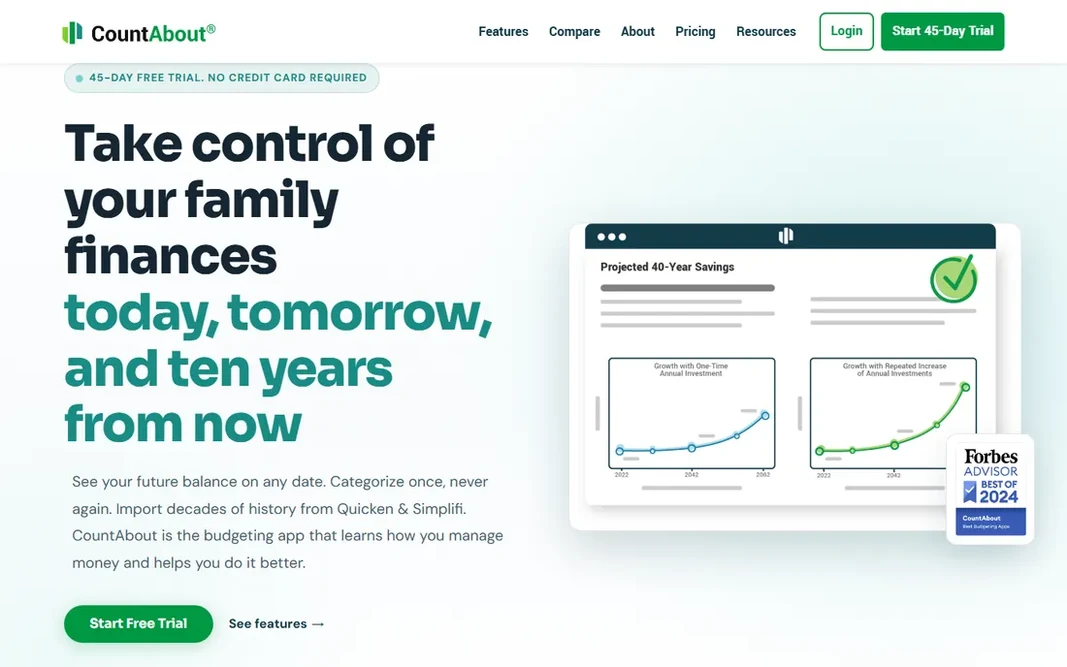
CountAbout targets Quicken-data import value. CountAbout serves refugees: it imports Quicken and Mint data easily, offering bill tracking and budgeting at lower prices than the refined leaders. The small team means slower development and entry-level design. Downsides: Interface is entry-level. Recurring transaction handling is solid. The budgeting and bill tracking handle the essentials competently. No starting price is listed for CountAbout here; confirm pricing on the vendor site. Free plan details: Free trial.

Price: See website

Free plan: Free trial

Website: countabout.com

Watch out for

  • Smaller company
2

EveryDollar

Straightforward zero-based budgeting
Free

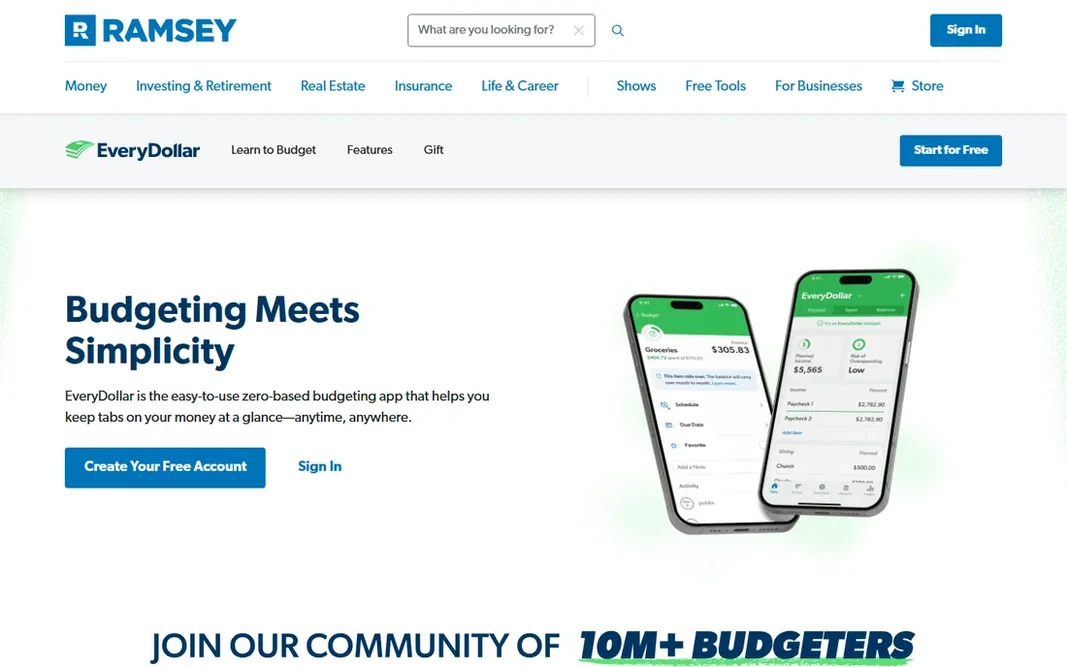
EveryDollar is built with straightforward zero-based budgeting in mind. The free tier spans manual budgeting fully; the premium level layers on bank sync. In practice, EveryDollar's Ramsey+ integration links the budgeting to the full Ramsey ecosystem: Financial Peace University, debt tools and coaching. Points against: Entry-level feature set. The baby-steps methodology hands the numbers a purpose beyond organization. Followers of the Ramsey plan get their methodology in app form. What you pay to start with EveryDollar: Free. A free plan is available with EveryDollar.

Free plan: Yes

Website: ramseysolutions.com/money/everydollar

Strengths

  • Straightforward to start
  • Ramsey methodology built in

Watch out for

  • Bank sync needs premium level
3

Buxfer

Forecasting future bills
See website

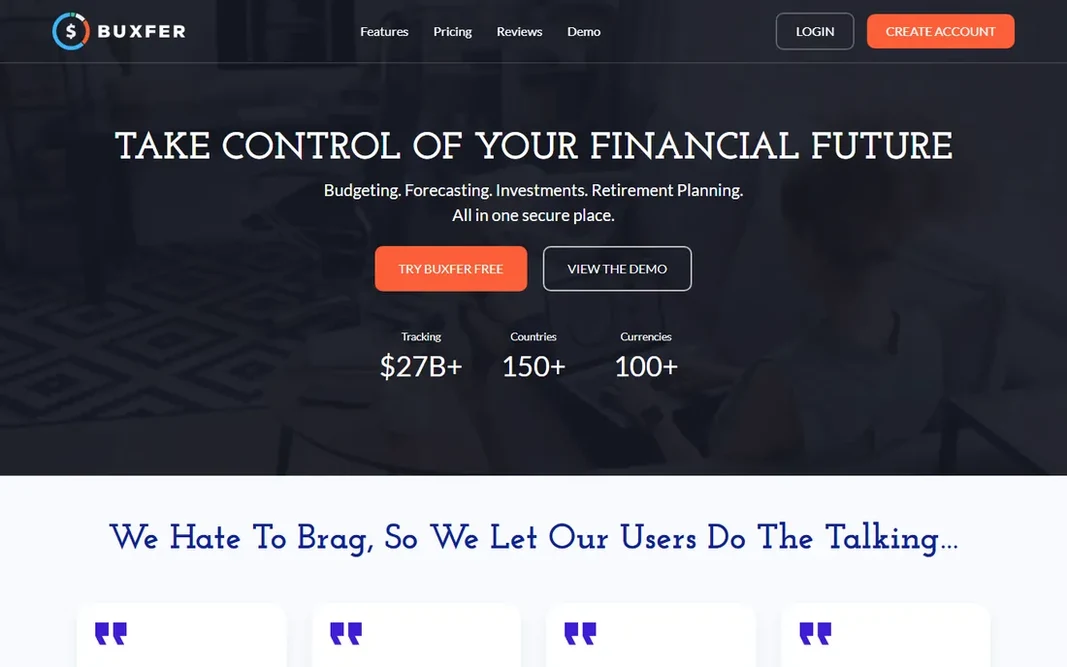
Where Buxfer fits: forecasting future bills. Buxfer's strength is forecasting: it projects future balances based on scheduled bills and income, showing problems before they happen. Beyond that, the design lags modern apps, the community is small, and bank connections vary internationally. The main drawbacks: Smaller user base; Bank sync varies by region. For users who think in forecasts instead of budgets, Buxfer's forward view is distinctive. In daily use, the free plan handles basics. Buxfer does not show a starting price in this comparison, so check the vendor site for current pricing. You can start on Buxfer without paying. Highlights: Well suited to shared expenses.

Free plan: Yes

Website: buxfer.com

Strengths

  • Free plan available
  • Solid forecasting of upcoming bills

Watch out for

  • Interface is dated
4

Goodbudget

Envelope budgeting digitalized
Free

Goodbudget makes the most sense for envelope budgeting digitalized. Goodbudget digitizes envelope budgeting: allocate income to virtual envelopes for bills, groceries and goals, spend from envelopes. Reports present spending by envelope over time. Points against: No automatic sync on free. As for the details, the free plan includes the core generously, and couples sync envelopes across devices. It is manual by philosophy; automatic sync is restricted. From a buyer's view, the debt payoff tracking connects with the envelope method. Goodbudget pricing: Free. You can start on Goodbudget without paying.

Free plan: Yes

Website: goodbudget.com

Strengths

  • Free plan is ample
  • Digital envelope budgeting that works

Watch out for

  • Interface is dated
5

Simplifi

Automatic bill tracking
See website

Simplifi is aimed squarely at automatic bill tracking. Quicken's decades of financial software experience present in the reliability. Simplifi's projected balances look weeks ahead, showing the low point before it arrives: the feature that stops overdrafts instead of reporting them. In practice, for users whose central anxiety is "will the bills clear," Simplifi's forward-looking views answer straight. Worth adding: for the anxious bill-payer, the forward-looking calm is worth the subscription alone. Check the vendor site for Simplifi pricing; none is listed in this comparison. Simplifi has no free plan. Where it is weaker: Subscription only.

Free plan: No

Website: quicken.com/products/simplifi

Strengths

  • Quicken reliability
  • Very good upcoming-bills view

Watch out for

  • No free level
6

Rocket Money

Finding and canceling subscriptions
Free

Pick Rocket Money if this describes you: finding and canceling subscriptions. Rocket Money, formerly Truebill, made its name finding money: it scans your accounts for subscriptions, flags price raises, and cancels or negotiates on your behalf. Beyond that, bank connections occasionally glitch like all aggregators. But for the specific pain of "I am paying for things I forgot," Rocket Money's discovery is unmatched. From a buyer's view, the premium subscription opens up the full toolkit, but the free subscription finder alone justifies installing it. Negotiation services take a percentage of savings, and premium features cost monthly. The smart savings feature sweeps spare cash into savings automatically. What you pay to start with Rocket Money: Free. You can start on Rocket Money without paying. Downsides: Negotiation takes a cut.

Free plan: Yes

Website: rocketmoney.com

Strengths

  • Finds subscriptions and negotiates bills
  • Free level is handy

Watch out for

  • Bank connection hiccups happen
7

Copilot

Beautiful Mac and iOS tracking
See website

For beautiful Mac and iOS tracking, Copilot is a natural candidate. Android and Windows users look elsewhere. As for the details, for Apple-loyal users who value design and privacy equally, the subscription feels justified. Recurring bill detection performs well. It is Apple-only, which excludes most of the world, and needs a subscription. For committed Apple users wanting the best-designed tracker, Copilot is worth the subscription. Pricing for Copilot is not stated here, so ask the vendor for current figures. On free options: Free trial. Limits to weigh: Apple-only.

Free plan: Free trial

Website: copilot.money

Strengths

  • Gorgeous Apple-native design
  • Smart bill detection

Watch out for

  • Subscription required

FAQ

Which options for bill tracking software have a free plan?

EveryDollar, Buxfer, Goodbudget and Rocket Money offer a free plan in this list. Free plans usually cap users, projects or features, so check the limits on the vendor page. Several others offer a trial instead.

Is CountAbout the right pick for everyone comparing bill tracking software?

No single tool suits every team. CountAbout comes first because it fits Quicken-data import value, while EveryDollar suits simple zero-based budgeting and Buxfer suits forecasting future bills. Match the tool to your own size, budget and workflow before deciding.

How are the tools for bill tracking software ordered?

CountAbout sits first and Copilot last because the order follows typical fit for bill tracking software, then price clarity and free access. It is a judgement call, so read each profile for fit and limits.

What is the best app to track bills?

CountAbout is the pick this page puts first, mainly for Quicken-data import value. If your situation differs, EveryDollar suits straightforward zero-based budgeting, and Buxfer suits forecasting future bills. Compare price and limits before you decide.

Can apps pay my bills for me?

Some offer bill pay features, but most track instead of pay. Autopay through your bank or the biller remains the most steady way to never miss a payment.

Can I try these options before paying?

Often, yes. EveryDollar, Buxfer, Goodbudget and Rocket Money have a free plan and CountAbout and Copilot offer a free trial. Use your own data and a real task during the test, and check what the free tier or trial limits before you rely on it.