Web Hosting · Researched comparison

Blogging Platform for SEO: 6 Options Side by Side (2026)

TaskReports may earn a fee from some links on this page, and some placements are paid and labelled. Neither one decides the order. See our disclosure.

The short answer

Our first pick is Webflow, best for design-led teams wanting speed. Ghost is the stronger choice for publishers and newsletters, while WordPress.com suits managed WordPress publishing. The remaining 3 options are covered below with prices and limits.

On this page

Key takeaways

  • Webflow sits first on this list: design-led teams wanting speed.
  • Free access is easy to find: 6 of the 6 tools have a free plan, for example Webflow, Ghost, WordPress.com and WordPress.org.
  • HubSpot Content Hub suits blogging tied to CRM.
  • Webflow is the lowest-priced starter here at $14 per month.
  • A fair warning about WordPress.com: plugins and themes locked behind the $25/mo Business plan.

Quick comparison

ToolBest fitEntry priceFree option
------------
WebflowDesign-led teams wanting speed$14 per monthYes
GhostPublishers and newsletters$9 per monthYes
WordPress.comManaged WordPress publishingFreeYes
WordPress.orgFull SEO control and ownershipFree + hosting from ~$3 per monthYes
SubstackNewsletter-first publishingFreeYes
HubSpot Content HubBlogging tied to CRMFreeYes
★ Best overall

Webflow

Design-led teams wanting speed

  • Visual design without code
  • Schema and redirects
Price$14 per month (Basic)
See Webflow pricing

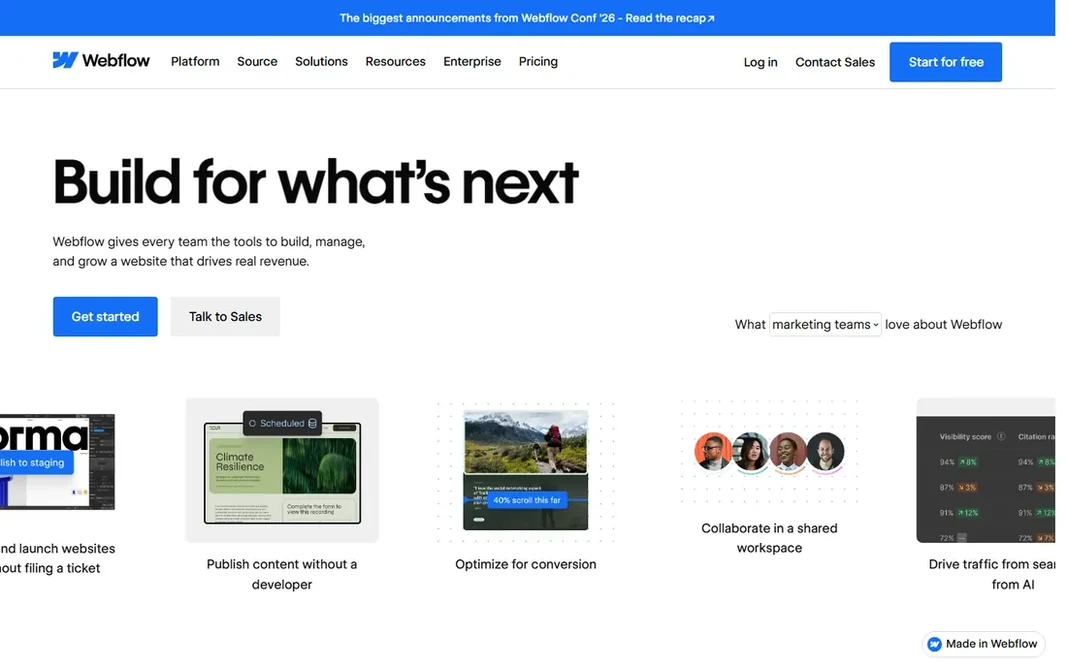
Webflow makes the most sense for design-led teams wanting speed. Real blogging needs the CMS site plan instead of the $14 Basic, and there is a ramp-up time. Where Webflow stands out: Full control of meta tags. Webflow thinks like a design tool, not a word processor. Webflow starts at: $14 per month. Free access exists with Webflow. Limits to weigh: Costs scale per site.

Price: $14 per month (Basic)

Free plan: Yes

Website: webflow.com

Watch out for

  • CMS plan needed for real blogging ($23+/mo)
2

Ghost

Publishers and newsletters
$9 a month (Ghost Pro Starter); self-hosted free
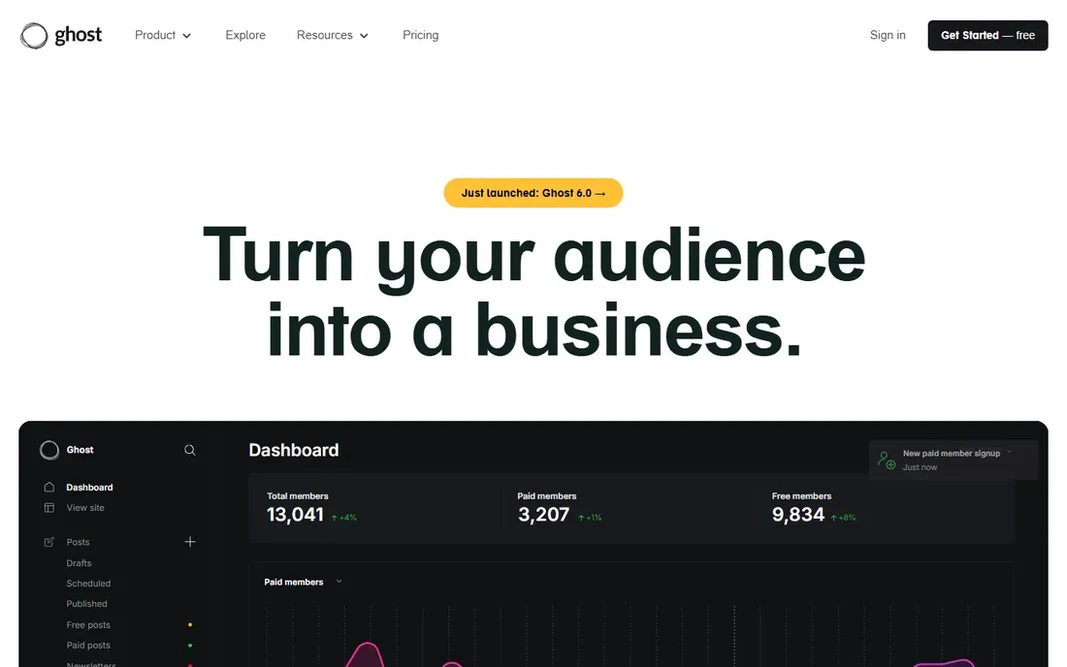
Ghost is aimed squarely at publishers and newsletters. Ghost is the publisher's product: quick, minimal and built around content instead of pages. Also, Ghost(Pro) hosting opens at $9 per month; self-hosting is free. Also, the markup is SEO-clean by default, speed scores land in the 70s to 90s on Lighthouse without tuning, and memberships, premium subscriptions and newsletters are native, not plugins. Design adaptability is the trade. There is no drag-and-drop builder, themes are code-level, and the app ecosystem is a fraction of WordPress's. Starting cost for Ghost: $9 per month. Ghost includes a free tier. Trade-offs to know: Ghost(Pro) pricing scales with members; Smaller ecosystem than WordPress.

Free plan: Yes

Website: ghost.org

Strengths

  • Memberships and newsletters built in
  • Open source

Watch out for

  • Design adaptability is restricted
3

WordPress.com

Managed WordPress publishing
Free; Business $25 a month

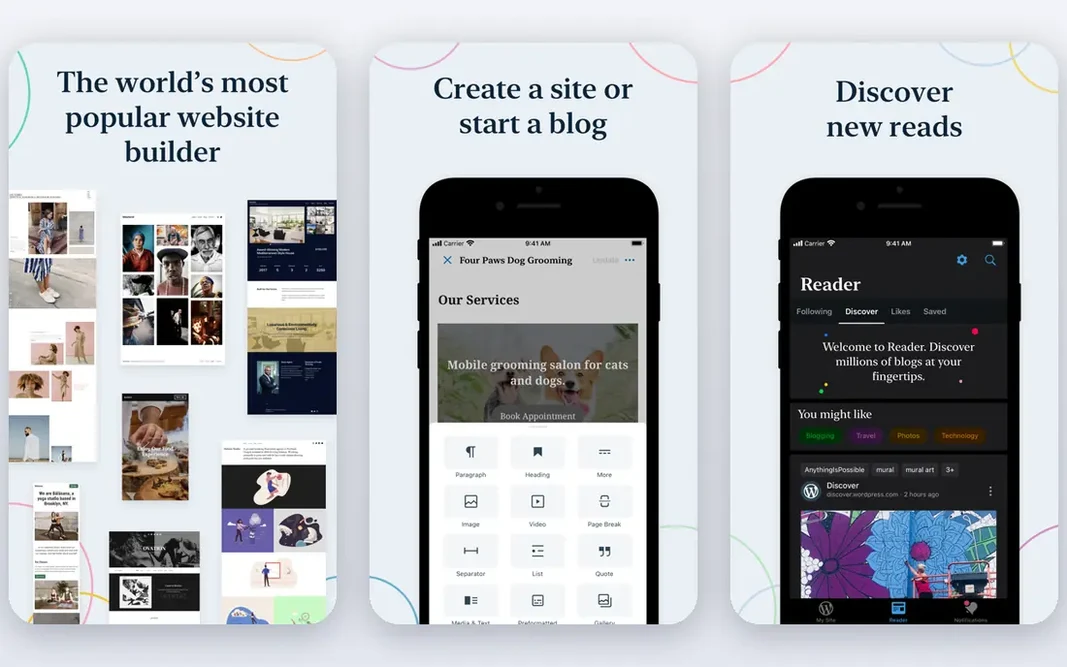
WordPress.com works best for managed WordPress publishing. WordPress.com is Automattic's hosted version of WordPress: the same editor and ecosystem, with the infrastructure managed for you. Worth adding: the free plan gets you publishing at once, and premium levels remove ads, add a custom domain and, at the $25-a-month Business level, open up plugins and themes. On cost, WordPress.com starts like this: Free. You can start on WordPress.com without paying. Trade-offs to know: Costs more than shared hosting long-term. Main advantages: security and updates.

Free plan: Yes

Website: wordpress.com

Strengths

  • Free plan to start
  • WordPress adaptability without server management

Watch out for

  • Less control than self-hosted
4

WordPress.org

Full SEO control and ownership
Free + hosting from ~$3 per month

WordPress.org makes the most sense for full SEO control and ownership. For teams serious about organic search as a growth channel, though, the ceiling is higher here than anywhere else. Drawbacks to consider: Plugin bloat can wreck Core Web Vitals. Also, a poorly configured WordPress site with twenty plugins will lose every speed test to Ghost or Webflow, and you own maintenance, security and backups. WordPress.org pricing: Free + hosting from ~$3 per month. WordPress.org includes a free tier.

Free plan: Yes

Website: wordpress.org

Strengths

  • No product risk
  • You own everything

Watch out for

  • Speed relies on your hosting and setup
5

Substack

Newsletter-first publishing
Free (10% fee on premium subscriptions)

Substack works best for newsletter-first publishing. Posts are not built to rank, discoverability leans on the Substack network, and design control is minimal. For writers whose model is direct audience revenue instead of search traffic, the economics are unbeatable. For SEO-led growth, pair it with a real blog. Substack pricing: Free. Substack offers a free plan. Honest limits: Minimal design control; 10% cut of premium revenue. Upsides: Straightforward writing experience.

Free plan: Yes

Website: substack.com

Strengths

  • Free to start with email list ownership
  • Premium subscriptions with no monthly fee

Watch out for

  • Weak SEO and discoverability compared with a real blog
6

HubSpot Content Hub

Blogging tied to CRM
Free; premium from $20 per seat/month

HubSpot Content Hub targets blogging tied to CRM. The pricing cliff is real: A/B testing, smart content and serious SEO features wait in the $500-a-month Professional level. And it only makes sense inside the HubSpot ecosystem. Limits to weigh: Vendor lock-in. Also, HubSpot Content Hub (formerly CMS Hub) is the blogging system for teams already living in HubSpot. The free tier handles entry-level pages and blog; Starter is $20 per seat a month. More specifically, posts link straight to contacts, campaigns and attribution reporting, and the built-in SEO tools recommend optimizations as you write. For HubSpot-centric B2B teams, the closed loop from blog post to pipeline is the selling point; everyone else gets more for less elsewhere. On cost, HubSpot Content Hub starts like this: Free. A free plan is available with HubSpot Content Hub.

Free plan: Yes

Website: hubspot.com

Strengths

  • Built-in SEO recommendations
  • Blog natively connected to CRM and marketing automation

Watch out for

  • Overkill if you do not use HubSpot

FAQ

What is the cheapest option for blogging platform for SEO in this list?

On published monthly entry prices, Webflow is the lowest here at $14 per month. Entry price is only part of the cost, because seats, add-ons and billing terms can change the total.

Is Webflow the right pick for everyone comparing blogging platform for SEO?

No single tool suits every team. Webflow comes first because it fits design-led teams wanting speed, while Ghost suits publishers and newsletters and WordPress.com suits managed WordPress publishing. Match the tool to your own size, budget and workflow before deciding.

Can I try these tools before paying?

Often, yes. Webflow, Ghost, WordPress.com and others have a free plan. Use your own data and a real task during the test, and check what the free tier or trial limits before you rely on it.

Do these tools publish their prices?

Yes. Every tool from Webflow to HubSpot Content Hub shows a starting price, though seats, add-ons and billing terms still change the final cost.

Which blogging platform is best for SEO?

Webflow is the pick this page puts first, mainly for design-led teams wanting speed. If your situation differs, Ghost suits publishers and newsletters, and WordPress.com suits managed WordPress publishing. Compare price and limits before you decide.