Web Hosting · Researched comparison

Web Design Software in 2026: A Guide to 5 Tools

TaskReports may earn a fee from some links on this page, and some placements are paid and labelled. Neither one decides the order. See our disclosure.

The short answer

Start with Canva if you need straightforward free websites. If your case is different, Framer suits AI-assisted site design and Figma suits interface design and prototyping. Prices, free plans and limits for all 5 tools follow.

On this page

Key takeaways

  • Canva sits first on this list: straightforward free websites.
  • A free plan is available from 5 of the 5 tools: Canva, Framer, Figma, Wix, Webflow.
  • The lowest published monthly entry price here is $10/month, from Framer.
  • Check the limits for Canva before you commit: very restricted web features.
  • Webflow is the one to check for designer-built production sites.

Quick comparison

ToolFree planBest fitWatch out for
------------
CanvaYesStraightforward free websitesVery limited web features
FramerYesAI-assisted site designExtra editors cost $20/month each
FigmaYesInterface design and prototypingPer-seat costs add up for teams
WixYesQuick small-business websitesDesign flexibility has limits
WebflowYesDesigner-built production sitesLeaving means rebuilding
★ Best overall

Canva

Straightforward free websites

  • Free for up to five live websites on a free Canva domain
  • Huge template and asset library
Price$144/year (Pro, one person)
See Canva pricing

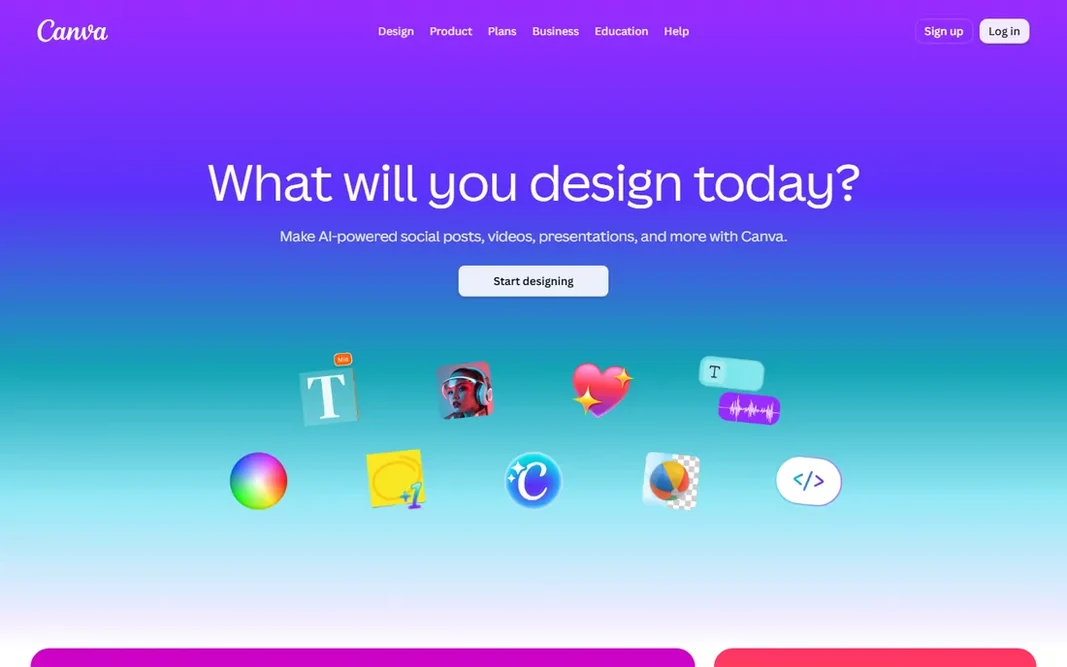
Choose Canva for straightforward free websites. If you already pay for Canva Pro, the websites are a bonus that costs you nothing additional. In daily use, Canva Websites is the surprise entry: the design tool you use for graphics now publishes straightforward sites at no cost, up to five of them, on a free Canva domain. Also, Pro, listed at $144 per year for one person, removes the Canva footer, lets you link your own domains and publish unlimited sites, and includes the full Canva design suite. This is not a tool for complicated websites: no real blog, no store, no CMS. But for event pages, straightforward portfolios, and link-in-bio style pages, it is free and takes minutes. Entry price for Canva: $144/year. You can start on Canva without paying. The main drawbacks: Free sites carry a 'Designed with Canva' footer.

Price: $144/year (Pro, one person)

Free plan: Yes

Website: canva.com

Watch out for

  • Very restricted web features
2

Framer

AI-assisted site design
$10/month (Basic, billed annually)

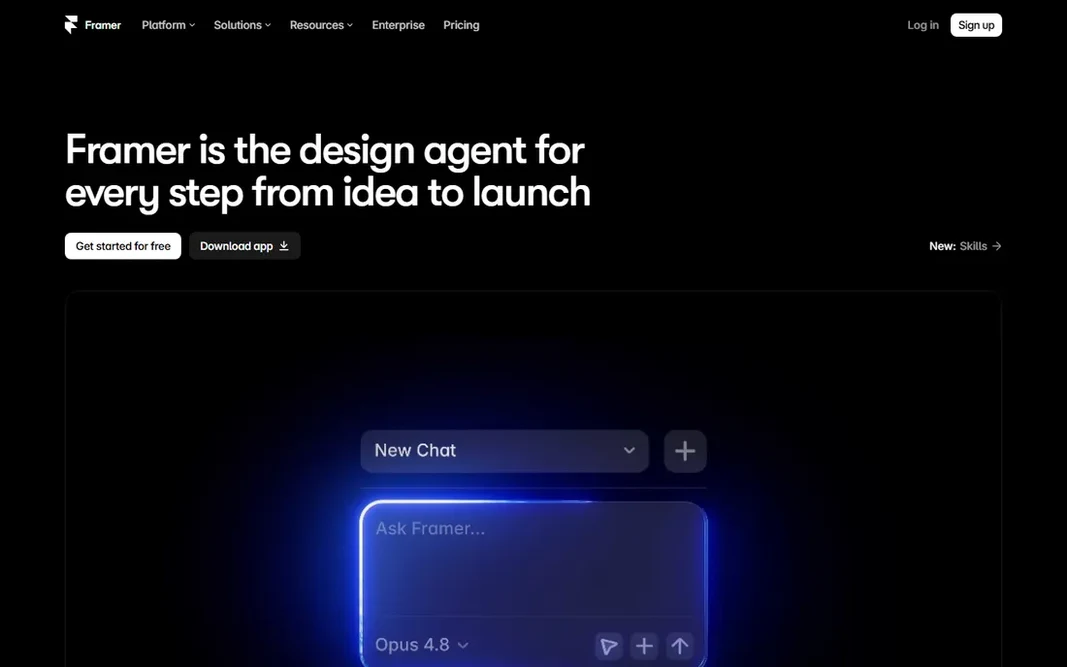
Framer targets AI-assisted site design. Per-site pricing is the weak spot: every client site needs its own plan. Each additional editor costs $20 per month, which layers on up for agencies. Points against: Additional editors cost $20/month each. From a buyer's view, Framer started as a prototyping tool and became a website builder that designers genuinely enjoy: describe a site in a prompt and its AI creates a refined starting point, then refine it in a Figma-like canvas with smooth animations built in. In daily use, the free plan publishes on a Framer domain with 1 GB of bandwidth. Site plans run Basic at $10 per month and Pro at $30 per month on yearly billing, and a custom domain needs a premium plan. What you pay to start with Framer: $10/month. Framer includes a free tier.

Free plan: Yes

Website: framer.com

Strengths

  • Figma-like interface designers love
  • Best-in-class AI site generation from text prompts

Watch out for

  • CMS is restricted vs. Webflow (2 collections on Basic, 10 on Pro)
3

Figma

Interface design and prototyping
$16/month per full seat (Professional, billed yearly)

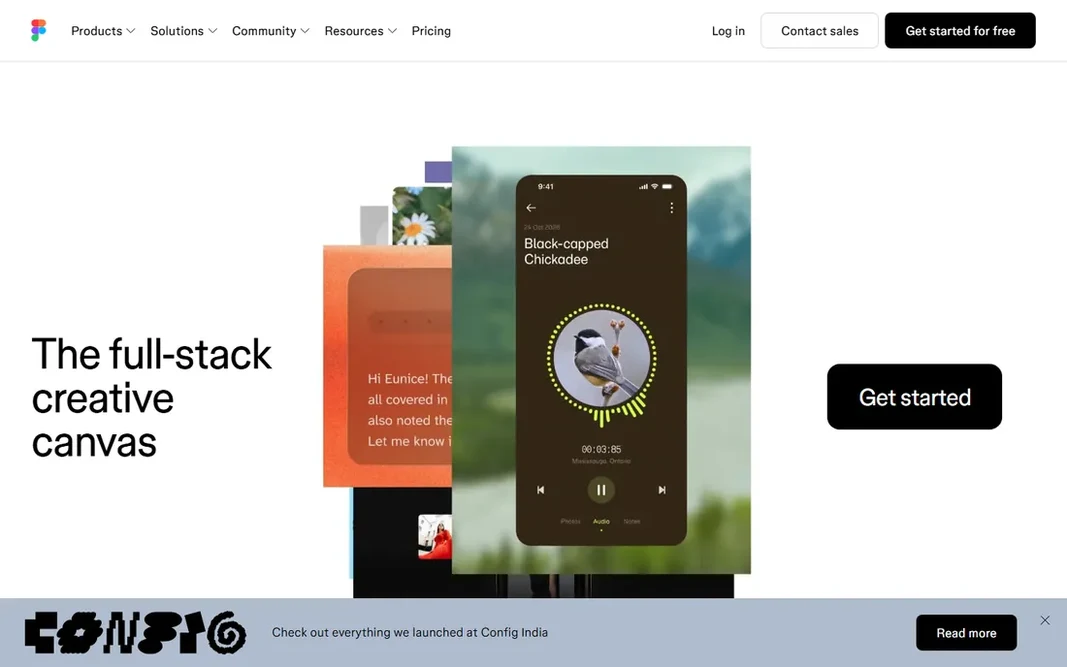
Where Figma fits: interface design and prototyping. Professional costs $16 per full seat per month on annual billing ($20 monthly), with dev seats at $12 and collab seats at $3. Also, Figma is a design tool first: designs still typically get built in Webflow, Framer, or code, though Figma Sites is closing the gap. In practice, the free Starter plan includes individuals and small projects. On cost, Figma starts like this: $16/month per full seat. You can start on Figma without paying. Trade-offs to know: Does not publish production websites on its own.

Free plan: Yes

Website: figma.com

Strengths

  • Massive plugin and template ecosystem
  • Free Starter plan for individuals

Watch out for

  • Can feel heavy for straightforward marketing pages
4

Wix

Quick small-business websites
$17/month (Light, billed annually)

Wix serves quick small-business websites. Wix is the fastest route from nothing to a live small-business website: pick a template or let the AI builder create one, drag elements around, and publish. Where it shines: Drag-and-drop editor with 2,000+ templates. From a buyer's view, the free plan works with Wix branding; premium plans start at $17 per month billed yearly for Light, with Core at $29 and Business at $39. Wix trades design freedom for speed: you will not match a Webflow custom build, and changing templates mid-stream means rebuilding. The starting price for Wix: $17/month. Wix includes a free tier. Watch-outs: Switching templates needs rebuilding; Design adaptability has limits.

Free plan: Yes

Website: wix.com

Strengths

  • AI site builder creates full sites
  • Free plan available

Watch out for

  • SEO historically weaker than rivals
5

Webflow

Designer-built production sites
$15/month (Basic site plan, billed yearly)

Webflow is designed for designer-built production sites. The ramp-up time is also real. But for marketing sites, portfolios, and content sites where design quality matters, Webflow produces results that rival custom development. The layered pricing is the weak spot: site plans, Workspace plans, and extras like Optimize, Analyze and Localize are separate bills. Webflow is the tool for designers who want to ship real websites without writing code: you design visually, and Webflow produces the HTML, CSS, and JavaScript, hosting it all on its own infrastructure. The CMS is the reason most teams stay: content editors get a clean interface whereas designers keep full visual control. Also, premium Workspace plans start at $19 per month on top and add staging sites, custom code and code export. Webflow cost at the entry level: $15/month. A free plan is available with Webflow. Limits to weigh: Leaving means rebuilding.

Free plan: Yes

Website: webflow.com

Strengths

  • Powerful CMS for content sites
  • Visual design that outputs clean production code

Watch out for

  • Real ramp-up time

FAQ

Do these tools publish their prices?

Yes. Every tool from Canva to Webflow shows a starting price, though seats, add-ons and billing terms still change the final cost.

Is Canva the right pick for everyone comparing web design software?

No single tool suits every team. Canva comes first because it fits simple free websites, while Framer suits AI-assisted site design and Figma suits interface design and prototyping. Match the tool to your own size, budget and workflow before deciding.

What is the cheapest option for web design software in this list?

On published monthly entry prices, Framer is the lowest here at $10/month. Entry price is only part of the cost, because seats, add-ons and billing terms can change the total.

Which options for web design software have a free plan?

Canva, Framer, Figma, Wix and Webflow offer a free plan in this list. Free plans usually cap users, projects or features, so check the limits on the vendor page.