IT Management · Researched comparison

The 6 Best Remote Access Software Options to Shortlist in 2026

TaskReports may earn a fee from some links on this page, and some placements are paid and labelled. Neither one decides the order. See our disclosure.

The short answer

Splashtop is the first pick on this list for low-cost high-performance access. If your case is different, Chrome Remote Desktop suits free entry-level remote access and TeamViewer suits the known standard for remote support. Prices, free plans and limits for all 6 tools follow.

On this page

Key takeaways

  • Splashtop takes the first slot, best suited to low-cost high-performance access.
  • GoTo Resolve fits IT support with ticketing built in.
  • The cheapest monthly starting price in the list is $5/month, offered by Splashtop.
  • Only 4 of the 6 tools have a free plan (Chrome Remote Desktop, TeamViewer, Zoho Assist, AnyDesk), so check the caps.
  • Splashtop comes with a trade-off: product lineup is confusing with overlapping editions.

Quick comparison

ToolSuited toFree accessWatch out for
------------
SplashtopBudget-friendly high-performance accessFree trialNo free tier, only trials
Chrome Remote DesktopFree entry-level remote accessYesNo file transfer, chat
TeamViewerThe known standard for remote supportYesAggressive detection of commercial use on the free tier annoys legitimate users
Zoho AssistBudget remote support for small teamsYesOutside the Zoho ecosystem, integrations are thinner
AnyDeskQuick, light connectionsYesPrices rose sharply in 2024-2026
GoTo ResolveIT support with ticketing built inFree trialThe bundle includes features small teams may never use
★ Best overall

Splashtop

Budget-friendly high-performance access

  • Capable security certifications
  • Separate products for access (Business Access) and support (SOS) so you buy only what you need
Price$5/month (Business Access)
See Splashtop pricing

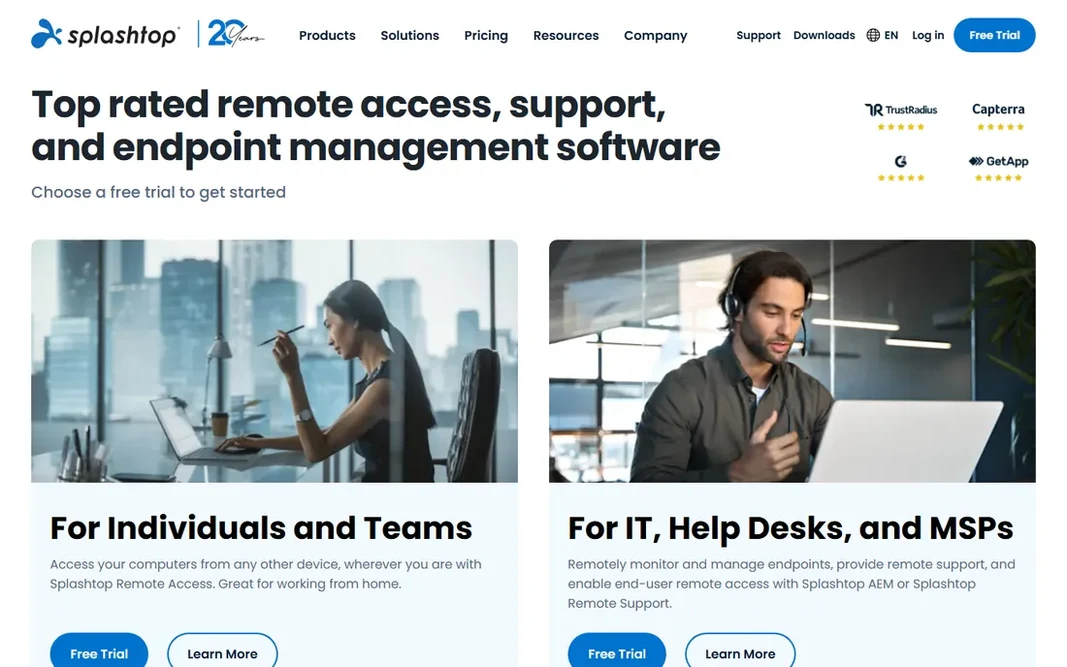
Where Splashtop fits: budget-friendly high-performance access. Splashtop is the value pick that performance-sensitive buyers keep landing on. Beyond that, there is no permanent free level, but trials are available. Where it is weaker: Product lineup is confusing with overlapping editions. The product naming is the primary friction: Business Access, SOS, SOS+, Remote Support and Enterprise overlap in ways that confuse first-time buyers. The streaming quality rivals tools costing five times more, which is why creative professionals and remote workers with demanding applications choose it. More specifically, map your need first, own machines or other people's, then pick the matching product. On top of that, for cost-conscious teams that refuse to compromise on session quality, Splashtop is normally the answer. Starting cost for Splashtop: $5/month. Free access: Free trial.

Price: $5/month (Business Access)

Free plan: Free trial

Website: splashtop.com

Watch out for

  • No free level, only trials
2

Chrome Remote Desktop

Free entry-level remote access
Free

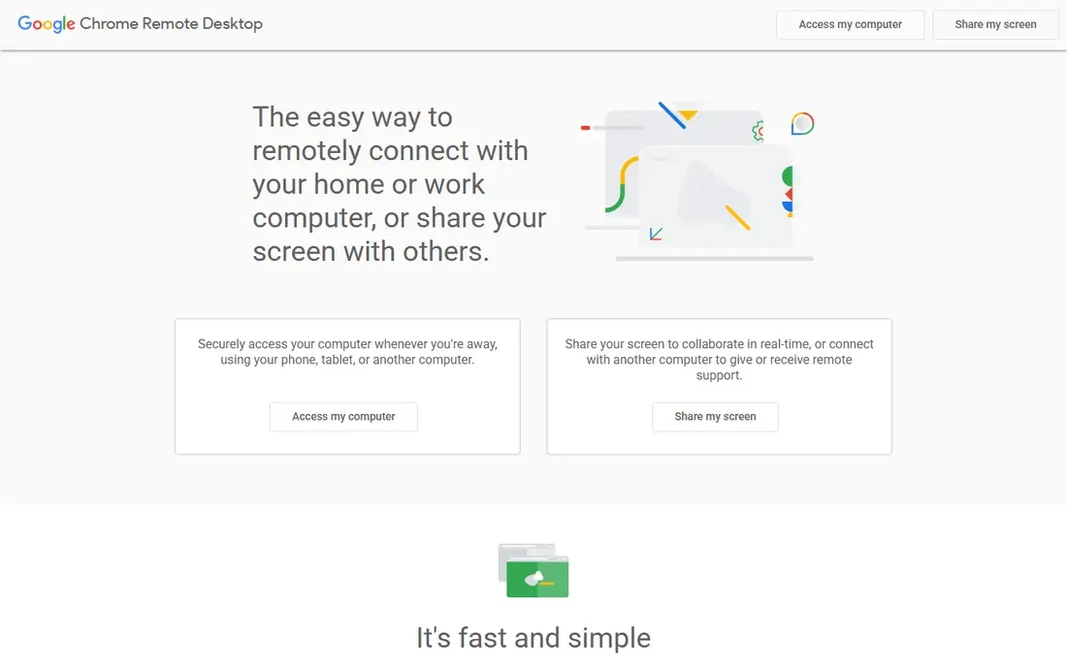
Where Chrome Remote Desktop fits: free entry-level remote access. For occasional personal access it is perfect and free. From a buyer's view, the limits are absolute. Trade-offs to know: No business support or admin controls. No file transfer between machines, no chat during sessions, no multi-monitor handling, no unattended fleet management, no audit logs, no support. It is a personal convenience tool, not business infrastructure. Chrome Remote Desktop is Google's free answer to "I have to reach my home computer." Install the extension, set a PIN, and link from any Chrome browser or the mobile app. The starting price for Chrome Remote Desktop: Free. Chrome Remote Desktop has a free plan.

Free plan: Yes

Website: remotedesktop.google.com

Strengths

  • Dead straightforward setup through the Chrome browser
  • Fully free with no user or device limits

Watch out for

  • Multi-monitor or session management features
3

TeamViewer

The known standard for remote support
$24.90/month (Remote Access, billed annually)

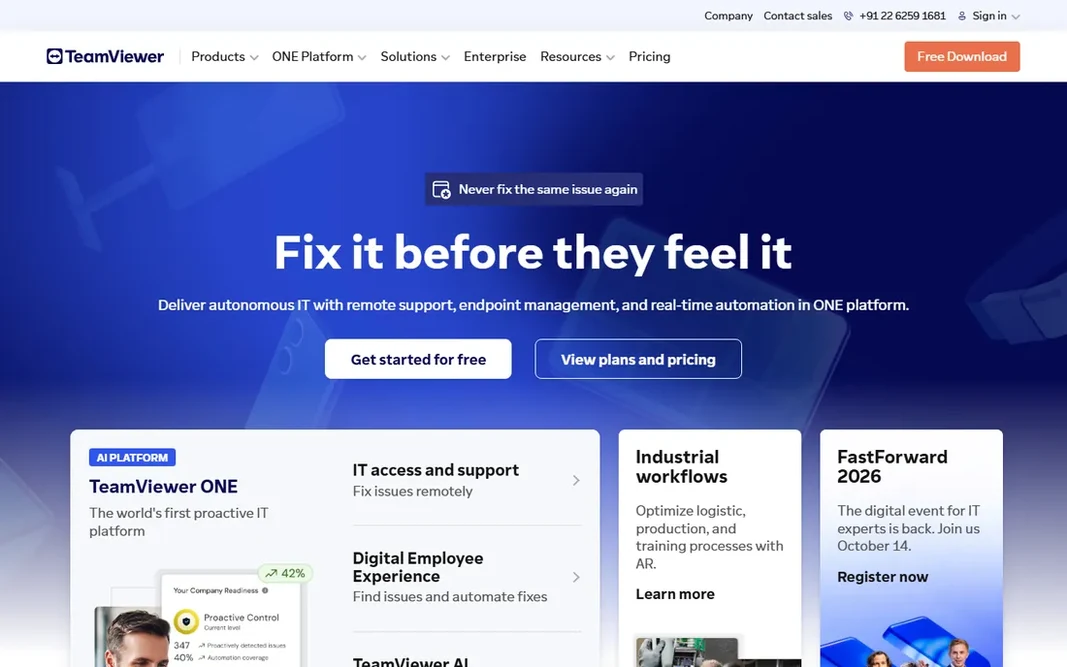
TeamViewer is a good fit for the known standard for remote support. TeamViewer is the Kleenex of remote access: the name everyone knows. Contracts auto-renew with a 28-day cancellation window, and the company is famously aggressive about flagging free accounts for suspected commercial use. Watch-outs: Licenses on concurrent channels, so teams pay more than the sticker recommends. In practice, the licensing model is the part buyers underestimate. In practice, Remote Access at $24.90 per month billed annually spans one licensed user reaching their own devices; Business at $50.90 brings support features for 200 managed devices; Premium and Corporate scale licensed users and channels upward. On cost, TeamViewer starts like this: $24.90/month. TeamViewer has a free plan.

Free plan: Yes

Website: teamviewer.com

Strengths

  • Works on every major product with a huge existing user base
  • Free forever for personal non-commercial use

Watch out for

  • Aggressive detection of commercial use on the free level annoys legitimate users
4

Zoho Assist

Budget remote support for small teams
$8/technician/month (Standard, billed yearly)

Zoho Assist targets budget remote support for small teams. The free plan provides one technician remote support plus five unattended computers with chat and file transfer, which manages a surprising amount of real IT work. Worth adding: standard remote support costs $10 per technician a month, or $8 billed yearly. Honest limits: Outside the Zoho ecosystem, integrations are thinner. Unattended access is $10 a month for 25 computers with unlimited technicians. Professional and Enterprise add mobile support, rebranding, recording and audit features at $15 and $24. In practice, teams already on Zoho Desk or other Zoho products get natural integrations. Everyone else gets a capable standalone tool at a price that embarrasses the category. For small businesses and startups doing their own IT support, start here before spending more. Price to start with Zoho Assist: $8/technician/month. Free access exists with Zoho Assist.

Free plan: Yes

Website: zoho.com/assist

Strengths

  • Premium plans start at a fraction of rivals
  • Unattended access priced per computer batch with unlimited technicians

Watch out for

  • Advanced features like session recording need higher levels
5

AnyDesk

Quick, light connections
$28.90/month (Solo, billed yearly)

AnyDesk works best for quick, light connections. AnyDesk built its following on speed. From a buyer's view, solo at $28.90 a month billed yearly handles one connection. Standard at $49.90 layers on team features; Advanced at $111.90 handles two connections. The DeskRT video codec keeps sessions usable on poor connections where heavier tools stutter. The client is famously small and quick to launch. In daily use, second, the late-2023 compromise of AnyDesk's production systems, with source code and signing certificates stolen, remains a procurement discussion point. The company has since rebuilt its security posture, but expect your security team to ask. More specifically, only the person starting the session needs a license, so supporting clients costs less than the seat math recommends. AnyDesk starts at: $28.90/month. A free plan is available with AnyDesk. Downsides: roughly doubling on some plans.

Free plan: Yes

Website: anydesk.com

Strengths

  • Only the session initiator needs a license
  • Tiny client that runs without installation

Watch out for

  • The 2023 production breach still comes up in security reviews
6

GoTo Resolve

IT support with ticketing built in
See website

GoTo Resolve is aimed squarely at IT support with ticketing built in. Existing GoTo customers get a natural extension of products they already know. Honest limits: Pricing is not published, so budgeting needs a sales conversation. Highlights: device management and automation. No starting price is listed for GoTo Resolve here; confirm pricing on the vendor site. On free options: Free trial.

Free plan: Free trial

Website: goto.com

Strengths

  • Conversational ticketing for end users
  • Remote support bundled with ticketing

Watch out for

  • The bundle bundles features small teams may never use

Pre-purchase checklist

  • Get a written quote from GoTo Resolve; the list shows no starting price for them.
  • Check what the free option really includes: Chrome Remote Desktop, TeamViewer, Zoho Assist and AnyDesk offer a free plan, and usage caps differ.
  • Run a trial of Splashtop and GoTo Resolve with real work before paying for a year; your own workflow is the best test.
  • Read the limits listed for Splashtop first: product lineup is confusing with overlapping editions.
  • Look at which plan of Chrome Remote Desktop unlocks the features you need; entry tiers are often cut down.
  • Look at the help docs and support options for TeamViewer before you commit.

FAQ

What security features should I need?

At minimum: encrypted sessions, multi-factor authentication on the admin account, and approval prompts on the remote machine for attended sessions. Regulated industries should add session recording and audit logs, which is BeyondTrust's home turf.

Can I try these options before paying?

Often, yes. Chrome Remote Desktop, TeamViewer, Zoho Assist and AnyDesk have a free plan and Splashtop and GoTo Resolve offer a free trial. Use your own data and a real task during the test, and check what the free tier or trial limits before you rely on it.

Which options for remote access software have a free plan?

On this list, Chrome Remote Desktop, TeamViewer, Zoho Assist and AnyDesk include a free plan. Caps on seats, usage or features are common, so test the free plan against your real workload. Several others offer a trial instead.

Do these tools publish their prices?

Not all of them. GoTo Resolve publishes no starting price, so expect a quote request for it. The rest, Splashtop included, show a starting price, though seats and billing terms still change the final cost.

Will remote access software slow down the remote computer?

A little, but decent tools minimize it. AnyDesk's codec and Splashtop's streaming are the performance leaders for demanding applications. On very old hardware, expect some lag regardless of vendor; trial on your actual oldest machine.

Is Splashtop the right pick for everyone comparing remote access software?

No single tool suits every team. Splashtop comes first because it fits affordable high-performance access, while Chrome Remote Desktop suits free basic remote access and TeamViewer suits the known standard for remote support. Match the tool to your own size, budget and workflow before deciding.