IT Management · Researched comparison

Remote Desktop Software Buyer's Guide: 7 Tools for 2026

TaskReports may earn a fee from some links on this page, and some placements are paid and labelled. Neither one decides the order. See our disclosure.

The short answer

RealVNC Connect comes first here, mainly for developers, educators and IT teams managing mixed-OS environments including Raspberry Pi. Look at RemotePC for small firms wanting always-on access priced per computer, not per user, and at Chrome Remote Desktop for individuals and very small teams needing straightforward, free remote access.

On this page

Key takeaways

  • Top of the list is RealVNC Connect, which targets developers, educators and IT teams managing mixed-OS environments including Raspberry Pi.
  • A fair warning about Chrome Remote Desktop: no session recording, no fleet management and restricted file transfer.
  • For IT teams and MSPs already running Zoho products, Zoho Assist is worth a look.
  • Chrome Remote Desktop, RustDesk, TeamViewer, Zoho Assist: these are the 4 tools out of 7 that offer a free plan.
  • For the cheapest start, look at Zoho Assist: $10/month per technician.

Quick comparison

ToolSuited toEntry priceBiggest drawback
------------
RealVNC ConnectDevelopers, educators and IT teams managing mixed-OS environments includingSee websiteFree-plan availability conflicts across sources
RemotePCSmall firms wanting always-on access priced per computerSee websiteList prices are first-year promotional with higher renewals
Chrome Remote DesktopIndividuals and very small teams$0No session recording
RustDeskPrivacy-conscious users, SMBs and MSPs comfortable running their own$0/monthYou operate the infrastructure yourself, which is real operational work
TeamViewerEnterprise IT teams needing unattended access and wide systemSee websiteCommercial-use detection on the free version is strict
SplashtopIndividuals, small firms, schools and IT support teamsSee websitePer-person pricing adds up for larger teams
Zoho AssistIT teams and MSPs already running Zoho products$10/month per technicianBest value is inside the Zoho ecosystem
★ Best overall

RealVNC Connect

Developers, educators and IT teams managing mixed-OS environments including Raspberry Pi

  • On-demand assist for support sessions
  • VNC-protocol standard with 256-bit AES encryption

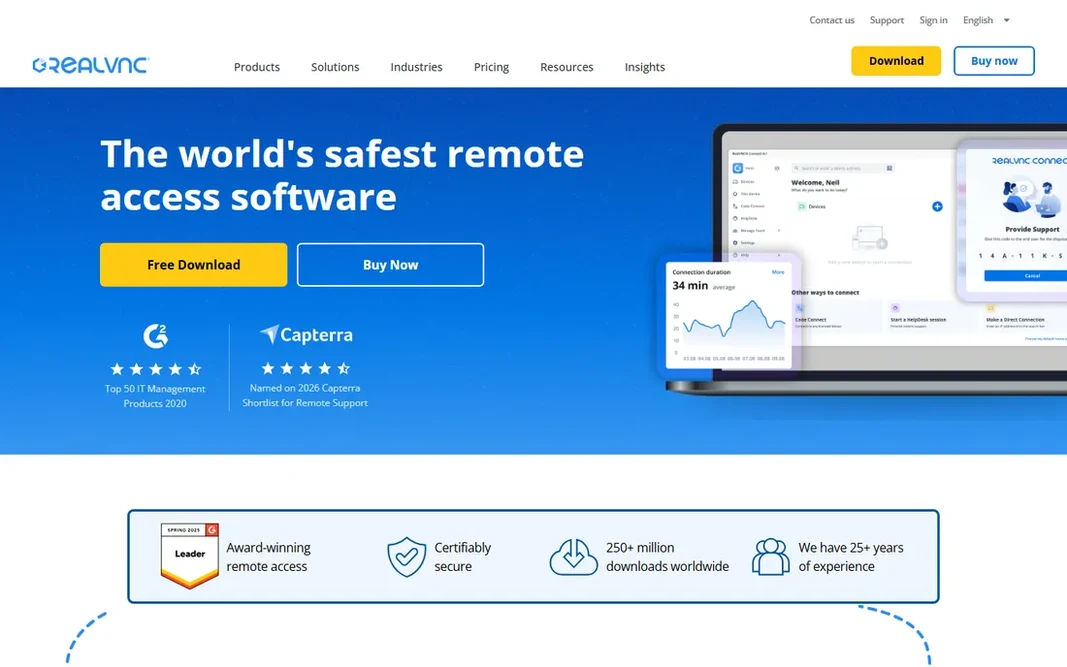
RealVNC Connect is aimed squarely at developers, educators and IT teams managing mixed-OS environments including Raspberry Pi. For Pi fleets and mixed-OS labs, nothing else suits as naturally. As for the details, the main limit is licensing granularity: concurrent sessions and device counts interact, and free-plan availability conflicts across sources (one reports a free Lite plan up to 5 devices, another disputes it). Upsides: Cross-platform including Raspberry Pi. As for the details, RealVNC Connect is the cross-platform purist's choice. As for the details, Raspberry Pi support is unique among major vendors, and the VNC standard appeals to shops that prefer open protocols. This comparison lists no price for RealVNC Connect; ask the vendor. As for free access: Free trial (14 days).

Price: See website

Free plan: Free trial (14 days)

Website: realvnc.com

Watch out for

  • Free-plan availability conflicts across sources
2

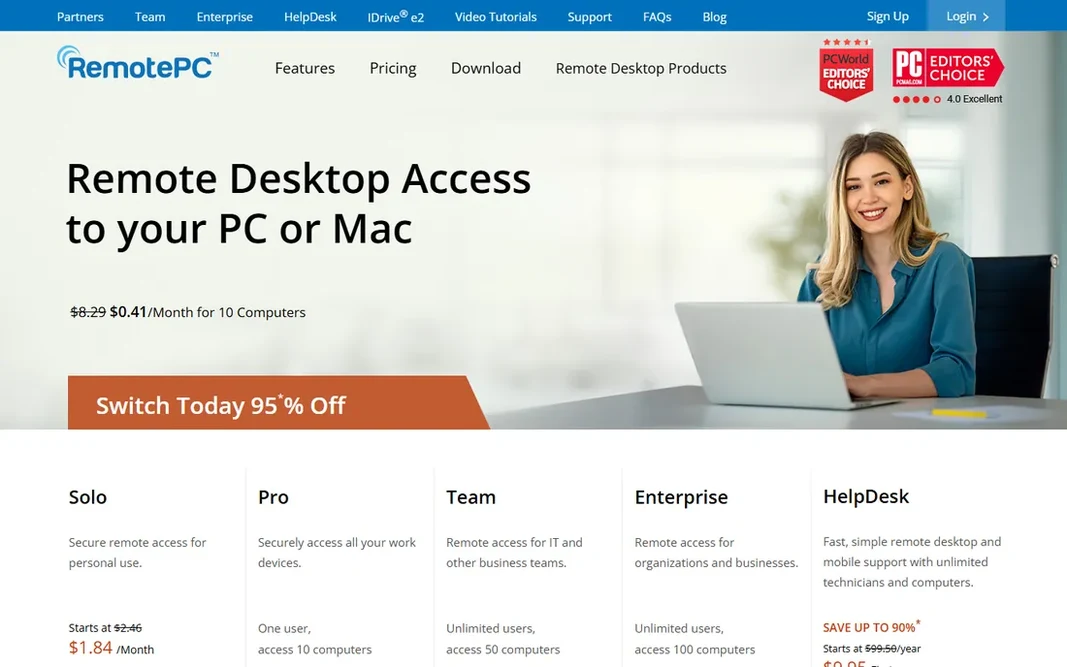
RemotePC

Small firms wanting always-on access priced per computer, not per user
See website

RemotePC was built for small companies wanting always-on access priced per computer, not per user. It is a strong match for small firms accessing their own machines. Downsides: List prices are first-year promotional with higher renewals. MSP-style multi-client support teams should compare ScreenConnect instead. No starting price is listed for RemotePC here; confirm pricing on the vendor site. Trial and free access: Free trial (7 days).

Free plan: Free trial (7 days)

Website: remotepc.com

Strengths

  • Device-based pricing with unlimited users on every plan
  • 24/7 phone and chat support reported on all plans

Watch out for

  • Less of a helpdesk ecosystem than ConnectWise or TeamViewer
3

Chrome Remote Desktop

Individuals and very small teams needing straightforward, free remote access
$0

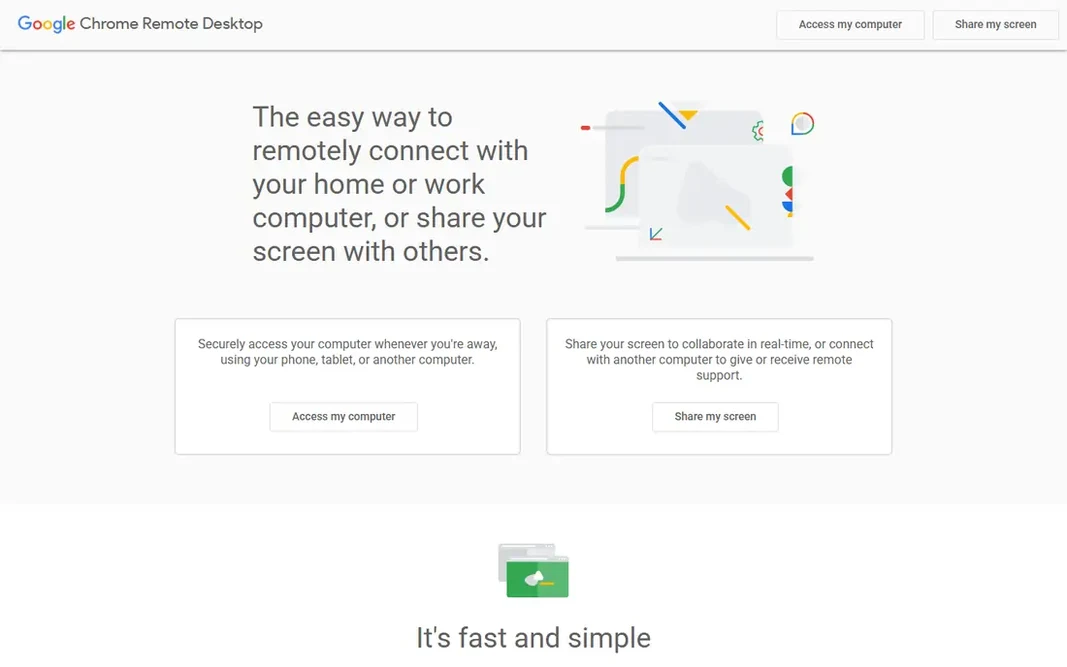
Chrome Remote Desktop is a good fit for individuals and very small teams needing straightforward, free remote access. Chrome Remote Desktop is Google's free utility: access your own computers or help someone else, from the browser or mobile apps, at zero cost with no levels at all. The honest catch is the feature ceiling. Drawbacks to consider: No session recording. It is perfect for personal use and casual help. Beyond that, any team doing professional remote support should buy a proper tool like Splashtop, Zoho Assist or ScreenConnect. Chrome Remote Desktop cost at the entry level: $0. A free plan is available with Chrome Remote Desktop.

Free plan: Yes

Website: remotedesktop.google.com

Strengths

  • Just a Google account
  • Zero-config setup through the browser

Watch out for

  • Not a good match for commercial support or compliance-heavy environments
4

RustDesk

Privacy-conscious users, SMBs and MSPs comfortable running their own infrastructure
$0/month (free self-hosting plan, open source); Pro from $11.88/month billed annually

RustDesk is built with privacy-conscious users, SMBs and MSPs comfortable running their own infrastructure in mind. RustDesk is the open-source TeamViewer alternative. The honest catch is operational. Points against: You operate the infrastructure yourself, which is real operational work. Everyone else should buy commercial. Also, for technical teams replacing TeamViewer on cost or privacy grounds, data sovereignty is the whole point. Beyond that, you host and harden the server yourself via Docker, and non-technical end users will find commercial tools simpler. In practice, end-to-end encryption and a self-hosted relay mean your data never touches a vendor cloud. Price to start with RustDesk: $0/month. RustDesk offers a free plan.

Free plan: Yes

Website: rustdesk.com

Strengths

  • Vendor-confirmed free $0 self-hosting plan (open source)
  • Self-hosted relay means no vendor cloud in the connection path

Watch out for

  • Pro-only features (web client, SSO, audit logs, API) need premium levels
5

TeamViewer

Enterprise IT teams needing unattended access and wide system coverage
See website

TeamViewer is aimed squarely at enterprise IT teams needing unattended access and wide platform coverage. Map licensed users against concurrent channels before purchase and compare total cost against Splashtop or RemotePC. Points against: Commercial-use detection on the free version is strict. TeamViewer does not show a starting price in this comparison, so check the vendor site for current pricing. A free plan is available with TeamViewer.

Free plan: Yes

Website: teamviewer.com

Strengths

  • Free for personal use with a reported 14-day business trial
  • Enterprise integrations (Microsoft Teams, ServiceNow) and AES-256 encryption

Watch out for

  • Licensing is complicated (licensed users vs. Concurrent channels) and costs scale steeply
6

Splashtop

Individuals, small firms, schools and IT support teams wanting value
See website

Splashtop works best for individuals, small businesses, schools and IT support teams wanting value. Splashtop is the value leader. For everyday use, if the quote holds, the price-to-feature ratio is the whole pitch. Pricing for Splashtop is not stated here, so ask the vendor for current figures. As for free access: Free trial (7 days). Trade-offs to know: Support is ticket and chat-based instead of 24/7 phone on all plans.

Free plan: Free trial (7 days)

Website: splashtop.com

Strengths

  • 2FA and compliance certifications
  • 256-bit AES encryption

Watch out for

  • Per-person pricing brings up for bigger teams
7

Zoho Assist

IT teams and MSPs already running Zoho products
$10/month per technician (Standard Remote Support; per Zoho's own site)

Zoho Assist works best for IT teams and MSPs already running Zoho products. Zoho Assist is the natural choice for Zoho shops. More specifically, for a Zoho-standardized IT team, the price-to-feature ratio is very good. Main advantages: Vendor-confirmed free plan and $10/month per technician starting price. On top of that, the integrations that make it shine need other Zoho products; standalone buyers get less of the benefit. Also, non-Zoho teams should trial the standalone experience and confirm session limits per level. Starting cost for Zoho Assist: $10/month per technician. Zoho Assist includes a free tier.

Free plan: Yes

Website: zoho.com

Strengths

  • CRM and the Zoho ecosystem
  • Remote support plus unattended access plans

Watch out for

  • Best value is inside the Zoho ecosystem

FAQ

How are the tools for remote desktop software ordered?

The order follows typical fit for remote desktop software, with RealVNC Connect first and Zoho Assist last, then price clarity and free access. It is editorial judgement, not a score, so another team could rank the tools differently.

What is the cheapest option for remote desktop software in this list?

On published monthly entry prices, Zoho Assist is the lowest here at $10/month per technician. Entry price is only part of the cost, because seats, add-ons and billing terms can change the total.

Which options for remote desktop software have a free plan?

On this list, Chrome Remote Desktop, RustDesk, TeamViewer and Zoho Assist include a free plan. Caps on seats, usage or features are common, so test the free plan against your real workload. Several others offer a trial instead.

What is the difference between remote access and remote support?

Remote support is attended: helping a user live with screen sharing and session tools. Most tools do both, but support-focused products (Zoho Assist, ScreenConnect) add session management, and access-focused products (RemotePC) optimize for always-on.

Is RealVNC Connect the right pick for everyone comparing remote desktop software?

No single tool suits every team. RealVNC Connect comes first because it fits developers, educators and IT teams managing mixed-OS environments including Raspberry Pi, while RemotePC suits small businesses wanting always-on access priced per computer, not per user and Chrome Remote Desktop suits individuals and very small teams needing simple, free remote access. Match the tool to your own size, budget and workflow before deciding.