
AI Tools · Researched comparison

How to Pick Tool to Generate an AI Video: 6 Tools Compared

TaskReports may earn a fee from some links on this page, and some placements are paid and labelled. Neither one decides the order. See our disclosure.

The short answer

This list puts Synthesia first for enterprise training presenters. Adobe Firefly fits commercially safe brand work; Runway fits shot control and editing. The remaining 3 options are covered below with prices and limits.

On this page

Key takeaways

  • This list starts with Synthesia, which is built for enterprise training presenters.
  • For realistic human motion on a budget, Kling is worth a look.
  • Free plans are common here: 6 of 6 tools have one, including Synthesia, Adobe Firefly, Runway and HeyGen.
  • The main caution on Synthesia: avatar videos can feel stiff.

Quick comparison

ToolSuited toBiggest drawbackEntry priceFree plan
---------------
SynthesiaEnterprise training presentersNot for cinematic scenesSee websiteYes
Adobe FireflyCommercially safe brand workBest inside Adobe appsSee websiteYes
RunwayShot control and editingClips are short$12 per monthYes
HeyGenAvatar videos and translationAvatar likeness needs care$29 per monthYes
PikaStylized social clips and effectsShort clips$8 per monthYes
KlingRealistic human motion on a budgetSupport is thinner$6.99 per monthYes
★ Best overall

Synthesia

Enterprise training presenters

  • Team and brand controls
  • Large avatar library
PriceSee website
See Synthesia pricing

Synthesia is aimed squarely at enterprise training presenters. Synthesia turns a script into a presenter-led video with an AI avatar, which fits training, onboarding, and explainer videos. In daily use, a free plan lets you test the format, though exports are restricted. Published prices disagree across sources, so check the pricing page before you budget. No starting price is listed for Synthesia here; confirm pricing on the vendor site. A free plan is available with Synthesia. Trade-offs to know: Avatar videos can feel stiff.

Price: See website

Free plan: Yes

Website: synthesia.io

Watch out for

  • Not for cinematic scenes
2

Adobe Firefly

Commercially safe brand work
See website

Choose Adobe Firefly for commercially safe brand work. A free level lets you test generation, and premium access comes through Adobe plans with credit allowances. Also, for agencies and brands where rights clearance matters as much as quality, Firefly is the prudent pick. For everyday use, Firefly is less capable than Runway on shot control and less realistic than Veo on people. No starting price is listed for Adobe Firefly here; confirm pricing on the vendor site. Adobe Firefly offers a free plan. Downsides: Best inside Adobe apps.

Free plan: Yes

Website: adobe.com/products/firefly.html

Strengths

  • Trained on licensed content
  • Brand controls

Watch out for

  • Credit system is complicated
3

Runway

Shot control and editing
$12 per month

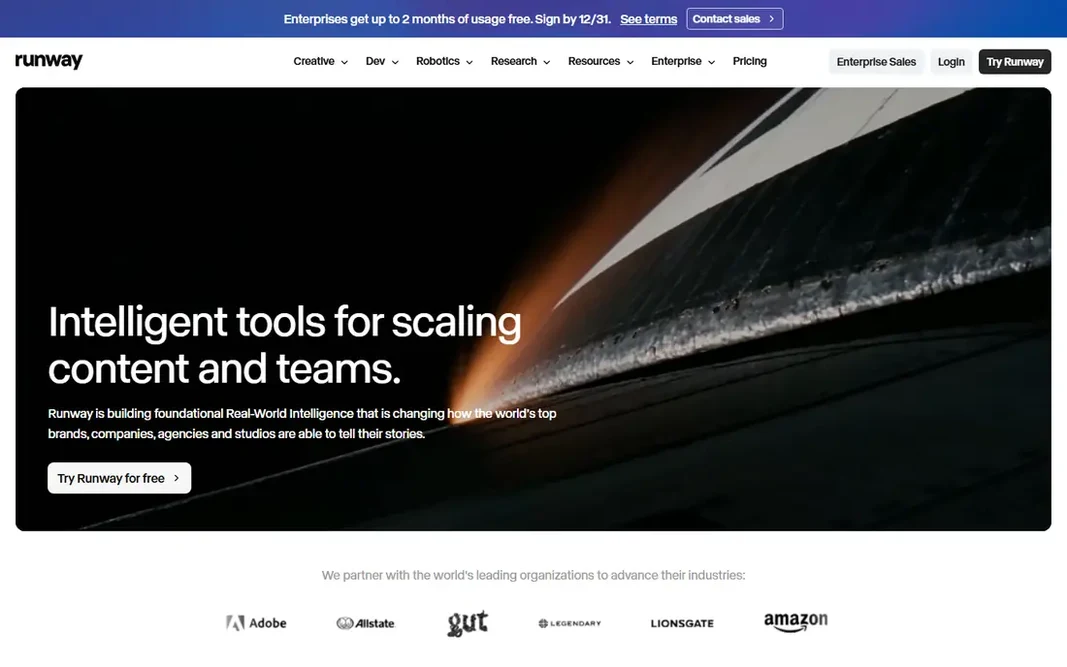
Runway is built with shot control and editing in mind. Runway Gen-4.5 is designed for creators who want to direct a shot instead of just prompt one. You can control camera moves, reference an image or video for style, and edit the lead to the same workspace. Where it is weaker: Clips are short. That control matters when a clip must match a storyboard or a brand look, instead of just looking impressive on its own. Beyond that, for filmmakers and content creators who value control, Runway is still the most complete creative workspace. A finished scene frequently needs multiple attempts, and each attempt spends credits, so per month of credits can go quick on one project. From a buyer's view, the limits are credit cost and clip length. On cost, Runway starts like this: $12 per month. Free access exists with Runway.

Free plan: Yes

Website: runwayml.com

Strengths

  • Editing tools built in
  • Solid camera and motion control

Watch out for

  • Credit costs add up quick
4

HeyGen

Avatar videos and translation
$29 a month

HeyGen is aimed squarely at avatar videos and translation. Credits limit how much video you can make each month, and using a real person likeness needs permission and care. Honest limits: Avatar likeness needs care. More specifically, the monthly cost layers on up for teams that publish commonly. What you pay to start with HeyGen: $29 per month. HeyGen has a free plan.

Free plan: Yes

Website: heygen.com

Strengths

  • Long presenter videos possible
  • Decent avatar quality

Watch out for

  • Monthly cost brings up
5

Pika

Stylized social clips and effects
$8 a month

Pika targets stylized social clips and effects. Its effects, styles, and templates make it simple to turn an image into a playful clip for TikTok, Reels, or Shorts. Where it is weaker: Free level is restricted. Also, the free level is limited, and premium credits can run out quick on bigger projects. For fun, quick social clips, Pika is decent value. Pika cost at the entry level: $8 per month. You can start on Pika without paying.

Free plan: Yes

Website: pika.art

Strengths

  • Fun effects and styles
  • Cheap entry

Watch out for

  • Short clips
6

Kling

Realistic human motion on a budget
$6.99 a month

Where Kling fits: realistic human motion on a budget. Support and documentation are thinner than Runway or Adobe. More specifically, for creators who require numerous realistic clips on a budget, Kling provides the best balance of price and quality. Worth adding: quality still varies by prompt, and the best results commonly need the higher quality level, which costs more per second. Price to start with Kling: $6.99 per month. Free access exists with Kling. Limits to weigh: Support is thinner.

Free plan: Yes

Website: klingai.com

Strengths

  • Realistic human movement
  • Low entry price

Watch out for

  • Higher quality levels cost more

FAQ

Do these tools publish their prices?

Not all of them. Synthesia and Adobe Firefly publish no starting price, so expect a quote request for those. The rest, Runway included, show a starting price, though seats and billing terms still change the final cost.

What is the difference between a scene generator and an avatar tool?

A scene generator builds a short cinematic clip from a prompt, whereas an avatar tool creates a talking presenter from a script. Scene tools suit ads and stories, whereas avatar tools suit training and explainers.

Is Synthesia the right pick for everyone comparing tool to generate an AI video?

No single tool suits every team. Synthesia comes first because it fits enterprise training presenters, while Adobe Firefly suits commercially safe brand work and Runway suits shot control and editing. Match the tool to your own size, budget and workflow before deciding.

Can I try these tools before paying?

Often, yes. Synthesia, Adobe Firefly, Runway and others have a free plan. Use your own data and a real task during the test, and check what the free tier or trial limits before you rely on it.

Which options for tool to generate an AI video have a free plan?

On this list, 6 of 6 tools include a free plan, among them Synthesia, Adobe Firefly, Runway and HeyGen. Caps on seats, usage or features are common, so test the free plan against your real workload.