AI Tools · Researched comparison

7 Strong Video AI Upscaling Software Options in 2026

TaskReports may earn a fee from some links on this page, and some placements are paid and labelled. Neither one decides the order. See our disclosure.

The short answer

For cloud upscaling on weak hardware, TensorPix is where this list starts. Alternatives: Remini for quick phone and web enhancements, and Nero AI Video Upscaler for fast upscales with nothing to install. The remaining 4 options are covered below with prices and limits.

On this page

Key takeaways

  • Top of the list is TensorPix, which targets cloud upscaling on weak hardware.
  • TensorPix, Remini, Nero AI Video Upscaler, Vmake: these are the 4 tools out of 7 that offer a free plan.
  • A fair warning about TensorPix: credit-based pricing penalizes long videos.
  • Topaz Video is the lowest-priced starter here at $59/month.
  • HitPaw VikPea fits creators who want one-click desktop enhancement.

Quick comparison

ToolIdeal forEntry priceKey limitation
------------
TensorPixCloud upscaling on weak hardwareSee websiteCredit-based pricing penalizes long videos
ReminiQuick phone and web enhancementsSee websiteLess control than desktop tools
Nero AI Video UpscalerFast upscales with nothing to installSee websiteCloud queues at peak times
Topaz VideoMaximum upscale quality on a capable PC$59/month$59/month adds up
VmakeSocial sellers enhancing product clipsSee websiteLess control than specialists
AVCLabs Video Enhancer AIDesktop all-rounder for enhance and repairSee websiteInterface feels utilitarian
HitPaw VikPeaCreators who want one-click desktop enhancementSee websiteUpsell-heavy product family
★ Best overall

TensorPix

Cloud upscaling on weak hardware

  • Also does stabilization, denoising
  • No GPU needed
PriceSee website
See TensorPix pricing

In short, TensorPix is for cloud upscaling on weak hardware. TensorPix is refreshingly honest about its place in the market: its own FAQ says Topaz is better if you own a high-end GPU, and TensorPix is better if you do not. In daily use, cloud credits mean a 90-minute archive project costs real money, whereas Topaz's flat subscription would be less expensive at that volume. About a minute of SD footage takes 5 to 10 minutes to process, and you get free previews before spending anything. For everyday use, the pricing model is the thing to watch. TensorPix shows no starting price here, so confirm the cost on the vendor site. A free plan is available with TensorPix. Watch-outs: Credit-based pricing penalizes long videos. What users get: Free previews so you can judge quality first.

Price: See website

Free plan: Yes

Website: tensorpix.ai

Watch out for

  • Upload and download add time
2

Remini

Quick phone and web enhancements
See website

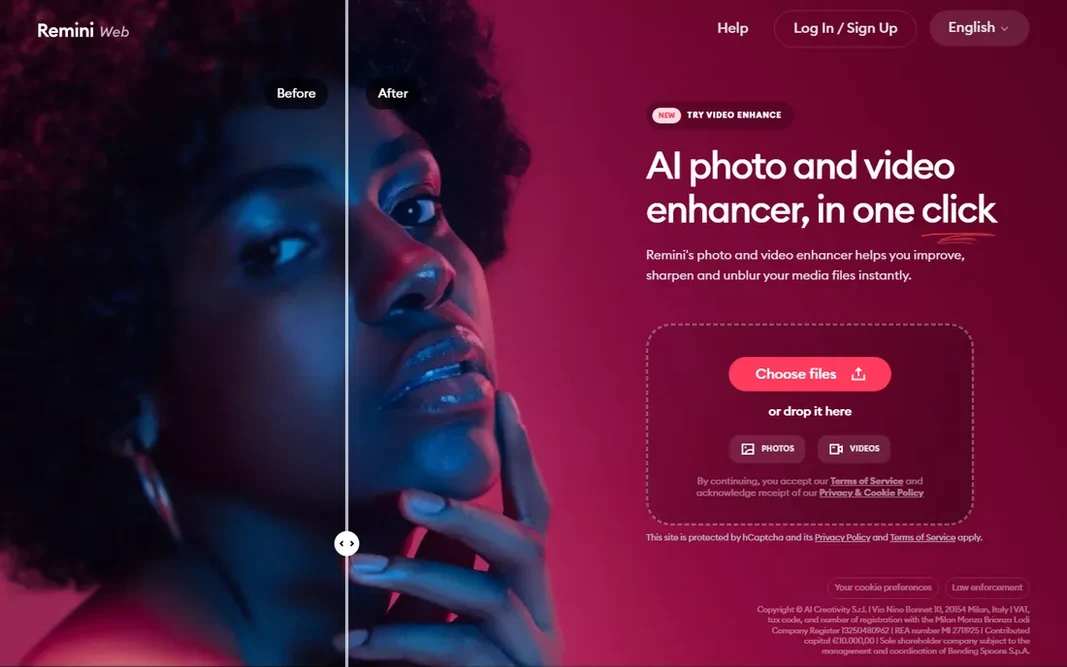
Remini serves quick phone and web enhancements. The workflow could not be more straightforward, and the face recovery is genuinely impressive on portraits and selfies. The main drawbacks: 2x upscale cap on the enlarger. No starting price is listed for Remini here; confirm pricing on the vendor site. You can start on Remini without paying.

Free plan: Yes

Website: remini.ai

Strengths

  • Capable face enhancement
  • Generous free level supported by ads

Watch out for

  • Less control than desktop tools
3

Nero AI Video Upscaler

Fast upscales with nothing to install
See website

Choose Nero AI Video Upscaler for fast upscales with nothing to install. For fast jobs, short clips, social posts, and one-off fixes, the free level makes it a zero-risk first try. The video upscaler is straightforward: upload, pick your enhancement, download the result. What to check first: Cloud queues at peak times. On top of that, Nero, the old disc-burning brand, reinvented itself as Nero AI, a browser-based set of AI media tools. Beyond that, since everything runs server-side, your own hardware barely matters. Pricing for Nero AI Video Upscaler is not stated here, so ask the vendor for current figures. Nero AI Video Upscaler has a free plan.

Free plan: Yes

Website: ai.nero.com

Strengths

  • Free level available
  • Part of a wider AI media toolkit

Watch out for

  • Less specialized than dedicated upscalers
4

Topaz Video

Maximum upscale quality on a capable PC
$59/month

Topaz Video targets maximum upscale quality on a capable PC. If you upscale on a regular basis and own a decent GPU, it is worth it. For everyday use, if you upscale twice per year on a laptop, a cloud tool will serve you better. Topaz renders locally, and on a modest machine a handful of minutes of footage can take hours. From a buyer's view, the price of that quality is hardware. The subscription is $59/month with unlimited local rendering plus a small monthly cloud credit allowance. Price to start with Topaz Video: $59/month. Free options: Free trial. Watch-outs: Needs a capable GPU for sane render times.

Free plan: Free trial

Website: topazlabs.com

Strengths

  • Widest range of trained models (Proteus, Iris, Nyx, Rhea, Artemis and more)
  • Frame interpolation and stabilization built in

Watch out for

  • Model choice can overwhelm beginners
5

Vmake

Social sellers enhancing product clips
See website

Choose Vmake for social sellers enhancing product clips. If you want a dedicated upscaling laboratory with model choices and 8K output, pick Topaz, AVCLabs, or TensorPix instead. Where it is weaker: Product has pivoted toward AI social video generation, so upscaling is no longer the headline feature. Upsides: no install. More specifically, if your job is "make this product clip look sharper before posting," it does that in the browser with no fuss. As for the details, Vmake (now branded Vmake Labs) started as a straightforward AI video enhancer and upscaler, and that DNA is still in the product. Pricing for Vmake is not stated here, so ask the vendor for current figures. A free plan is available with Vmake.

Free plan: Yes

Website: vmake.ai

Strengths

  • Free level
  • Browser-based

Watch out for

  • Less control than specialists
6

AVCLabs Video Enhancer AI

Desktop all-rounder for enhance and repair
See website

AVCLabs Video Enhancer AI is a good fit for desktop all-rounder for enhance and repair. AVCLabs Video Enhancer AI is the workhorse alternative to Topaz for Windows users. Trade-offs to know: Interface feels utilitarian. It lacks the polish of HitPaw's interface and the model depth of Topaz, and like all desktop AI video tools it wants a real GPU. AVCLabs Video Enhancer AI shows no starting price here, so confirm the cost on the vendor site. Free options: Free trial. Highlights: Single purchase choices historically offered.

Free plan: Free trial

Website: avclabs.com

Strengths

  • Face refinement
  • Takes care of old home movies well

Watch out for

  • Heavy processing needs a good GPU
7

HitPaw VikPea

Creators who want one-click desktop enhancement
See website

HitPaw VikPea is built with creators who want one-click desktop enhancement in mind. You pick an AI model matched to your footage type, old video, anime, faces, and let it run. Where HitPaw VikPea stands out: Well suited to old home movies. Watch-outs: Less fine-grained control than Topaz. This comparison lists no price for HitPaw VikPea; ask the vendor. Free options: Free trial.

Free plan: Free trial

Website: hitpaw.com

Strengths

  • Face enhancement, SDR-to-HDR
  • Very approachable interface

Watch out for

  • Upsell-heavy product family

FAQ

How long does AI upscaling take?

On a capable GPU, desktop tools like Topaz process roughly in live to multiple times live based on the model. Cloud services generally return a minute of SD footage in 5 to 10 minutes regardless of your machine.

What is the cheapest option for video AI upscaling software in this list?

On published monthly entry prices, Topaz Video is the lowest here at $59/month. Entry price is only part of the cost, because seats, add-ons and billing terms can change the total.

How are the tools for video AI upscaling software ordered?

The order follows typical fit for video AI upscaling software, with TensorPix first and HitPaw VikPea last, then price clarity and free access. It is editorial judgement, not a score, so another team could rank the tools differently.

Is TensorPix the right pick for everyone comparing video AI upscaling software?

No single tool suits every team. TensorPix comes first because it fits cloud upscaling on weak hardware, while Remini suits fast phone and web enhancements and Nero AI Video Upscaler suits quick upscales with nothing to install. Match the tool to your own size, budget and workflow before deciding.

Do these tools publish their prices?

Not all of them. TensorPix, Remini, Nero AI Video Upscaler and others publish no starting price, so expect a quote request for those. The rest, Topaz Video included, show a starting price, though seats and billing terms still change the final cost.