Figma Vectorize
Fast vectorizing inside the Figma workflow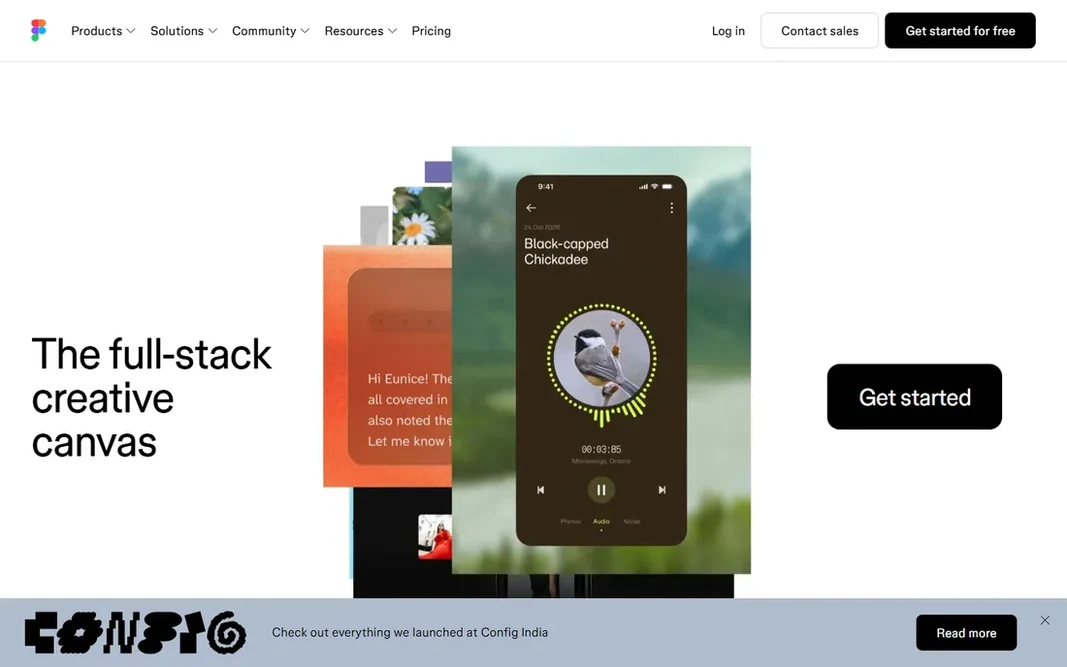
Figma Vectorize makes the most sense for fast vectorizing inside the Figma workflow. Figma's Vectorize feature turns sketches, textures and raster selections into editable vectors right on the canvas: perfect for UI assets and fast conversions. It keeps everything in the design file with no exporting. Worth adding: use it for fast in-canvas conversions inside an existing Figma workflow, not as a standalone vector generator. Beyond that, Vectorize is included in Professional plans from $15 per month, with AI credit costs on top. The free Starter plan has restricted credits. It does not create from text prompts. On cost, Figma Vectorize starts like this: Included in Professional. Figma Vectorize includes a free tier. Limits to weigh: Not a text-to-vector generator.
Free plan: Yes
Website: figma.com
Strengths
- Vectorize without leaving Figma
- Collaborative by default
Watch out for
- Restricted to sketches and textures