Data and Analytics · Researched comparison

Data Visualization Software Buyer's Guide: 6 Tools for 2026

TaskReports may earn a fee from some links on this page, and some placements are paid and labelled. Neither one decides the order. See our disclosure.

The short answer

Start with Zoho Analytics if you need budget-conscious teams needing a full BI suite. Look at Power BI for Microsoft-heavy teams that want the lowest price, and at Metabase for technical teams that want open-source BI quick. Prices, free plans and limits for all 6 tools follow.

On this page

Key takeaways

  • This list starts with Zoho Analytics, which is built for budget-conscious teams needing a full BI suite.
  • For associative exploration and guided analytics apps, Qlik Sense is worth a look.
  • Zoho Analytics, Power BI, Metabase: these are the 3 tools out of 6 that offer a free plan.
  • Power BI is the lowest-priced starter here at $14 per user/month.

Quick comparison

ToolStarts atFree planBiggest drawbackBest fit
---------------
Zoho Analytics$30 per monthYesAdvanced data modeling lags the enterprise playersBudget-conscious teams needing a full BI suite
Power BI$14 per user/monthYesSharing and collaboration need premium licenses for everyone involvedMicrosoft-heavy teams that want the lowest price
Metabase$100 per monthYesFewer advanced data-prep features than premium suitesTechnical teams that want open-source BI quick
DomoSee websiteFree trialCan be expensive for smaller companiesAll-in-one data apps with wide connector coverage
Tableau$75 per user/monthFree trial (14 days)Advanced calculations have a real learning curveRefined, adaptable dashboards for all skill levels
Qlik Sense$30 per user/monthFree trial (14 days)Interface feels less polished than Tableau or Power BIAssociative exploration and guided analytics apps
★ Best overall

Zoho Analytics

Budget-conscious teams needing a full BI suite

  • Ask Zia AI assistant builds charts from plain English
  • Ample free plan for small teams
Price$30 per month (Basic)
See Zoho Analytics pricing

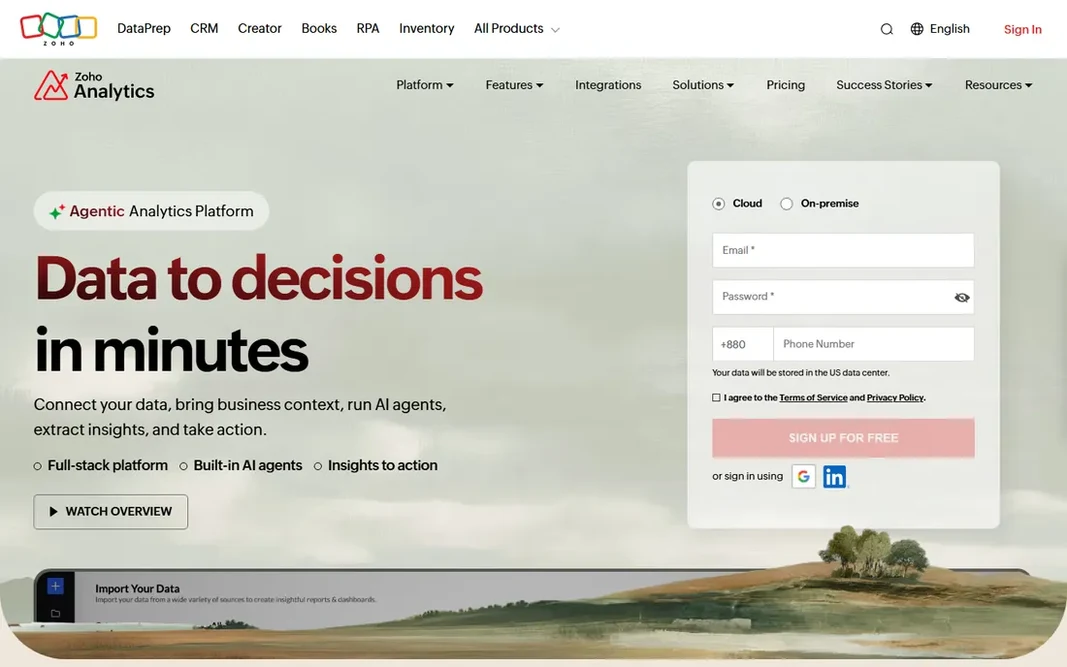
Zoho Analytics makes the most sense for budget-conscious teams needing a full BI suite. Where competitors charge per user and watch costs climb with every new viewer, Zoho prices by workspace levels beginning at $30 a month for Basic, with a free plan that handles two users and real functionality. Power users doing complicated data modeling will find the enterprise tools more capable. Worth adding: scheduled emails, row-level security, and mobile apps round out a genuinely complete package. As for the details, more than 500 connectors pull in data from spreadsheets, databases, cloud apps, and other Zoho products. The drag-and-drop builder manages 50-plus chart types, and the Ask Zia assistant lets people type questions in plain English and get charts back. Price to start with Zoho Analytics: $30 per month. You can start on Zoho Analytics without paying. Drawbacks to consider: Advanced data modeling lags the enterprise players.

Price: $30 per month (Basic)

Free plan: Yes

Website: zoho.com/analytics

Watch out for

  • Smaller external ecosystem than Tableau or Power BI
2

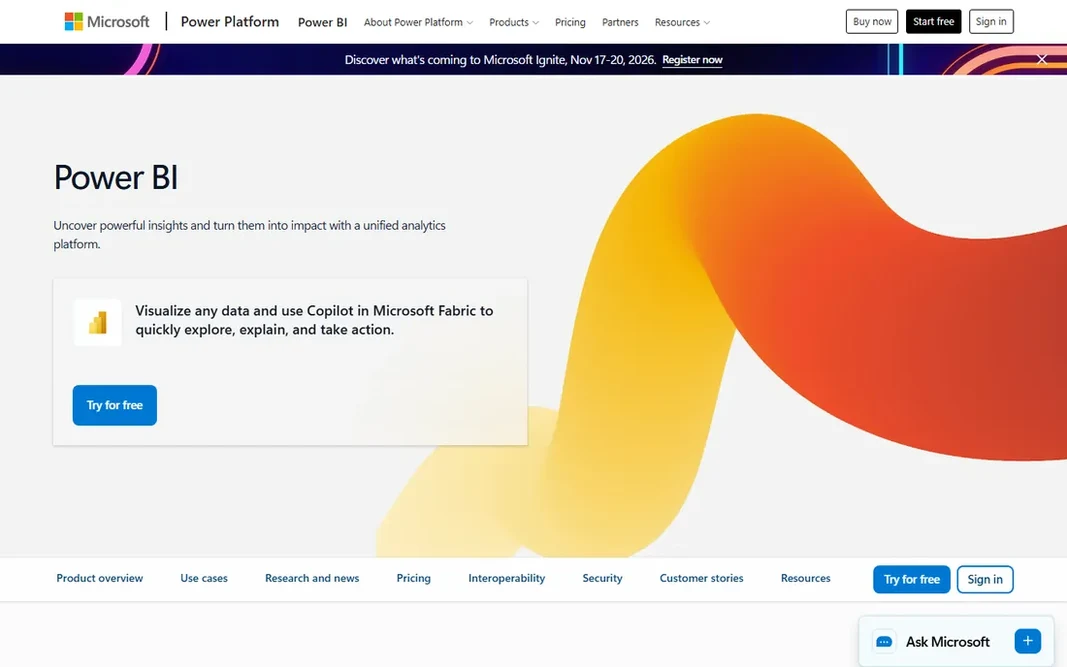
Power BI

Microsoft-heavy teams that want the lowest price
$14 per user/month (Pro)

Choose Power BI for Microsoft-heavy teams that want the lowest price. The main limit is licensing complexity. Beyond that, what stands out is how much you get for the money. Power BI Desktop is free and surprisingly capable, the DAX formula language deals with serious modeling, and the connection library spans most databases and cloud apps. Starting cost for Power BI: $14 per user/month. Free access exists with Power BI. Downsides: Sharing and collaboration need premium licenses for everyone involved.

Free plan: Yes

Website: powerbi.microsoft.com

Strengths

  • Deep integration with Microsoft 365 and Teams
  • Lowest per-user price among major BI tools

Watch out for

  • Premium capacity is a big cost jump for smaller businesses

3

Metabase

Technical teams that want open-source BI quick
$100 a month (Starter, 5 users included)

Metabase makes the most sense for technical teams that want open-source BI quick. Metabase is the tool your engineers will install on a Friday afternoon and have running by Monday. On top of that, the tradeoff is that you are the IT department for the free version. Honest limits: Fewer advanced data-prep features than premium suites. As for the details, dashboards, subscriptions, and alerts all work as expected, and the cloud Starter plan at $100 a month for five users is reasonable when you outgrow self-hosting. Worth adding: for teams with technical chops and straightforward data, it is hard to beat. Worth adding: the open-source version is the real deal, not a crippled demo, which is rare in this category. The starting price for Metabase: $100 per month. Metabase offers a free plan.

Free plan: Yes

Website: metabase.com

Strengths

  • Straightforward enough for non-technical teammates
  • Spins up in minutes with a single Docker command

Watch out for

  • Self-hosting means you own maintenance and upgrades
4

Domo

All-in-one data apps with wide connector coverage
See website (consumption-based)

In short, Domo is for all-in-one data apps with wide connector coverage. Domo wants to be your whole data system, not just your chart builder. For mid-size firms with messy data and real budgets, that adaptability can work. Where it falls short: Can be pricey for smaller companies. Also, the main limit is the pricing model. If your data is scattered across dozens of systems, Domo's pitch is that you link everything once and never think about pipelines again. Domo charges on consumption-based credits instead of straightforward per-user levels, which makes it genuinely hard to predict what you will pay until you are already running. For smaller teams, the uncertainty alone is a reason to prefer a tool with a number on its pricing page. Domo does not show a starting price in this comparison, so check the vendor site for current pricing. Free access: Free trial.

Free plan: Free trial

Website: domo.com

Strengths

  • AI agents for specific business tasks
  • Merges BI with data prep and custom data apps

Watch out for

  • Consumption-based pricing is hard to predict
5

Tableau

Refined, adaptable dashboards for all skill levels
$75 per user/month (Creator, billed yearly)

Pick Tableau if this describes you: refined, adaptable dashboards for all skill levels. The honest catch is the license structure. For everyday use, Tableau earned its reputation the hard way: by making charts anyone can read. Budget the viewer level before you fall in love with the product. More specifically, the drag-and-drop canvas remains the most easy-to-learn way to turn a messy dataset into a dashboard, and the company's long focus on visual design presents in every default. Analysts get depth with calculated fields and mapping; casual users get dashboards they can filter without training. That is handy for mid-sized businesses where "revenue" means three different things in three departments. Starting cost for Tableau: $75 per user/month. Free access: Free trial (14 days). Downsides: Advanced calculations have a real ramp-up time.

Free plan: Free trial (14 days)

Website: tableau.com

Strengths

  • Tableau Desktop is now free to download
  • Broadest library of chart types and visualization best practices

Watch out for

  • Viewer and Explorer licenses still add up at scale
6

Qlik Sense

Associative exploration and guided analytics apps
$30 per user/month (billed yearly)

Qlik Sense is aimed squarely at associative exploration and guided analytics apps. If your team values exploration over presentation, Qlik Sense deserves a trial. The product is aimed squarely at business users who require guardrails. From a buyer's view, Qlik has also pushed into AI-assisted analytics. Its embedded choices let product teams put governed dashboards inside customer-facing apps. Qlik Sense pricing: $30 per user/month. Free options: Free trial (14 days). Points against: Bigger deployments need a sales conversation for exact pricing.

Free plan: Free trial (14 days)

Website: qlik.com

Strengths

  • Capable governed self-service for business users
  • Solid embedded analytics choices

Watch out for

  • Interface feels less refined than Tableau or Power BI

FAQ

Which data visualization software is a good match for beginners?

The first pick on this list is Zoho Analytics, because it suits budget-conscious teams needing a full BI suite. Power BI is better for Microsoft-heavy teams that want the lowest price, and Metabase for technical teams that want open-source BI quick. Check price and limits against your own needs before choosing.

Tableau vs Power BI: which should I pick?

Pick Power BI if your company runs on Microsoft 365 and price matters. At $14 per user a month it is hard to argue with. Numerous businesses end up fine with either.

How are the tools for data visualization software ordered?

Zoho Analytics sits first and Qlik Sense last because the order follows typical fit for data visualization software, then price clarity and free access. It is a judgement call, so read each profile for fit and limits.

What is the cheapest option for data visualization software in this list?

On published monthly entry prices, Power BI is the lowest here at $14 per user/month. Entry price is only part of the cost, because seats, add-ons and billing terms can change the total.

Which options for data visualization software have a free plan?

Zoho Analytics, Power BI and Metabase offer a free plan in this list. Free plans usually cap users, projects or features, so check the limits on the vendor page. Several others offer a trial instead.

How much should a small business spend on BI?

Most small teams can start at $0 to $100 a month with Metabase, Zoho Analytics, or a handful of Power BI Pro licenses. Budget $300 to $1,000 a month once dashboards reach the entire company.