Productivity · Researched comparison

6 Best AI Tools for Presentations for 2026

TaskReports may earn a fee from some links on this page, and some placements are paid and labelled. Neither one decides the order. See our disclosure.

The short answer

Plus AI comes first here, mainly for professionals who want AI inside PowerPoint and Google Slides. Alternatives: Presentations.ai for generating on-brand decks at scale from data and documents, and SlidesAI for turning text and documents into decks inside Google Slides and PowerPoint. The other 3 tools in the list cover narrower or pricier cases.

On this page

Key takeaways

  • Plus AI sits first on this list: professionals who want AI inside PowerPoint and Google Slides.
  • Check the limits for SlidesAI before you commit: Pro plan costs $10 per user monthly billed yearly, character limits on lower plans, best for text-to-deck workflows.
  • 5 of 6 tools offer a free plan: Presentations.ai, SlidesAI, Canva, Gamma, Pitch.
  • Pitch fits professional teams that collaborate on decks and track results.

Quick comparison

ToolStarts atFree planOfficial site
------------
Plus AISee websiteFree trial (7 days)plusai.com
Presentations.ai$0Yespresentations.ai
SlidesAI$0Yesslidesai.io
CanvaFreeYescanva.com
GammaFreeYesgamma.app
PitchFreeYespitch.com
★ Best overall

Plus AI

Professionals who want AI inside PowerPoint and Google Slides

  • Custom instructions and presets
  • Native PPTX files
PriceSee website
See Plus AI pricing

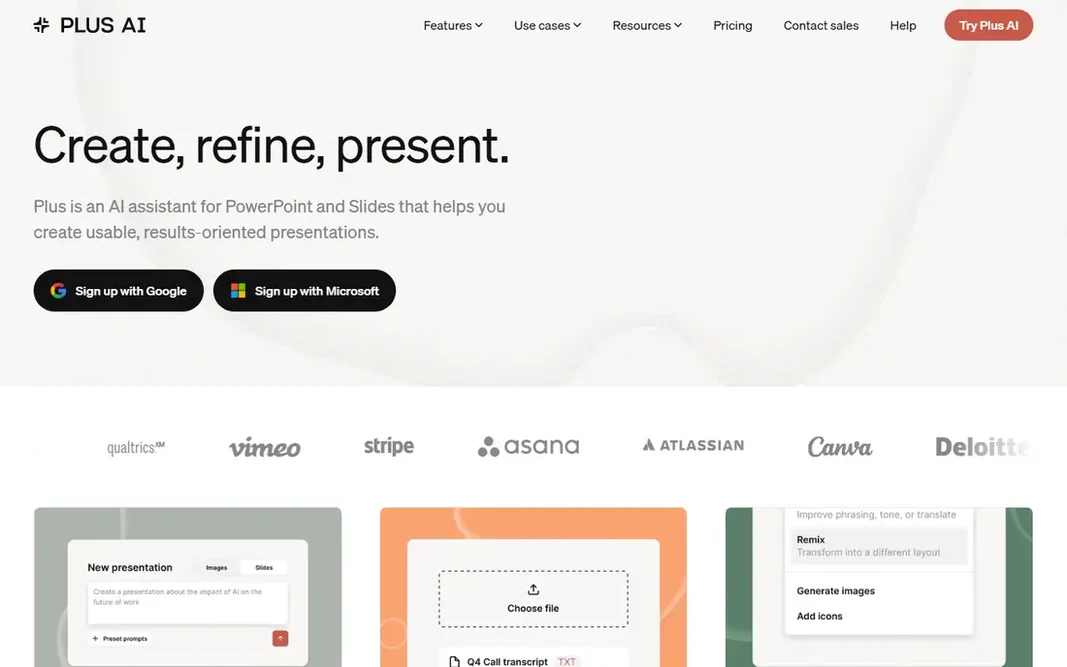
Plus AI is designed for professionals who want AI inside PowerPoint and Google Slides. Plus AI is an AI assistant for PowerPoint and Slides that helps you build usable, results-oriented presentations without leaving the app you already use. You start from a prompt, upload a PDF, Word document, PowerPoint, or text file, then refine and remix slides in one click, adding images, icons, and charts as you go. Downsides: No permanent free plan. Since Plus works inside PowerPoint and Google Slides, everything it produces is a native file that stays compatible with your existing templates and workflows. Its own Open XML renderer builds real PPTX files, and features like rewrite, remix, custom instructions, and a preset library help professionals produce client-ready decks quicker. Pricing for Plus AI is not stated here, so ask the vendor for current figures. Free access: Free trial (7 days).

Price: See website

Free plan: Free trial (7 days)

Website: plusai.com

Watch out for

  • Needs installing an add-on
2

Presentations.ai

Generating on-brand decks at scale from data and documents
$0

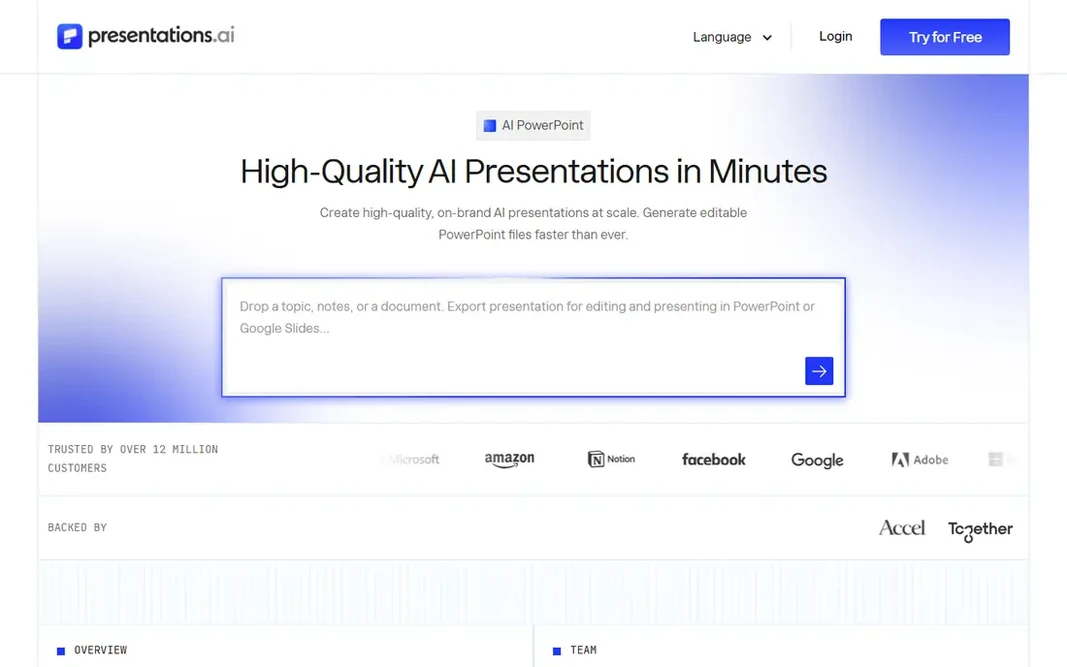
For generating on-brand decks at scale from data and documents, Presentations.ai is a natural candidate. Presentations.ai is an AI presentation product that turns ideas, documents, and URLs into professional slide decks in minutes, trusted by more than 12 million customers. Its standout features are aimed at business scale. Watch-outs: advanced features need premium levels. Pricing starts with a free Starter plan offering 200 credits, whereas Pro costs $20 a month billed yearly and Gold costs $100 a month billed yearly. More specifically, a ChatGPT bridge turns prompts or conversations into finished decks, and exports produce native PowerPoint files. What you pay to start with Presentations.ai: $0. You can start on Presentations.ai without paying.

Free plan: Yes

Website: presentations.ai

Strengths

  • Turns prompts, documents
  • URLs into decks in minutes

Watch out for

  • Pro plan costs $20 monthly billed yearly
3

SlidesAI

Turning text and documents into decks inside Google Slides and PowerPoint
$0

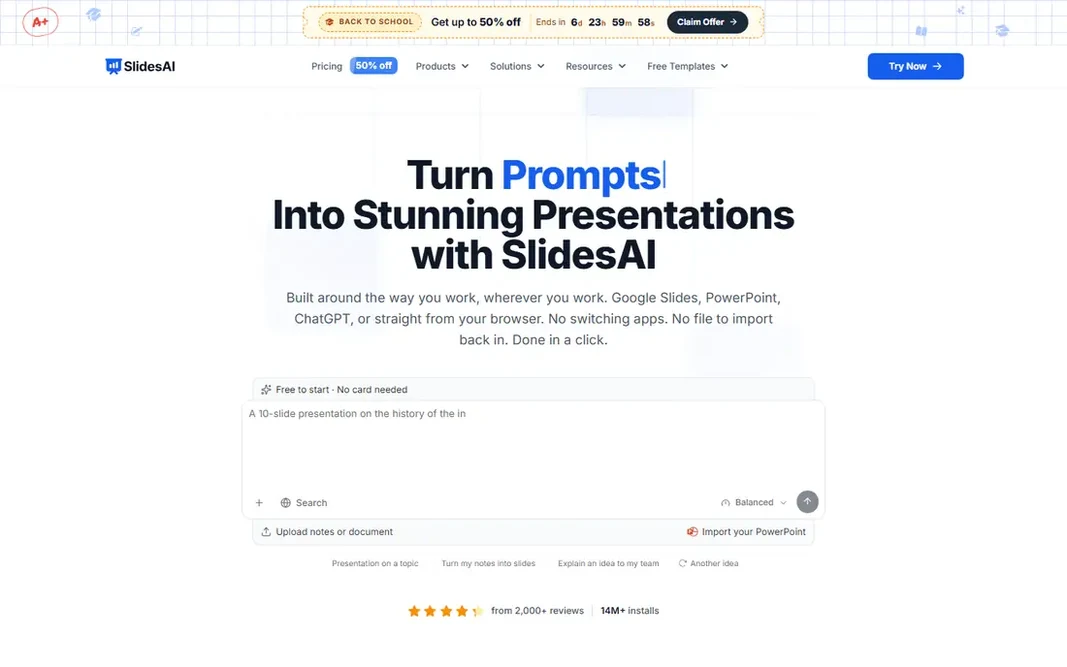
SlidesAI was built for turning text and documents into decks inside Google Slides and PowerPoint. SlidesAI turns text, documents, and prompts into presentations in seconds, and it works where you already work: Google Slides, PowerPoint, ChatGPT, or its web app. Edits stay in your hands, with changes waiting for your approval. Lower plans limit character input per presentation, so long documents may need a higher level. Pricing is clear: a free Basic plan gives you 200 AI credits a month, Pro costs $10 per user a month billed annually, and Premium costs $20.83 per user a month billed yearly. The result is a native file you can keep editing, not a locked web page, which matters for teams with existing templates. In practice, brand Kits import your branded PPTX template so decks come out in your colors, fonts, and logo, and the tool supports editable AI diagrams, flowcharts, and timelines. SlidesAI cost at the entry level: $0. SlidesAI offers a free plan. Where SlidesAI stands out: free Basic plan with 200 AI credits monthly. Points against: character limits on lower plans.

Free plan: Yes

Website: slidesai.io

Strengths

  • The web
  • Works in Google Slides, PowerPoint, ChatGPT

Watch out for

  • Best for text-to-deck workflows
4

Canva

All-round design with AI-assisted presentations
Free

Canva makes the most sense for all-round design with AI-assisted presentations. Canva is the all-round design product that most people already know, and its presentation tools are a natural extension of it. For presentations specifically, Canva provides AI-assisted design, a vast stock library, and simple sharing and collaboration. Its free plan includes basic design well, and Pro layers on the full AI feature set, brand controls, and premium content. Also, since Canva spans slides, social posts, documents, print, and video in one place, it fits individuals and small teams who require more than decks alone. Starting cost for Canva: Free. Canva offers a free plan. Where it falls short: presentation AI is less specialized than Gamma or Beautiful.ai. Strengths: AI design and writing help.

Free plan: Yes

Website: canva.com

Strengths

  • Huge template library
  • Simple drag-and-drop editor

Watch out for

  • Homepage check returned a browser notice instead of full content
5

Gamma

Creating presentations, documents, and websites with an AI agent
Free

For creating presentations, documents, and websites with an AI agent, Gamma is a natural candidate. Gamma is a visual communication system for presentations, documents, and more, now built around an AI agent that works with your goals. Also, Gamma provides a free plan with AI credits to begin, and it counts more than 100 million users. Downsides: brand controls vary by plan. As for the details, you start with a conversation, shape an outline before any design happens, and iterate in chat beside your deck. That outline-first approach is Gamma's biggest advantage: it fixes the story before you spend time on looks. Beyond that, the trade-offs are format and credits: Gamma decks are web-first instead of classic slide files, and heavier use needs a premium plan. The starting price for Gamma: Free. You can start on Gamma without paying.

Free plan: Yes

Website: gamma.app

Strengths

  • Outline-first workflow
  • Imports PowerPoint and PDF

Watch out for

  • Web-first format differs from classic slides
6

Pitch

Professional teams that collaborate on decks and track results
Free

Pitch is designed for professional teams that collaborate on decks and track results. Pitch is an AI presentation workspace aimed at teams that produce, deliver, and win with slides. Its free plan lets you produce unlimited presentations forever, and premium Plus, Team, and Business plans add more AI and collaboration features, priced by seats. After delivery, viewer analytics and deal rooms display who opened your decks and what they engaged with. Plan prices rely on seats and are not published plainly, and Pitch is designed for teams, so solo users may find it more than they need. Entry price for Pitch: Free. Pitch includes a free tier. Points against: ramp-up time for advanced features.

Free plan: Yes

Website: pitch.com

Strengths

  • Pitch Agent AI
  • Viewer analytics and deal rooms

Watch out for

  • Premium plans priced by seats and not published plainly

FAQ

Is Plus AI the right pick for everyone comparing AI tools for presentations?

No single tool suits every team. Plus AI comes first because it fits professionals who want AI inside PowerPoint and Google Slides, while Presentations.ai suits generating on-brand decks at scale from data and documents and SlidesAI suits turning text and documents into decks inside Google Slides and PowerPoint. Match the tool to your own size, budget and workflow before deciding.

Can I try these tools before paying?

Often, yes. Presentations.ai, SlidesAI, Canva and others have a free plan and Plus AI offers a free trial. Use your own data and a real task during the test, and check what the free tier or trial limits before you rely on it.

Do these tools publish their prices?

Not all of them. Plus AI publishes no starting price, so expect a quote request for it. The rest, Presentations.ai included, show a starting price, though seats and billing terms still change the final cost.

What is the best AI tool for presentations overall?

Plus AI comes first here and is built for professionals who want AI inside PowerPoint and Google Slides. Buyers with other needs may prefer Presentations.ai (for generating on-brand decks at scale from data and documents) or SlidesAI (for turning text and documents into decks inside Google Slides and PowerPoint). Compare costs and limits first.

Which options for AI tools for presentations have a free plan?

Presentations.ai, SlidesAI, Canva, Gamma and Pitch offer a free plan in this list. Free plans usually cap users, projects or features, so check the limits on the vendor page. One other tool offers a trial instead.