
Productivity · Researched comparison

6 Best AI Tools for Productivity Options for 2026

TaskReports may earn a fee from some links on this page, and some placements are paid and labelled. Neither one decides the order. See our disclosure.

The short answer

If you need office and email teams, Microsoft 365 Copilot is the first tool to look at here. Notion AI is better for docs and team knowledge, and ChatGPT is better for general assistant. The remaining 3 options are covered below with prices and limits.

On this page

Key takeaways

  • This list starts with Microsoft 365 Copilot, which is built for office and email teams.
  • The lowest published monthly entry price here is $19/user/month, from Motion.
  • One limit worth knowing about ChatGPT: lives outside your documents.
  • Only 3 of the 6 tools have a free plan (ChatGPT, Gemini, Grammarly), so check the caps.

Quick comparison

ToolEntry priceFree optionOfficial site
------------
Microsoft 365 Copilot$30/user/monthNomicrosoft.com
Notion AISee websiteNonotion.so
ChatGPTFreeYeschatgpt.com
GeminiFreeYesgemini.google.com
Motion$19/user/monthNousemotion.com
GrammarlyFreeYesgrammarly.com
★ Best overall

Microsoft 365 Copilot

Office and email teams

  • No separate app needed
  • Reads Outlook, Teams

Choose Microsoft 365 Copilot for office and email teams. It reads your Outlook mail, Teams chats, and SharePoint files, drafts inside Word, Excel, and PowerPoint, and summarizes meetings without leaving the Microsoft apps where work already happens. Enterprise controls and data protections suit regulated teams that cannot send documents to an outside chatbot. Downsides: Needs M365 licensing. As for the details, for a team that spends its day in Office and Teams, Copilot earns its price in saved drafting and meeting time. The price is the catch: 30 dollars a user per month as an add-on, on top of a Microsoft 365 base license, which makes it the most expensive tool here per seat. Microsoft 365 Copilot cost at the entry level: $30/user/month. Microsoft 365 Copilot has no permanent free option.

Price: $30/user/month

Free plan: No

Website: microsoft.com/microsoft-365/copilot

Watch out for

  • Copilot features vary by app
2

Notion AI

Docs and team knowledge
See website

Notion AI works best for docs and team knowledge. It summarizes long pages, drafts from existing notes, answers questions across the workspace, and, on Business plans, runs agents that act across pages and databases. What Notion AI does well: AI inside your docs and wiki. Honest limits: Needs decent docs to work well. But for a team that already runs on Notion, in-workspace AI beats a separate chatbot, since answers draw on the team's own documents instead of general knowledge. No starting price is listed for Notion AI here; confirm pricing on the vendor site. Notion AI does not include a free plan.

Free plan: No

Website: notion.so/product/ai

Strengths

  • Agents act across the workspace
  • Summarizes and drafts from team knowledge

Watch out for

  • Add-on pricing near 15 to 20 dollars a member per month
3

ChatGPT

General assistant
Free

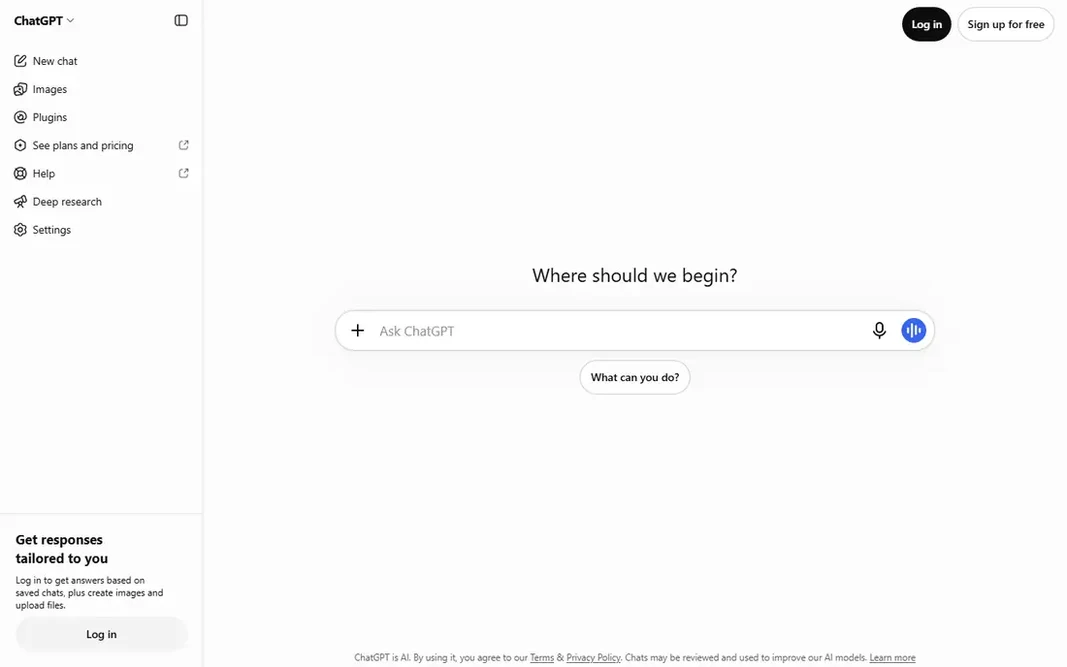
ChatGPT makes the most sense for general assistant. The free level spans casual use, Plus sits near 20 dollars per month, and Business costs 25 dollars per user per month on annual billing, with data excluded from training on Business and higher levels. Upsides: Broadest general capability. Honest limits: premium levels from 20 dollars per month. Beyond that, for a first AI purchase that spans the most jobs, ChatGPT remains the safest pick, particularly for teams not deeply tied to Microsoft or Google. ChatGPT starts at: Free. ChatGPT includes a free tier.

Free plan: Yes

Website: chatgpt.com

Strengths

  • Custom GPTs
  • Drafting, summarizing, brainstorming

Watch out for

  • Output needs fact-checking
4

Gemini

Google Workspace users
Free

In short, Gemini is for Google Workspace users. A free level includes casual use, AI Pro sits near 19.99 dollars a month, and Workspace plans bundle Gemini from around 14 dollars a user per month. What to check first: Standalone experience thinner than ChatGPT. In daily use, outside Google apps, the standalone experience feels thinner than ChatGPT, and the best features need a Workspace subscription. Entry price for Gemini: Free. Gemini has a free plan.

Free plan: Yes

Website: gemini.google.com

Strengths

  • Runs inside Gmail, Docs, Drive
  • Workspace plans from 14 dollars a user per month

Watch out for

  • Accuracy still needs checking
5

Motion

AI scheduling
$19/user/month

Motion works best for AI scheduling. Rather than a static to-do list, Motion builds a daily plan that accounts for deadlines, priorities, and meeting load, and it re-plans automatically when the day changes. As for the details, for a busy professional or small team whose day is ruled by meetings, Motion turns planning from a chore into an automatic step. As for the details, there is no free plan, only a trial, and Pro AI pricing is cited near 19 to 29 dollars a user per month based on the guide. Motion starts at: $19/user/month. There is no free plan with Motion. The main drawbacks: No free plan, trial only.

Free plan: No

Website: usemotion.com

Strengths

  • Guards focus time
  • Calendar integration

Watch out for

  • Pro AI near 19 to 29 dollars a user per month by guide
6

Grammarly

Writing quality
Free

Grammarly works best for writing quality. Grammarly polishes writing as you type, working in email, docs, browsers, and most text boxes. Points against: Pro near 12 dollars a member per month on annual billing, 30 monthly. What you pay to start with Grammarly: Free. You can start on Grammarly without paying.

Free plan: Yes

Website: grammarly.com

Strengths

  • Works in every text box you type in
  • Free level for entry-level checks

Watch out for

  • AI features need premium plans

FAQ

Can I try these tools before paying?

Often, yes. ChatGPT, Gemini and Grammarly have a free plan. Use your own data and a real task during the test, and check what the free tier or trial limits before you rely on it.

Which options for AI tools for productivity have a free plan?

On this list, ChatGPT, Gemini and Grammarly include a free plan. Caps on seats, usage or features are common, so test the free plan against your real workload.

What is the cheapest option for AI tools for productivity in this list?

On published monthly entry prices, Motion is the lowest here at $19/user/month. Entry price is only part of the cost, because seats, add-ons and billing terms can change the total.

How are the tools for AI tools for productivity ordered?

Microsoft 365 Copilot sits first and Grammarly last because the order follows typical fit for AI tools for productivity, then price clarity and free access. It is a judgement call, so read each profile for fit and limits.