Productivity · Researched comparison

6 Top AI Workflow Automation Tools Compared (2026)

TaskReports may earn a fee from some links on this page, and some placements are paid and labelled. Neither one decides the order. See our disclosure.

The short answer

Our first pick is Lindy, best for AI teammates in Slack and email. For a different need, Activepieces covers open-source automation at flat pricing and n8n covers technical teams and self-hosting. The full list of 6 tools follows, with prices and free plan facts.

On this page

Key takeaways

  • The list opens with Lindy, aimed at AI teammates in Slack and email.
  • Before buying Activepieces, weigh this: smaller community than n8n.
  • Starting prices begin at $15/user/month with Microsoft Power Automate.
  • Free plans exist at 3 of 6 tools (Activepieces, n8n, Zapier).

Quick comparison

ToolBest fitEntry priceFree access
------------
LindyAI teammates in Slack and emailFrom $49.99/user/month$50 in free credits (no credit card required)
ActivepiecesOpen-source automation at flat pricingFrom $20/monthYes
n8nTechnical teams and self-hostingFrom €20/monthYes
ZapierThe mainstream automation defaultFrom $19.99/monthYes
Microsoft Power AutomateMicrosoft 365 organizationsFrom $15/user/monthFree trial
GumloopAI agents for power usersFrom $37/monthFree trial (14 days)
★ Best overall

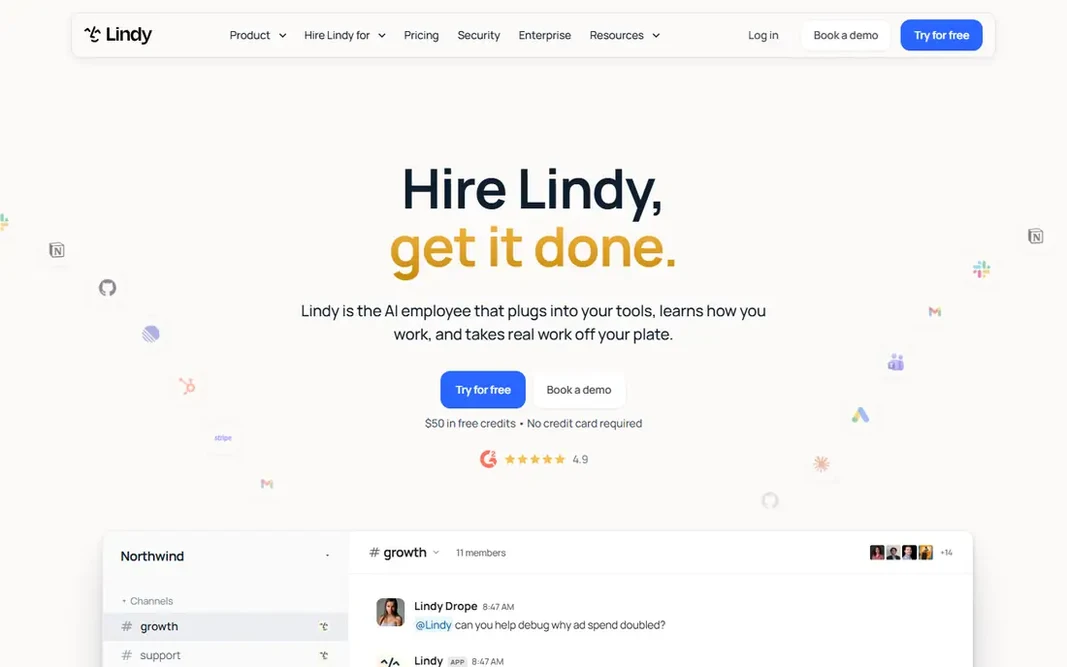
Lindy

AI teammates in Slack and email

  • Vendor-verified pricing with $50 free credits to start
  • Works wherever the team works: Slack, iMessage, email
PriceFrom $49.99/user/month (5,000 credits each)
See Lindy pricing

Think of Lindy for AI teammates in Slack and email. Pricing is on the homepage: $50 in free credits to start, then $49.99 per user per month with 5,000 credits each in a shared pool. Also, Lindy positions its AI as a teammate instead of a workflow: you @mention it in Slack, email it, or text it. What Lindy does well: Skills and memory that compound across the team. Where it falls short: Reliability complaints surface in reviews. It does the work across 1,500+ integrations, from meeting notes to CRM updates. Worth adding: the honest catch is the billing model. Beyond that, setup takes minutes with no API keys. Lindy starts at: From $49.99/user/month. Free plan details: $50 in free credits (no credit card required).

Price: From $49.99/user/month (5,000 credits each)

Free plan: $50 in free credits (no credit card required)

Website: lindy.ai

Watch out for

  • Per-user pricing gets pricey for large teams
2

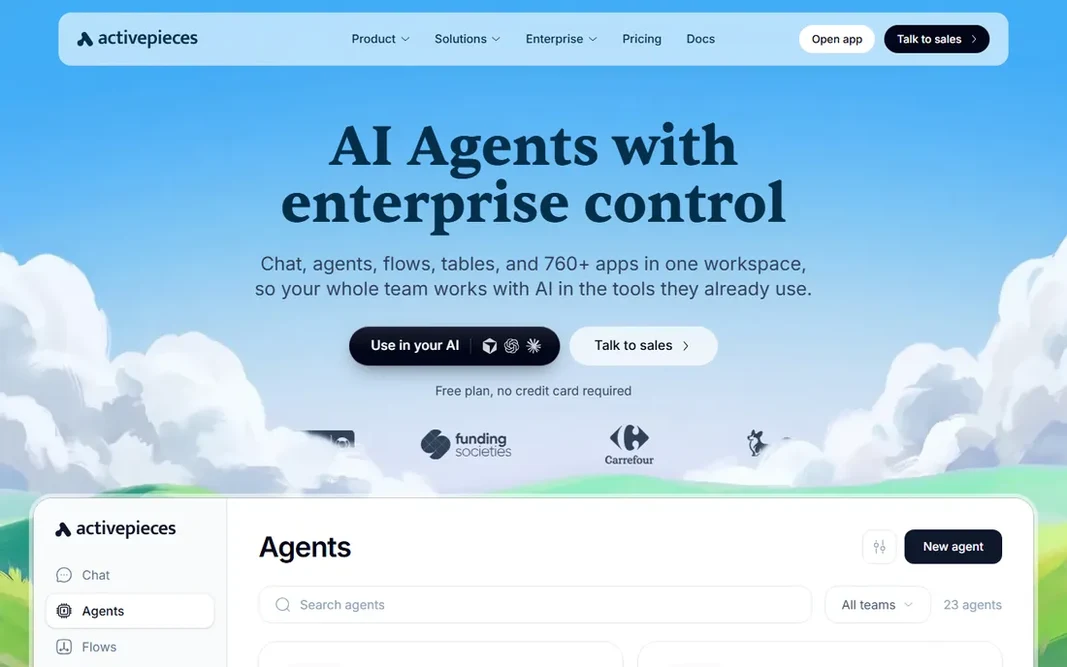
Activepieces

Open-source automation at flat pricing
From $20/month

Pick Activepieces if this describes you: open-source automation at flat pricing. The honest catch is maturity. Its community and integration catalog are smaller than n8n's, and the AI features are catching up instead of leading. Limits to weigh: Fewer AI-native features from day one. In daily use, Activepieces is the open-source automation system for teams that want Zapier-style flows without Zapier-style bills. In practice, the cloud plan opens at $20 a month with a free level of 1,000 credits. Price to start with Activepieces: From $20/month. A free plan is available with Activepieces.

Free plan: Yes

Website: activepieces.com

Strengths

  • Flat pricing with unlimited flows
  • MIT-licensed open source with 760+ pieces

Watch out for

  • Smaller community than n8n
3

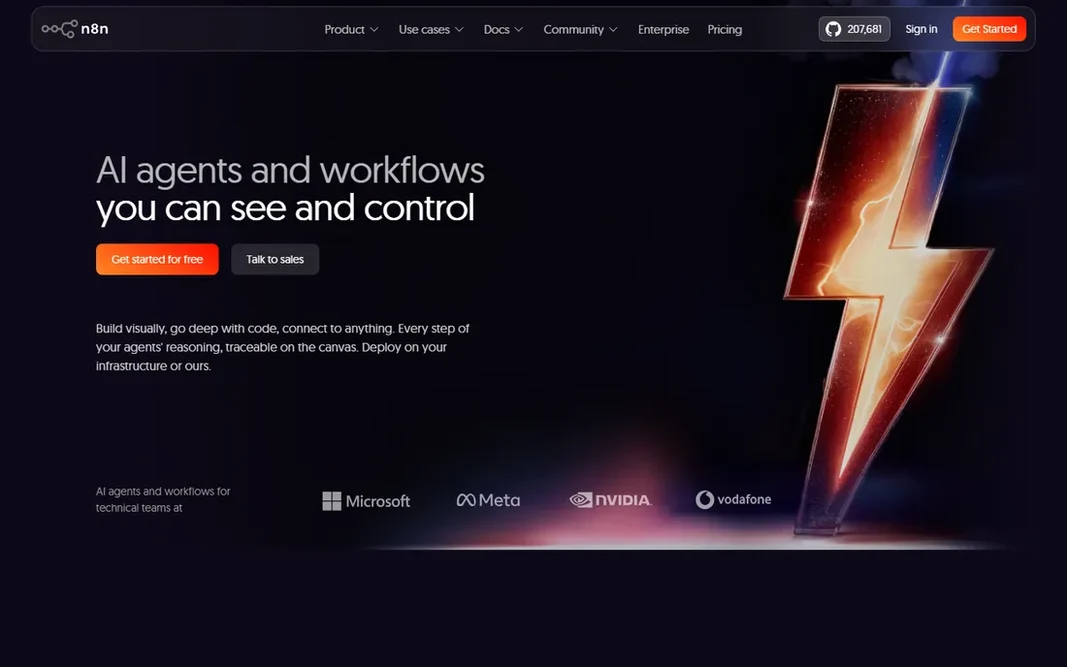
n8n

Technical teams and self-hosting
From €20/month (billed yearly, 2,500 executions)

n8n is built with technical teams and self-hosting in mind. The cloud Starter plan is €20 a month billed yearly for 2,500 executions. For everyday use, the honest catch is the skill floor. n8n rewards technical teams and punishes non-technical ones. Starting cost for n8n: From €20/month. n8n includes a free tier. Watch-outs: Needs technical skill to run well.

Free plan: Yes

Website: n8n.io

Strengths

  • Free self-hosting with unlimited users
  • Solid AI-native workflow features

Watch out for

  • Cloud pricing bills per execution
4

Zapier

The mainstream automation default
From $19.99/month (billed yearly, 750 tasks)

Zapier is built with the mainstream automation default in mind. Stay when app breadth and team adoption matter most; leave when the task bill forces you to. From a buyer's view, in 2026 it has moved into the agentic era: Zapier Agents manage AI-driven work, and Zapier MCP lets teams start workflows inside Claude, ChatGPT, or Cursor and run them on Zapier. The entry premium plan is $19.99 a month billed yearly for 750 tasks. On cost, Zapier starts like this: From $19.99/month. Free access exists with Zapier. Downsides: One of the priciest choices at scale.

Free plan: Yes

Website: zapier.com

Strengths

  • The largest app library with 7,000+ integrations
  • Easiest onboarding for non-technical users

Watch out for

  • Free plan restricted to two-step workflows
5

Microsoft Power Automate

Microsoft 365 organizations
From $15/user/month (billed annually)

Microsoft Power Automate targets Microsoft 365 organizations. It links 1,400+ apps with prebuilt certified connectors, deals with approvals and business processes, and layers on RPA through desktop flows that automate systems without APIs. For Microsoft shops, it is the natural choice; everyone else should look above. Microsoft Power Automate starts at: From $15/user/month. As for free access: Free trial. Drawbacks to consider: Licensing is complicated.

Free plan: Free trial

Website: microsoft.com/en-us/power-platform/products/power-automate

Strengths

  • Native to Microsoft 365, Teams, SharePoint
  • 1,400+ prebuilt connectors

Watch out for

  • Best value only inside the Microsoft ecosystem
6

Gumloop

AI agents for power users
From $37/month (20,000 credits)

Gumloop is aimed squarely at AI agents for power users. Gumloop builds AI agents on a visual canvas: scrape sites, summarize documents, classify text, and route tasks with conditions, all using GPT, Claude, or Gemini nodes. Its agent browser opens real websites with saved logins and CAPTCHA handling, and agents can be triggered from Slack, Gmail, or Teams. The main drawbacks: No permanent free level. From a buyer's view, the honest catch is predictability. In daily use, for growth teams that want serious AI automation without engineering, it is worth the ramp-up time. Beyond that, plans start at $37 a month with 20,000 credits. The starting price for Gumloop: From $37/month. As for free access: Free trial (14 days).

Free plan: Free trial (14 days)

Website: gumloop.com

Strengths

  • Model router picks the right model per task
  • Agents can browse the web like a person

Watch out for

  • Credit costs can be hard to predict for heavy AI use

FAQ

What is the cheapest option for AI workflow automation tools in this list?

On published monthly entry prices, Microsoft Power Automate is the lowest here at $15/user/month. Entry price is only part of the cost, because seats, add-ons and billing terms can change the total.

Is Lindy the right pick for everyone comparing AI workflow automation tools?

No single tool suits every team. Lindy comes first because it fits AI teammates in Slack and email, while Activepieces suits open-source automation at flat pricing and n8n suits technical teams and self-hosting. Match the tool to your own size, budget and workflow before deciding.

Can I try these options before paying?

Often, yes. Activepieces, n8n and Zapier have a free plan and Microsoft Power Automate and Gumloop offer a free trial. Use your own data and a real task during the test, and check what the free tier or trial limits before you rely on it.

Can AI agents replace workflow automation?

They complement it. AI agents handle ambiguous, judgment-based work like triage and research, whereas deterministic workflows deal with repeatable processes dependably and cheaply.

How are the tools for AI workflow automation tools ordered?

The order follows typical fit for AI workflow automation tools, with Lindy first and Gumloop last, then price clarity and free access. It is editorial judgement, not a score, so another team could rank the tools differently.