Productivity · Researched comparison

6 Top Apps for Time Management Choices Compared (2026)

TaskReports may earn a fee from some links on this page, and some placements are paid and labelled. Neither one decides the order. See our disclosure.

The short answer

Our first pick is Reclaim.ai, best for protecting focus time on a shared calendar. If your case is different, Forest suits staying off the phone whereas you focus and Todoist suits clean personal task management. The other 3 tools in the list cover narrower or pricier cases.

On this page

Key takeaways

  • Top of the list is Reclaim.ai, which targets protecting focus time on a shared calendar.
  • 3 of 6 tools offer a free plan: Todoist, Toggl Track, RescueTime.
  • RescueTime fits automatic insight into distractions.
  • Starting prices begin at $5 per user/month with Todoist.

Quick comparison

ToolEntry priceFree accessWebsite
------------
Reclaim.aiSee websiteFree trialreclaim.ai
ForestSee websiteNoforestapp.cc
Todoist$5 per user/monthYestodoist.com
Toggl Track$9 per user/monthYestoggl.com
Sunsama$17 per user/monthFree trialsunsama.com
RescueTime$7 per monthYesrescuetime.com
★ Best overall

Reclaim.ai

Protecting focus time on a shared calendar

  • Calendar analytics
  • Auto-scheduling around meetings
PriceSee website
See Reclaim.ai pricing

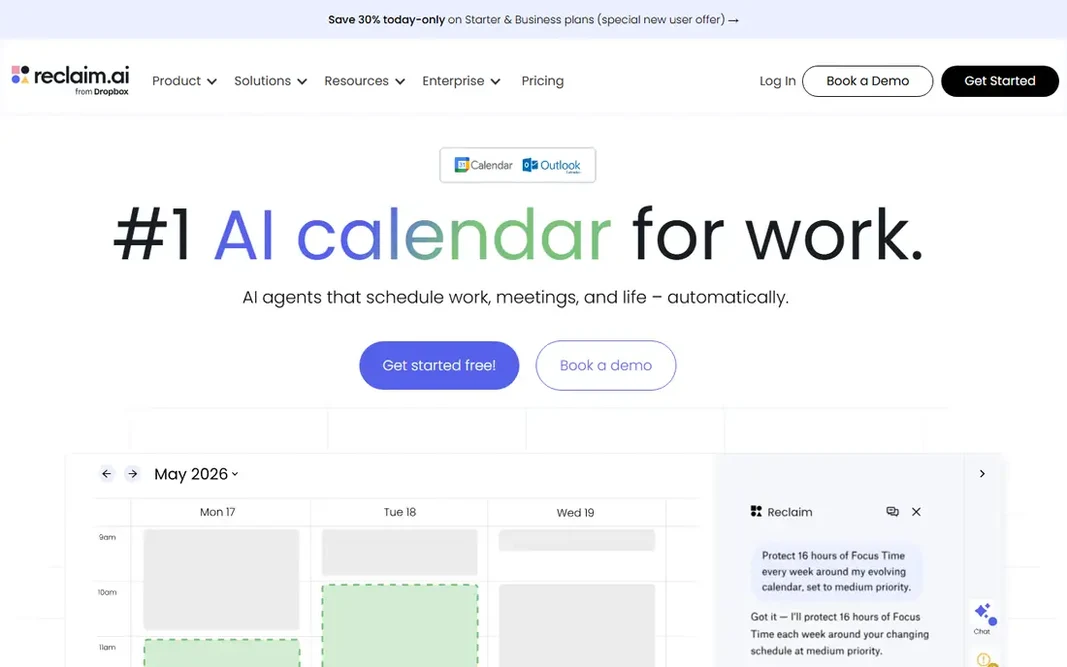
Reclaim.ai is a good fit for protecting focus time on a shared calendar. Reclaim.ai defends time that a list app leaves unprotected. It builds smart blocks for focus work, habits, lunch, and one-on-one meetings, then moves those blocks automatically when higher-priority meetings appear. For everyday use, the uncertainty is pricing and product direction, since Reclaim.ai has changed hands and updated its plans. For everyday use, check the current pricing page before committing, and confirm that your calendar provider is supported. No starting price is listed for Reclaim.ai here; confirm pricing on the vendor site. Free access: Free trial. Honest limits: Performs best with Google Calendar.

Price: See website

Free plan: Free trial

Website: reclaim.ai

Watch out for

  • Pricing and plans have changed after acquisition
2

Forest

Staying off the phone whereas you focus
See website

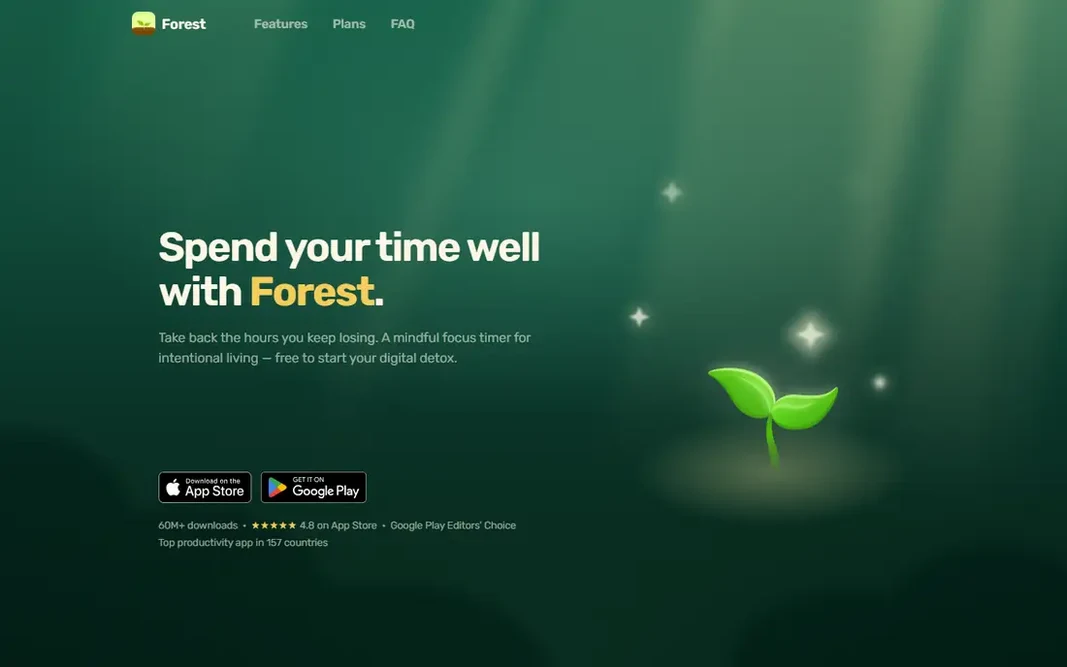
Forest works best for staying off the phone whereas you focus. Forest takes a different approach to time management: it makes focus visible. Trade-offs to know: premium app with in-app choices. As for the details, the simplicity is also the limit. Forest shows no starting price here, so confirm the cost on the vendor site. There is no free plan with Forest. Strengths: motivating focus timer.

Free plan: No

Website: forestapp.cc

Strengths

  • Straightforward
  • Phone-free incentive

Watch out for

  • Restricted team features
3

Todoist

Clean personal task management
$5 per user/month (Pro, billed yearly)

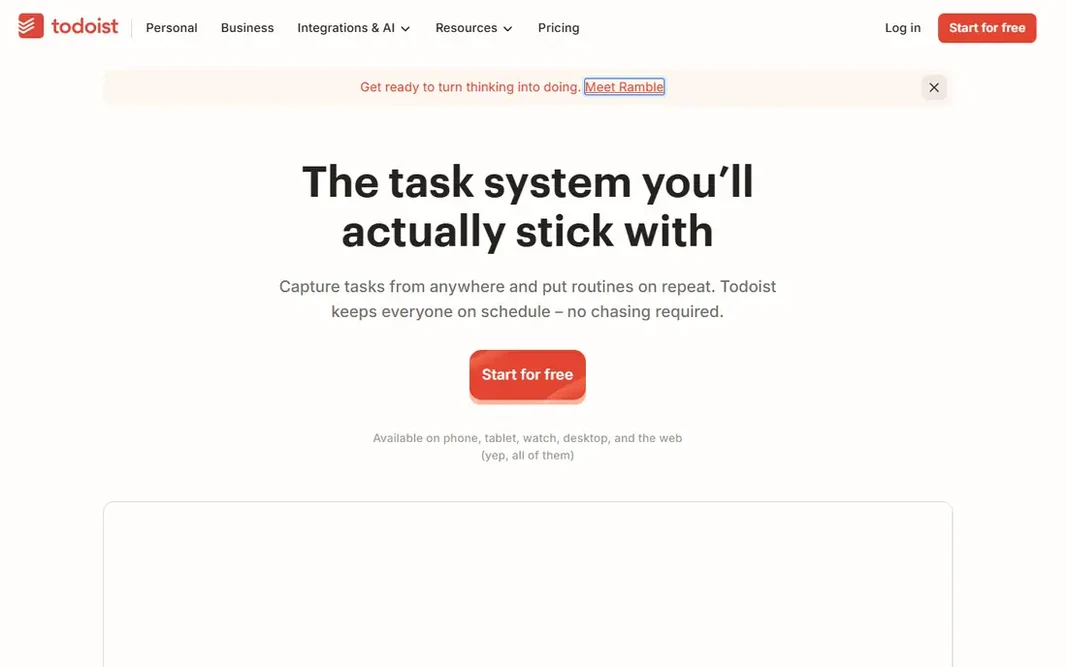
Todoist serves clean personal task management. Todoist wins for people who want a list that stays out of the way. In practice, type a task in plain language, add a date and a project, and move on. For everyday use, the limits present up for visual planners. The free Beginner plan handles five projects and entry-level collaboration, which is enough for a personal list. The starting price for Todoist: $5 per user/month. Todoist includes a free tier. Where it falls short: No built-in time tracking.

Free plan: Yes

Website: todoist.com

Strengths

  • Capable filters and labels
  • Works on every major product

Watch out for

  • Calendar view is restricted on the free plan
4

Toggl Track

Straightforward, honest time tracking
$9 per user/month (Starter, billed annually)

Where Toggl Track fits: straightforward, honest time tracking. Toggl Track answers a different question from Todoist: where did the hours go. In practice, Toggl Track records time well, but it does not turn hours into an invoice, so agencies still need accounting software or an export step. More specifically, premium layers on timesheet approvals, profitability views, and scheduled reports. Entry price for Toggl Track: $9 per user/month. Toggl Track has a free plan. Drawbacks to consider: No native invoicing.

Free plan: Yes

Website: toggl.com/track

Strengths

  • One-click timer
  • Clear reports and exports

Watch out for

  • Free plan lacks billable rates
5

Sunsama

Guided daily planning and shutdown rituals
$17 per user/month (Pro, billed annually)

Sunsama targets guided daily planning and shutdown rituals. Sunsama slows planning down on purpose. Each morning, it guides you through choosing tasks, estimating durations, and placing them on the calendar. A workload warning appears when the planned day exceeds available hours, and an end-of-day shutdown ritual moves unfinished work forward. More specifically, imports from Gmail, Outlook, Notion, Todoist, Asana, Jira, and other tools pull scattered tasks into one daily plan. Starting cost for Sunsama: $17 per user/month. Free access: Free trial. Where it is weaker: No native timer.

Free plan: Free trial

Website: sunsama.com

Strengths

  • Calm daily planning flow
  • Imports tasks from numerous tools

Watch out for

  • Pricey for a personal planner
6

RescueTime

Automatic insight into distractions
$7 a month (Solo Focus, billed annually)

RescueTime makes the most sense for automatic insight into distractions. A free Lite plan spans entry-level activity reports, and premium plans bundle a 14-day trial. Beyond that, some users also dislike automatic tracking on principle, even though RescueTime avoids screenshots and keystroke logging. Price to start with RescueTime: $7 per month. RescueTime includes a free tier. Downsides: Team features cost more.

Free plan: Yes

Website: rescuetime.com

Strengths

  • Focus sessions and alerts
  • Automatic activity tracking

Watch out for

  • Mobile tracking is restricted

FAQ

What is the best time tracking app for freelancers?

This list starts with Reclaim.ai, which fits protecting focus time on a shared calendar. For other needs, Forest is aimed at staying off the phone whereas you focus, and Todoist at clean personal task management. Check each tool's price and main limit first.

How are the tools for apps for time management ordered?

The order follows typical fit for apps for time management, with Reclaim.ai first and RescueTime last, then price clarity and free access. It is editorial judgement, not a score, so another team could rank the tools differently.

Do these tools publish their prices?

Not all of them. Reclaim.ai and Forest publish no starting price, so expect a quote request for those. The rest, Todoist included, show a starting price, though seats and billing terms still change the final cost.

How is Sunsama different from Todoist?

Todoist organizes tasks in lists and projects, whereas Sunsama organizes the day on a calendar. Todoist is less expensive and more straightforward, whereas Sunsama is a daily planner for people who plan by time blocks instead of by lists.

Is Reclaim.ai the right pick for everyone comparing apps for time management?

No single tool suits every team. Reclaim.ai comes first because it fits protecting focus time on a shared calendar, while Forest suits staying off the phone while you focus and Todoist suits clean personal task management. Match the tool to your own size, budget and workflow before deciding.

What is the best app for time management overall?

For most readers this guide would start with Reclaim.ai, built for protecting focus time on a shared calendar. Forest is the alternative for staying off the phone whereas you focus, and Todoist for clean personal task management. The right answer depends on budget and workflow.