Productivity · Researched comparison

6 Business Process Management Software Options Ranked for 2026

TaskReports may earn a fee from some links on this page, and some placements are paid and labelled. Neither one decides the order. See our disclosure.

The short answer

This list puts Nintex first for enterprises automating document-heavy processes across Microsoft 365. If your case is different, Process Street suits teams that want to document SOPs as living checklists and Bizagi suits enterprises standardizing on BPMN process modeling. Prices, free plans and limits for all 6 tools follow.

On this page

Key takeaways

  • Nintex is the opening pick, best for enterprises automating document-heavy processes across Microsoft 365.
  • Process Street has the lowest monthly starting price in this list: $25/user/month.
  • Camunda stands alone as the one tool in this list with a free plan.
  • For developer teams orchestrating microservices, APIs and human tasks, Camunda is worth a look.
  • Before buying Bizagi, weigh this: per-user per-year pricing (from $1,990) makes broad rollouts pricey.

Quick comparison

ToolBest fitFree accessWatch out for
------------
NintexEnterprises automating document-heavy processes across Microsoft 365NoCustom-quoted pricing with no public numbers at all
Process StreetTeams that want to document SOPs as living checklistsFree trialNot true process modeling: no BPMN, no complex orchestration
BizagiEnterprises standardizing on BPMN process modelingFree trialEnterprise sales cycle with implementation expectations
PegaLarge organizations managing complicated, rule-heavy caseworkNoComplexity is the product: deployments are long and require specialists
KissflowMid-market businesses automating internal workflows across departmentsFree trialAdvanced integration and customization depth trails the enterprise platforms
CamundaDeveloper teams orchestrating microservices, APIs and human tasksYesDeveloper-first product: non-technical teams will not self-serve
★ Best overall

Nintex

Enterprises automating document-heavy processes across Microsoft 365

  • Process discovery and mapping alongside automation
  • Teams and the Microsoft stack
PriceSee website (custom quote)
See Nintex pricing

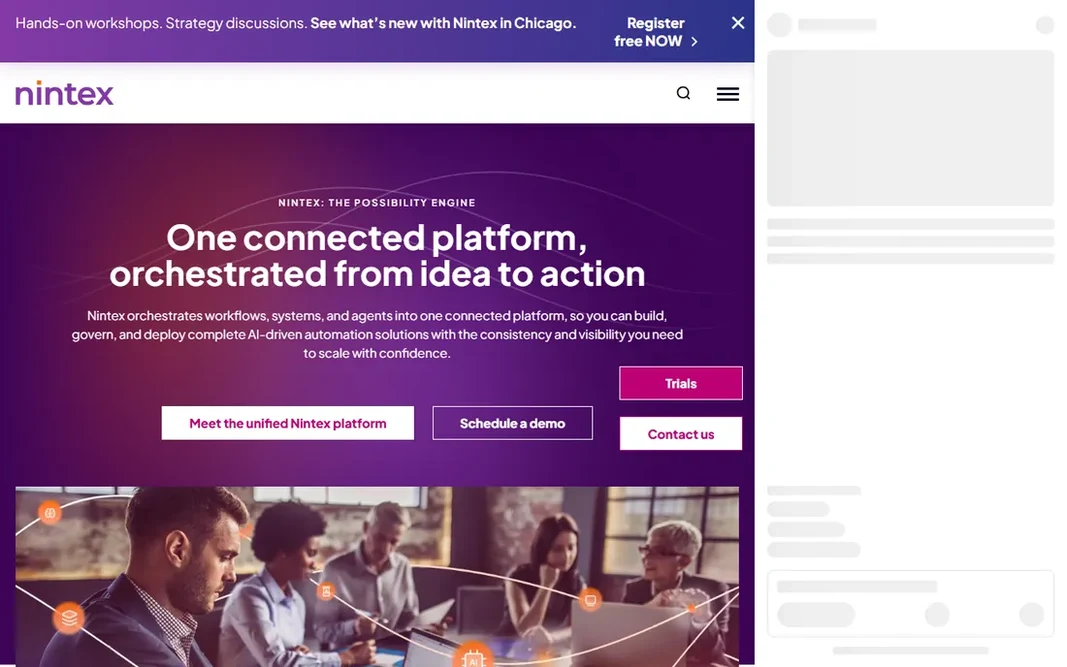
Nintex is aimed squarely at enterprises automating document-heavy processes across Microsoft 365. Nintex is the enterprise workhorse, particularly in Microsoft-centric organizations. Its strength is the full lifecycle: map and discover processes, then automate them across SharePoint, Teams, document generation and workflow routing. On top of that, shortlist it when the process volume and compliance stakes justify a managed implementation; skip it when they do not. No prices are published, quotes are custom, and realistic deployments involve licensing conversations and implementation planning. Nintex does not show a starting price in this comparison, so check the vendor site for current pricing. Nintex has no free tier. Highlights: Deepest automation story for SharePoint. Downsides: Implementation and licensing complexity that requires internal or partner expertise.

Price: See website (custom quote)

Free plan: No

Website: nintex.com

Watch out for

  • Custom-quoted pricing with no public numbers at all
2

Process Street

Teams that want to document SOPs as living checklists
$25/user/month (Pro)

Process Street is a good fit for teams that want to document SOPs as living checklists. Process Street starts where most buyers actually start: a pile of SOPs nobody follows. The main drawbacks: Not true process modeling: no BPMN, no complicated orchestration. On top of that, Process Street does not model processes in BPMN, orchestrate services, or handle complicated case work. What you pay to start with Process Street: $25/user/month. Trial and free access: Free trial.

Free plan: Free trial

Website: process.st

Strengths

  • The fastest path from a messy SOP to a running workflow
  • Usable by non-technical teams with zero implementation effort

Watch out for

  • Per-user pricing scales linearly with headcount, so broad rollouts get pricey

3

Bizagi

Enterprises standardizing on BPMN process modeling
From $1,990/user/year

Where Bizagi fits: enterprises standardizing on BPMN process modeling. Bizagi comes from the process modeling world, and it displays. As for the details, the audience is narrow and well-defined: organizations standardizing on BPMN, frequently in financial services, insurance or government. If nobody on your team knows what BPMN is, the formality will feel like friction instead of rigor. If your team already thinks in process models and needs the discipline of formal notation, Bizagi speaks the language. Starting cost for Bizagi: From $1,990/user/year. Free options: Free trial. Honest limits: Per-user per-year pricing (from $1,990) makes broad rollouts pricey.

Free plan: Free trial

Website: bizagi.com

Strengths

  • Automation engine that executes modeled processes straight
  • Capable fit for regulated industries documenting processes formally

Watch out for

  • Enterprise sales cycle with implementation expectations
4

Pega

Large organizations managing complicated, rule-heavy casework
$35/user/month (Factory)

Think of Pega for large organizations managing complicated, rule-heavy casework. Insurance claims, banking onboarding, government permitting. Do not buy Pega for straightforward linear workflows. Organizations with that profile get a system purpose-built for it. Also, the Factory plan at $35 per user a month is a modest entry price by enterprise standards, but the real cost is implementation and expertise, which run long and deep. Everyone else gets a complicated system for a straightforward problem. Starting cost for Pega: $35/user/month. Pega has no free tier. Where it is weaker: The ramp-up time for process designers is steep compared to no-code tools.

Free plan: No

Website: pega.com

Strengths

  • AI-driven decisioning and automation rules
  • Case management depth that few products match

Watch out for

  • Complexity is the product: deployments are long and need specialists
5

Kissflow

Mid-market businesses automating internal workflows across departments
$1,500/month for 50 users

Kissflow is aimed squarely at mid-market firms automating internal workflows across departments. Shortlist it when you have real process volume but no implementation budget. Also, the trade is sophistication. Contract-wise, product pricing means your unit economics boost as adoption spreads, but a 10-person team pays the same $1,500 as a 50-person one. At $1,500 a month for 50 users you get process automation, case management and low-code app building under one roof, which is an unusual bundle at this price point. The starting price for Kissflow: $1,500/month for 50 users. Trial and free access: Free trial. Trade-offs to know: Advanced integration and customization depth trails the enterprise products.

Free plan: Free trial

Website: kissflow.com

Strengths

  • Self-serve setup that teams can run without consultants
  • Flat product pricing rather than per-user seat counting

Watch out for

  • Flat pricing punishes very small teams who use few seats
6

Camunda

Developer teams orchestrating microservices, APIs and human tasks
$99/month (Starter)

Camunda is a good fit for developer teams orchestrating microservices, APIs and human tasks. It is aimed at developers orchestrating services: APIs, microservices, human tasks and decisions, modeled in BPMN and DMN, executed by an engine your engineers can actually inspect. Points against: Operational features and support scale with premium levels, so production workloads need the conversation with sales. It is the technical answer to the BPM question. Entry price for Camunda: $99/month. A free plan is available with Camunda.

Free plan: Yes

Website: camunda.com

Strengths

  • Standards-based orchestration (BPMN, DMN) that engineers respect
  • Open-source roots with a large community

Watch out for

  • Developer-first product: non-technical teams will not self-serve

Pre-purchase checklist

  • Confirm the entry price on the vendor page. For Nintex that means a quote rather than a fixed price.
  • Look at the free plan from Camunda closely: its caps decide whether it is usable for real work.
  • Run a trial of Process Street, Bizagi and Kissflow with real work before paying for a year; your own workflow is the best test.
  • Read the limits listed for Nintex first: custom-quoted pricing with no public numbers at all.
  • Work out what Pega costs with your real seat count, add-ons and usage, not just the entry price.
  • Check whether the features you need in Kissflow sit on the entry plan or only on higher tiers.

FAQ

How are the tools for business process management software ordered?

The order follows typical fit for business process management software, with Nintex first and Camunda last, then price clarity and free access. It is editorial judgement, not a score, so another team could rank the tools differently.

Which options for business process management software have a free plan?

Camunda is the only tool in this list with a free plan. Free plans usually cap users, projects or features, so check the limits on the vendor page. Several others offer a trial instead.

Can I try these options before paying?

Often, yes. Camunda has a free plan and Process Street, Bizagi and Kissflow offer a free trial. Use your own data and a real task during the test, and check what the free tier or trial limits before you rely on it.

Is Nintex the right pick for everyone comparing business process management software?

No single tool suits every team. Nintex comes first because it fits enterprises automating document-heavy processes across Microsoft 365, while Process Street suits teams that want to document SOPs as living checklists and Bizagi suits enterprises standardizing on BPMN process modeling. Match the tool to your own size, budget and workflow before deciding.