Productivity · Researched comparison

Calendar Software: 6 Options Side by Side (2026)

TaskReports may earn a fee from some links on this page, and some placements are paid and labelled. Neither one decides the order. See our disclosure.

The short answer

This list puts Cal.com first for open-source scheduling you can self-host or white-label. Calendly is the stronger choice for client-facing booking links for sales, recruiting, and services, while Motion suits individuals who want AI to plan their whole day. The other 3 tools in the list cover narrower or pricier cases.

On this page

Key takeaways

  • The list opens with Cal.com, aimed at open-source scheduling you can self-host or white-label.
  • Google Calendar suits everyday scheduling for teams on Google Workspace.
  • A free plan is available from 5 of the 6 tools: Cal.com, Calendly, Microsoft Outlook, Fantastical, Google Calendar.
  • The main caution on Cal.com: hosted version is less polished than Calendly.
  • The cheapest monthly starting price in the list is $10 per seat/month, offered by Calendly.

Quick comparison

ToolEntry priceFree tierWebsite
------------
Cal.comFreeYescal.com
Calendly$10 per seat/monthYescalendly.com
Motion$19 per seat/monthFree trial (7 days)usemotion.com
Microsoft OutlookFreeYesmicrosoft.com
FantasticalSee websiteYesflexibits.com
Google CalendarFreeYescalendar.google.com
★ Best overall

Cal.com

Open-source scheduling you can self-host or white-label

  • Self-hosting choice keeps data in-house
  • Ample free plan with unlimited bookings
PriceFree; Teams from $12 per user/month (billed annually)
See Cal.com pricing

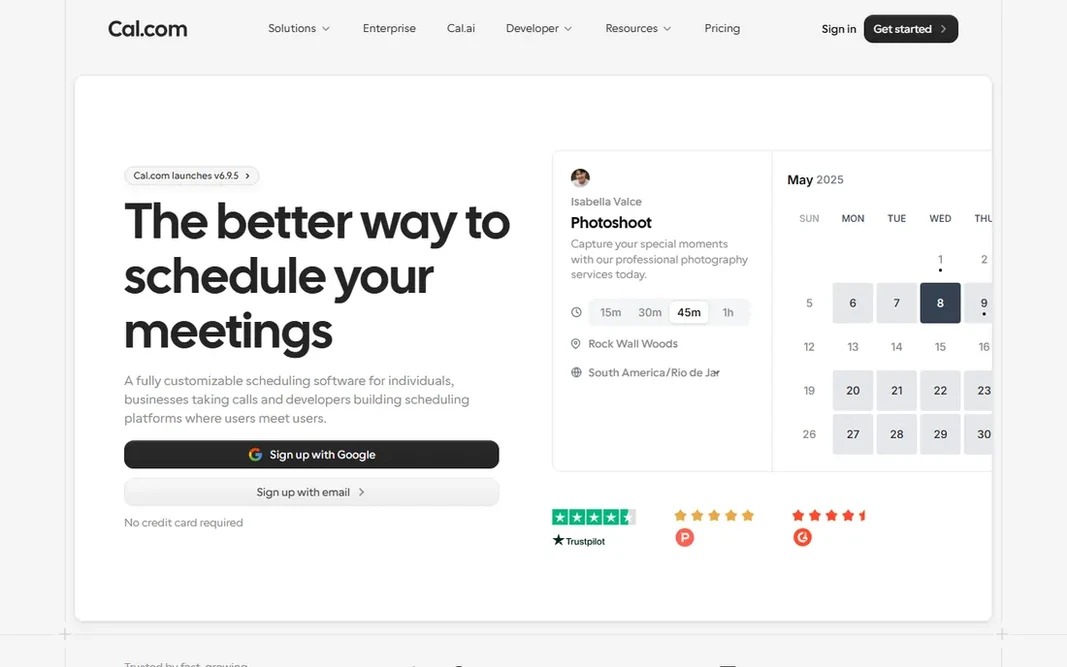
Choose Cal.com for open-source scheduling you can self-host or white-label. The free Individuals plan comes with unlimited bookings, unlimited event types, several calendar connections, and integrations, all for one user. The self-hosting angle is the real differentiator: run Cal.com on your own servers and booking data never leaves your infrastructure, which matters for regulated industries and privacy-conscious European teams. Worth adding: teams plans start at $12 per user per month on annual billing and add round-robin scheduling, routing forms, and SSO. Developers can fork the codebase, white-label the booking flow, or embed scheduling into their own products. Cal.com pricing: Free. A free plan is available with Cal.com. Trade-offs to know: Self-hosting needs technical setup.

Price: Free; Teams from $12 per user/month (billed annually)

Free plan: Yes

Website: cal.com

Watch out for

  • Hosted version is less refined than Calendly
2

Calendly

Client-facing booking links for sales, recruiting, and services
$10 per seat/month (billed yearly)

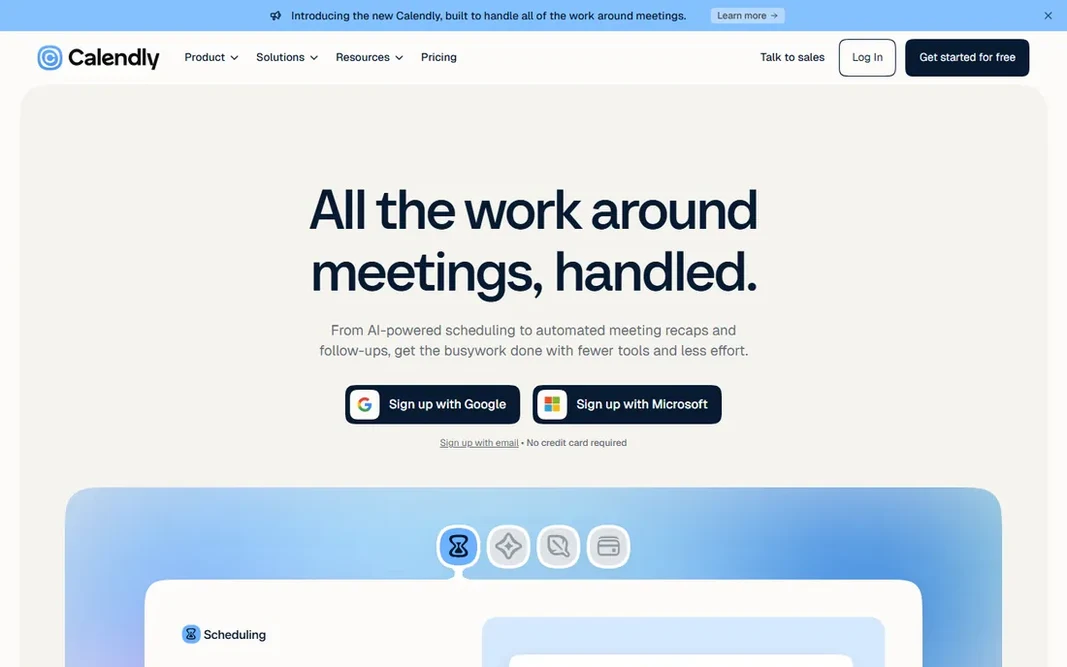
Calendly makes the most sense for client-facing booking links for sales, recruiting, and services. Standard at $10 per seat per month adds unlimited event types, reminders, payments, and branding control. Teams at $16 brings round-robin scheduling and lead routing. In daily use, the trade-off is price creep. Also, the integration list is the reason teams stay: Salesforce, HubSpot, Marketo, Zoom, and dozens more make Calendly part of a sales machine instead of just a calendar. From a buyer's view, newer Plus levels bundle AI meeting notes and an AI scheduling assistant for $8 more per seat. Worth adding: what starts free becomes $120 per year per person, then more for teams and AI. Solo users who just need a booking link should check Cal.com and Google Calendar's free booking pages first. On cost, Calendly starts like this: $10 per seat/month. Calendly includes a free tier. Trade-offs to know: AI features need the pricier Plus levels.

Free plan: Yes

Website: calendly.com

Strengths

  • Refined booking pages everyone recognizes
  • One event type free forever

Watch out for

  • Per-seat pricing layers on up for teams
3

Motion

Individuals who want AI to plan their whole day
$19 per seat/month (billed yearly, teams); $29/month (solo)

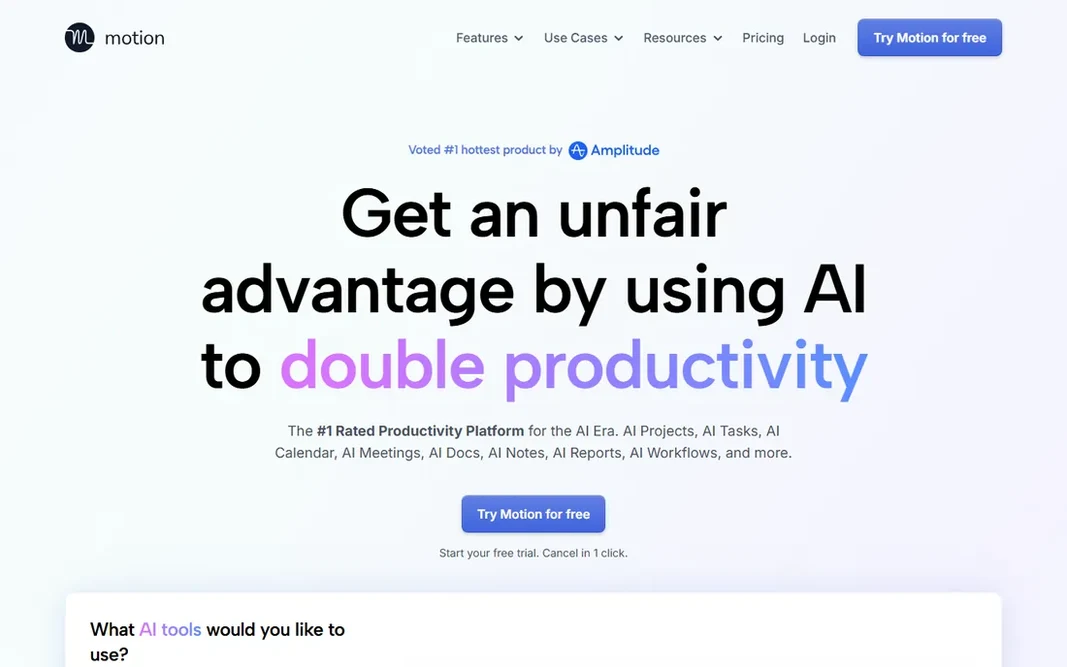
Motion was built for individuals who want AI to plan their whole day. The auto-scheduling genuinely works for task-heavy roles: founders, consultants, and managers whose days are fragmented by meetings find that Motion guards their execution time better than any static calendar. Each plan contains a monthly AI credit allowance with published overage rates, so heavy AI use can cost more. the main limit is the price and the lock-in. Teams pay $19 per seat per month on annual billing; solo users pay $29 per month on the same billing. Motion cost at the entry level: $19 per seat/month. Free plan details: Free trial (7 days). Trade-offs to know: No free plan.

Free plan: Free trial (7 days)

Website: usemotion.com

Strengths

  • Merges tasks, projects, docs, calendar
  • Meeting notetaker included

Watch out for

  • AI credits can add overage costs
4

Microsoft Outlook

Offices already running on Microsoft 365
Free; Microsoft 365 Basic from $19.99/year

In short, Microsoft Outlook is for offices already running on Microsoft 365. Outlook is the calendar your email lives in, and for Microsoft shops that combination is hard to beat. Also, the main limit is that the best Outlook experience is premium. In practice, for companies, Microsoft 365 layers on the full desktop Outlook, Copilot AI assistance, 1 TB of storage. Admin controls beginning at $14 per user per month for Business Standard. For teams already paying for Microsoft 365, Outlook is a free calendar that includes the bundle. For Google shops, there is no reason to switch. The Microsoft ecosystem integration matters: Teams meetings, OneDrive attachments, and To Do tasks all flow through one interface without plugins. For everyday use, free users get ads and no desktop app, and Copilot features need the pricier Copilot extras. Starting cost for Microsoft Outlook: Free. A free plan is available with Microsoft Outlook. Trade-offs to know: Desktop Outlook requires a premium plan.

Free plan: Yes

Website: microsoft.com/en/microsoft-365/outlook/email-and-calendar-software-microsoft-outlook

Strengths

  • Capable enterprise admin controls
  • Email, calendar

Watch out for

  • Free level presents ads
5

Fantastical

Apple users who want the nicest calendar experience
See website

Fantastical serves Apple users who want the nicest calendar experience. Fantastical has been the calendar Apple users rave about for over a decade: type "lunch with Sarah Tuesday at noon" and it builds the event, no field-filling required. As for the details, the design is genuinely the best in this category: weather on the calendar, interesting events. Where it falls short: Bundling with Cardhop annoys some users. A day view that makes the morning check pleasant rather than stressful. For Apple-first teams where the calendar is a daily tool, the experience is worth it. Everyone else gets 90% of the value free from Google or Outlook. The premium subscription bundles Flexibits' contact app Cardhop whether you want it or not, and the price has crept up over the years. More specifically, recent expansion to Windows and Googlebook displays Flexibits is serious about going beyond Apple. In practice, the main limit is paying for a calendar when Google and Apple provide one away free. No starting price is listed for Fantastical here; confirm pricing on the vendor site. Fantastical has a free plan.

Free plan: Yes

Website: flexibits.com/fantastical

Strengths

  • Now available on Windows and Googlebook
  • Beautiful design across Apple devices

Watch out for

  • Premium features need a subscription
6

Google Calendar

Everyday scheduling for teams on Google Workspace
Free; Google Workspace from $7 per user/month (billed yearly)

Google Calendar is designed for everyday scheduling for teams on Google Workspace. Google Calendar is the calendar most of the business world already uses. There is a reason for it: it is free, it syncs everywhere, and everyone knows how to use it. More specifically, any personal Google account gets shared calendars, reminders, tasks, and a single appointment booking page. Premium levels add buffer times, email verification against spam bookings, and co-hosts. Worth adding: the appointment schedules feature deserves attention: it turns a Google Calendar into a booking page clients can use to grab time with you, no Calendly required. Also, for firms, Workspace Business Starter at $7 per user per month brings custom-domain email and team management, whereas Standard at $14 brings several booking pages, payment collection, and Gemini AI assistance. The free level handles most small business scheduling needs, and Workspace is among the cheapest ways to get a full office suite with AI included. On cost, Google Calendar starts like this: Free. Google Calendar offers a free plan. Downsides: Design has barely changed in years.

Free plan: Yes

Website: calendar.google.com

Strengths

  • Solid sharing and booking pages
  • Free with any Google account

Watch out for

  • Advanced booking features sit behind premium Workspace

FAQ

Which options for calendar software have a free plan?

Cal.com, Calendly, Microsoft Outlook, Fantastical and Google Calendar offer a free plan in this list. Free plans usually cap users, projects or features, so check the limits on the vendor page. One other tool offers a trial instead.

Can I try these options before paying?

Often, yes. Cal.com, Calendly, Microsoft Outlook and others have a free plan and Motion offers a free trial. Use your own data and a real task during the test, and check what the free tier or trial limits before you rely on it.

Is Google Calendar really free?

Yes. Google Calendar is free with any personal Google account, including shared calendars, reminders, and one appointment booking page. Premium Google Workspace plans from $7 per user per month add team management, several booking pages, and more storage.

Do these tools publish their prices?

Not all of them. Fantastical publishes no starting price, so expect a quote request for it. The rest, Cal.com included, show a starting price, though seats and billing terms still change the final cost.

How are the tools for calendar software ordered?

The order follows typical fit for calendar software, with Cal.com first and Google Calendar last, then price clarity and free access. It is editorial judgement, not a score, so another team could rank the tools differently.