Ecommerce · Researched comparison

Comparing 7 Cartoon Making Software Options in 2026

TaskReports may earn a fee from some links on this page, and some placements are paid and labelled. Neither one decides the order. See our disclosure.

The short answer

If you need budget explainer videos, Animaker is the first tool to look at here. If your case is different, Doodly suits Whiteboard animation and Toon Boom Harmony suits professional 2D studios. The other 4 tools in the list cover narrower or pricier cases.

On this page

Key takeaways

  • The list opens with Animaker, aimed at budget explainer videos.
  • Animaker, Powtoon: these are the 2 tools out of 7 that offer a free plan.
  • Adobe Animate is the one to check for web and interactive animation.
  • Starting prices begin at $15/month with Animaker.
  • Before buying Doodly, weigh this: only does whiteboard videos.

Quick comparison

ToolSuited toPrice fromMain limit
------------
AnimakerBudget explainer videos$15/monthCan feel cluttered
DoodlyWhiteboard animationSee websiteDated interface
Toon Boom HarmonyProfessional 2D studiosSee websitePricing not published
Moho Pro 14Serious 2D animation on a budget$399.99Interface takes adjustment
VyondCorporate explainersSee websitePricing not published
PowtoonAnimated presentations$15/monthTemplate look
Adobe AnimateWeb and interactive animationSee websiteSubscription only
★ Best overall

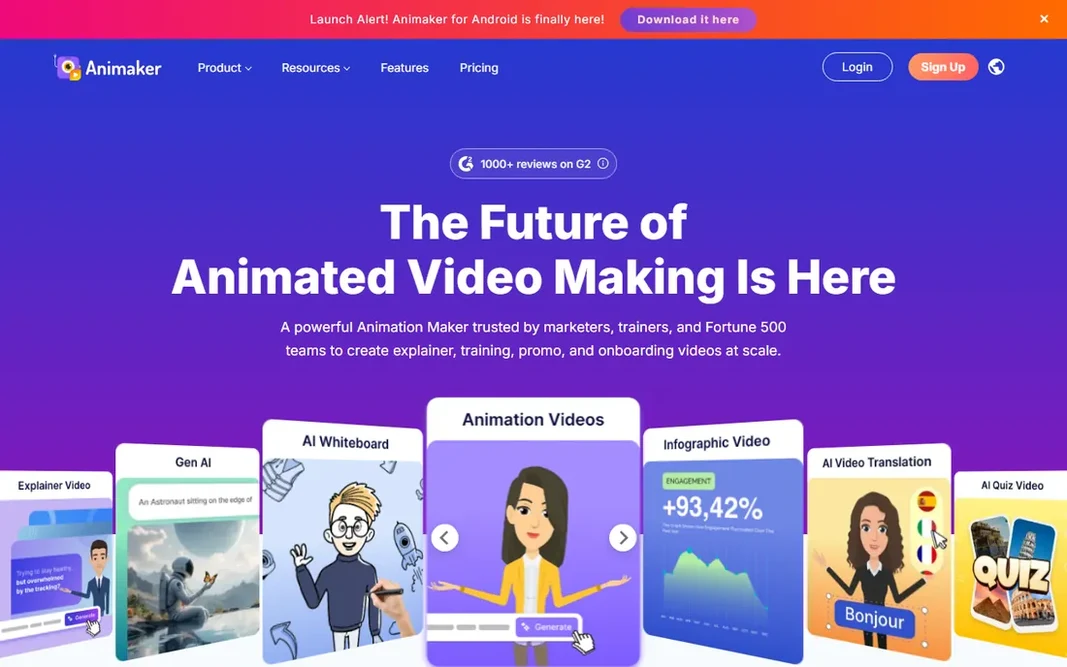
Animaker

Budget explainer videos

  • Free plan for testing
  • Broad template range
Price$15/month (Basic)
See Animaker pricing

Animaker is a good fit for budget explainer videos. For the price, though, it is the most accessible route to decent-looking cartoon explainers. On top of that, the Basic plan opens at $15 per month, and the free plan lets you build real projects before paying. Watch-outs: Can feel cluttered. More specifically, Animaker is Vyond's scrappiest competitor, including much of the same ground with friendlier pricing. From a buyer's view, free exports carry a watermark. The character animation tools are more straightforward than dedicated 2D software, so do not expect nuanced acting. What you pay to start with Animaker: $15/month. A free plan is available with Animaker.

Price: $15/month (Basic)

Free plan: Yes

Website: animaker.com

Watch out for

  • Character rigging is entry-level
2

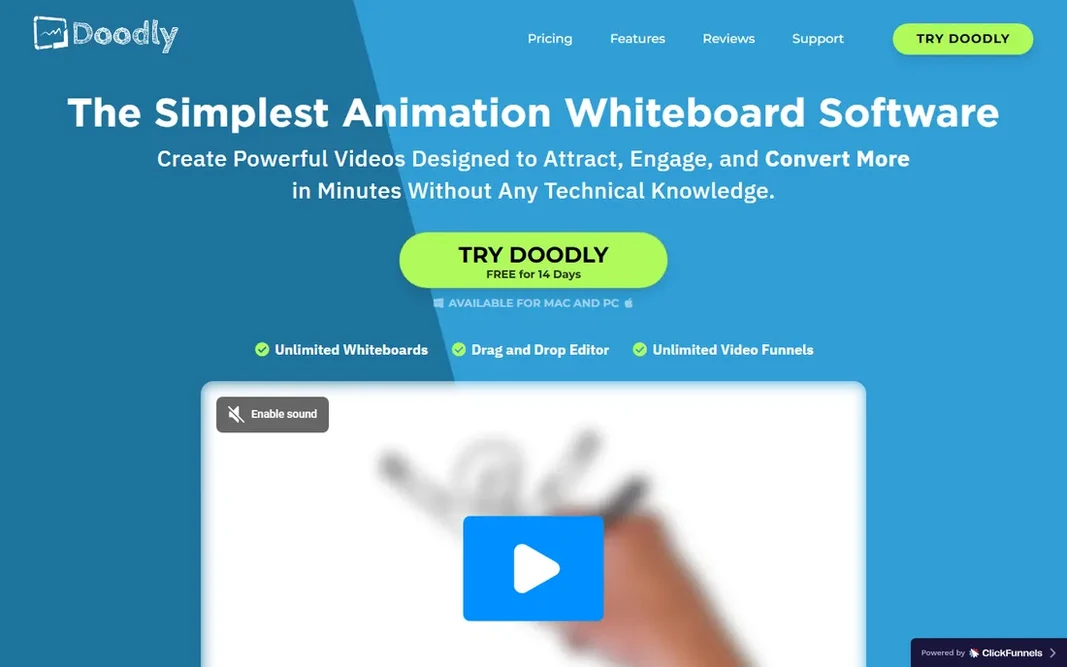
Doodly

Whiteboard animation
See website

Doodly is a good fit for Whiteboard animation. Whiteboard videos are Doodly's entire world, and it does them better than any general cartoon tool. Worth adding: if whiteboard is the style you want, start here. It does nothing else, so do not buy it expecting cartoon characters. The interface feels dated but stays out of the way. One trick, done well. On top of that, the hand-drawn effect, the prop library and the straightforward voiceover sync produce the classic explainer look that still converts for courses and sales pages. Check the vendor site for Doodly pricing; none is listed in this comparison. Doodly has no permanent free option. Honest limits: Pricing behind Voomly Cloud.

Free plan: No

Website: doodly.com

Strengths

  • Huge prop and hand library
  • Simple voiceover sync

Watch out for

  • Dated interface
3

Toon Boom Harmony

Professional 2D studios
See website

Toon Boom Harmony is a good fit for professional 2D studios. Toon Boom now operates under Autodesk, which should steady its long-term future. From a buyer's view, the 21-day trial is worth taking if you are evaluating it for real production work. Limits to weigh: Overkill for straightforward explainers. Harmony is what professional 2D studios actually use, from broadcast series to feature work. Pricing is not public, the ramp-up time is measured in months, and buying it for straightforward explainer videos is like hiring a film crew for a selfie. Also, everything about it assumes professional intent. Toon Boom Harmony does not show a starting price in this comparison, so check the vendor site for current pricing. As for free access: Free trial (21 days).

Free plan: Free trial (21 days)

Website: toonboom.com

Strengths

  • Industry-standard 2D pipeline
  • Cut-out and paperless workflows

Watch out for

  • Pricing not published
4

Moho Pro 14

Serious 2D animation on a budget
$399.99 (one-time)

Pick Moho Pro 14 if this describes you: serious 2D animation on a budget. Pro 14 costs $399.99 once, and its bone-rigging system handles cut-out animation with a sophistication that embarrasses subscription tools costing more a year. Limits to weigh: Interface takes adjustment. Moho is the animator's value pick. The community is smaller than Toon Boom's or Adobe's, so tutorials and troubleshooting take more digging. Moho Pro 14 cost at the entry level: $399.99. Free access: Free trial (30 days). Where Moho Pro 14 stands out: Used on real productions.

Free plan: Free trial (30 days)

Website: lostmarble.com

Strengths

  • One-time purchase
  • Capable bone rigging

Watch out for

  • Debut version is restricted
5

Vyond

Corporate explainers
See website

Vyond is designed for corporate explainers. Vyond is the corporate explainer standard, the tool behind thousands of HR training videos and product walkthroughs. Its library of business characters, props and backgrounds lets a marketing manager assemble a coherent cartoon in an afternoon, no drawing skill required. Where it is weaker: Restricted custom character choices. More specifically, the tradeoff is sameness. Anyone who watches corporate video will recognize a Vyond character on sight, and customizing beyond the library takes effort. For everyday use, collaboration and brand kits make it workable for teams. A 14-day trial tells you rapidly whether the style suits your brand or embarrasses it. Vyond does not show a starting price in this comparison, so check the vendor site for current pricing. Trial and free access: Free trial (14 days).

Free plan: Free trial (14 days)

Website: vyond.com

Strengths

  • Team collaboration features
  • Quick scene assembly

Watch out for

  • Pricing not published
6

Powtoon

Animated presentations
$15/month (Lite)

Powtoon is designed for animated presentations. If your team already thinks in slides, Powtoon turns that thinking into animated videos with minimal retraining. It is not an animator's tool. Character movement is template-driven, and lower plans cap export quality and length. For internal communications, training snippets and pitch videos, those limits seldom matter. Powtoon pricing: $15/month. A free plan is available with Powtoon. Points against: Exports capped on lower plans.

Free plan: Yes

Website: powtoon.com

Strengths

  • Gentle ramp-up time
  • Well suited to internal comms

Watch out for

  • Animation depth is restricted
7

Adobe Animate

Web and interactive animation
See website

Adobe Animate works best for web and interactive animation. Banner ads, web series, interactive infographics and game assets are its natural habitat, and Creative Cloud integration keeps assets flowing between Photoshop, Illustrator and Animate. Also, Animate is the web animator's old friend, evolved from Flash into a vector animation tool with interactive and export chops. The subscription model and a short 7-day trial are the friction points. It is also less at home in broadcast 2D pipelines than Harmony or Moho. Check the vendor site for Adobe Animate pricing; none is listed in this comparison. As for free access: Free trial (7 days). Drawbacks to consider: Subscription only.

Free plan: Free trial (7 days)

Website: adobe.com

Strengths

  • Links up with Creative Cloud
  • Vector animation with interactivity

Watch out for

  • Less suited to broadcast pipelines

FAQ

Is Animaker the right pick for everyone comparing Cartoon making software?

No single tool suits every team. Animaker comes first because it fits budget explainer videos, while Doodly suits Whiteboard animation and Toon Boom Harmony suits professional 2D studios. Match the tool to your own size, budget and workflow before deciding.

Do these tools publish their prices?

Not all of them. Doodly, Toon Boom Harmony, Vyond and Adobe Animate publish no starting price, so expect a quote request for those. The rest, Animaker included, show a starting price, though seats and billing terms still change the final cost.

Which options for Cartoon making software have a free plan?

Animaker and Powtoon offer a free plan in this list. Free plans usually cap users, projects or features, so check the limits on the vendor page. Several others offer a trial instead.

How are the tools for Cartoon making software ordered?

Animaker sits first and Adobe Animate last because the order follows typical fit for Cartoon making software, then price clarity and free access. It is a judgement call, so read each profile for fit and limits.