Productivity · Researched comparison

6 Cloud Based Brainstorming Software Compared on Price and Fit

TaskReports may earn a fee from some links on this page, and some placements are paid and labelled. Neither one decides the order. See our disclosure.

The short answer

If you need Figma teams ideating, FigJam is the first tool to look at here. Alternatives: Coggle for straightforward collaborative mind maps, and MindMeister for mind mapping. Prices, free plans and limits for all 6 tools follow.

On this page

Key takeaways

  • Top of the list is FigJam, which targets Figma teams ideating.
  • What to know about Miro first: can feel overwhelming, premium plans per user, Performance on huge boards.
  • For free retrospectives, IdeaBoardz is worth a look.
  • Free access is easy to find: 6 of the 6 tools have a free plan, for example FigJam, Coggle, MindMeister and Miro.
  • No starting price is published for FigJam, Coggle, MindMeister and others; expect a quote.

Quick comparison

ToolBest fitWatch out forStarts atFree tier
---------------
FigJamFigma teams ideatingLess depth than MiroSee websiteYes
CoggleStraightforward collaborative mind mapsLimited featuresSee websiteYes
MindMeisterMind mappingMind maps only, Less freeformSee websiteYes
MiroAll-round visual collaborationCan feel overwhelmingSee websiteYes
StormboardStructured team ideationLess visual freedom, Smaller vendor, Interface datedSee websiteYes
IdeaBoardzFree retrospectivesMinimalist to a faultFreeYes
★ Best overall

FigJam

Figma teams ideating

  • Well suited to design teams
  • Free level included
PriceSee website
See FigJam pricing

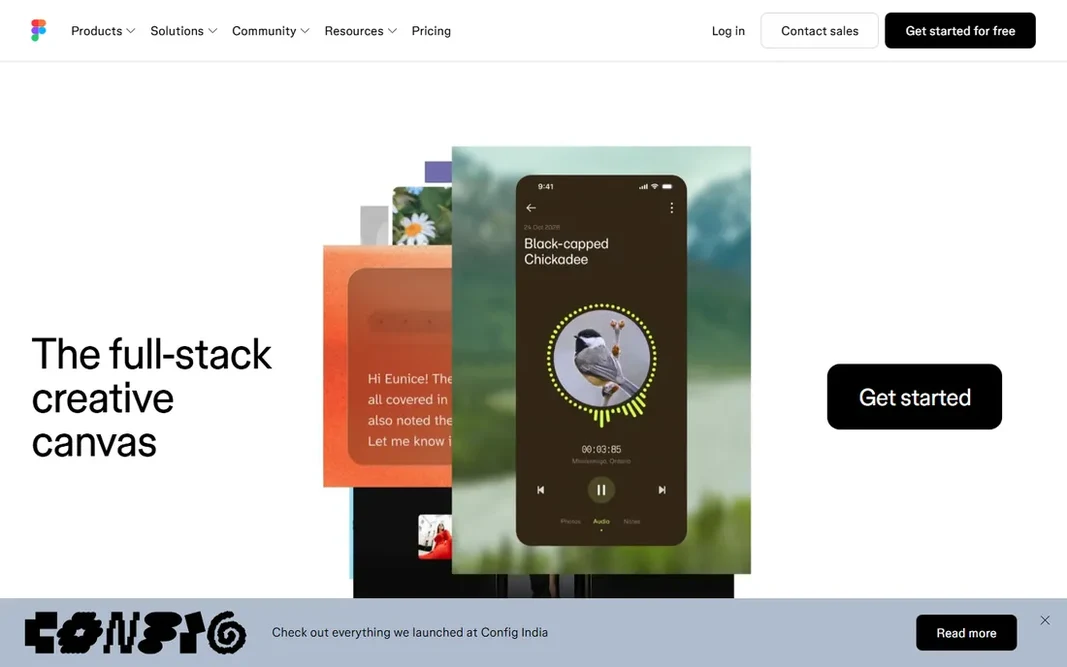
FigJam is a good fit for Figma teams ideating. Stamps, widgets, and voting make sessions fun along with productive. It lacks Miro's depth for complicated workshops, and non-Figma shops gain less. But the integration story is compelling: ideation and design in one ecosystem, one login, one bill. FigJam does not show a starting price in this comparison, so check the vendor site for current pricing. You can start on FigJam without paying. Watch-outs: Tied to Figma ecosystem, Simpler feature set.

Price: See website

Free plan: Yes

Website: figma.com

Watch out for

  • Less depth than Miro
2

Coggle

Straightforward collaborative mind maps
See website

In short, Coggle is for straightforward collaborative mind maps. Power users will hit limits rapidly, and it is not a workshop product. But for quick collaborative thinking, Coggle's simplicity is the feature. More specifically, at times the best brainstorming tool is the one everyone understands immediately, and Coggle's chat-like ease of sharing makes it the fastest way to get a group mapping. Worth adding: Coggle proves that mind mapping does not need complexity. It is the tool you recommend to someone who finds Miro intimidating. Coggle shows no starting price here, so confirm the cost on the vendor site. Free access exists with Coggle. Where it falls short: Restricted features.

Free plan: Yes

Website: coggle.it

Strengths

  • Beautifully straightforward
  • No ramp-up time

Watch out for

  • Not for complicated workshops, Small team
3

MindMeister

Mind mapping
See website

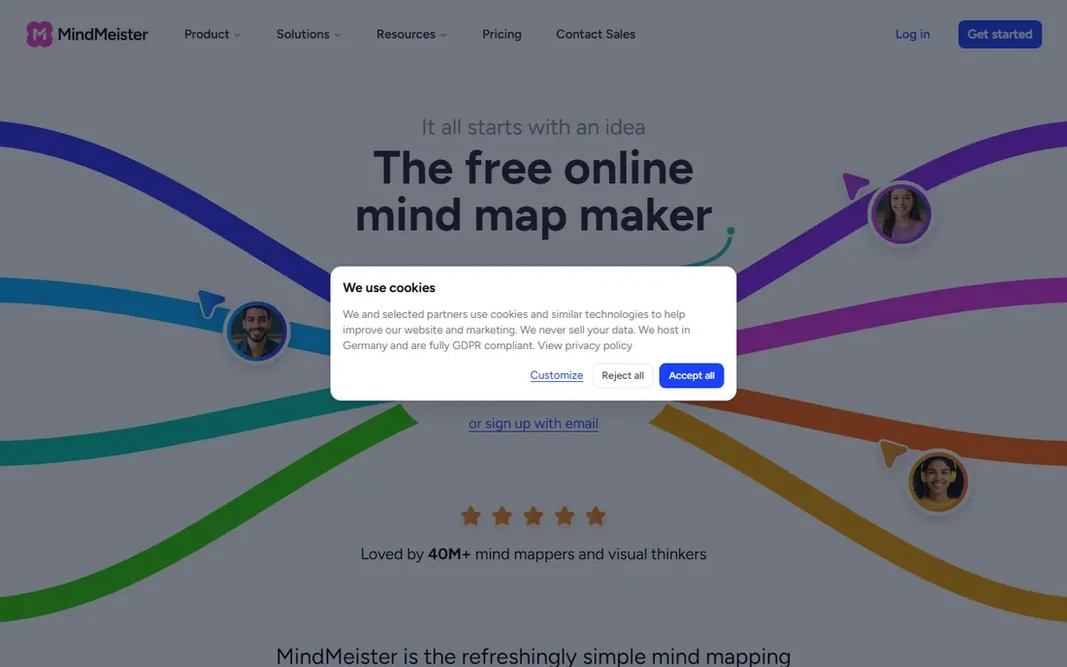
MindMeister serves mind mapping. MindMeister does mind mapping better than the whiteboards do it as a sideline. Branching, collapsing, and organizing ideas hierarchically feels natural, and real-time collaboration lets teams build maps together. It is a mind-mapping tool, not a whiteboard, so freeform visual work belongs elsewhere. But for thinkers who organize in hierarchies, the dedicated experience beats a whiteboard's mind-map template. The design polish makes mapping genuinely enjoyable, and the presentation mode turns maps into shareable narratives. MindMeister does not show a starting price in this comparison, so check the vendor site for current pricing. You can start on MindMeister without paying. Trade-offs to know: Mind maps only, Less freeform.

Free plan: Yes

Website: mindmeister.com

Strengths

  • Very good mind mapping
  • Decent integrations

Watch out for

  • Premium plans for full features
4

Miro

All-round visual collaboration
See website

In short, Miro is for all-round visual collaboration. The template library includes hundreds of use cases, real-time collaboration is smooth, and integrations with Jira, Slack, and Teams embed boards in existing workflows. The free level is genuinely handy for small teams. Limits to weigh: Can feel overwhelming. Also, the breadth can overwhelm newcomers, and costs scale per user. But for organizations standardizing on one visual collaboration tool, Miro's range is unmatched. It is the safe choice that spans whatever visual thinking your team attempts, from fast icebreakers to quarter-long planning epics. Check the vendor site for Miro pricing; none is listed in this comparison. Miro offers a free plan. Highlights: Solid integrations.

Free plan: Yes

Website: miro.com

Strengths

  • Very good live collaboration
  • Huge template library

Watch out for

  • Premium plans per user
5

Stormboard

Structured team ideation
See website

Pick Stormboard if this describes you: structured team ideation. Stormboard structures brainstorming into templates for retrospectives, prioritization, and business canvases. In practice, agile teams use it for sprint retrospectives and planning. From a buyer's view, the reporting turns session output into documentation without additional work. Pricing for Stormboard is not stated here, so ask the vendor for current figures. Free access exists with Stormboard.

Free plan: Yes

Website: stormboard.com

Strengths

  • Structured ideation templates
  • Reporting features

Watch out for

  • Less visual freedom, Smaller vendor, Interface dated
6

IdeaBoardz

Free retrospectives
Free

Choose IdeaBoardz for free retrospectives. IdeaBoardz does one thing at no cost: agile retrospectives. Where it is weaker: Retrospectives only, No advanced features. As for the details, no signup, no cost, no ramp-up time. Build a board, share the link, collect sticky notes on what went well and what did not, vote, and discuss. IdeaBoardz starts at: Free. Free access exists with IdeaBoardz. Where it shines: Perfect for retrospectives.

Free plan: Yes

Website: ideaboardz.com

Strengths

  • No signup needed
  • Fully free

Watch out for

  • Minimalist to a fault

FAQ

Is FigJam the right pick for everyone comparing cloud based brainstorming software?

No single tool suits every team. FigJam comes first because it fits Figma teams ideating, while Coggle suits simple collaborative mind maps and MindMeister suits mind mapping. Match the tool to your own size, budget and workflow before deciding.

How are the tools for cloud based brainstorming software ordered?

The order follows typical fit for cloud based brainstorming software, with FigJam first and IdeaBoardz last, then price clarity and free access. It is editorial judgement, not a score, so another team could rank the tools differently.

Can I try these options before paying?

Often, yes. FigJam, Coggle, MindMeister and others have a free plan. Use your own data and a real task during the test, and check what the free tier or trial limits before you rely on it.

Do these tools publish their prices?

Not all of them. FigJam, Coggle, MindMeister and others publish no starting price, so expect a quote request for those. The rest, IdeaBoardz included, show a starting price, though seats and billing terms still change the final cost.