Productivity · Researched comparison

6 Best Collaboration Platforms for 2026

TaskReports may earn a fee from some links on this page, and some placements are paid and labelled. Neither one decides the order. See our disclosure.

The short answer

Our first pick is Chanty, best for AI work chat for SMBs. Microsoft Teams fits Microsoft 365 shops; Lark fits all-in-one productivity superapp. The other 3 tools in the list cover narrower or pricier cases.

On this page

Key takeaways

  • Chanty sits first on this list: AI work chat for SMBs.
  • Free plans are common here: 6 of 6 tools have one, including Chanty, Microsoft Teams, Lark and Slack.
  • Before buying Slack, weigh this: message history limits on the free plan.
  • For enterprise unified communications, Webex is worth a look.

Quick comparison

ToolStarts atFree tierDomain
------------
ChantySee websiteYeschanty.com
Microsoft TeamsSee websiteYesmicrosoft.com
LarkSee websiteYeslarksuite.com
SlackSee websiteYesslack.com
Rocket.ChatSee websiteYesrocket.chat
WebexSee websiteYeswebex.com
★ Best overall

Chanty

AI work chat for SMBs

  • 120+ granular permission settings
  • Free plan with no enterprise price tag
PriceSee website
See Chanty pricing

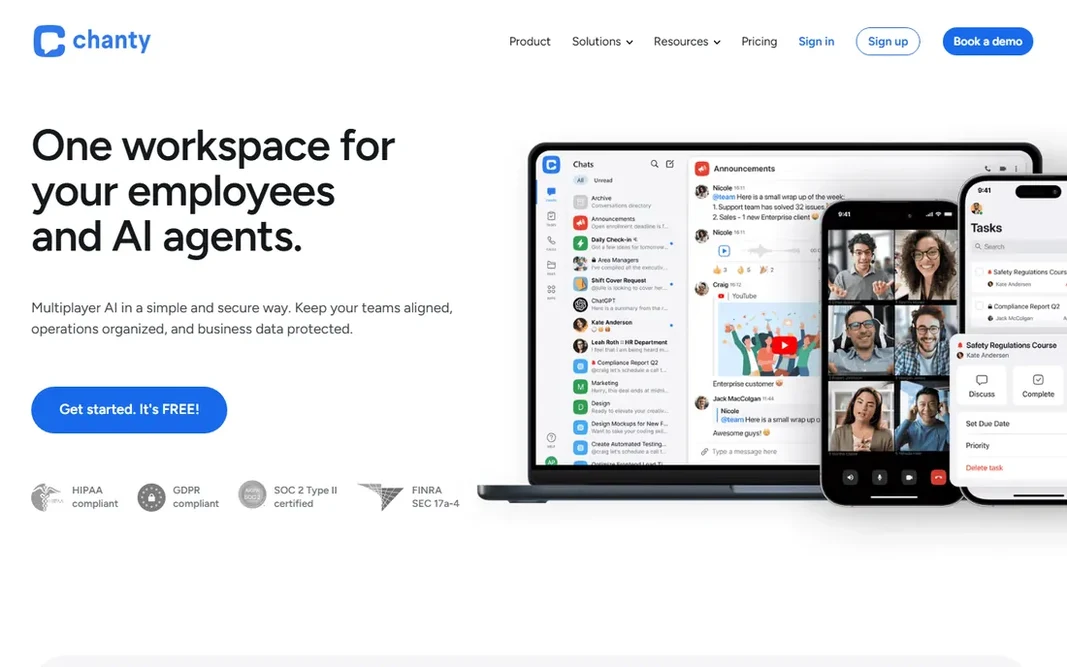
Choose Chanty for AI work chat for SMBs. It supplies 120+ permission settings, SOC 2 and ISO 27001 compliance. Downsides: Smaller ecosystem and community. A free plan positioned against enterprise price tags, pitched at firms mixing office and deskless teams. In practice, the honest catch: Chanty is younger and smaller than the leaders, with a thinner integration catalog. Pricing for Chanty is not stated here, so ask the vendor for current figures. Chanty includes a free tier.

Price: See website

Free plan: Yes

Website: chanty.com

Watch out for

  • The AI agent positioning is new
2

Microsoft Teams

Microsoft 365 shops
See website

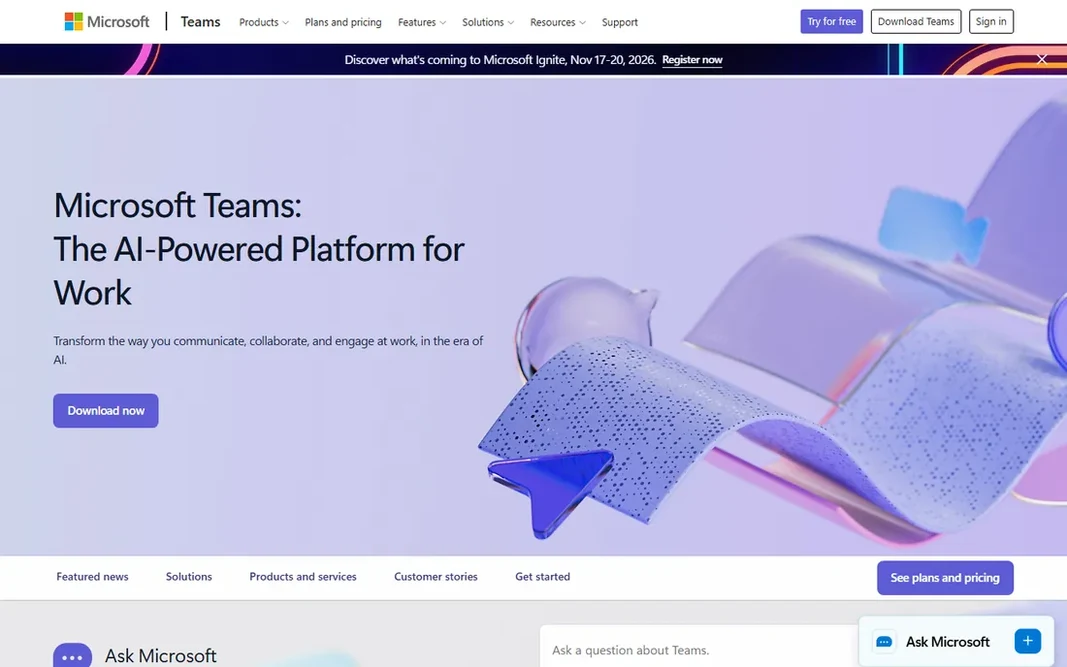
Microsoft Teams targets Microsoft 365 shops. It scales from small teams to enterprises with compliance and admin controls. What to check first: Guest access is clunkier than Slack Connect. But if you already own Microsoft 365, the decision is nearly made. Microsoft Teams does not show a starting price in this comparison, so check the vendor site for current pricing. You can start on Microsoft Teams without paying.

Free plan: Yes

Website: microsoft.com/en-us/microsoft-teams/group-chat-software

Strengths

  • Meetings, chat
  • Deep Office integration

Watch out for

  • Best inside the Microsoft ecosystem
3

Lark

All-in-one productivity superapp
See website

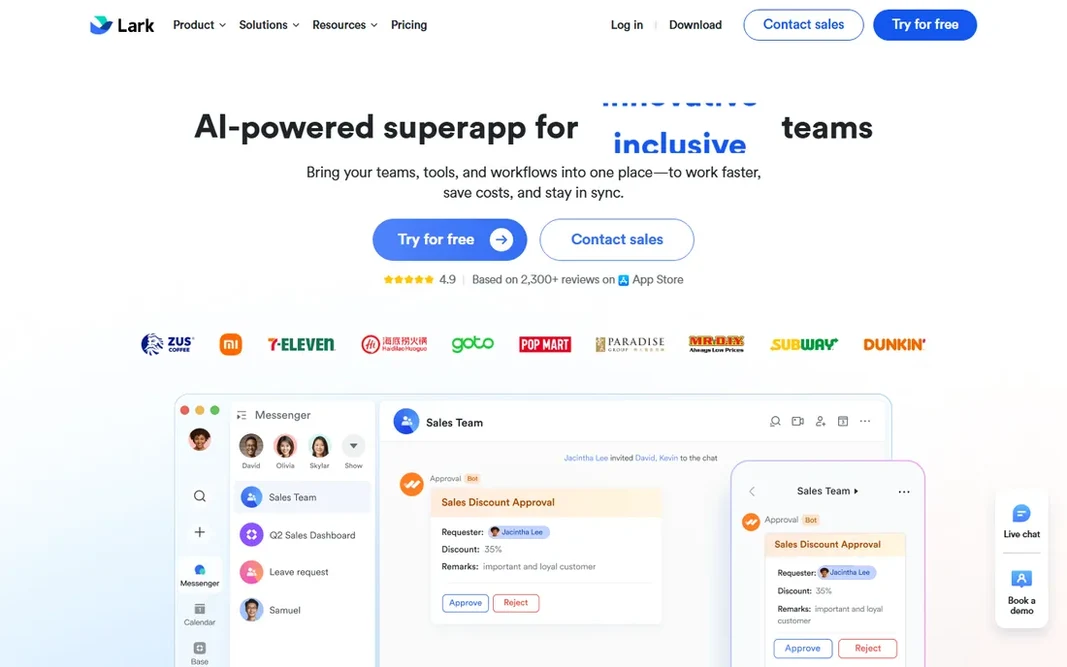
Lark is designed for all-in-one productivity superapp. The honest note: Lark's US ecosystem and external integrations are thinner than Slack's or Teams'. Main advantages: projects in one superapp. The free plan is ample, making it a real choice for cost-conscious businesses. Check the vendor site for Lark pricing; none is listed in this comparison. A free plan is available with Lark. Watch-outs: Some integrations trail the leaders.

Free plan: Yes

Website: larksuite.com

Strengths

  • Chat, meetings, docs
  • Solid mobile experience for frontline teams

Watch out for

  • The superapp model is a big switch
4

Slack

AI-powered team messaging
See website

Slack was built for AI-powered team messaging. Teams that live in their integrations and want the best messaging experience will find it worth it. Microsoft 365 shops should compare Teams first. Drawbacks to consider: Message history limits on the free plan. In practice, the product reports 312% ROI over three years in a Forrester study. On top of that, the honest trade: Slack's free plan caps message history, and premium seats cost more than the bundled alternatives. Slack shows no starting price here, so confirm the cost on the vendor site. Slack has a free plan.

Free plan: Yes

Website: slack.com

Strengths

  • Slackbot AI and search across your company
  • The largest integration ecosystem

Watch out for

  • Costs add up per user
5

Rocket.Chat

Federated secure communications
See website

Rocket.Chat was built for federated secure communications. Rocket.Chat is the secure communications product aimed at interoperability: native Matrix and XMPP federation means agencies, allies, and partners collaborate without running the same system. Also, deploy self-hosted, air-gapped, or in sovereign cloud with zero-trust security and post-quantum encryption up to IL6, plus AI that works inside your perimeter. Reasons to shortlist it: or sovereign cloud. Honest limits: Smaller commercial ecosystem. Worth adding: the honest framing: Rocket.Chat's heart is in defense and critical infrastructure, which displays in both strengths and product choices. In daily use, commercial teams wanting a Slack alternative they control will find it solid. Teams without sovereignty requirements get more polish from the mainstream products. Rocket.Chat shows no starting price here, so confirm the cost on the vendor site. Rocket.Chat includes a free tier.

Free plan: Yes

Website: rocket.chat

Strengths

  • Native Matrix and XMPP federation
  • Zero-trust with post-quantum encryption

Watch out for

  • Enterprise governance features are premium
6

Webex

Enterprise unified communications
See website

Webex targets enterprise unified communications. Small companies get a free plan but not the attention. In daily use, Webex by Cisco is the enterprise collaboration system: eight integrated workloads from meetings and messaging to calling and contact center, with agentic AI built into every layer. No starting price is listed for Webex here; confirm pricing on the vendor site. Webex includes a free tier. Watch-outs: The interface reflects its enterprise heritage.

Free plan: Yes

Website: webex.com

Strengths

  • Gartner UCaaS leader
  • The only system spanning UCaaS, CCaaS, CPaaS, devices

Watch out for

  • Enterprise pricing and complexity

Pre-purchase checklist

  • Ask each vendor, from Chanty to Webex, for a written quote; none of them publishes a starting price.
  • Look at free plan limits closely: Chanty, Microsoft Teams, Lark and others have one, and the caps decide whether it is usable for real work.
  • Before choosing Chanty, weigh its main limit: smaller ecosystem and community.
  • Run a one or two week pilot of Rocket.Chat with the people who will use it every day.
  • Ask Webex how an export works before you move any records in; an easy exit lowers the risk.

FAQ

Do these tools publish their prices?

No. None of the tools, from Chanty to Webex, shows a fixed starting price here, so budget time for quotes.

Is Chanty the right pick for everyone comparing collaboration platform?

No single tool suits every team. Chanty comes first because it fits AI work chat for SMBs, while Microsoft Teams suits Microsoft 365 shops and Lark suits all-in-one productivity superapp. Match the tool to your own size, budget and workflow before deciding.

Can I try these tools before paying?

Often, yes. Chanty, Microsoft Teams, Lark and others have a free plan. Use your own data and a real task during the test, and check what the free tier or trial limits before you rely on it.

How are the tools for collaboration platform ordered?

The order follows typical fit for collaboration platform, with Chanty first and Webex last, then price clarity and free access. It is editorial judgement, not a score, so another team could rank the tools differently.