Productivity · Researched comparison

6 Strong Document Automation Software Options in 2026

TaskReports may earn a fee from some links on this page, and some placements are paid and labelled. Neither one decides the order. See our disclosure.

The short answer

Documint leads the list, best for generating PDFs from Airtable, Zapier, Make and APIs. If your case is different, Docupilot suits budget document automation from Word, Excel and PDF templates and Formstack Documents suits teams already in the Formstack ecosystem. All 6 tools are compared below on price, free plan and limits.

On this page

Key takeaways

  • This list starts with Documint, which is built for generating PDFs from Airtable, Zapier, Make and APIs.
  • A fair warning about Formstack Documents: standalone pricing no longer published.
  • PandaDoc, airSlate: these are the 2 tools out of 6 that offer a free plan.
  • The cheapest monthly starting price in the list is $29/month, offered by Docupilot.

Quick comparison

ToolIdeal forBiggest drawbackPrice fromFree tier
---------------
DocumintGenerating PDFs from Airtable, Zapier, Make and APIsESign envelopes cost extra$39/monthNo
DocupilotBudget document automation from Word, Excel and PDF templates14-day trial only$29/monthNo
Formstack DocumentsTeams already in the Formstack ecosystemNo free planSee websiteNo
PandaDocSales teams automating proposals, quotes and contractsDocument limits and usage credits complicate billingSee websiteYes
NintexEnterprises automating document-heavy business processesEnterprise pricing and complexitySee websiteNo
airSlateNo-code document workflows with automation botsEnterprise features carry enterprise pricesSee websiteYes
★ Best overall

Documint

Generating PDFs from Airtable, Zapier, Make and APIs

  • Published
  • Privacy-first (generated PDFs not stored)
Price$39/month (Silver, billed yearly)
See Documint pricing

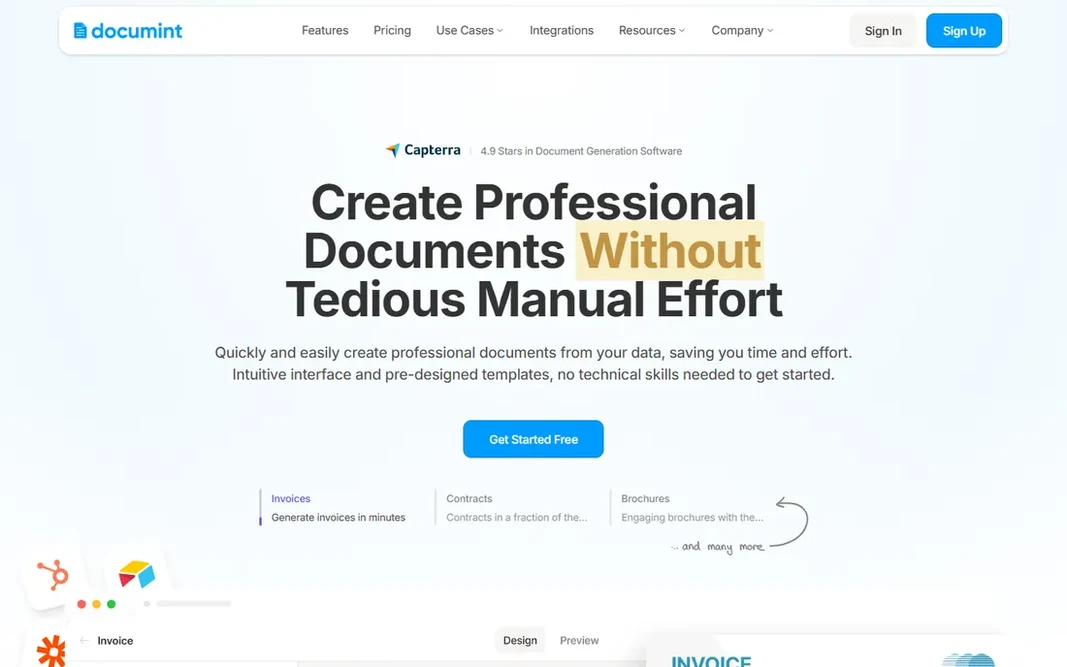
Documint works best for generating PDFs from Airtable, Zapier, Make and APIs. Documint does one job with unusual clarity: turn your data into pixel-perfect PDFs. On top of that, the vendor's pricing page is refreshingly transparent: Silver $39/month billed yearly (2,400 documents/year), Gold $124, Platinum $249, with document packs and eSign envelopes as extras. Where it is weaker: ESign envelopes cost additional. On top of that, there is no free plan and no on-premise choice. The privacy posture stands out: Documint does not store generated PDFs and retains sensitive data for no longer than 24 hours. Link Airtable, Zapier, Make, HubSpot, Coda or the REST API, design a template, and create documents at scale. The starting price for Documint: $39/month. Documint has no free tier.

Price: $39/month (Silver, billed yearly)

Free plan: No

Website: documint.me

Watch out for

  • No embedded or on-premise choices
2

Docupilot

Budget document automation from Word, Excel and PDF templates
$29/month (Starter)

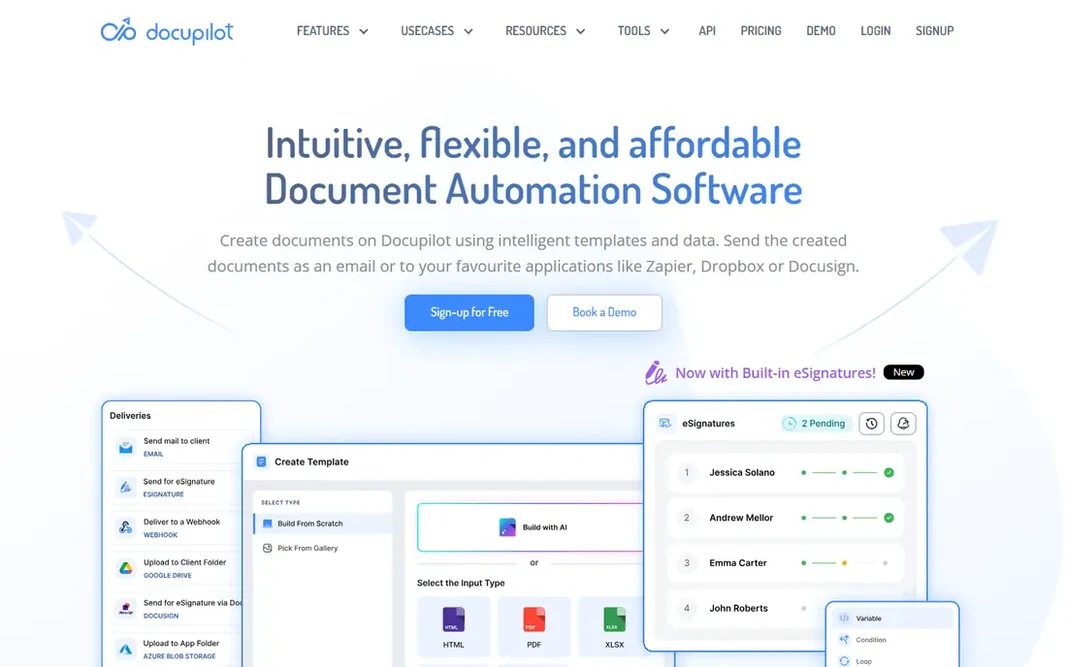
Docupilot serves budget document automation from Word, Excel and PDF templates. The per-document metering means costs grow with volume, so model your monthly merge count honestly. An eSignature add-on opens at $1.50 per envelope with volume discounts to $0.75. Docupilot cost at the entry level: $29/month. Docupilot does not include a free plan. Drawbacks to consider: Seat and document limits scale the price. What Docupilot does well: Imports Word, Excel.

Free plan: No

Website: docupilot.com

Strengths

  • Cheapest published entry at $29
  • PowerPoint and PDF templates

Watch out for

  • 14-day trial only
3

Formstack Documents

Teams already in the Formstack ecosystem
See website

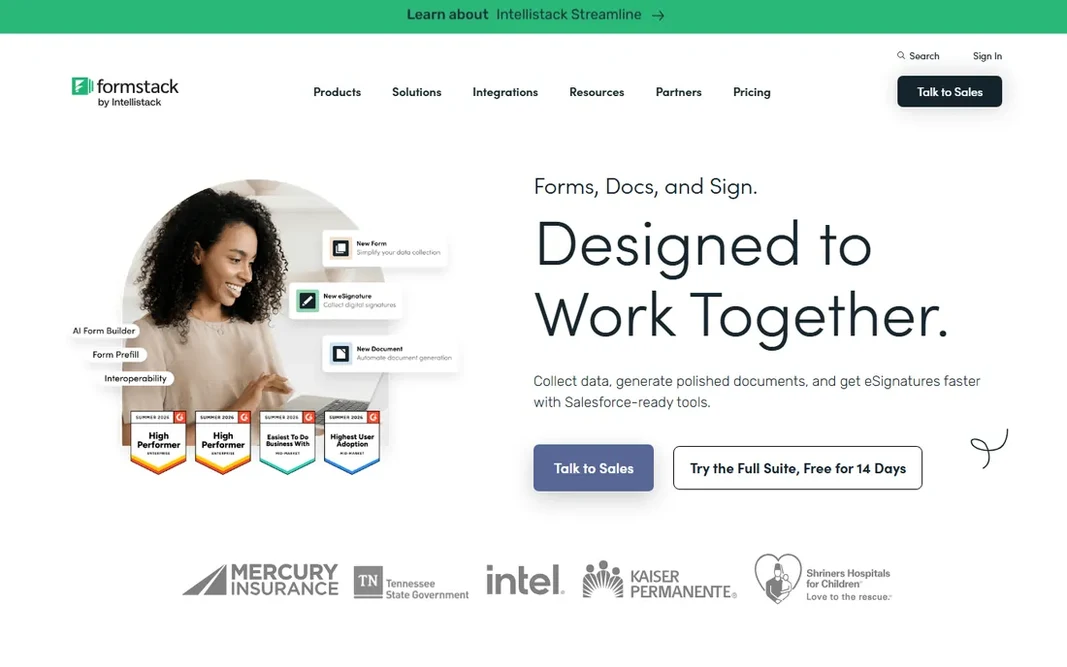
Formstack Documents makes the most sense for teams already in the Formstack ecosystem. It shines inside the Formstack Suite alongside Forms and Sign, where data flows from form submission to generated document to signature without custom code. More specifically, the main limit is pricing opacity. Formstack Documents shows no starting price here, so confirm the cost on the vendor site. Formstack Documents has no free tier. Where it falls short: No free plan.

Free plan: No

Website: formstack.com

Strengths

  • Pairs with Forms and Sign
  • Capable conditional logic

Watch out for

  • Plan structure keeps changing
4

PandaDoc

Sales teams automating proposals, quotes and contracts
See website

Choose PandaDoc for sales teams automating proposals, quotes and contracts. PandaDoc built its name on proposals that sell, then added contracts, quotes, forms and payments into one document workflow. Beyond that, for sales-led organizations that want the document to close the deal, PandaDoc's proposal analytics and payment collection remain the benchmark. More specifically, the adaptability fits teams with spiky document volume, but the billing is harder to model than old per-seat pricing. The 2026 pricing model is usage-based: plans named Starter and Business with document allowances, overage billed per document ($3.50 on Starter Monthly, $2 on Starter Annual per the vendor's own FAQ), and usage credits for API and automation actions. This comparison lists no price for PandaDoc; ask the vendor. PandaDoc includes a free tier. Points against: Pricing page no longer presents straightforward per-seat prices.

Free plan: Yes

Website: pandadoc.com

Strengths

  • Solid CRM integrations
  • Usage-based plans suit variable volume

Watch out for

  • Document limits and usage credits complicate billing
5

Nintex

Enterprises automating document-heavy business processes
See website

Pick Nintex if this describes you: enterprises automating document-heavy business processes. Nintex is a process automation platform whose document generation (Nintex DocGen, formerly Drawloop) is one capability among workflow automation, RPA, eSign and process mapping. Buy Nintex when document automation is one step in a bigger process automation program. Trade-offs to know: Document generation is one module among numerous. Also, buy a point tool when it is the entire job; Nintex's breadth becomes overhead if you only have to produce PDFs. Beyond that, pricing is quote-based and enterprise. This comparison lists no price for Nintex; ask the vendor. Nintex has no free plan.

Free plan: No

Website: nintex.com

Strengths

  • Not just documents
  • Full process automation platform

Watch out for

  • Enterprise pricing and complexity
6

airSlate

No-code document workflows with automation bots
See website

airSlate was built for no-code document workflows with automation bots. airSlate is a no-code workflow automation system centered on documents: produce, edit PDFs, collect eSignatures, route approvals and trigger robotic process automation bots, all with drag-and-drop builders. The suite bundles pdfFiller, signNow and US Legal Forms templates, which makes it unusually complete for the price level it historically occupied. airSlate does not show a starting price in this comparison, so check the vendor site for current pricing. airSlate offers a free plan. What to check first: Enterprise features carry enterprise prices. Where airSlate stands out: 150+ automation bots.

Free plan: Yes

Website: airslate.com

Strengths

  • PDF editing
  • Free plan for evaluation

Watch out for

  • Pricing levels have been restructured repeatedly

FAQ

What is the difference between document automation and eSignature software?

Document automation produces documents from templates and data; eSignature software collects legally binding signatures on them. Plenty of tools bundle both (PandaDoc, airSlate, Docupilot via add-on), but pure eSignature tools like DocuSign do not create documents from data sources.

How are the tools for document automation software ordered?

The order follows typical fit for document automation software, with Documint first and airSlate last, then price clarity and free access. It is editorial judgement, not a score, so another team could rank the tools differently.

Which options for document automation software have a free plan?

On this list, PandaDoc and airSlate include a free plan. Caps on seats, usage or features are common, so test the free plan against your real workload.

Can I try these options before paying?

Often, yes. PandaDoc and airSlate have a free plan. Use your own data and a real task during the test, and check what the free tier or trial limits before you rely on it.

Which document automation tool is a good match for Airtable?

This list starts with Documint, which fits generating PDFs from Airtable, Zapier, Make and APIs. For other needs, Docupilot is aimed at budget document automation from Word, Excel and PDF templates, and Formstack Documents at teams already in the Formstack ecosystem. Check each tool's price and main limit first.

What should I check before buying document automation software?

Check template import options (Word, PDF), data source integrations, eSignature legality in your jurisdiction, and whether generated documents are stored by the vendor (Documint, notably, does not store them).