Productivity · Researched comparison

Which Document Scanner Software Fits You? 6 Tools Compared

TaskReports may earn a fee from some links on this page, and some placements are paid and labelled. Neither one decides the order. See our disclosure.

The short answer

This list puts VueScan first for scanners whose manufacturers abandoned them. If your case is different, NAPS2 suits free, straightforward desktop scanning without bloat and Readiris suits desktop OCR and PDF conversion from a scanner specialist. All 6 tools are compared below on price, free plan and limits.

On this page

Key takeaways

  • VueScan takes the first slot, best suited to scanners whose manufacturers abandoned them.
  • The main caution on VueScan: pricing not published on the vendor site at check time.
  • For VueScan and ABBYY FineReader, you have to request a quote because no starting price is shown.
  • Free plans exist at 3 of 6 tools (NAPS2, Adobe Scan, Microsoft Lens).
  • Microsoft Lens fits free scanning that feeds straight into Microsoft 365.

Quick comparison

ToolBest forBiggest drawbackPrice fromFree plan
---------------
VueScanScanners whose manufacturers abandoned themInterface is functional rather than friendlySee websiteFree trial
NAPS2Free, straightforward desktop scanning without bloatWindows and Linux focusedFreeYes
ReadirisDesktop OCR and PDF conversion from a scanner specialistInterface less modern than ABBYY's99 eurosFree trial
Adobe ScanFree, high-quality phone scanningAdvanced PDF editing needs AcrobatFreeYes
ABBYY FineReaderTurning scans into accurate, editable, searchable documentsMore than casual users needSee websiteFree trial
Microsoft LensFree scanning that feeds straight into Microsoft 365Microsoft account needed for cloud featuresFreeYes
★ Best overall

VueScan

Scanners whose manufacturers abandoned them

  • OCR and batch scanning built in
  • Very good film and slide scanning
PriceSee website
See VueScan pricing

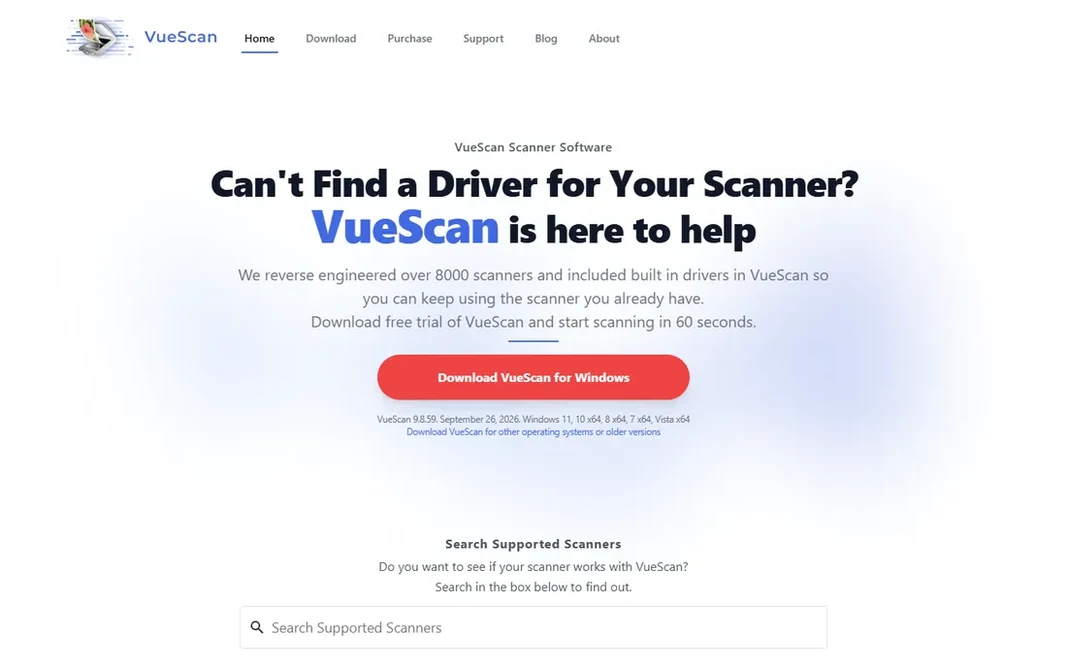
VueScan works best for scanners whose manufacturers abandoned them. Hamrick Software's VueScan drives thousands of flatbed and film scanners across Windows, Mac and Linux, frequently producing better scans than the original software, with batch scanning, infrared dust removal and IT8 color calibration. Limits to weigh: Pricing not published on the vendor site at check time. Pricing for VueScan is not stated here, so ask the vendor for current figures. On free options: Free trial.

Price: See website

Free plan: Free trial

Website: hamrick.com

Watch out for

  • Interface is functional instead of friendly
2

NAPS2

Free, straightforward desktop scanning without bloat
Free

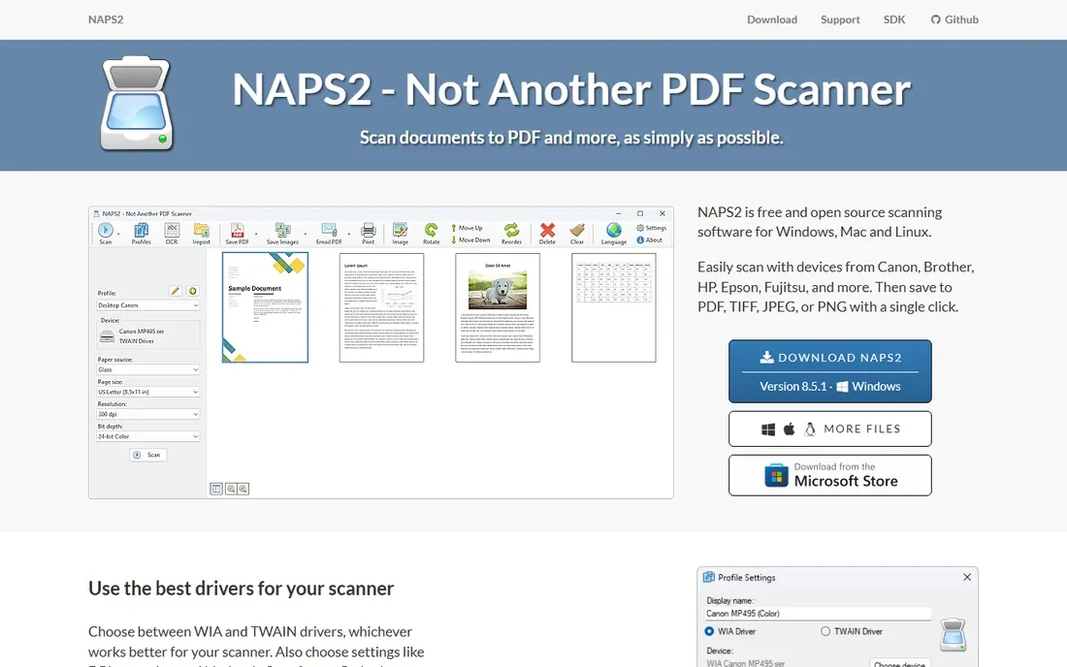
NAPS2 was built for free, straightforward desktop scanning without bloat. Link a scanner, press scan, get a PDF. It supports scanner profiles for one-click repeat jobs, deskew and cleanup, OCR for searchable PDFs, and even command-line automation for batch workflows. What works well: Dead-simple scan-to-PDF workflow. Where it falls short: No mobile app or cloud features. Also, there is no phone app, no cloud, no AI extras, and that is the point. It respects the classic rule: software should get out of the way. Price to start with NAPS2: Free. You can start on NAPS2 without paying.

Free plan: Yes

Website: naps2.com

Strengths

  • Free and open source
  • OCR and command-line automation

Watch out for

  • Windows and Linux focused
3

Readiris

Desktop OCR and PDF conversion from a scanner specialist
99 euros (PDF Essential)

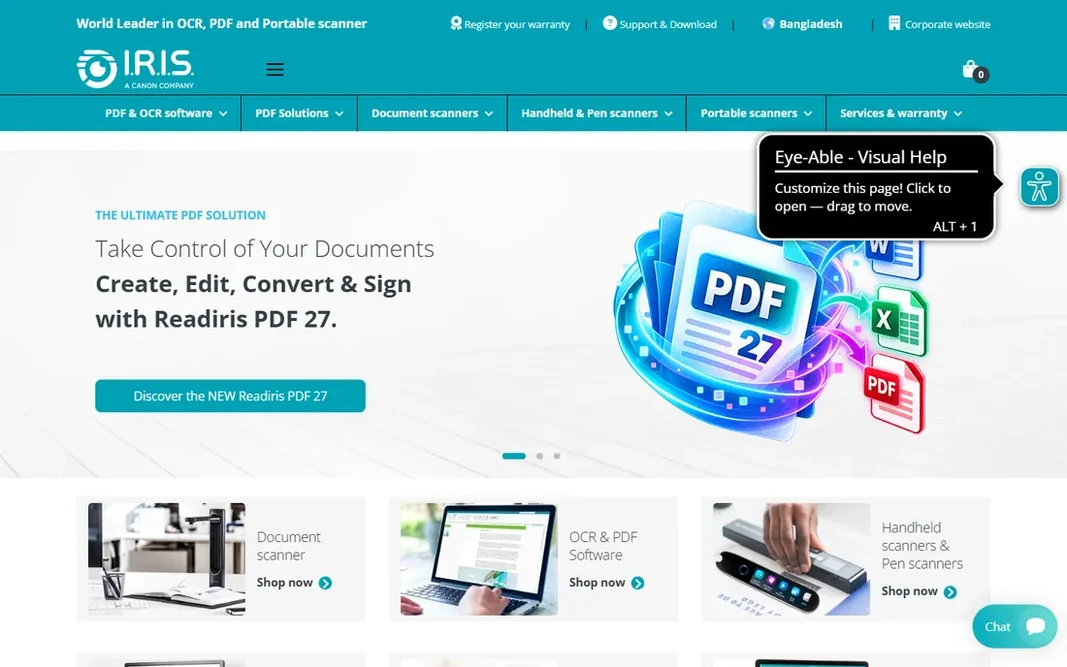
Readiris targets desktop OCR and PDF conversion from a scanner specialist. Readiris from I.R.I.S. Is the long-standing ABBYY alternative for desktop OCR. It is a Windows and Mac desktop product targeted at professionals and small offices instead of casual phone scanning. Readiris cost at the entry level: 99 euros. Free plan details: Free trial. Where it is weaker: Interface less modern than ABBYY's.

Free plan: Free trial

Website: irislink.com

Strengths

  • Vendor-published pricing beginning at 99 euros
  • Solid OCR in 130+ languages

Watch out for

  • Euro pricing on the vendor store
4

Adobe Scan

Free, high-quality phone scanning
Free

Pick Adobe Scan if this describes you: free, high-quality phone scanning. Adobe's text recognition makes scans searchable, and everything syncs to Adobe Document Cloud for access anywhere. But for scanning on the go, receipts, contracts at a client's office, whiteboards after a meeting, there is no reason to pay. Point your camera at a document, whiteboard or receipt; the app spots edges, crops, cleans up perspective and lighting, and saves a sharp PDF. On top of that, Adobe Scan is the free phone scanner that embarrasses premium apps. Adobe Scan starts at: Free. Adobe Scan has a free plan. Watch-outs: Advanced PDF editing needs Acrobat.

Free plan: Yes

Website: adobe.com

Strengths

  • Adobe's OCR makes scans searchable
  • Connects with Adobe Document Cloud

Watch out for

  • Tied to an Adobe account
5

ABBYY FineReader

Turning scans into accurate, editable, searchable documents
See website

ABBYY FineReader works best for turning scans into accurate, editable, searchable documents. ABBYY FineReader is the reference standard for optical character recognition. Beyond that, for companies digitizing contracts, invoices and archives where OCR accuracy straight affects work, FineReader is the tool the others are measured against. Where phone apps produce a picture of a page, FineReader produces the text: it converts scanned documents into editable Word and Excel files and searchable PDFs with layout preserved, in over 190 languages. It also works as a complete PDF editor, so scanned paperwork can be edited, signed and shared in one workflow. It is professional software with professional pricing; external trackers list subscription levels, but ABBYY does not publish prices on its site, so request a quote or start the free trial. ABBYY FineReader shows no starting price here, so confirm the cost on the vendor site. Free access: Free trial. The main drawbacks: Pricing not published on the vendor site at check time. Reasons to shortlist it: Best-in-class OCR accuracy across 190+ languages.

Free plan: Free trial

Website: abbyy.com

Strengths

  • Excel and searchable PDF
  • Converts scans to Word

Watch out for

  • More than casual users need
6

Microsoft Lens

Free scanning that feeds straight into Microsoft 365
Free

Microsoft Lens is aimed squarely at free scanning that feeds straight into Microsoft 365. Microsoft Lens (formerly Office Lens) is the quiet achiever: free, no watermarks, no upsell. For everyday use, Whiteboard mode cleans up glare and shadows remarkably well, making it a favorite for meeting rooms and classrooms. Microsoft Lens pricing: Free. A free plan is available with Microsoft Lens. Watch-outs: Fewer annotation and sharing features than CamScanner. Where it shines: Whiteboard and business card modes.

Free plan: Yes

Website: microsoft.com

Strengths

  • Fully free with no watermarks
  • Scans to PDF, Word

Watch out for

  • Microsoft account needed for cloud features

FAQ

Do these tools publish their prices?

Not all of them. VueScan and ABBYY FineReader publish no starting price, so expect a quote request for those. The rest, NAPS2 included, show a starting price, though seats and billing terms still change the final cost.

How are the tools for document scanner software ordered?

The order follows typical fit for document scanner software, with VueScan first and Microsoft Lens last, then price clarity and free access. It is editorial judgement, not a score, so another team could rank the tools differently.

Can I try these options before paying?

Often, yes. NAPS2, Adobe Scan and Microsoft Lens have a free plan and VueScan, Readiris and ABBYY FineReader offer a free trial. Use your own data and a real task during the test, and check what the free tier or trial limits before you rely on it.

What is the best free document scanner app?

Start with VueScan if you need scanners whose manufacturers abandoned them. NAPS2 is the better match for free, straightforward desktop scanning without bloat, and Readiris for desktop OCR and PDF conversion from a scanner specialist. The best choice depends on budget, team size and workflow.

Which options for document scanner software have a free plan?

On this list, NAPS2, Adobe Scan and Microsoft Lens include a free plan. Caps on seats, usage or features are common, so test the free plan against your real workload. Several others offer a trial instead.