Productivity · Researched comparison

6 Document Workflow Automation Platforms Ranked for 2026

TaskReports may earn a fee from some links on this page, and some placements are paid and labelled. Neither one decides the order. See our disclosure.

The short answer

If you need form-to-document-to-signature workflows, Formstack is the first tool to look at here. For a different need, DocuSign covers trusted e-signature at the core of a workflow and Kissflow covers low-code workflow automation for mid-sized businesses. Prices, free plans and limits for all 6 tools follow.

On this page

Key takeaways

  • Formstack is the opening pick, best for form-to-document-to-signature workflows.
  • What to know about DocuSign first: envelope limits on every plan.
  • M-Files fits metadata-driven document management with automatic workflows.
  • The cheapest monthly starting price in the list is $10 per month, offered by DocuSign.

Quick comparison

ToolBest forFree tierVendor site
------------
FormstackForm-to-document-to-signature workflowsFree trial (14 days)formstack.com
DocuSignTrusted e-signature at the core of a workflowYesdocusign.com
KissflowLow-code workflow automation for mid-sized firmsFree trialkissflow.com
airSlateNo-code document workflows with unlimited usersFree trialairslate.com
NintexEnterprise process automation with document generationFree trial (30 days)nintex.com
M-FilesMetadata-driven document management with automatic workflowsNom-files.com
★ Best overall

Formstack

Form-to-document-to-signature workflows

  • No per-signature fees
  • Workflows and e-sign in one system
Price$250 a month (Suite, annual)
See Formstack pricing

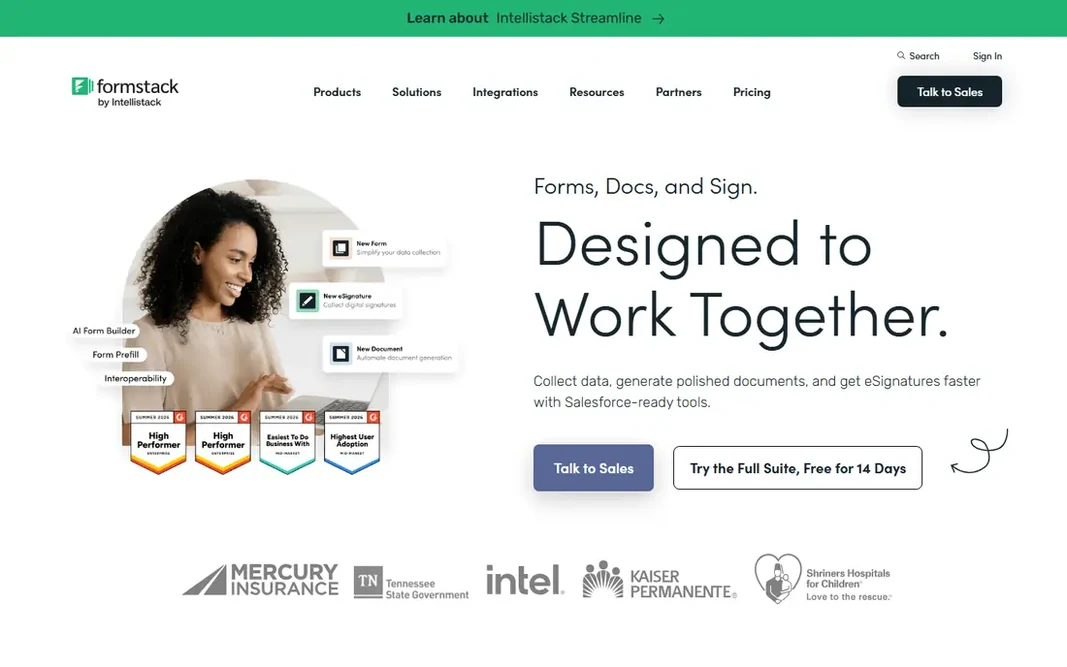
Formstack is a good fit for form-to-document-to-signature workflows. Formstack links the entire chain: a form collects data, a document produces from it, a workflow routes it for approval, and e-signature closes it. Upsides: Capable document designer with Salesforce integration. Beyond that, for operations teams living on intake forms, the end-to-end coverage justifies the price. Formstack pricing: $250 per month. Trial and free access: Free trial (14 days). What to check first: Document generation needs the Suite plan.

Price: $250 a month (Suite, annual)

Free plan: Free trial (14 days)

Website: formstack.com

Watch out for

  • Ramp-up time on the document designer
2

DocuSign

Trusted e-signature at the core of a workflow
$10 per month (Personal, annual)

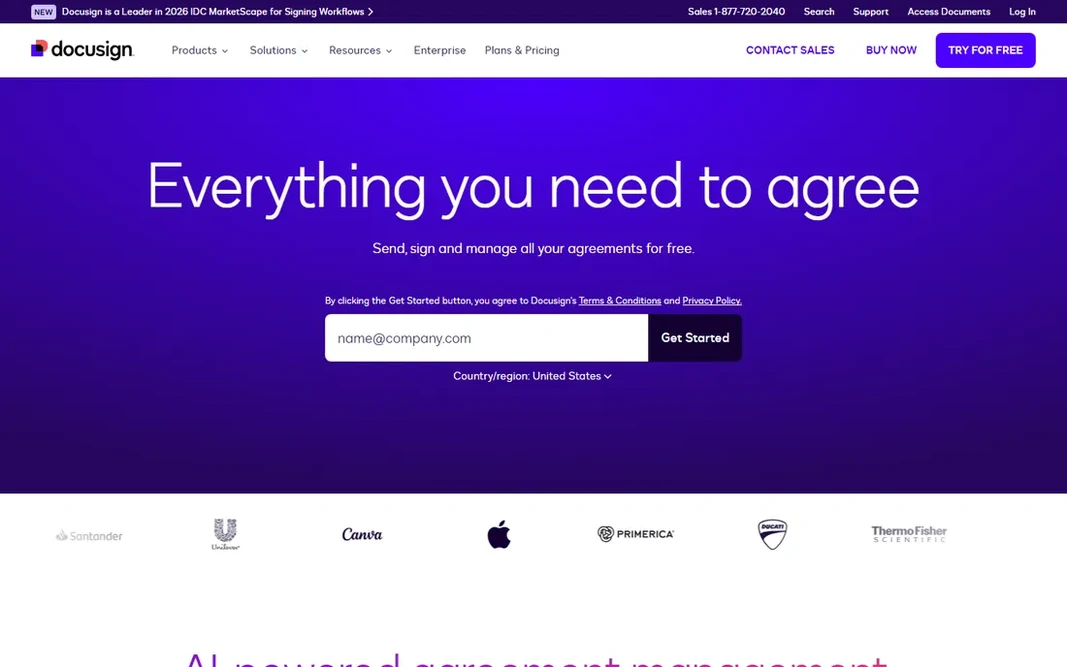
DocuSign targets trusted e-signature at the core of a workflow. DocuSign is the safe choice for agreements that must hold up: e-signatures with a complete audit trail, templates, conditional routing, and integrations with Salesforce, Microsoft 365 and Google Workspace. It has expanded into full agreement management with AI-powered document handling. Also, personal begins at $10 per month for individuals. Teams pay $25 per user for Standard or $40 for Business Pro, each with around 100 envelopes per user a year. For pure signing reliability and legal acceptance, it remains the benchmark. DocuSign pricing: $10 per month. Free access exists with DocuSign. Honest limits: Extras like IDV cost additional.

Free plan: Yes

Website: docusign.com

Strengths

  • The industry standard signers trust
  • 900-plus integrations

Watch out for

  • Envelope limits on every plan
3

Kissflow

Low-code workflow automation for mid-sized firms
$1,500 a month (50 users)

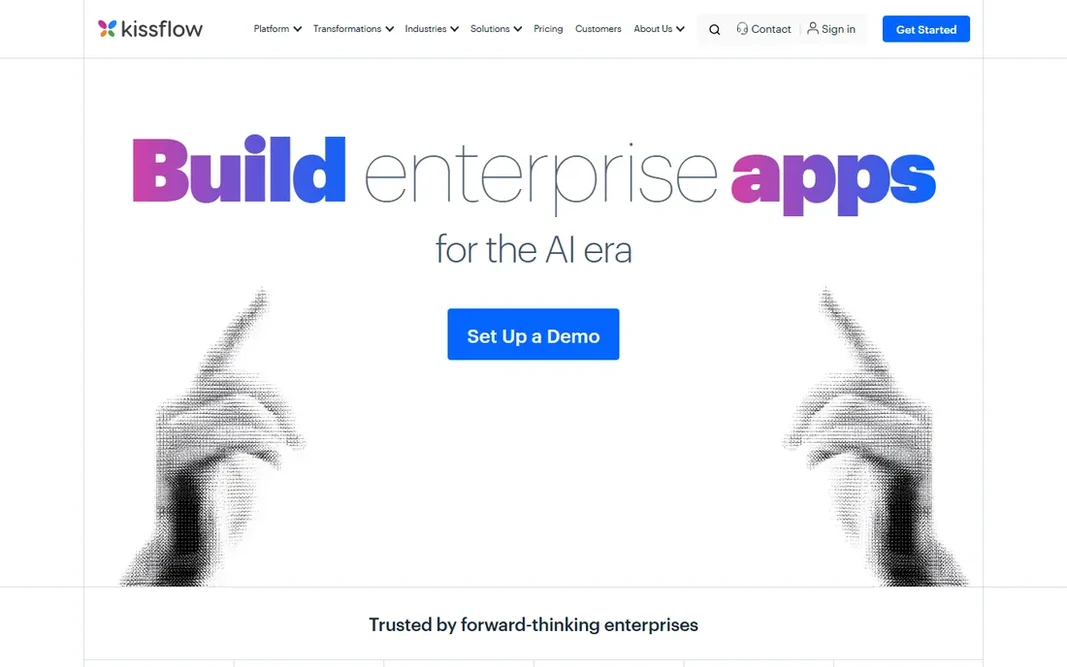
In short, Kissflow is for low-code workflow automation for mid-size businesses. The Basic plan opens at $1,500 per month for 50 users, so this is not a small-team tool. But per user it undercuts enterprise rivals, and teams that want business-owned workflows instead of IT projects get a product made for them. Starting cost for Kissflow: $1,500 per month. Free plan details: Free trial. Drawbacks to consider: High entry price for small teams.

Free plan: Free trial

Website: kissflow.com

Strengths

  • Capable reporting and analytics
  • Drag-and-drop builder business users can run

Watch out for

  • Limited adaptability for deeply custom apps
4

airSlate

No-code document workflows with unlimited users
$99 per month (unlimited users)

Where airSlate fits: no-code document workflows with unlimited users. airSlate's workflow product lets non-technical teams build document processes that run themselves: produce a contract from CRM data, route it through approvers, collect e-signatures, and write the completed data back to connected systems. More specifically, the standout is unlimited users from $99 a month, which undercuts per-seat rivals quick at team scale. Also, every plan bundles e-signature with no envelope fees, plus SSO, role-based access and audit trails. It also sits in a wider family with signNow, pdfFiller and DocHub, so document handling beyond workflows is covered. The no-code builder and ready-made bots keep simple workflows genuinely straightforward. airSlate cost at the entry level: $99 per month. As for free access: Free trial. Points against: Interface can feel busy for straightforward needs.

Free plan: Free trial

Website: airslate.com

Strengths

  • E-signature included with no per-envelope fees
  • Unlimited users on every plan

Watch out for

  • Pricing changes with plan levels
5

Nintex

Enterprise process automation with document generation
See website

Nintex is aimed squarely at enterprise process automation with document generation. The product handles process mapping, workflow, document generation, RPA and e-signature, with deep roots in SharePoint and Microsoft 365 environments. Nintex is the heavyweight for organizations automating processes, not just documents. Document generation pulls data straight from systems of record into formatted documents. This comparison lists no price for Nintex; ask the vendor. As for free access: Free trial (30 days). Drawbacks to consider: No public pricing.

Free plan: Free trial (30 days)

Website: nintex.com

Strengths

  • Capable SharePoint and Microsoft integration
  • DocGen creates documents from system data

Watch out for

  • Enterprise complexity and implementation time
6

M-Files

Metadata-driven document management with automatic workflows
$65 per user/month (Essentials)

M-Files serves metadata-driven document management with automatic workflows. Automatic workflows route documents for review and approval, with version control, lifecycle management and audit trails built in. Smaller teams may find it heavy; compliance-driven organizations will find it home. What you pay to start with M-Files: $65 per user/month. There is no free plan with M-Files. Downsides: Enterprise level is quote-based. Where it shines: Finds documents by content.

Free plan: No

Website: m-files.com

Strengths

  • Automatic graphical workflows
  • Not folder location

Watch out for

  • Setup can need IT expertise

FAQ

What is the cheapest option for document workflow automation platform in this list?

On published monthly entry prices, DocuSign is the lowest here at $10 per month. Entry price is only part of the cost, because seats, add-ons and billing terms can change the total.

Do these tools publish their prices?

Not all of them. Nintex publishes no starting price, so expect a quote request for it. The rest, Formstack included, show a starting price, though seats and billing terms still change the final cost.

Can I try these tools before paying?

Often, yes. DocuSign has a free plan and Formstack, Kissflow, airSlate and Nintex offer a free trial. Use your own data and a real task during the test, and check what the free tier or trial limits before you rely on it.

Which options for document workflow automation platform have a free plan?

DocuSign is the only tool in this list with a free plan. Free plans usually cap users, projects or features, so check the limits on the vendor page. Several others offer a trial instead.

What is document workflow automation software?

It is software that routes documents through a defined process automatically: generating documents from data, sending them to the right people for review and approval, collecting e-signatures, and filing the finished result with an audit trail.