Productivity · Researched comparison

7 Documentation Software Options Compared on Price and Fit

TaskReports may earn a fee from some links on this page, and some placements are paid and labelled. Neither one decides the order. See our disclosure.

The short answer

Notion is the first pick on this list for adaptable docs and wikis. For a different need, Confluence covers team knowledge and wikis and Read the Docs covers free hosted project docs. Details, prices and limits for the rest of the 7 tools are below.

On this page

Key takeaways

  • Top of the list is Notion, which targets adaptable docs and wikis.
  • A free plan is offered by 6 of the 7 tools, including Notion, Confluence, Read the Docs and Docusaurus.
  • Check the limits for Confluence before you commit: documentation sites feel corporate, not developer-branded.
  • For Notion, Confluence, Read the Docs and others, you have to request a quote because no starting price is shown.

Quick comparison

ToolFree tierSuited toWatch out for
------------
NotionYesAdaptable docs and wikisNot ideal for public developer docs
ConfluenceYesTeam knowledge and wikisDocumentation sites feel corporate, not developer-branded
Read the DocsYesFree hosted project docsBusiness plans cost extra
DocusaurusYesFree self-hosted docs sitesNo hosted editing experience for non-technical writers
ReadMeYesInteractive API portalsFocused on APIs
MintlifyNoAI-first developer docsLess suited to non-technical writers
GitBookYesCollaborative technical docsAdvanced customization is limited
★ Best overall

Notion

Adaptable docs and wikis

  • Google Drive
  • Ample free level
PriceSee website
See Notion pricing

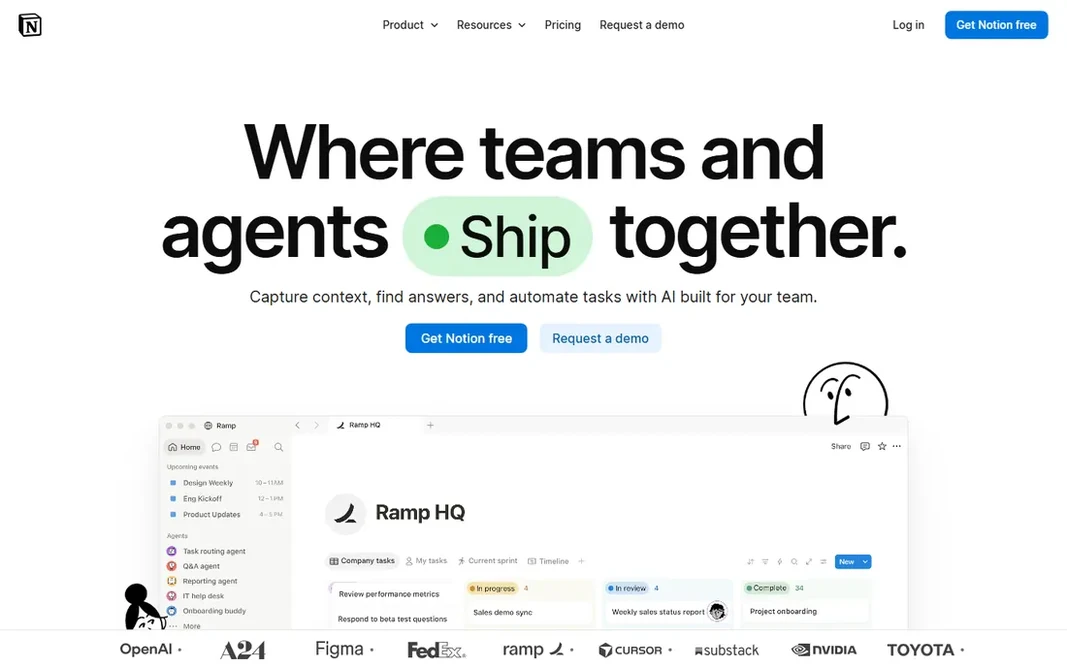
For adaptable docs and wikis, Notion is a natural candidate. Docs, project tracking, databases, and wikis live in one connected workspace, with live collaboration, custom dashboards, and new Custom Agents that can automate recurring workflows on triggers you set. What works well: Integrations with Slack, GitHub. Plenty of startups run their whole internal documentation on Notion. In practice, Notion is the adaptable all-rounder. Notion shows no starting price here, so confirm the cost on the vendor site. Notion has a free plan. Trade-offs to know: Not a strong match for public developer docs.

Price: See website

Free plan: Yes

Website: notion.so

Watch out for

  • Export and version control are weaker than Git-based tools
2

Confluence

Team knowledge and wikis
See website

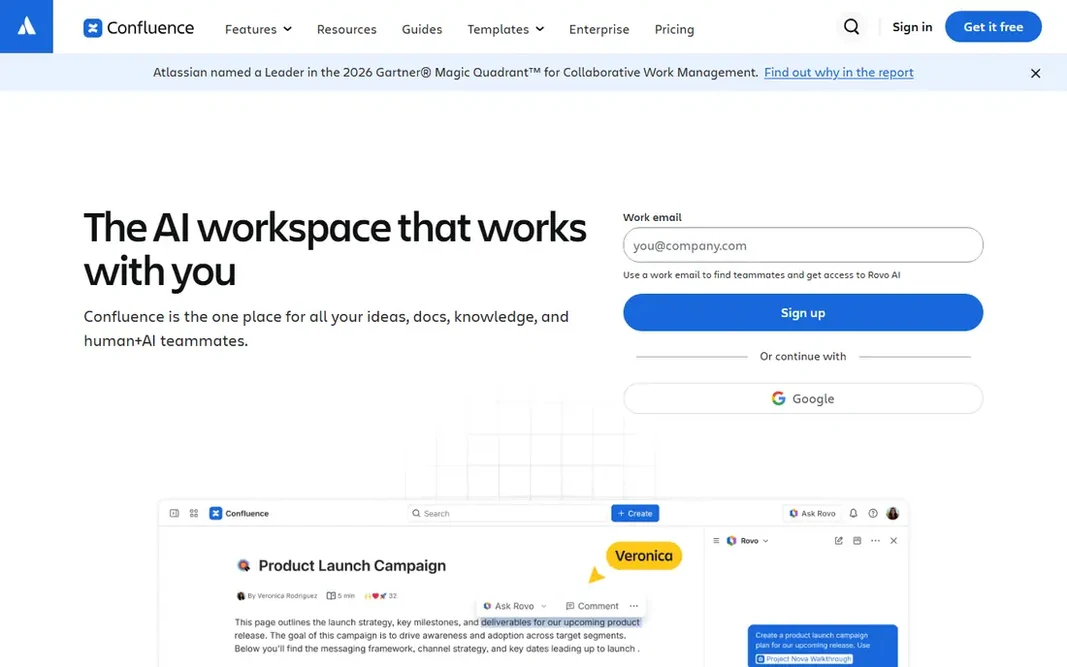
Think of Confluence for team knowledge and wikis. Confluence remains the default team wiki for software businesses. Where it shines: Deep integration with Jira and the Atlassian ecosystem. The main drawbacks: Public docs hosting is not its strength. Worth adding: the free level handles small teams. Check the vendor site for Confluence pricing; none is listed in this comparison. A free plan is available with Confluence.

Free plan: Yes

Website: atlassian.com/software/confluence

Strengths

  • Proven at enterprise scale
  • Free for small teams

Watch out for

  • Documentation sites feel corporate, not developer-branded
3

Read the Docs

Free hosted project docs
See website

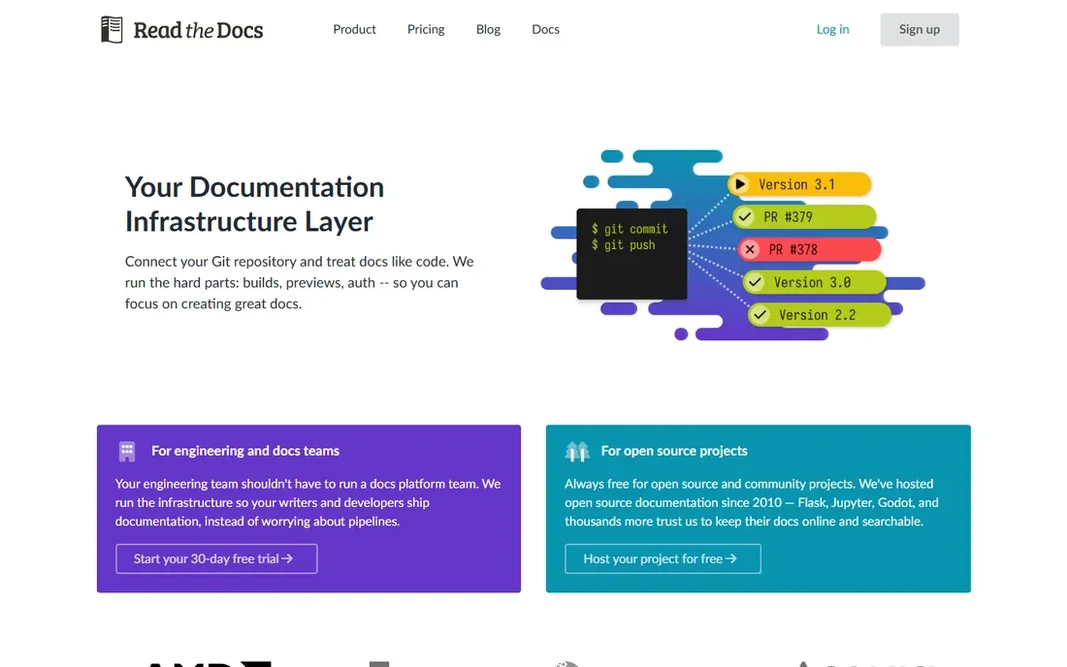
Read the Docs is designed for free hosted project docs. For open-source projects that want zero hosting cost, it is still the standard. Trade-offs to know: Business plans cost additional. Read the Docs shows no starting price here, so confirm the cost on the vendor site. A free plan is available with Read the Docs.

Free plan: Yes

Website: readthedocs.org

Strengths

  • Free hosting for open-source documentation
  • Used by AMD, Canonical, Anaconda, Acquia

Watch out for

  • Themes look generic without customization
4

Docusaurus

Free self-hosted docs sites
Free

For free self-hosted docs sites, Docusaurus is a natural candidate. Docusaurus is the free framework behind thousands of open-source documentation sites, built on React by Meta. It provides you version control for docs, internationalization, and Algolia-powered search, all from Markdown files in your repo. Drawbacks to consider: No hosted editing experience for non-technical writers. What Docusaurus does well: Versioned docs, i18n. In daily use, the main limit is real: someone on the team owns the setup and maintenance. If your docs should live in the same repository as your code, deploy with your CI, and cost nothing, Docusaurus is the answer. Starting cost for Docusaurus: Free. Docusaurus has a free plan.

Free plan: Yes

Website: docusaurus.io

Strengths

  • Full control over hosting
  • Algolia search from day one

Watch out for

  • Needs developers to set up and maintain
5

ReadMe

Interactive API portals
See website

ReadMe is built with interactive API portals in mind. ReadMe centres on API documentation specifically, with interactive API explorers, API key pre-filling, and developer dashboards that present how your docs perform. Drawbacks to consider: Centred on APIs. Its Agent Owlbert feature brings AI-assisted writing and documentation audits against a style guide, plus llms.txt and MCP server generation for AI consumers. ReadMe does not show a starting price in this comparison, so check the vendor site for current pricing. ReadMe includes a free tier.

Free plan: Yes

Website: readme.com

Strengths

  • Free Starter level
  • Interactive API explorers with try-it-live calls

Watch out for

  • Less of a general wiki
6

Mintlify

AI-first developer docs
See website

Choose Mintlify for AI-first developer docs. It supports docs-as-code with Git sync, builds API references from OpenAPI specs, outputs llms.txt for AI-readable indexing, and contains built-in retrieval and chat so users can ask questions of your docs. Where it falls short: Less suited to non-technical writers. No starting price is listed for Mintlify here; confirm pricing on the vendor site. Mintlify has no permanent free option.

Free plan: No

Website: mintlify.com

Strengths

  • Docs-as-code with Git sync
  • Produces llms.txt and MCP servers for AI readability

Watch out for

  • Pricing is premium for small teams
7

GitBook

Collaborative technical docs
See website

Where GitBook fits: collaborative technical docs. GitBook started in 2014 as an open-source tool for developers to build documentation and now positions itself as the knowledge layer for AI. This comparison lists no price for GitBook; ask the vendor. A free plan is available with GitBook. What to check first: Developer workflow features trail Mintlify.

Free plan: Yes

Website: gitbook.com

Strengths

  • Simple editor that non-developers can use
  • AI search across docs

Watch out for

  • Advanced customization is restricted

Pre-purchase checklist

  • Ask Notion, Confluence, Read the Docs and others for a written quote, since no starting price is shown.
  • Look at free plan limits closely: Notion, Confluence, Read the Docs and others have one, and the caps decide whether it is usable for real work.
  • Before choosing Notion, weigh its main limit: export and version control are weaker than Git-based tools.
  • Before you load data into GitBook, check what an export looks like and who can run it.
  • Test the integrations you rely on with Confluence before committing; some connectors sit on upper tiers.

FAQ

Which options for documentation software have a free plan?

6 of the 7 tools have a free plan, including Notion, Confluence, Read the Docs and Docusaurus. Free plans usually cap users, projects or features, so check the limits on the vendor page.

Can documentation software help AI agents read my docs?

Yes. Mintlify and ReadMe produce llms.txt and MCP servers so AI agents can index and query your documentation. GitBook exposes content to AI assistants as well.

Do these tools publish their prices?

Not all of them. Notion, Confluence, Read the Docs and others publish no starting price, so expect a quote request for those. The rest, Docusaurus included, show a starting price, though seats and billing terms still change the final cost.

How are the tools for documentation software ordered?

The order follows typical fit for documentation software, with Notion first and GitBook last, then price clarity and free access. It is editorial judgement, not a score, so another team could rank the tools differently.

What is the best free documentation tool?

Notion is the pick this page puts first, mainly for adaptable docs and wikis. If your situation differs, Confluence suits team knowledge and wikis, and Read the Docs suits free hosted project docs. Compare price and limits before you decide.

Is Notion well suited to documentation?

Notion does well for internal documentation, wikis, and startup knowledge bases, with an ample free level and live collaboration. It is weaker on version control, Git workflows, and public developer portals than docs-as-code tools.